
Gemini Omni Flash AI Video Generator
Create videos with Gemini Omni Flash from text, one image, or multiple visual references. Generate 720p results with a fixed 3–10 second duration or Auto.
Gemini Omni Flash brings Gemini video generation to Raphael in one workspace. Use Gemini text to video, Gemini image to video with one image, or reference-to-video with 1–6 images, and create 1–4 results per request. Output is fixed at 720p. The provider controls whether a returned video includes audio, so Raphael does not show an audio switch for this paid external model.
Gemini Omni Flash Video Generation Examples
Explore Gemini Omni Flash examples featuring continuous motion, visual transformation, music-synchronized action, and kinetic typography across text, image, and reference video generation.
Gemini Omni Flash Video Generation Features
See how Gemini Omni Flash handles continuous physical motion, visual transformation, music-synchronized action, and animated text.
Continuous Physical Motion
Use a detailed Gemini video prompt to create fast, connected motion in one continuous shot, with the marble preserving momentum through a chain-reaction track.
Detailed Visual Transformation
Follow a precise transformation instruction while preserving the subject and action, such as turning a mirror interaction into detailed monochrome line art.
Motion Synchronized to Music
Coordinate visible action with rhythm across the frame, such as apartment lights turning on in time with the music.
Kinetic Typography and Pacing
Animate words one at a time with varied visual styles and rhythmic timing, showing how a specific Gemini video prompt can guide text appearance and pacing.
Explore other models
Switch between top video models in one generator.
 -60%
-60%Wan 3.0
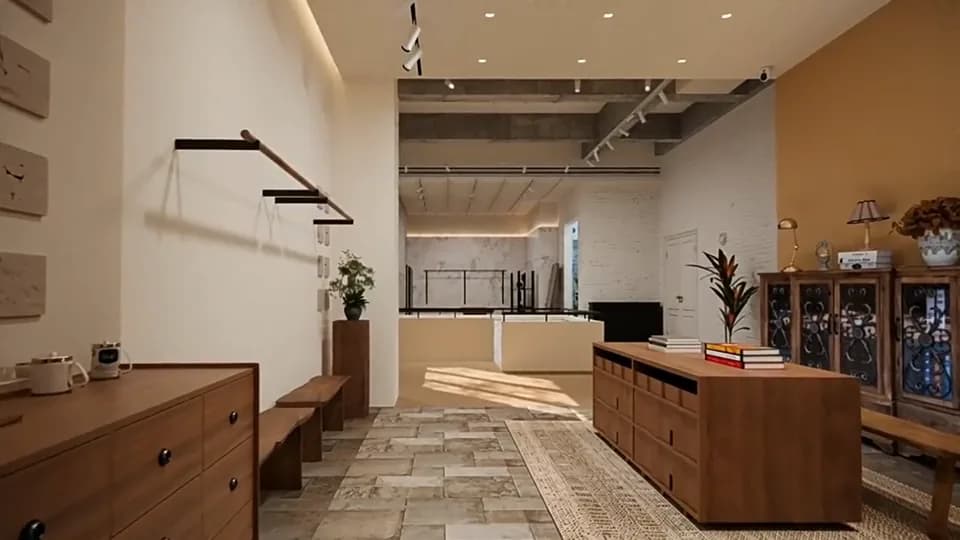
Multimodal video up to 30 seconds, with optional sound.
 -60%
-60%Wan 3.0 Prime
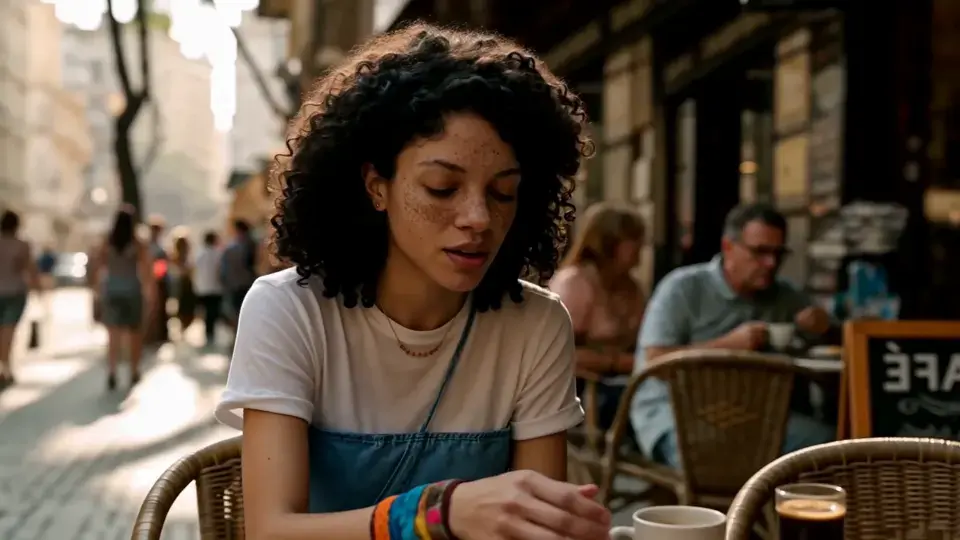
Faster multimodal video, up to 30 seconds.
MiniMax H3
2K video with native stereo audio and multimodal references.

Seedance 2.5
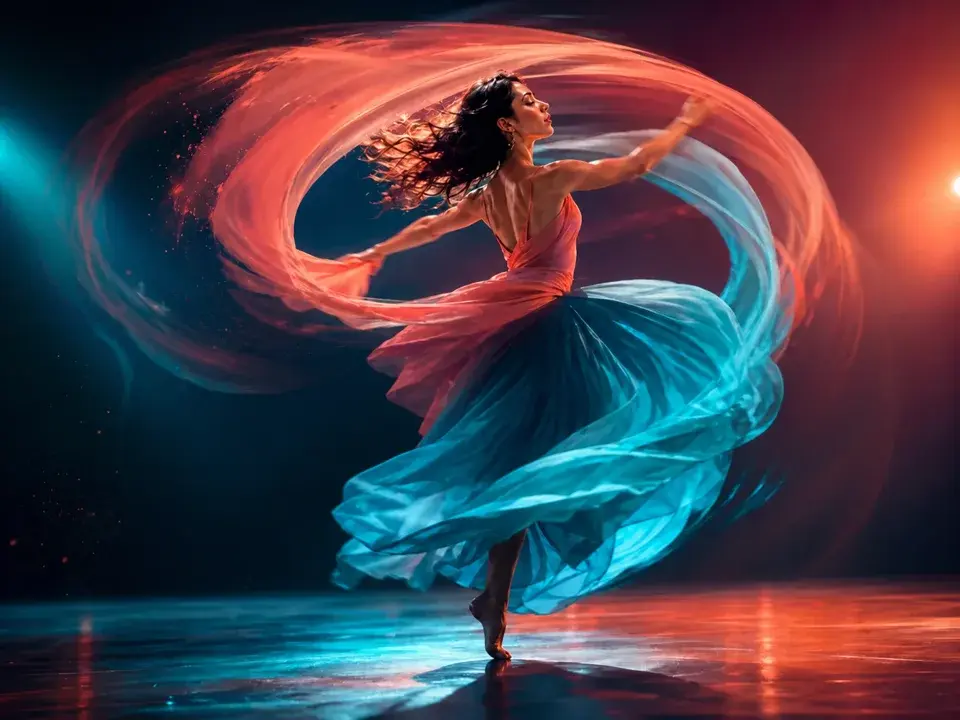
Up to 30 seconds with multimodal references and native audio.
Seedance 2.0
Smooth motion and natural choreography.

Seedance 2.0 Mini
Lower-cost drafts with rich reference control.
Choose Your Plan
Free images include a watermark. Upgrade for clean outputs, faster generation, and commercial use.
Pro
-50%Unlimited Model Benefits
 Seedream 3.5Unlimited
- Seedream 3.5 ProUnlimited Not Included
 MiniMax H3 TurboUnlimited Not Included
- MiniMax H3Unlimited Not Included
- Upgrade to unlock all advanced models and enjoy exclusive discountsMiniMax-70%
 Gemini
 Nano
Nano GPT-50%Seedream-40%Veo
 Seedance
 Kling
Kling Grok
Grok Wan
Wan - 2,000 credits per month
- Up to 2,000 fast images
- Up to 200 basic videos
- Priority queue
- No watermarks
- Batch processing with AI tools
- Full privacy
Ultimate
-50%Unlimited Model Benefits
- Seedream 3.5Unlimited
- Seedream 3.5 ProUnlimited
- MiniMax H3 TurboUnlimited Not Included
- MiniMax H3Unlimited Not Included
- Upgrade to unlock all advanced models and enjoy exclusive discountsMiniMax-70%GeminiNanoGPT-50%Seedream-40%VeoSeedanceKlingGrokWan
- 5,000 credits per month
- Up to 5,000 fast images
- Up to 500 basic videos
- Highest priority queue
- No watermarks
- Batch processing with AI tools
- Full privacy
Max
-50%Unlimited Model Benefits
- Seedream 3.5Unlimited
- Seedream 3.5 ProUnlimited
- MiniMax H3 TurboUnlimited
- MiniMax H3Unlimited
- Upgrade to unlock all advanced models and enjoy exclusive discountsMiniMax-70%GeminiNanoGPT-50%Seedream-40%VeoSeedanceKlingGrokWan
- 10,000 credits per month
- Up to 10,000 fast images
- Up to 1,000 basic videos
- Highest priority queue
- No watermarks
- Batch processing with AI tools
- Full privacy
Gemini Omni Flash Frequently Asked Questions
Learn how Gemini video generation works, including prompts, image inputs, output settings, audio, and credits.
Can Gemini generate videos?
Yes. Gemini Omni Flash is a paid video model that supports text-to-video, image-to-video, and reference-to-video generation. It creates 720p videos and supports 1–4 results per request.
How does Gemini video generation work?
Choose text, image, or reference mode, enter a prompt, select Auto, 16:9, or 9:16, and choose a fixed 3–10 second duration or Auto. Each completed result is saved to your video history.
How do I write a Gemini video prompt?
Describe the subject, action, setting, camera movement, lighting, and visual style. When using an image, explain how the image should move or change instead of repeating only what is already visible.
Can Gemini create videos from images?
Yes. Gemini image-to-video mode accepts exactly one image. Add a prompt to describe the motion, camera behavior, and transformation you want.
Can Gemini use multiple reference images?
Yes. Reference-to-video mode accepts 1–6 images. These references can guide the subjects, objects, or visual direction of the generated video.
Is Gemini Omni Flash limited to 720p, and can I control audio?
Gemini Omni Flash video is currently generated at 720p. The model supports native audio, but you cannot manually choose whether audio is generated, so a completed video may include an audio track.
How are Gemini Omni Flash credits calculated?
Each result costs 35 credits per output second plus 1 credit for each input image. Auto reserves 10 seconds first; after the result duration is known, the unused duration difference is refunded. Charges are multiplied by the number of requested results.
How many Gemini Omni Flash video results can I generate at once?
You can request 1–4 video results at a time. Each result is created and saved as a separate video, and the total credit requirement increases with the selected result count.