GPT Image 2.5 AI Image Generator
Powered by GPT Image 2.5 Flare. Turn ideas into images faster and create portraits, posters, and product visuals from text or reference images, with more natural lighting and richer detail.
Raphael offers GPT Image 2.5 Flare, OpenAI’s fast image model for everyday creativity. Describe your subject, composition, and style in Raphael, or upload a reference image to place familiar people and objects in new scenes. Choose a size and quality level that suits your task, from exploring ideas to refining the details.
Find inspiration in official examples
Images are from OpenAI’s official showcase; prompts are based on the visuals. Choose an example and use its reference prompt to start creating.
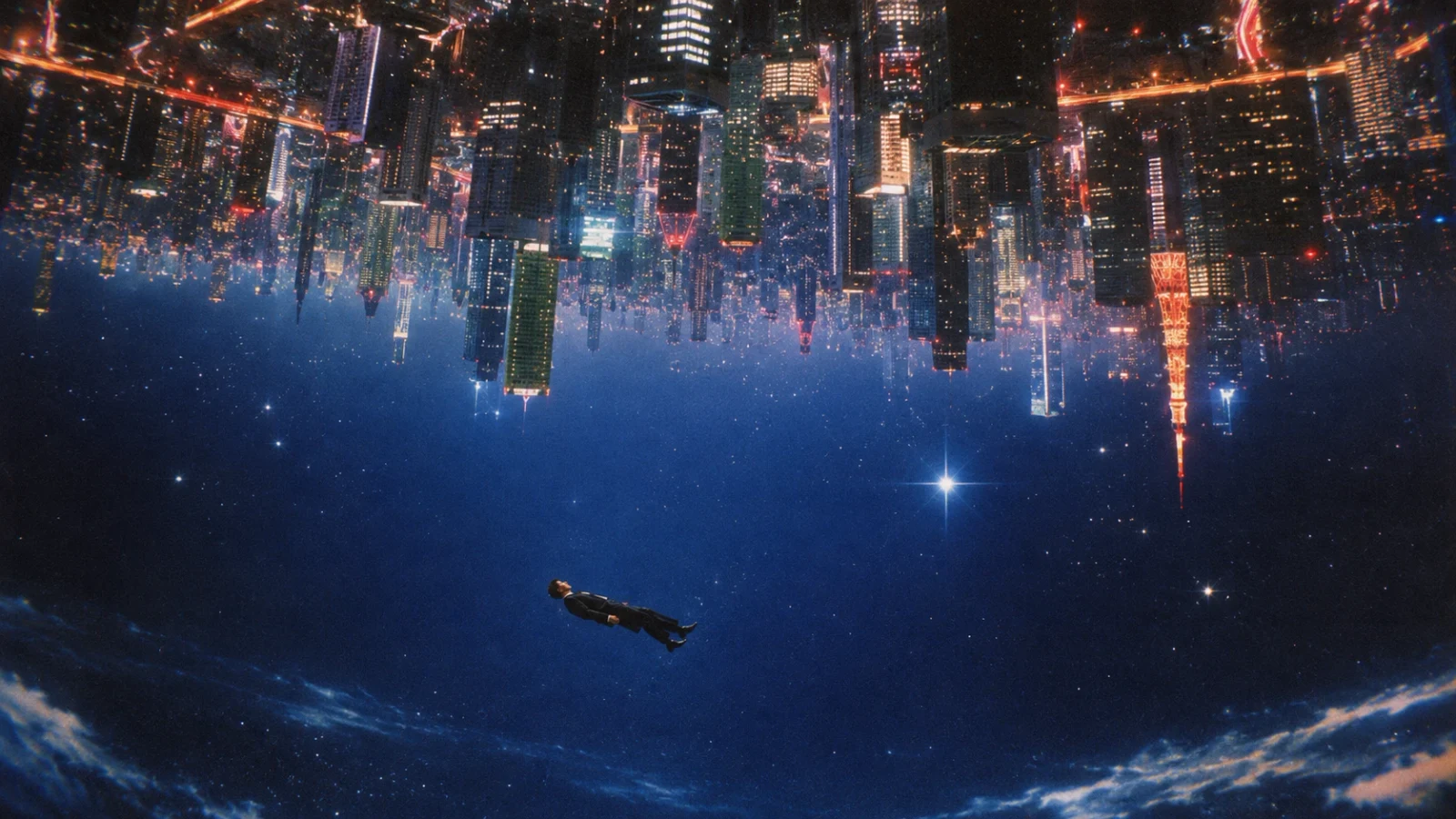
Explore style and detail in official examples
Images are from OpenAI’s official release page. The accompanying prompts are visual interpretations for inspiration, not the original official prompts.
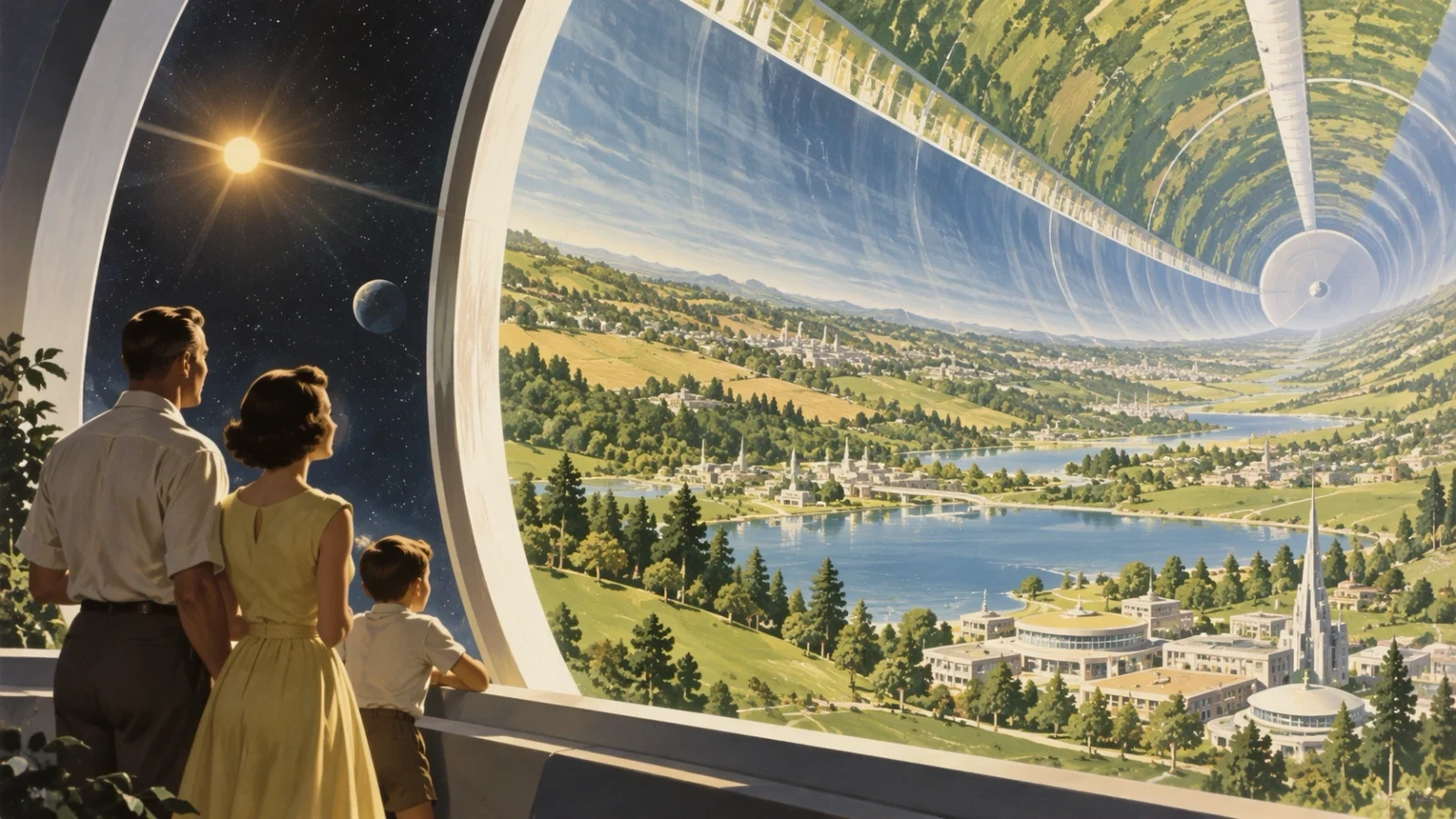
Follow complex instructions without losing the details
GPT Image 2.5 is better at combining instructions about subject placement, spatial relationships, color, and visual style into a coherent image. Describe the people in the foreground, architecture in the distance, lighting across the scene, and details you want to include. It is more likely to retain that direction as the brief becomes more specific, making it useful for worldbuilding, advertising concepts, and visuals with a carefully planned composition.
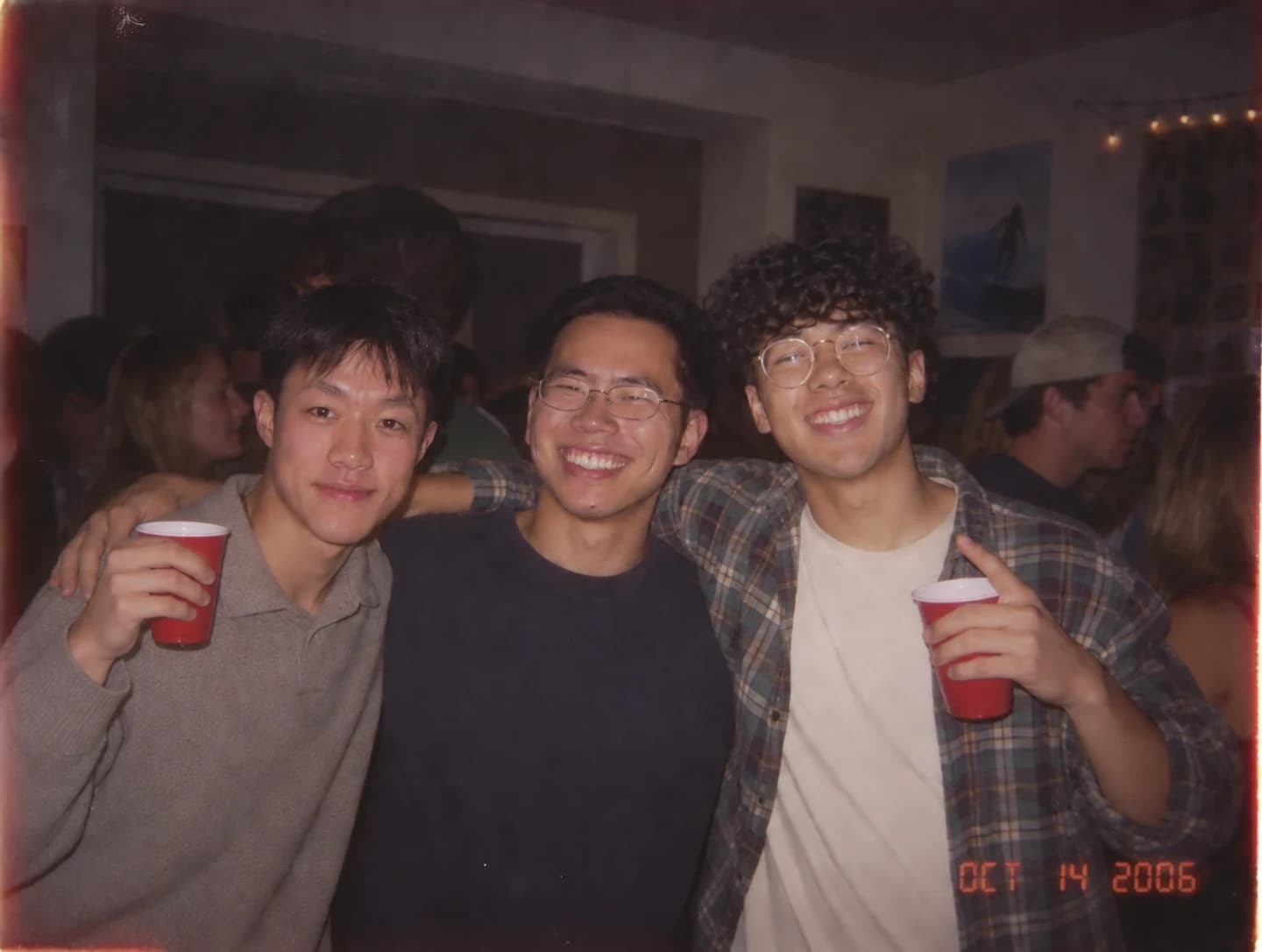
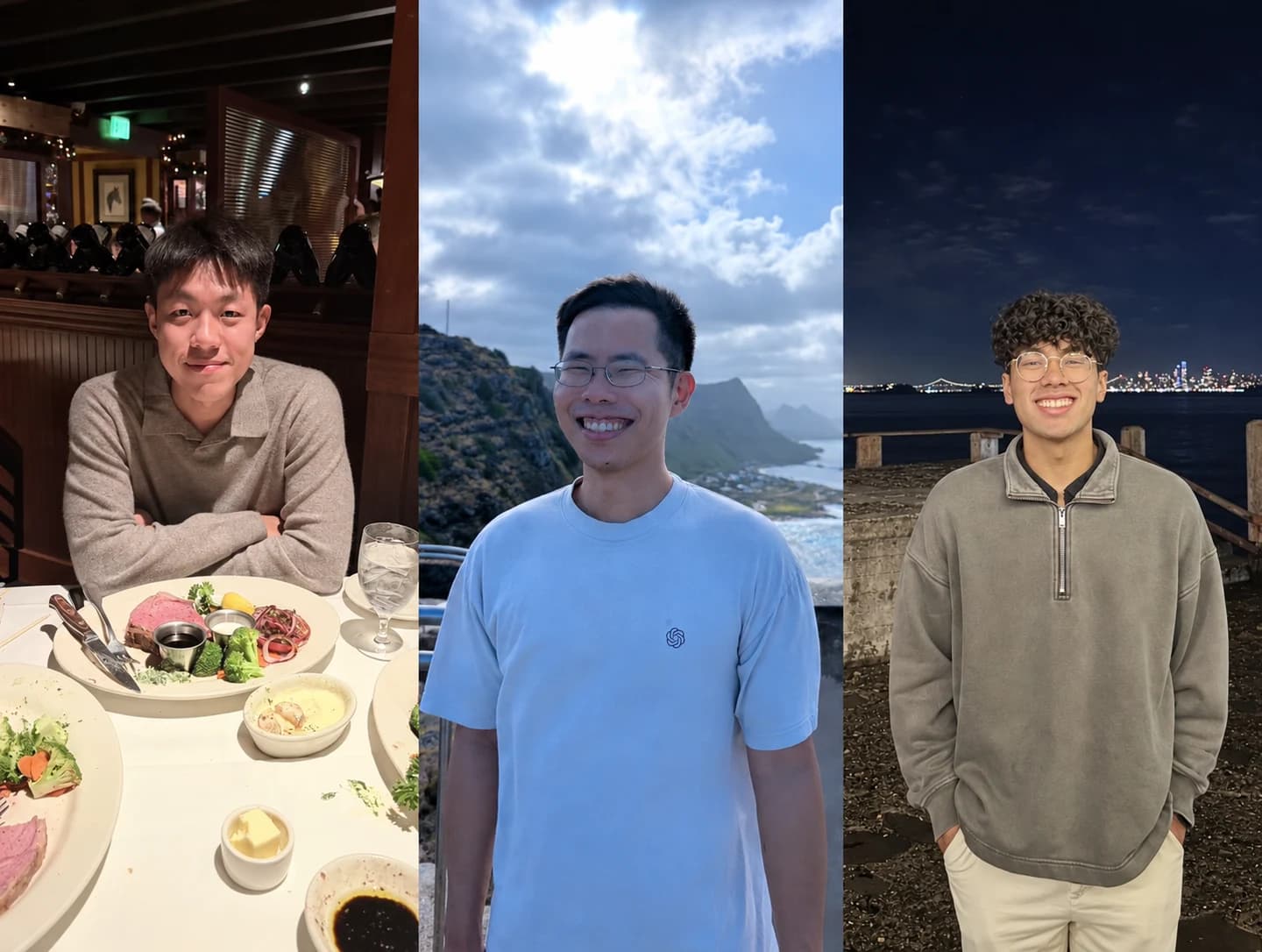
Change the scene, keep the people recognizable
When you change the setting, clothing, or visual style of a reference photo, the model is better at carrying over facial features, hairstyles, and other recognizable details. Multiple photos can also provide the subjects for a new composition. This official example brings three people from separate photos into one party snapshot, illustrating a useful approach for themed group portraits and imaginative scenes. Review personal details in the result before using it.
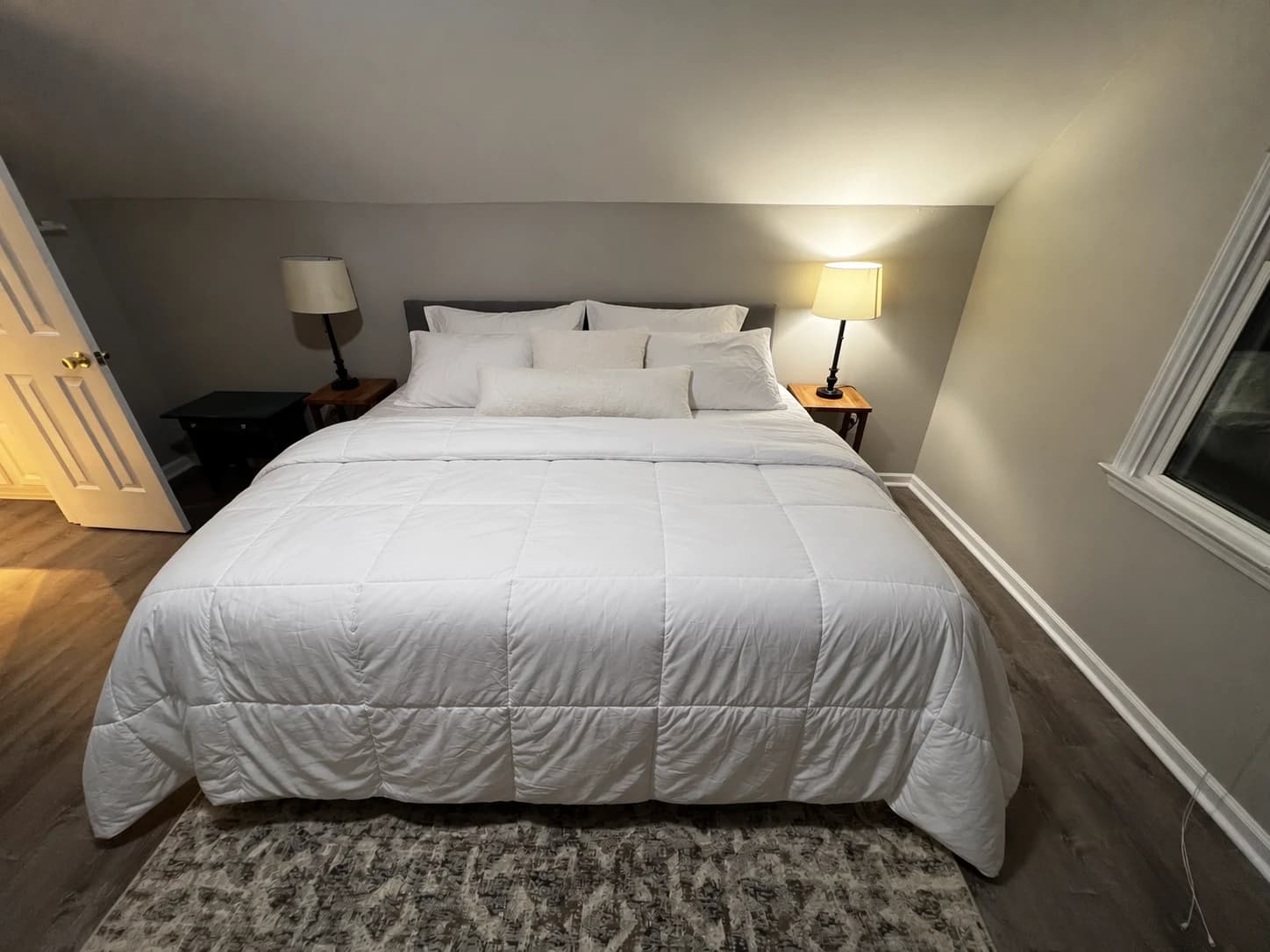
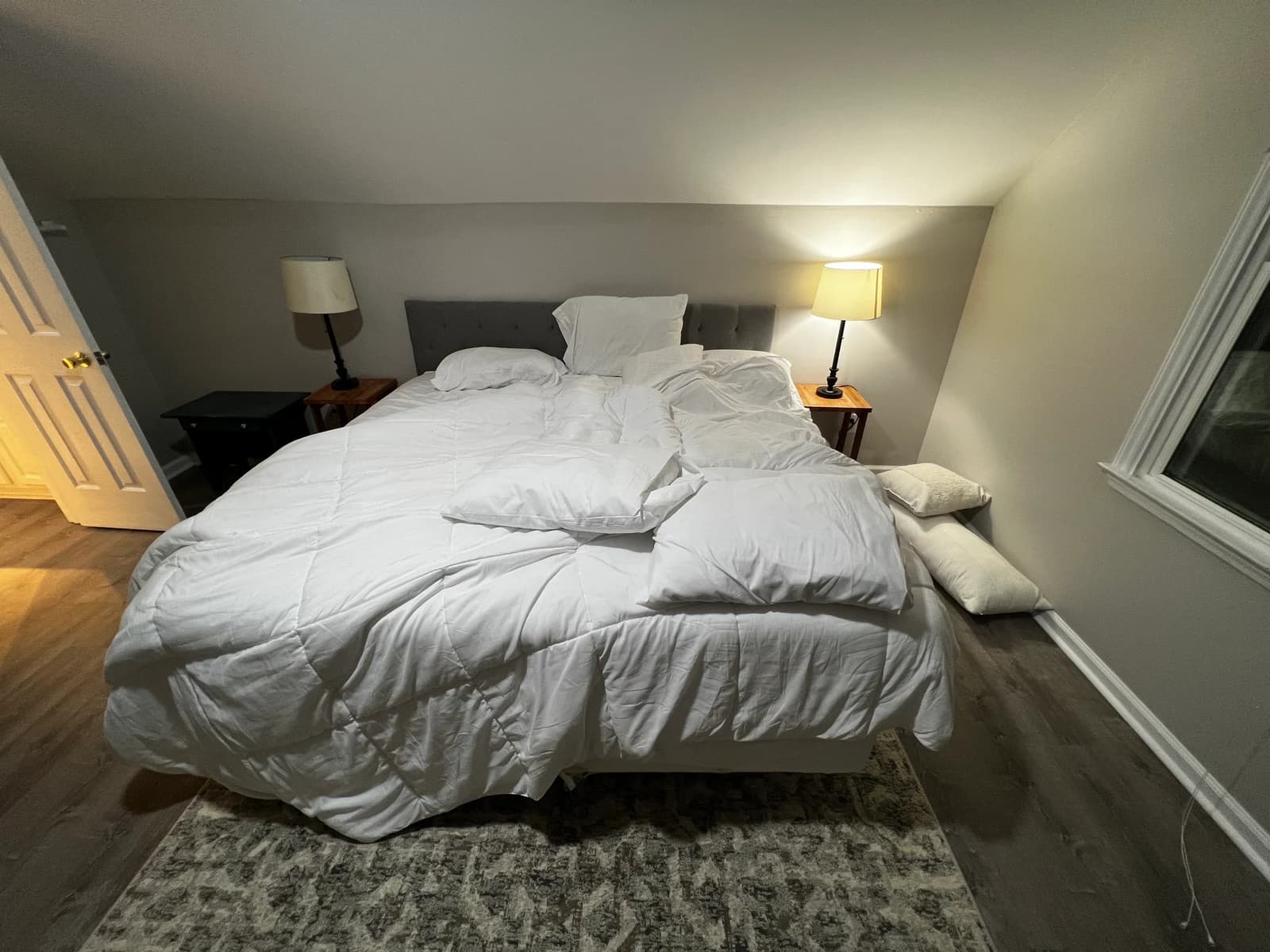
Change what you ask for, preserve the rest
Upload a reference image and describe both what should change and what should stay. GPT Image 2.5 is better at making the requested adjustment while preserving surrounding subjects, composition, and lighting. In this bedroom example, the bedding is tidied while the bedside tables, lamps, window, and room layout remain. Use the same approach to replace an object, adjust a background, or change clothing colors, with less unwanted redesign of the surrounding scene.
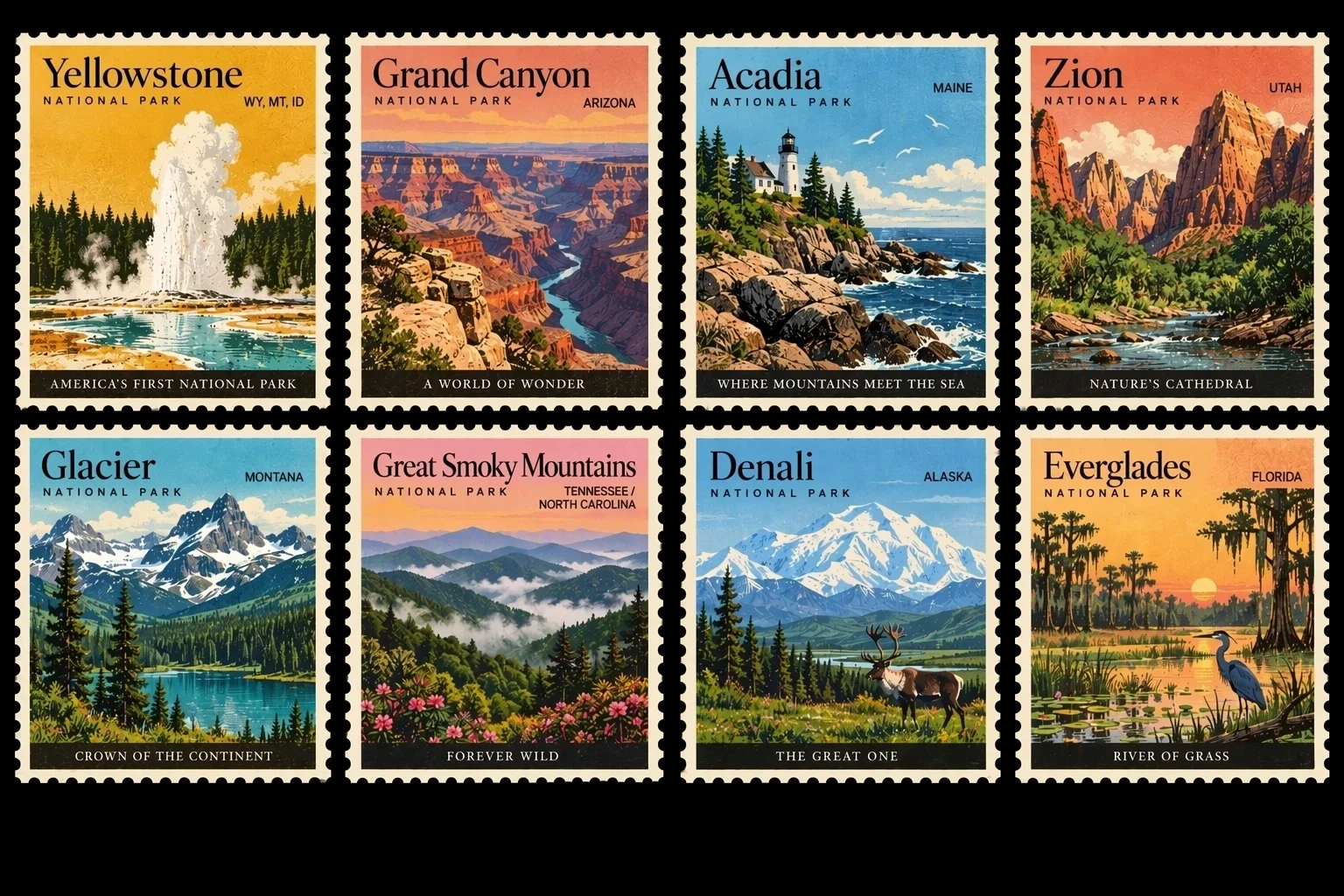
Bring text and imagery into one cohesive design
Specify headings, text hierarchy, graphic placement, and visual style together so that the lettering becomes part of the composition. GPT Image 2.5 is better at handling complex layouts while keeping a consistent visual direction across related designs. This stamp collection combines different park scenes, names, and borders into one series. It is useful for poster drafts, infographics, and coordinated visual assets; check spelling, numbers, and factual information before final use.
Explore other models
Switch between top image models in one generator.
 NEW
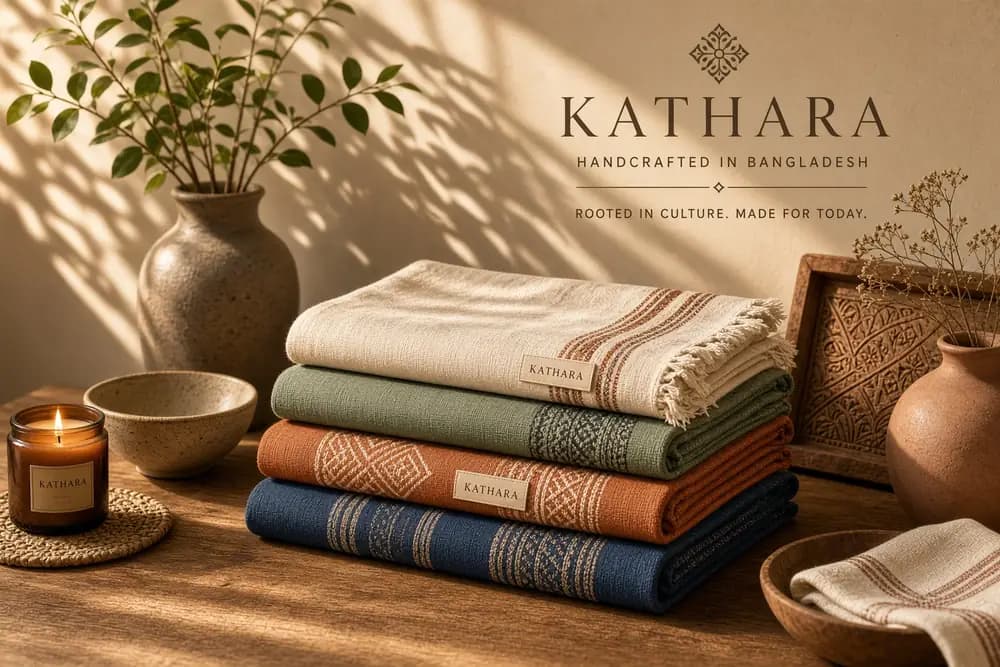
NEWGrok Imagine Image 2.0
1K / 2K image generation and editing with up to 3 references.
 NEW
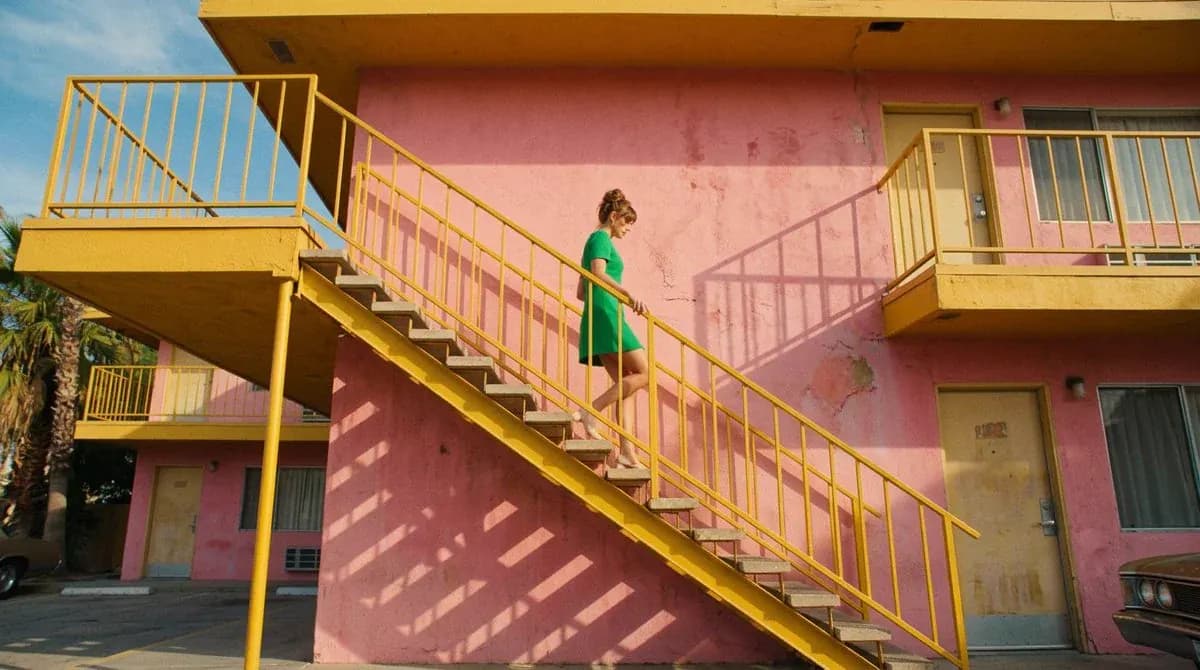
NEWNano Banana 2.1
Up to 4K, multi-reference editing, web and image search.
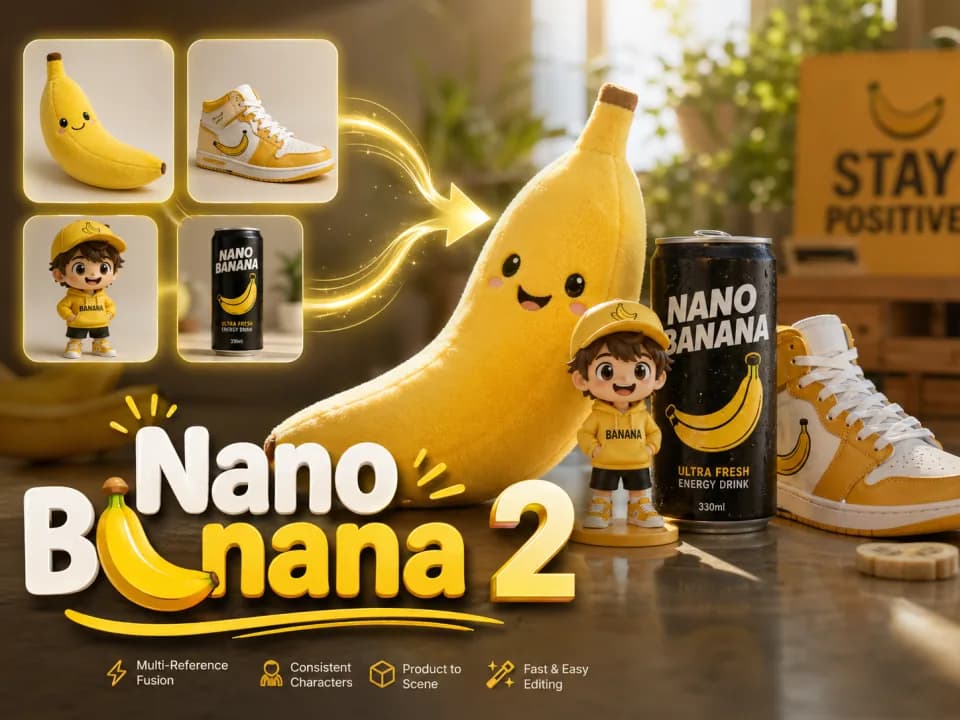
Nano Banana 2
Multi-reference edits with fast style control.
Nano Banana 2 Lite
Fast 1K generation and editing for 11 credits.
GPT Image 2
Precise prompts, clean text, product shots.
Seedream 5.0 Lite
Cinematic realism and dramatic lighting.
Choose a GPT Image model for your next creation
Compare sizes, reference support, and credits across both versions. Identically named quality levels do not imply equivalent image quality.
| Feature | GPT Image 2 | GPT Image 2.5 |
|---|---|---|
| Resolution | 1K / 2K / 4K | 1K / 2K / 4K |
| Aspect ratios | 13 options | 15 options, including 1:3 / 3:1 |
| Quality levels | Low / Medium / High | Low / Medium / High / xHigh / Max |
| Reference images | Up to 16 | Up to 16 |
| Images per generation | 1–4 images | 1–4 images |
| Prompt limit | 8,000 characters | 10,000 characters |
| 1K square credits (Low / Medium / High) | 4 / 24 / 92 credits | 2 / 5 / 17 credits (50% off) |
| Reference-image fees | No additional reference-image credits | +3 credits per reference, per output image |
| Best suited for | General image creation, posters and product visuals | Fast everyday creation, reference-based generation and image detail |
Credit examples use “cat”, 1K square, one output, and no reference images. Prices are listed in Low / Medium / High order; GPT Image 2.5 prices include the 50% generation discount. Review credits before generating. Identically named quality settings do not imply equivalent image quality.
Choose Your Plan
Free images include a watermark. Upgrade for clean outputs, faster generation, and commercial use.
Pro
-50%Unlimited Model Benefits
 Seedream 3.5Unlimited
- Seedream 3.5 ProUnlimited Not Included
 MiniMax H3 TurboUnlimited Not Included
- MiniMax H3Unlimited Not Included
- Upgrade to unlock all advanced models and enjoy exclusive discountsMiniMax-70%
 Gemini
 Nano
Nano GPT-50%Seedream-40%Veo
 Seedance
 Kling
Kling Grok
Grok Wan
Wan - 2,000 credits per month
- Up to 2,000 fast images
- Up to 200 basic videos
- Priority queue
- No watermarks
- Batch processing with AI tools
- Full privacy
Ultimate
-50%Unlimited Model Benefits
- Seedream 3.5Unlimited
- Seedream 3.5 ProUnlimited
- MiniMax H3 TurboUnlimited Not Included
- MiniMax H3Unlimited Not Included
- Upgrade to unlock all advanced models and enjoy exclusive discountsMiniMax-70%GeminiNanoGPT-50%Seedream-40%VeoSeedanceKlingGrokWan
- 5,000 credits per month
- Up to 5,000 fast images
- Up to 500 basic videos
- Highest priority queue
- No watermarks
- Batch processing with AI tools
- Full privacy
Max
-50%Unlimited Model Benefits
- Seedream 3.5Unlimited
- Seedream 3.5 ProUnlimited
- MiniMax H3 TurboUnlimited
- MiniMax H3Unlimited
- Upgrade to unlock all advanced models and enjoy exclusive discountsMiniMax-70%GeminiNanoGPT-50%Seedream-40%VeoSeedanceKlingGrokWan
- 10,000 credits per month
- Up to 10,000 fast images
- Up to 1,000 basic videos
- Highest priority queue
- No watermarks
- Batch processing with AI tools
- Full privacy
GPT Image 2.5 FAQ
Learn about reference images, image sizes, quality settings, and credits.
What is GPT Image 2.5?
Raphael offers GPT Image 2.5 Flare for fast everyday creativity. Generate an image from text, or upload references and describe the scene, composition, and style you want.
How does it differ from GPT Image 2?
Flare improves generation speed, reference fidelity, and image detail, with more quality levels to choose from. Identically named quality levels are not directly equivalent across versions, so compare results using the same creative brief.
How many reference images can I upload?
Upload up to 16 reference images in JPG, PNG, or WebP format, with a maximum of 50MB per image. References help the model understand your subject and style, but do not guarantee that every original detail will remain unchanged.
How long can my prompt be?
GPT Image 2.5 Flare supports prompts of up to 10,000 characters in Raphael. Clear descriptions of the subject, composition, style, and any text you want are usually more useful than repeating similar instructions.
Which sizes and quality levels are available?
Choose from common aspect ratios and 1K, 2K, or 4K resolution tiers, with Low, Medium, High, xHigh, and Max quality settings. Size determines pixel dimensions, while quality controls rendering effort. Higher settings generally require more credits and time.
Does 4K mean 4096×4096?
No. Pixel dimensions depend on the aspect ratio: 4K at 16:9 is 3840×2160, while square output is 2880×2880. Large-resolution output remains experimental, and results may vary with the content.
How many images can I generate at once?
Generate 1–4 images at a time. You can review the total credits required before submitting.
How do credits and the 50% discount work?
Generation charges are 50% off; reference-image fees are not discounted. When generating one image, each reference image adds 3 credits. Review the total before submitting. Generation is charged at the displayed estimate, with no additional usage charge after completion.
How long does generation take?
Flare is designed for fast creation, but generation time depends on quality, size, prompt complexity, and service load. Higher quality and complex scenes generally take longer.
Will text and people always look exactly right?
Not always. The model improves reference fidelity and instruction following, but important text, personal details, and complex layouts may still need review and another generation.