
Seedance 2.0 Mini AI Video Generator
Generate 4–15 second multimodal videos with synchronized audio, starting at 18 credits per second in 480p.
Seedance 2.0 Mini is the lightweight route in the Seedance 2 series for low-cost drafts and high-frequency iteration. It supports text-to-video, first-and-last-frame animation, and reference-guided generation, allowing text, images, video, and audio to control subjects, motion, framing, rhythm, and sound. Raphael offers 480p and 720p outputs, supports any integer duration from 4 to 15 seconds, and in one reference task can use up to 9 images, 3 videos, and 3 audio clips.
Seedance 2.0 Mini Prompt Examples
See real output examples for a desert astronaut, a fantasy portal, and a sci-fi screen transition.
Generate about a 5-second, 16:9 cinematic-style shot: at sunset, an astronaut in a white space suit walks alone across an orange desert and slowly approaches the camera. Distant layered rock mountains and dunes are seen, with long shadows cast by low warm light; keep the suit structure, character gait, and background orientation stable, and add a restrained desert ambience sound.
Core Capabilities of Seedance 2.0 Mini
It keeps Seedance 2 multimodal control while tuning output quality and cost to a level suitable for extensive iteration.
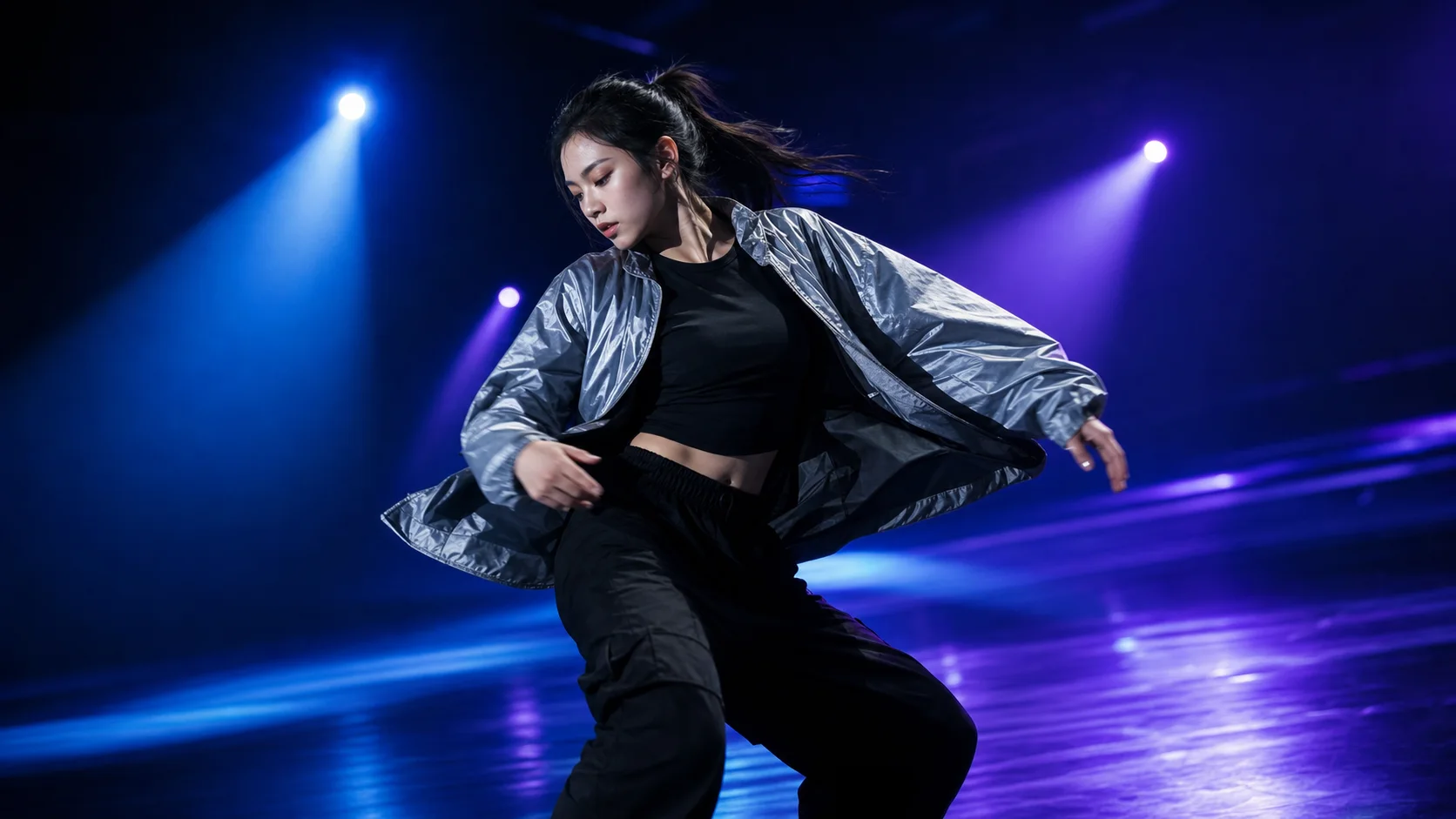
Text, Image, Video, and Audio Co-control
Text explains the story and revision intent, images determine character, product, or scene appearance, video provides motion and camera movement, and audio provides rhythm, dialogue, or sound references. This is suitable for complex video tasks that cannot be accurately described with only one prompt.
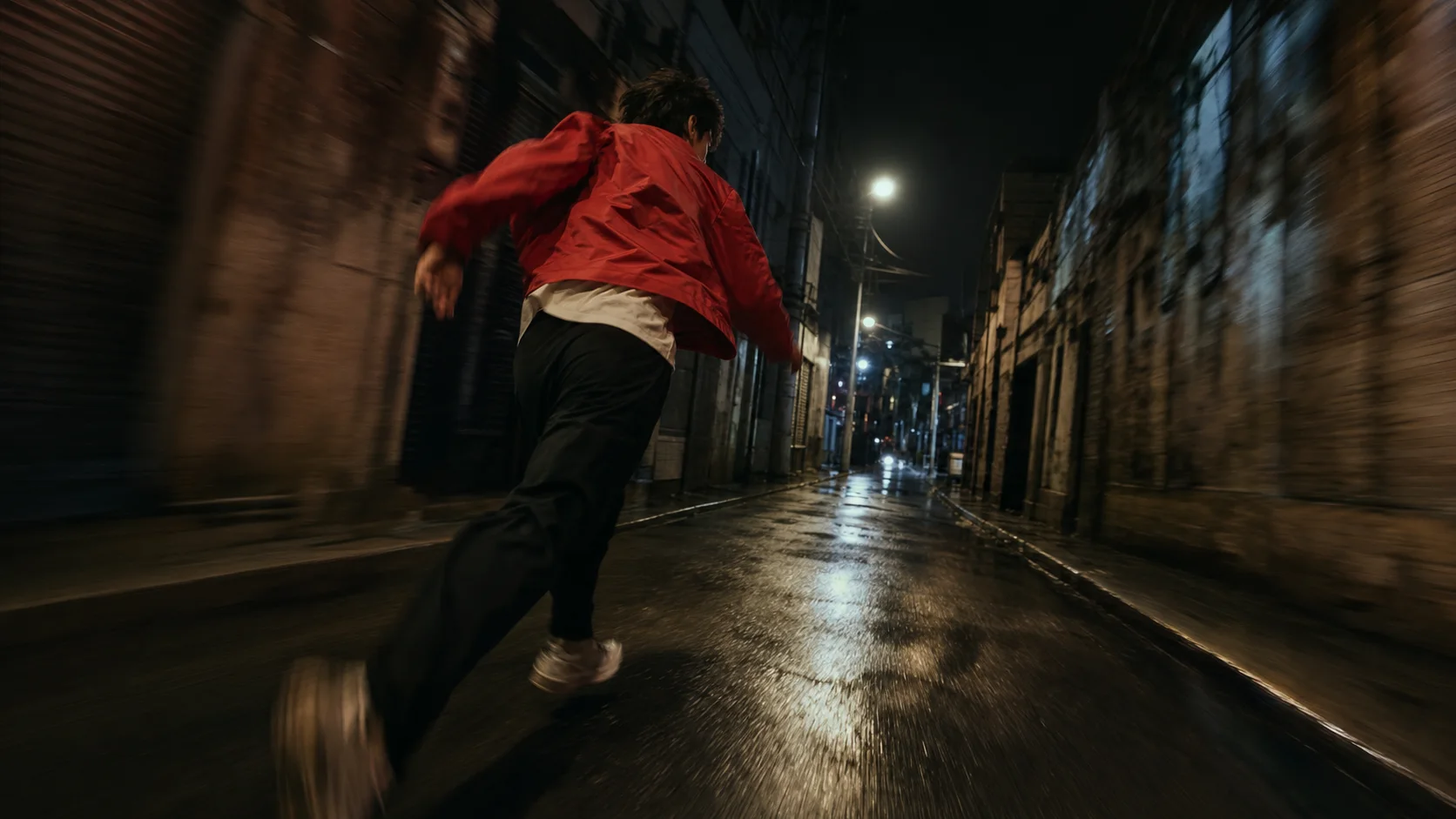
Up to 9 Images, 3 Videos, and 3 Audio Clips
Reference mode allows multiple sources for subject, movement, camera, and sound to be placed in one task. Standard image-to-video uses up to two images to control start and end frames; when materials are many, reference mode can organize a complete creative direction.

Synchronized Visuals, Dialogue, and Ambient Sound
You can directly describe character lines, action sound effects, atmosphere, and music in the prompt, so the sound appears alongside corresponding moments in the visuals. It is suitable for quickly validating audiovisual concepts and avoids rhythm uncertainty in silent previews.

Low-cost Drafting at 480p, Review at 720p
Standard generation costs 18 credits per second at 480p and 39 credits per second at 720p. You can first run 480p in batches for testing movement, composition, and sound, then switch only the shortlisted directions to 720p, helping control total cost per iteration.
Explore other models
Switch between top video models in one generator.
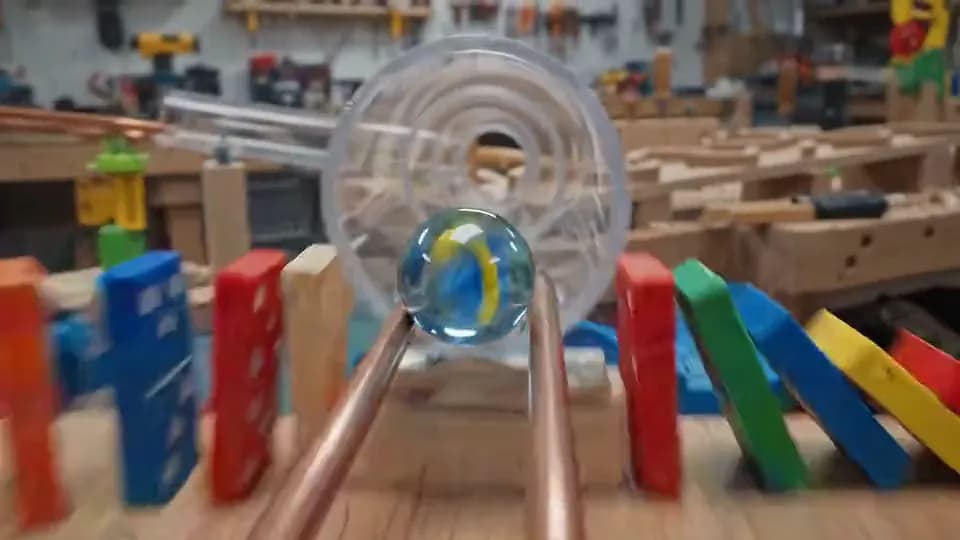
Gemini Omni Flash
720p video from text, one image, or 1–6 reference images.
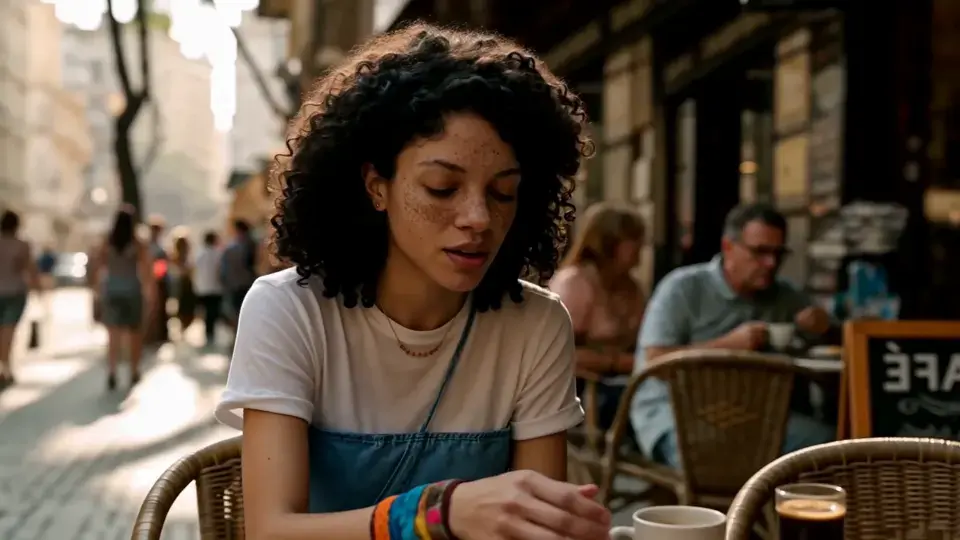
MiniMax H3
2K video with native stereo audio and multimodal references.

Seedance 2.5
Up to 30 seconds with multimodal references and native audio.

Seedance 2.0
Smooth motion and natural choreography.
Seedance 1.5 Pro
Cinematic 1080p video with synchronized native audio.

Seedance 1.0 Pro Fast
Fast, lower-cost text and image-to-video up to 1080p.
Seedance 1.0 Pro Fast, Seedance 1.5 Pro, Seedance 2.0 Mini, and Seedance 2.0 Comparison
Choose the right Seedance video model based on image quality, reference inputs, audio, and cost.
| Feature | Seedance 1.0 Pro Fast | Seedance 1.5 Pro | Seedance 2.0 Mini | Seedance 2.0 |
|---|---|---|---|---|
| Resolution | 480p / 720p / 1080p | 480p / 720p / 1080p | 480p / 720p | 480p / 720p / 1080p |
| Duration | 2–12 seconds | 4–12 seconds | 4–15 seconds | 4–15 seconds |
| Reference Inputs | Text or 1 first frame | Text or up to 2 images | Image / Video / Audio | Image / Video / Audio |
| Native Audio | No | Yes | Yes | Yes |
| Credits per Second | 4/8/17 | Silent 5/11/23 | 18/39 | 36/77/191 |
| Best For | Fast low-cost draft | High-quality audiovisual final | Low-cost multimodal validation | Flagship multimodal production |
Try other Seedance models and choose the right version by quality, audio, reference capability, and budget.
Choose Your Plan
Free images include a watermark. Upgrade for clean outputs, faster generation, and commercial use.
Pro
-50%Unlimited Model Benefits
 Seedream 3.5Unlimited
- Seedream 3.5 ProUnlimited Not Included
 MiniMax H3 TurboUnlimited Not Included
- MiniMax H3Unlimited Not Included
- Upgrade to unlock all advanced models and enjoy exclusive discountsMiniMax H3-70%
 Gemini
 Nano Banana
 GPT-50%Seedream-40%Veo
 Seedance 2.5
 Kling
Kling - 2,000 credits per month
- Up to 2,000 fast images
- Up to 200 basic videos
- Priority queue
- No watermarks
- Batch processing with AI tools
- Full privacy
Ultimate
-50%Unlimited Model Benefits
- Seedream 3.5Unlimited
- Seedream 3.5 ProUnlimited
- MiniMax H3 TurboUnlimited Not Included
- MiniMax H3Unlimited Not Included
- Upgrade to unlock all advanced models and enjoy exclusive discountsMiniMax H3-70%GeminiNano BananaGPT-50%Seedream-40%VeoSeedance 2.5Kling
- 5,000 credits per month
- Up to 5,000 fast images
- Up to 500 basic videos
- Highest priority queue
- No watermarks
- Batch processing with AI tools
- Full privacy
Max
-50%Unlimited Model Benefits
- Seedream 3.5Unlimited
- Seedream 3.5 ProUnlimited
- MiniMax H3 TurboUnlimited
- MiniMax H3Unlimited
- Upgrade to unlock all advanced models and enjoy exclusive discountsMiniMax H3-70%GeminiNano BananaGPT-50%Seedream-40%VeoSeedance 2.5Kling
- 10,000 credits per month
- Up to 10,000 fast images
- Up to 1,000 basic videos
- Highest priority queue
- No watermarks
- Batch processing with AI tools
- Full privacy
Seedance 2.0 Mini Frequently Asked Questions
Learn about input modes, reference materials, synced audio, quality, duration, and credit calculation.
What is Seedance 2.0 Mini positioned for?
It is the low-cost path in the Seedance 2 series for drafts, high-frequency iteration, and large-scale generation of variants, while keeping image, video, and audio reference capability.
How long can the videos be?
It supports any integer duration between 4 and 15 seconds, and you can control cost by actual shot length.
Which resolutions are supported?
Currently 480p and 720p are available. 480p is suitable for prompt and motion testing, while 720p is suitable for clearer review of selected drafts.
How many credits does standard generation require?
Text-to-video, image-to-video, and tasks with image or audio references cost 18 credits per second at 480p and 39 credits per second at 720p. For example, a 4-second 480p video requires 72 credits.
What is the maximum number of reference materials?
Reference mode supports up to 9 images, 3 videos, and 3 audio clips. Standard image-to-video can use up to 2 images, which can control the start and end frames separately.
How are reference video tasks billed?
Reference video tasks are billed by chargeable seconds; both input reference duration and output duration are counted. The generator shows total credits before submission.
Can I directly generate dialogue and sound effects?
Yes. Turn on audio in supported generation modes and specify lines, speakers, impact sound effects, and ambient sound in the prompt, and the model will generate visuals and synchronized audio together.
Can I generate video with text only?
Yes. Text-to-video does not require uploading any materials; when appearance, motion, framing, or rhythm are difficult to express with text alone, add the relevant references.
What tasks are best suited for Mini?
It is suitable for ad variants, UGC drafts, motion tests, reference-video migration, music-rhythm generation, and tasks that need to validate full audiovisual concepts at lower cost first.