
Seedream 4.0 AI image generator
1K, 2K, and 4K are all 8 credits each, which is ideal for low-cost bulk generation and multi-reference image editing.
Seedream 4.0 is ByteDance's Seed model for high-cost-performance image production, putting text-to-image, image-to-image, and image editing in one workflow. Raphael's 1K, 2K, and 4K quality levels are all priced at 8 credits per image, and up to 10 reference images are supported, making it suitable for product variants, brand marketing materials, consistent character and style images, and regular tasks requiring 4K delivery.
Core capabilities of Seedream 4.0
Complete drafts, high-definition outputs, and multi-reference image editing with a unified 8-credit price.
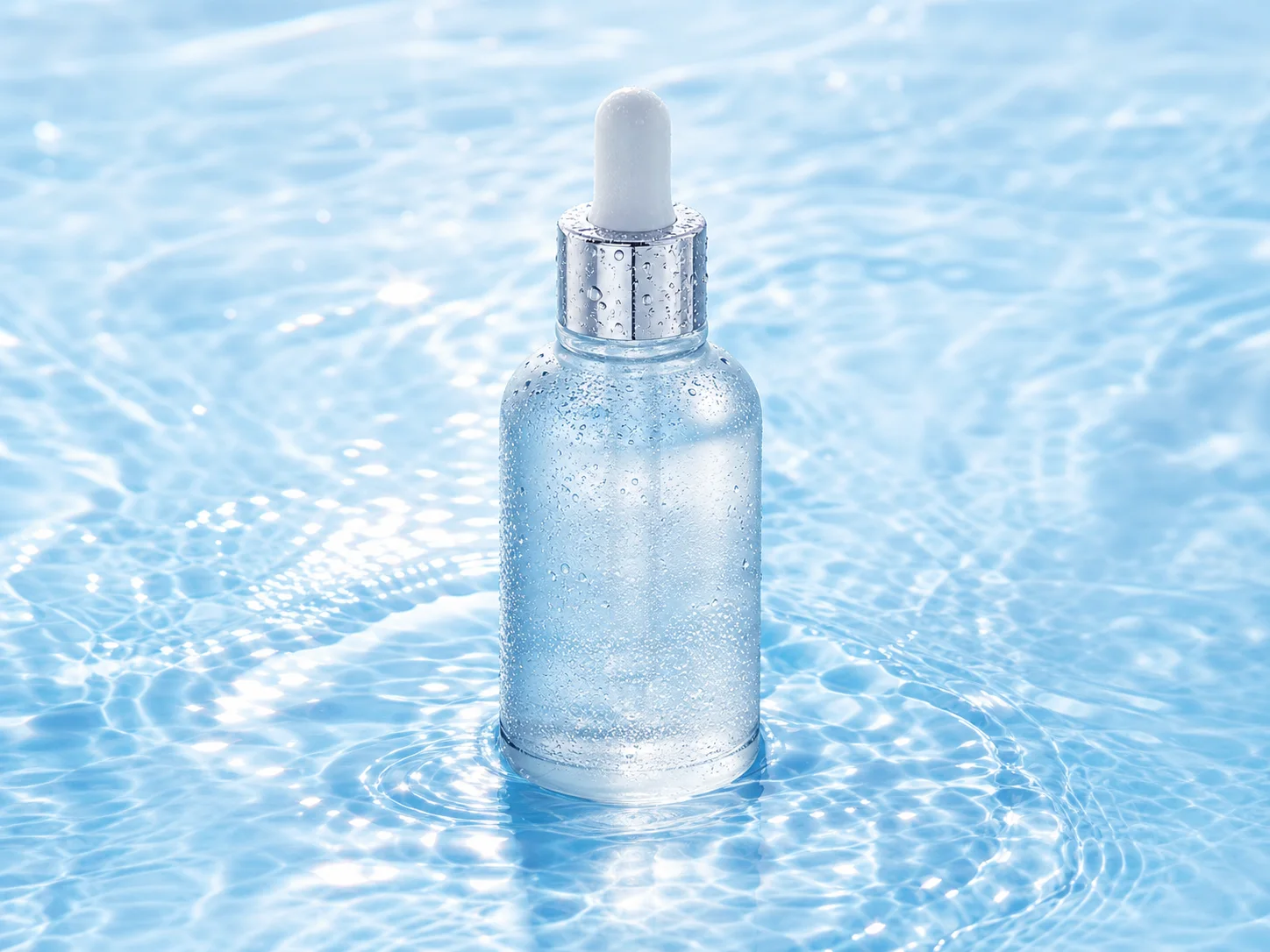
Generate 1K, 2K, or 4K for 8 credits
All three resolutions share the same credits, so you do not need to switch models or spend extra credits for higher-quality output. 1K is suitable for quickly validating direction, 2K for normal content publishing, and 4K for official materials that need more detail, zoom-in viewing, or large-format campaign visuals.

Use one model for text-to-image and image editing
You can create a new scene from a prompt, or upload an existing image to modify the subject, background, material, color, and composition. This works well for generating a first direction and then refining chosen results, without switching between multiple models.
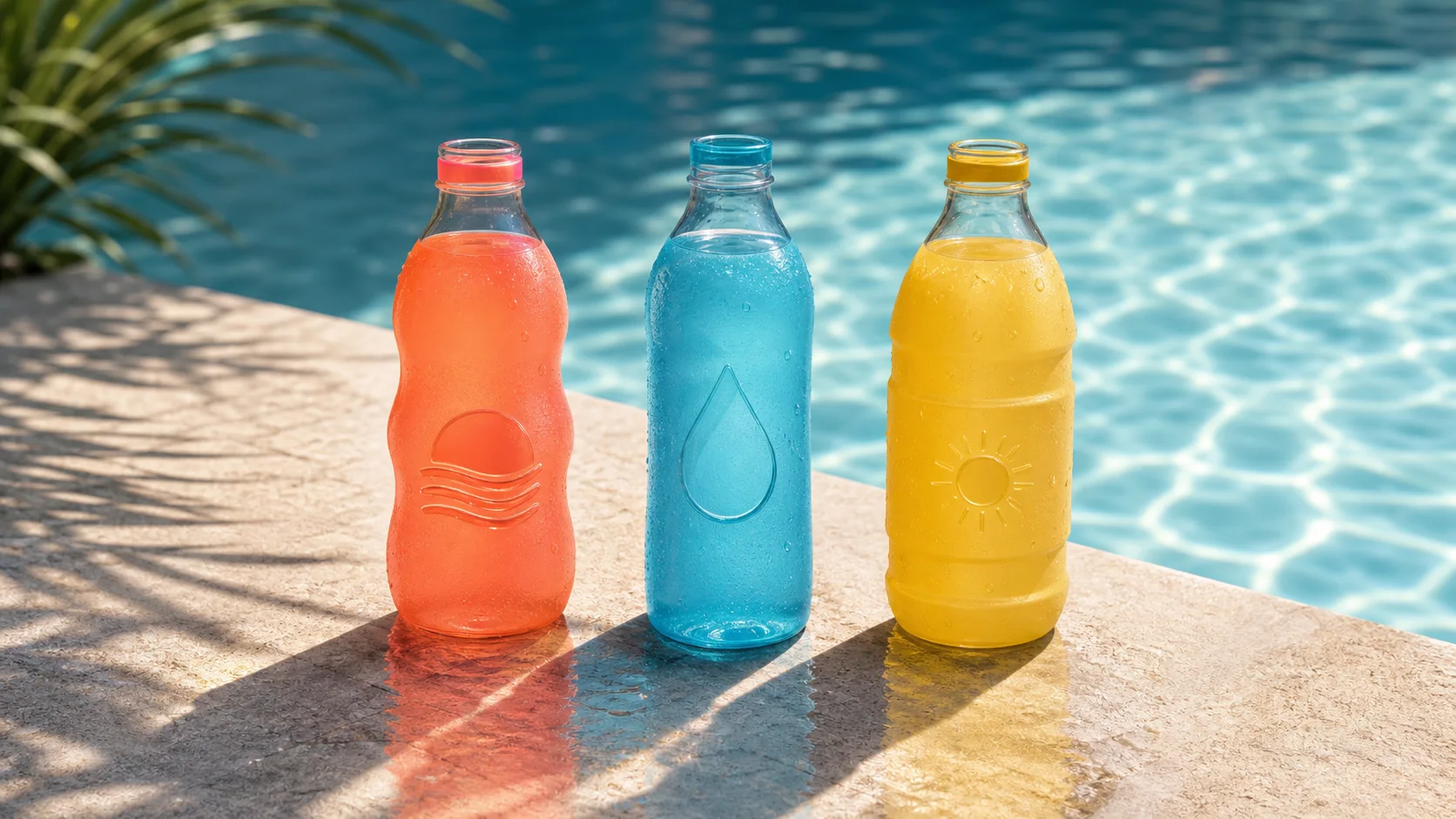
Keep brand consistency with up to 10 reference images
By referencing products, characters, packaging, and visual style at the same time, logo, color, material, and subject identity are preserved across different compositions as much as possible. It is ideal for creating series images, product sets, and channel size variants for the same brand.

Create marketing asset variations at low cost
Each image is fixed at 8 credits, suitable for testing different scenes, compositions, seasons, and audience expressions around the same product. It is especially suitable for high-frequency workflows that require frequent updates of e-commerce images, social assets, and campaign visuals.
Explore other models
Switch between top image models in one generator.
 NEW
NEWNano Banana 2.1
Up to 4K, multi-reference editing, web and image search.
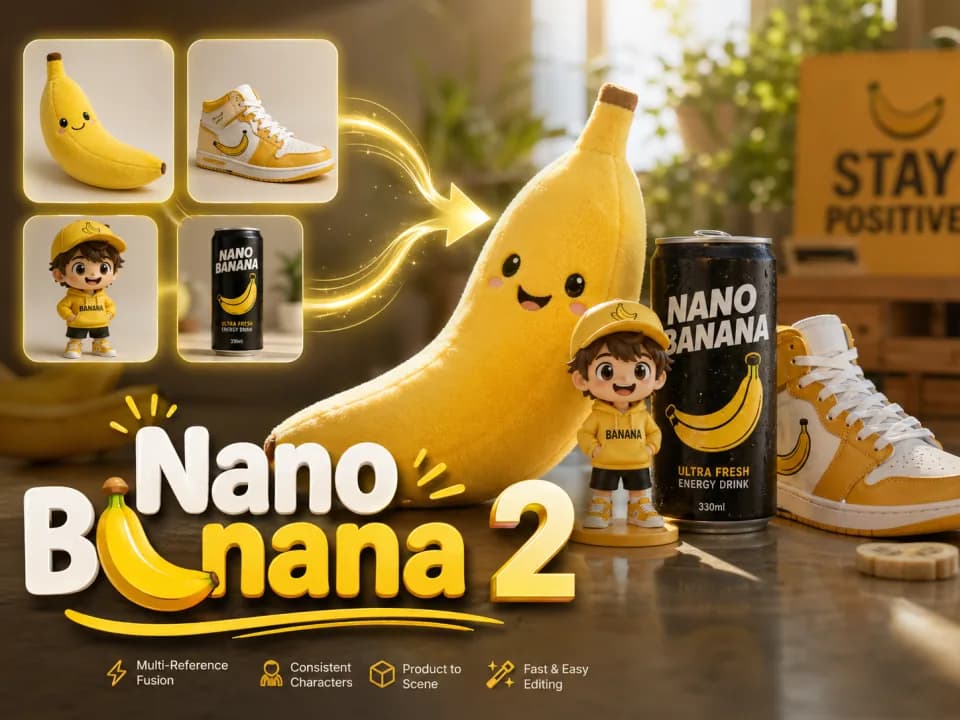
Nano Banana 2
Multi-reference edits with fast style control.
Nano Banana 2 Lite
Fast 1K generation and editing for 11 credits.
GPT Image 2.5
Flare: fast creation, reference fidelity and natural detail.
GPT Image 2
Precise prompts, clean text, product shots.
Seedream 5.0 Lite
Cinematic realism and dramatic lighting.
Seedream 4.0, Seedream 4.5, Seedream 5.0 Lite, and Seedream 5.0 Pro comparison
Choose the right Seedream image model by resolution, number of references, web access, and cost.
| Feature | Seedream 4.0 | Seedream 4.5 | Seedream 5.0 Lite | Seedream 5.0 Pro |
|---|---|---|---|---|
| Resolution | 1K / 2K / 4K | 2K / 4K | 2K / 3K | 1K / 2K |
| Max reference images | 10 | 10 | 14 | 10 |
| Web search | No | No | Yes | No |
| Credit cost | 8 credits | 12 credits | 12 credits, +3 for search | 14/28 credits, references extra |
| Main advantage | 1K–4K same price | 4K reference-image editing | Photorealism and latest information | Commercial high fidelity |
| Best for | High-volume cost-efficient use | High-definition marketing assets | Knowledge-driven visuals | Product ads and fine retouching |
Try other Seedream models and choose the right version based on resolution, reference capability, and budget.
Choose Your Plan
Free images include a watermark. Upgrade for clean outputs, faster generation, and commercial use.
Pro
-50%Unlimited Model Benefits
 Seedream 3.5Unlimited
- Seedream 3.5 ProUnlimited Not Included
 MiniMax H3 TurboUnlimited Not Included
- MiniMax H3Unlimited Not Included
- Upgrade to unlock all advanced models and enjoy exclusive discountsMiniMax H3-70%
 Gemini
 Nano Banana
 GPT-50%Seedream-40%Veo
 Seedance 2.5
 Kling
Kling - 2,000 credits per month
- Up to 2,000 fast images
- Up to 200 basic videos
- Priority queue
- No watermarks
- Batch processing with AI tools
- Full privacy
Ultimate
-50%Unlimited Model Benefits
- Seedream 3.5Unlimited
- Seedream 3.5 ProUnlimited
- MiniMax H3 TurboUnlimited Not Included
- MiniMax H3Unlimited Not Included
- Upgrade to unlock all advanced models and enjoy exclusive discountsMiniMax H3-70%GeminiNano BananaGPT-50%Seedream-40%VeoSeedance 2.5Kling
- 5,000 credits per month
- Up to 5,000 fast images
- Up to 500 basic videos
- Highest priority queue
- No watermarks
- Batch processing with AI tools
- Full privacy
Max
-50%Unlimited Model Benefits
- Seedream 3.5Unlimited
- Seedream 3.5 ProUnlimited
- MiniMax H3 TurboUnlimited
- MiniMax H3Unlimited
- Upgrade to unlock all advanced models and enjoy exclusive discountsMiniMax H3-70%GeminiNano BananaGPT-50%Seedream-40%VeoSeedance 2.5Kling
- 10,000 credits per month
- Up to 10,000 fast images
- Up to 1,000 basic videos
- Highest priority queue
- No watermarks
- Batch processing with AI tools
- Full privacy
Seedream 4.0 FAQ
Learn about the three resolution tiers, reference images, editing methods, and fixed credits.
What is Seedream 4.0?
It is ByteDance Seed's image generation and editing model, positioned for low fixed-cost production of daily text-to-image, multi-reference generation, and existing image editing.
How many credits does one image cost?
1K, 2K, and 4K are all 8 credits per image; choosing higher resolution does not increase Raphael credits.
How should I choose between 1K, 2K, and 4K?
1K is suitable for quick testing, 2K for regular web and social publishing, and 4K for formal assets that need more detail, enlarged display, or later cropping.
How many reference images can I upload at most?
You can currently upload up to 10 reference images to guide products, people, packaging, scenes, and the overall visual style.
Can I edit existing images?
Yes. Upload an image and describe what to keep and what to change, and you can use it for background replacement, color changes, material swaps, adding elements, or rearranging composition.
Which aspect ratios are supported?
Current support includes 1:1, 2:3, 3:2, 3:4, 4:3, 4:5, 5:4, 9:16, 16:9, and 21:9, covering most e-commerce, social, poster, and banner needs.
Can it be used without reference images?
Yes. You can generate directly from text only. Add reference images when you need to maintain a specific product, person, or style.
Is Seedream 4.0 suitable for brand consistency?
Yes. Use the same product, logo, color palette, and style references each time, and clearly specify which elements should not change in your prompt to improve consistency across series assets.
What tasks are best for Seedream 4.0?
It is suitable for budget-sensitive product variants, social ads, e-commerce images, brand series assets, reference-image editing, and tasks that need 4K output at a fixed 8 credits.