
Kling 3.0 Turbo AI Video Generator
Use one prompt to plan up to 6 shots and quickly generate 3–15 second short videos up to 1080p.
Kling 3.0 Turbo is the Turbo track of the Kling 3 series for fast short-video turnarounds, supporting text-to-video and first-frame image-to-video generation. Raphael supports 720p and 1080p output, with a selectable length of any integer between 3 and 15 seconds; for text-to-video, one prompt can plan up to 6 shots, making it suitable for short ads, product showcases, motion tracking, and multi-shot concept films with clear pacing.
Kling 3.0 Turbo Prompt Examples
See real results in text-to-video and first-frame image-to-video for people, motion, and fantasy scenes.
Create a 5 second video from the uploaded library first frame: pages fly out from shelves on both sides and spiral into a glowing time portal. A student reaches out and touches a floating page, and the library clock starts running backward; the shot rotates slightly as the surrounding room bends and warps with spatial distortion. Keep the student’s appearance and bookshelf structure continuous.
Core Capabilities of Kling 3.0 Turbo
Provides multi-shot planning, first-frame animation, and up to 15 second output for short ads and fast storytelling.
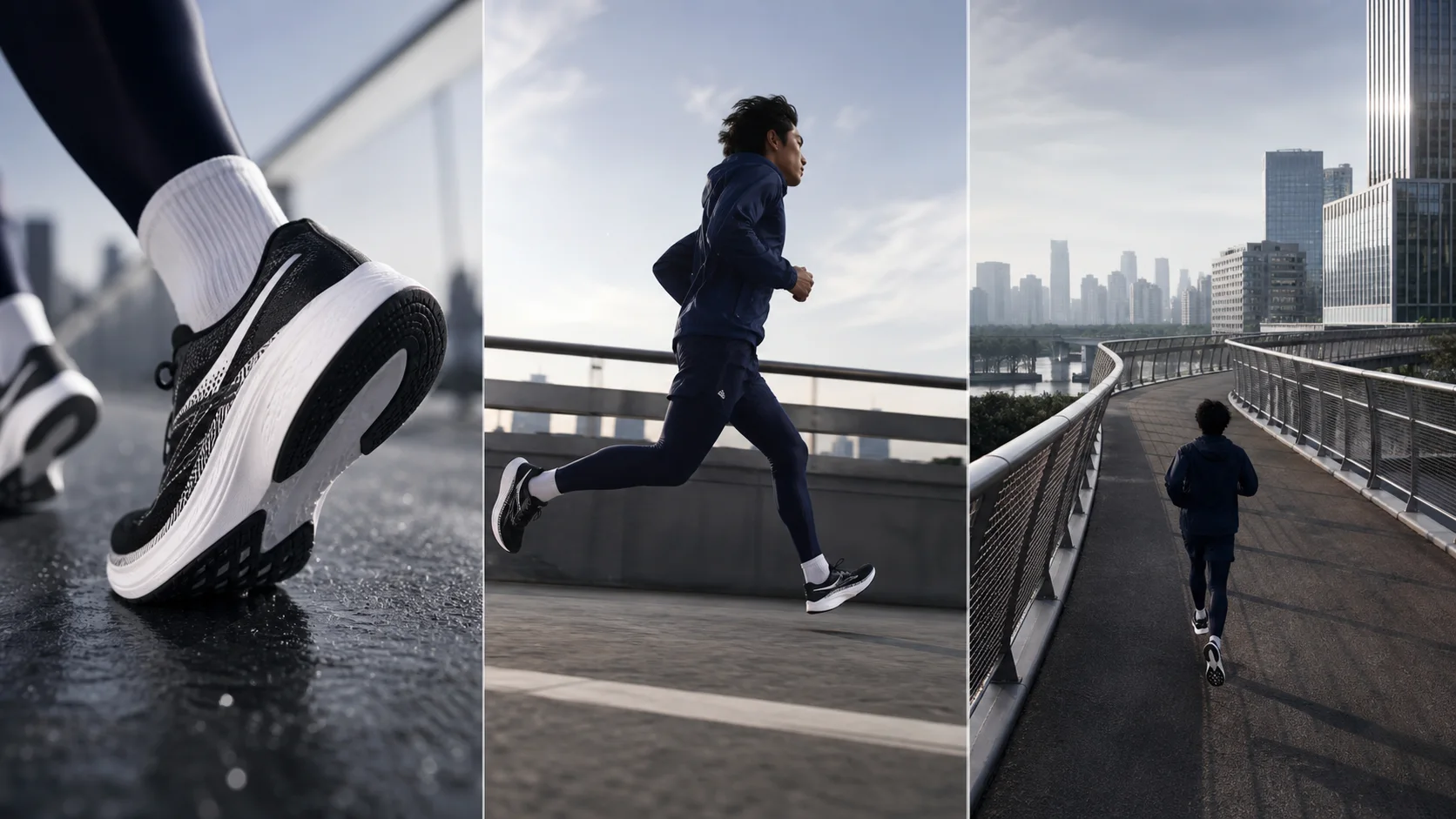
Up to 6 shots planned with one prompt
You can write each shot’s duration, framing, angle, subject action, and camera movement in sequence, allowing the model to organize complete pacing within one video. Each shot should be at least 1 second, and the total shot durations should match the final video duration.
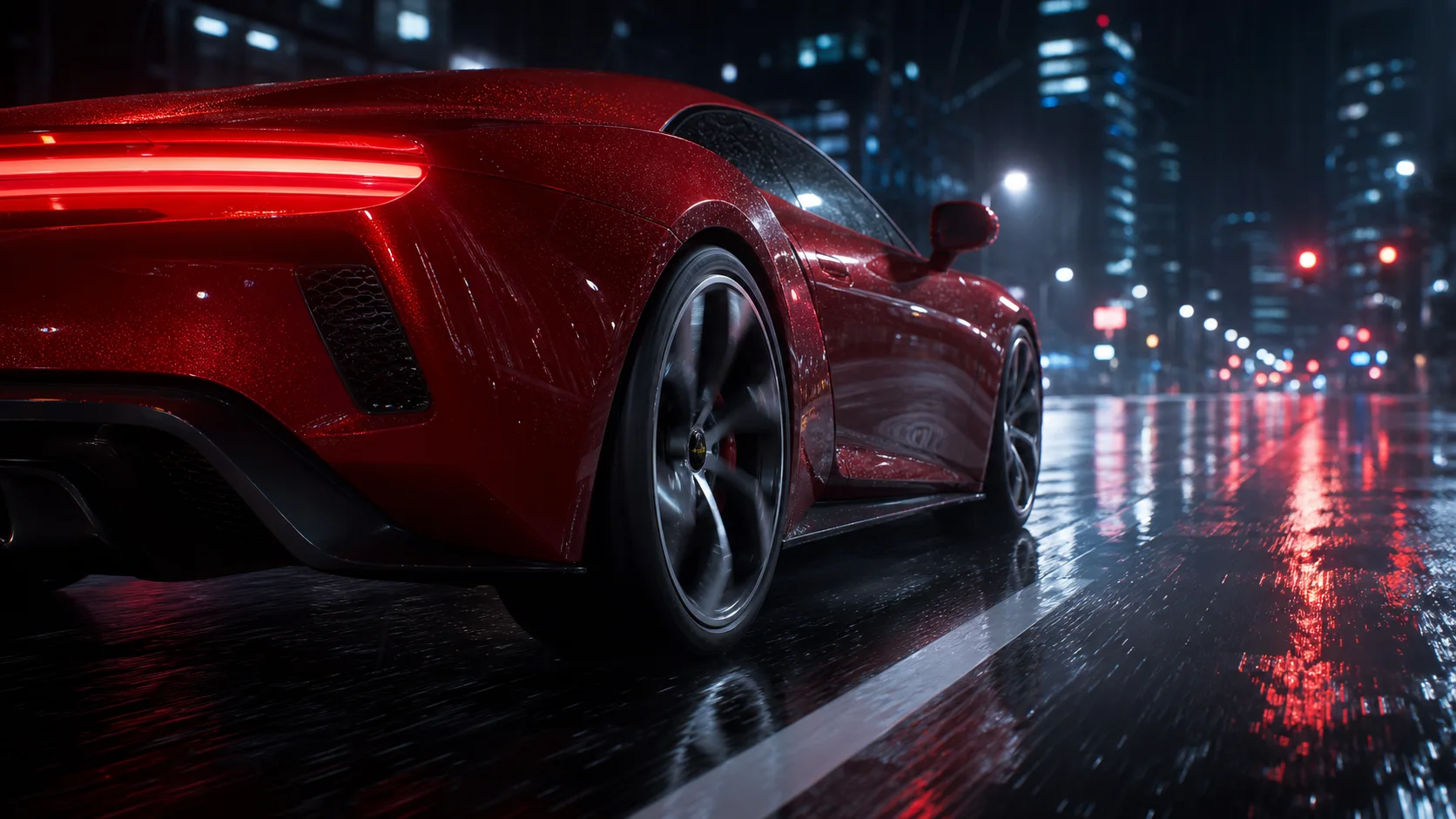
Generate a dynamic video directly from one first frame
Upload a product image, character image, or concept image as the video starting point. The model continues from the subject, composition, and aspect ratio of the first frame to generate motion. It is suitable for wrap-around products, character performances, and extending a static hero visual into a short video.
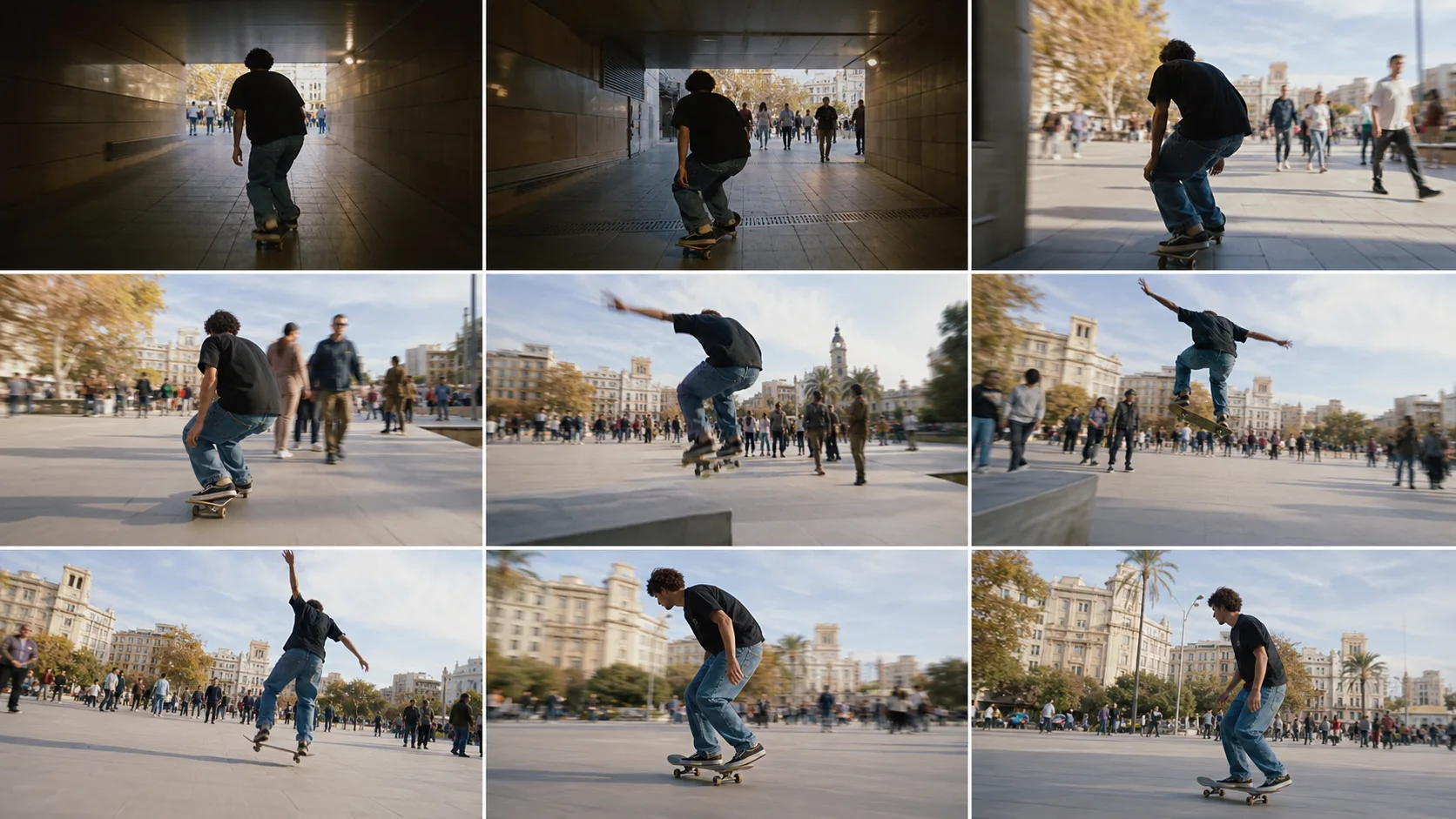
3–15 second free-length clip control
You can create a 3-second visual hook, 5–10 second ad segment, or up to a 15-second full motion and small story. Choose an integer duration based on the story length needed and avoid spending credits for unnecessary length.
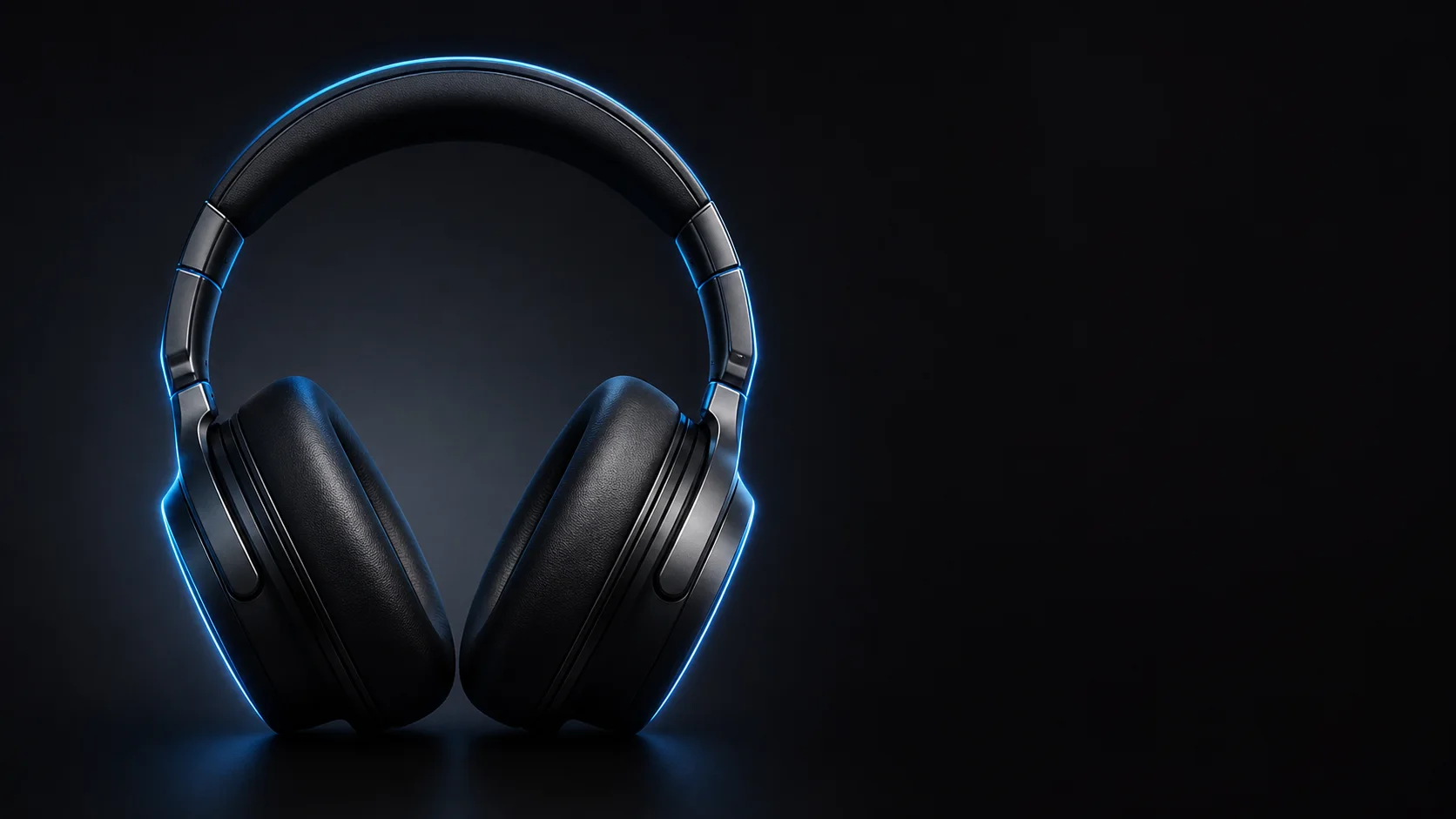
720p costs 41 credits per second, 1080p costs 51 credits per second
720p is ideal for quick concept and social content iterations, while 1080p is best for final options that need clearer detail of people, products, and environment. The core value of Turbo is faster turnaround, not lower cost than standard Kling 3.0; the current path does not generate audio.
Explore other models
Switch between top video models in one generator.
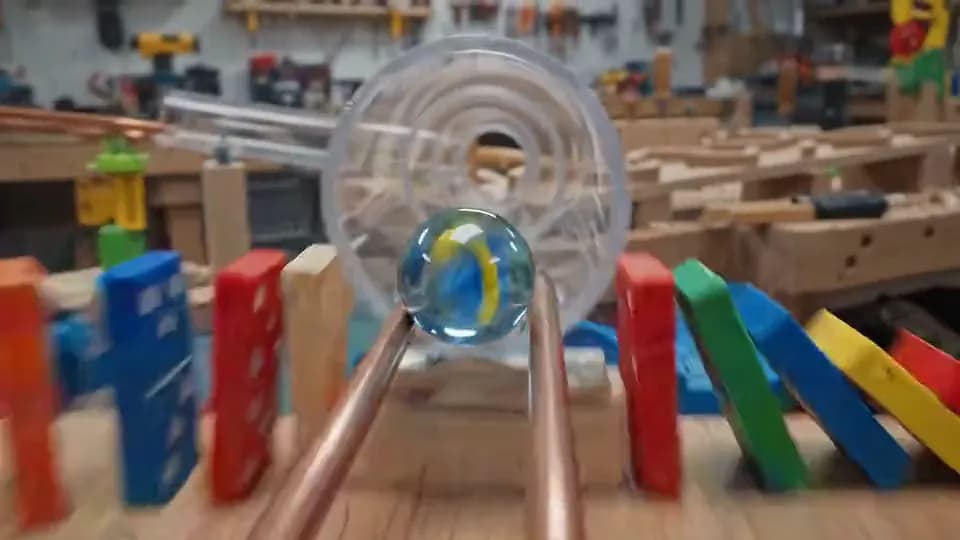
Gemini Omni Flash
720p video from text, one image, or 1–6 reference images.
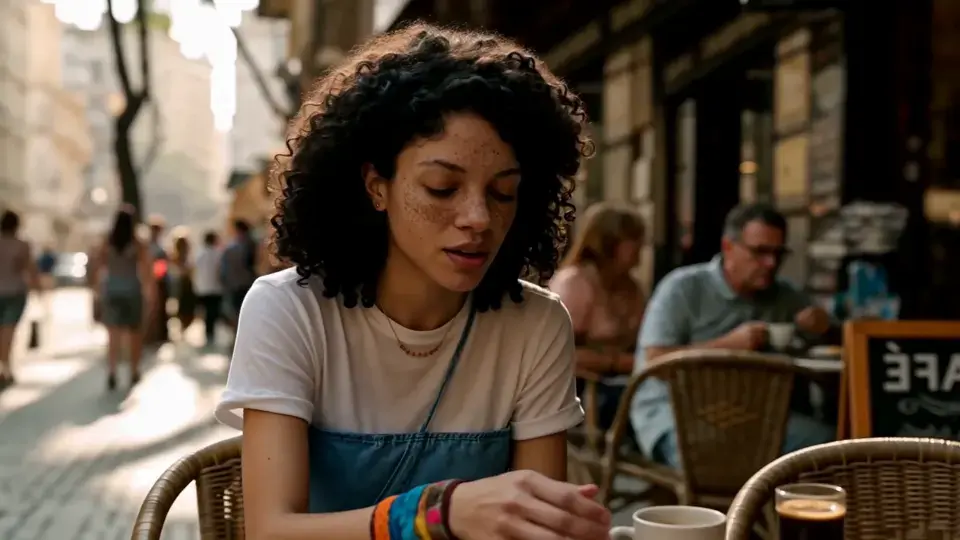
MiniMax H3
2K video with native stereo audio and multimodal references.
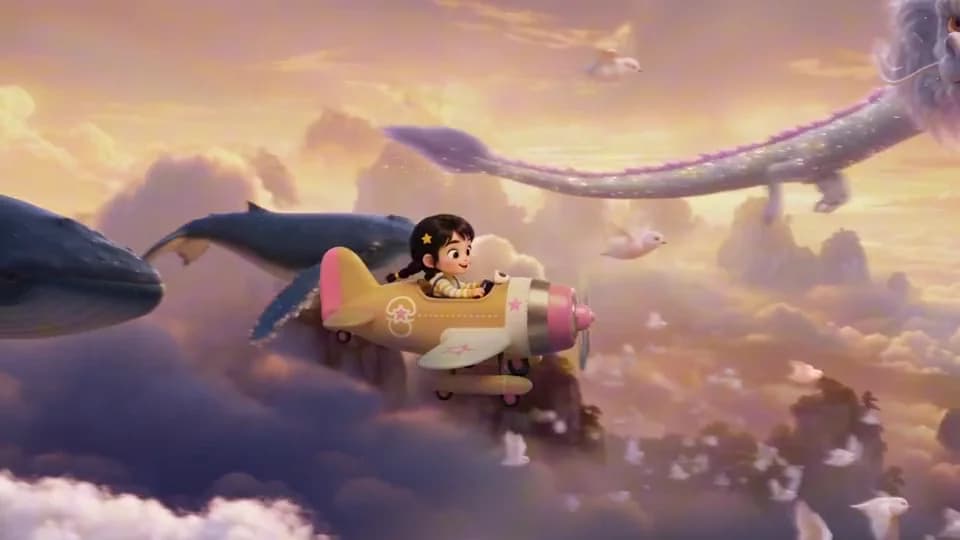
Seedance 2.5
Up to 30 seconds with multimodal references and native audio.

Seedance 2.0
Smooth motion and natural choreography.
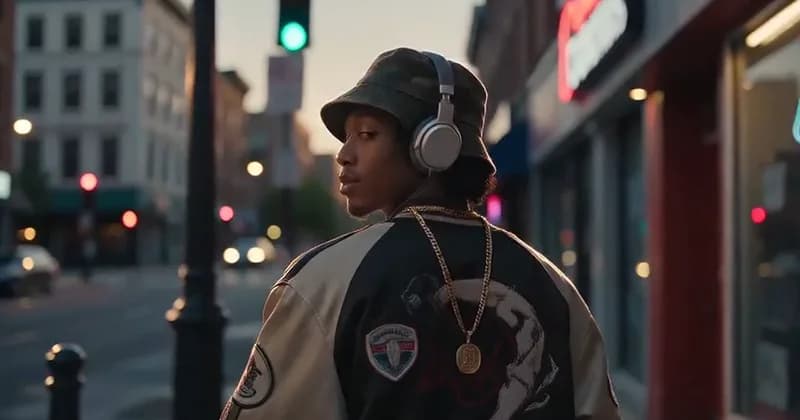
Seedance 2.0 Mini
Lower-cost drafts with rich reference control.
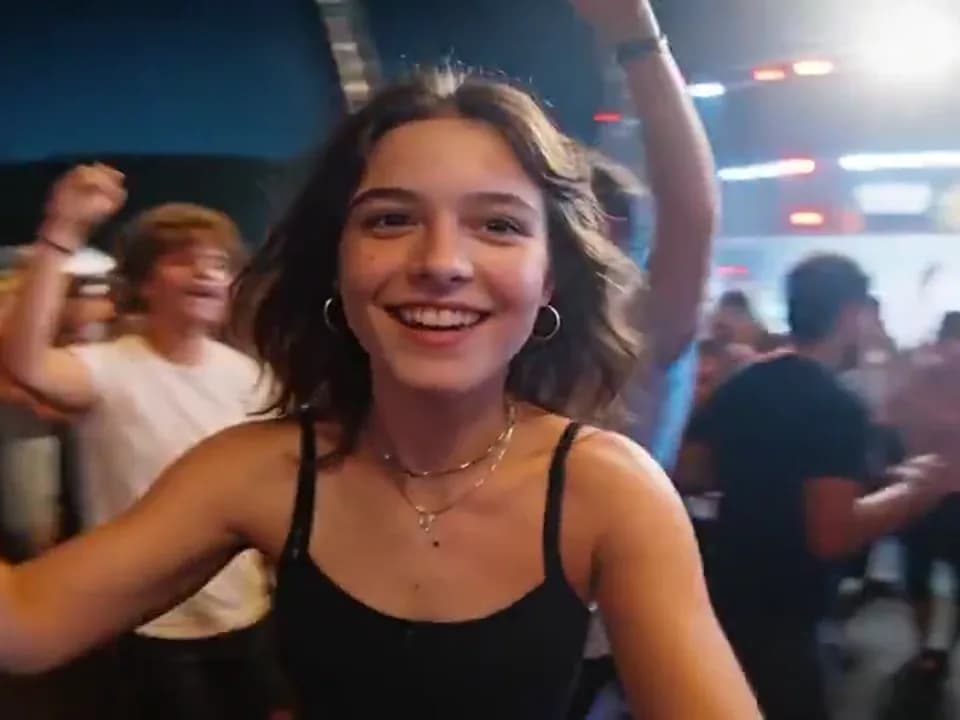
Seedance 1.5 Pro
Cinematic 1080p video with synchronized native audio.
Kling 3.0 vs. Kling 3.0 Turbo Comparison
Choose the right Kling video model based on image quality, image input, audio, and generation speed.
| Feature | Kling 3.0 | Kling 3.0 Turbo |
|---|---|---|
| Resolution | 720p / 1080p / 4K | 720p / 1080p |
| Duration | 3–15 seconds | 3–15 seconds |
| Image Input | Up to 2 images | 1 first frame |
| Native Audio | Yes | No |
| Credits per second | No sound: 31/41/153 | 41/51 |
| Best for | High-quality action and full production | Fast multi-shot short films |
Try other Kling models and choose the right version based on quality, audio, and generation efficiency.

Choose Your Plan
Free images include a watermark. Upgrade for clean outputs, faster generation, and commercial use.
Pro
-50%Unlimited Model Benefits
 Seedream 3.5Unlimited
- Seedream 3.5 ProUnlimited Not Included
 MiniMax H3 TurboUnlimited Not Included
- MiniMax H3Unlimited Not Included
- Upgrade to unlock all advanced models and enjoy exclusive discountsMiniMax H3-70%
 Gemini
 Nano Banana
 GPT-50%Seedream-40%Veo
 Seedance 2.5
 Kling
Kling - 2,000 credits per month
- Up to 2,000 fast images
- Up to 200 basic videos
- Priority queue
- No watermarks
- Batch processing with AI tools
- Full privacy
Ultimate
-50%Unlimited Model Benefits
- Seedream 3.5Unlimited
- Seedream 3.5 ProUnlimited
- MiniMax H3 TurboUnlimited Not Included
- MiniMax H3Unlimited Not Included
- Upgrade to unlock all advanced models and enjoy exclusive discountsMiniMax H3-70%GeminiNano BananaGPT-50%Seedream-40%VeoSeedance 2.5Kling
- 5,000 credits per month
- Up to 5,000 fast images
- Up to 500 basic videos
- Highest priority queue
- No watermarks
- Batch processing with AI tools
- Full privacy
Max
-50%Unlimited Model Benefits
- Seedream 3.5Unlimited
- Seedream 3.5 ProUnlimited
- MiniMax H3 TurboUnlimited
- MiniMax H3Unlimited
- Upgrade to unlock all advanced models and enjoy exclusive discountsMiniMax H3-70%GeminiNano BananaGPT-50%Seedream-40%VeoSeedance 2.5Kling
- 10,000 credits per month
- Up to 10,000 fast images
- Up to 1,000 basic videos
- Highest priority queue
- No watermarks
- Batch processing with AI tools
- Full privacy
Kling 3.0 Turbo FAQ
Learn about multi-shot prompts, first-frame input, duration, image quality, credits, and silent output.
What is Kling 3.0 Turbo positioned for?
It is the Turbo track of the Kling V3 series for fast short-video turnarounds, suitable for multi-shot ads, concept films, motion tracking, and first-frame product animation.
How many shots can be written at most?
Text-to-video prompts can plan up to 6 shots. It is recommended to specify shot numbers, duration, framing, and camera movement for each shot and ensure the total shot duration equals the final video duration.
What is the maximum supported video length?
It supports any integer duration between 3 and 15 seconds, allowing both quick visual hooks and more complete action or short stories.
How many credits per second for 720p and 1080p?
720p costs 41 credits per second, and 1080p costs 51 credits per second.
How many credits are needed for one minimum generation?
The minimum length is 3 seconds, so the 720p minimum is 123 credits and 1080p minimum is 153 credits.
Is image-to-video supported?
Yes, up to one image can currently be uploaded as the first frame. The model determines the output aspect ratio based on the first frame and continues generating subsequent motion.
Will Kling 3.0 Turbo generate audio?
No. The current Turbo track does not generate audio. Prompts should focus on visuals, motion, framing, and visual rhythm.
Is Turbo cheaper than standard Kling 3.0?
No. The advantage of Turbo is speed and workflow efficiency; under the same length and quality, Raphael’s current credit cost is higher than standard Kling 3.0.
When should I use multi-shot, and when should I use a single long shot?
Use multi-shot when you need ad pacing, information progression, and shot size changes; use one continuous 10–15 second shot for uninterrupted action, spatial traversal, or stable tracking.