Seedream 5.5
ByteDance Seed’s image model for realistic scenes, readable text, and edits that preserve more of the original.
Explore Seedream 5.5, the ByteDance Seed model for image generation and editing with native transparency.
AI Enhance
0 / 2,000
Reference Images (Optional)
0 / 2,000
AI Enhance
Model
Aspect Ratio
Output Number
Resolution
Background
Output Format
What Seedream 5.5 does well
Illustrations of four capabilities highlighted by ByteDance Seed.
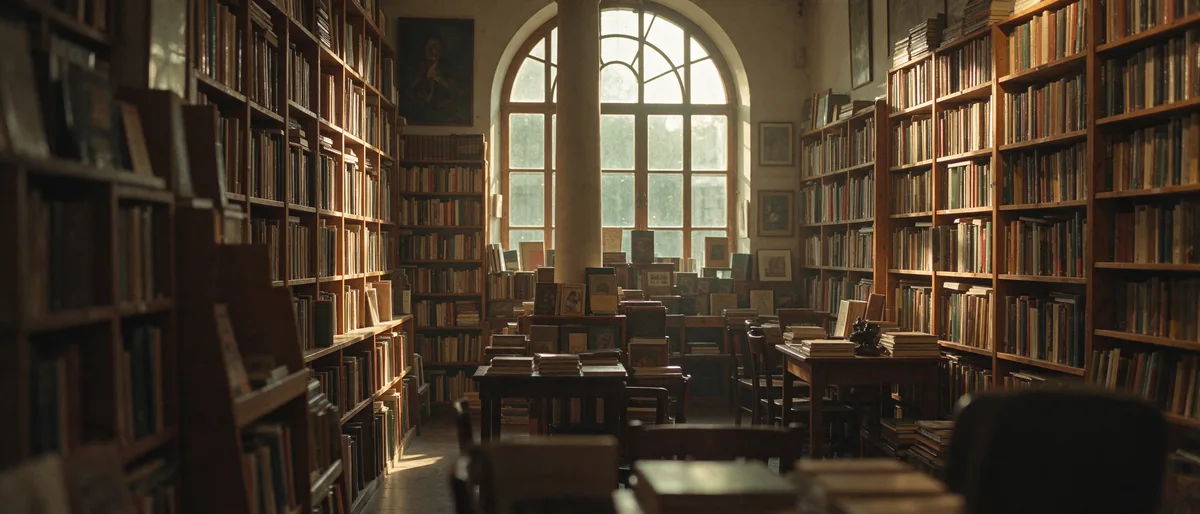
Natural light and realistic materials
For product photography and portraits, the model pays closer attention to how light falls across skin, glass, fabric, and metal.
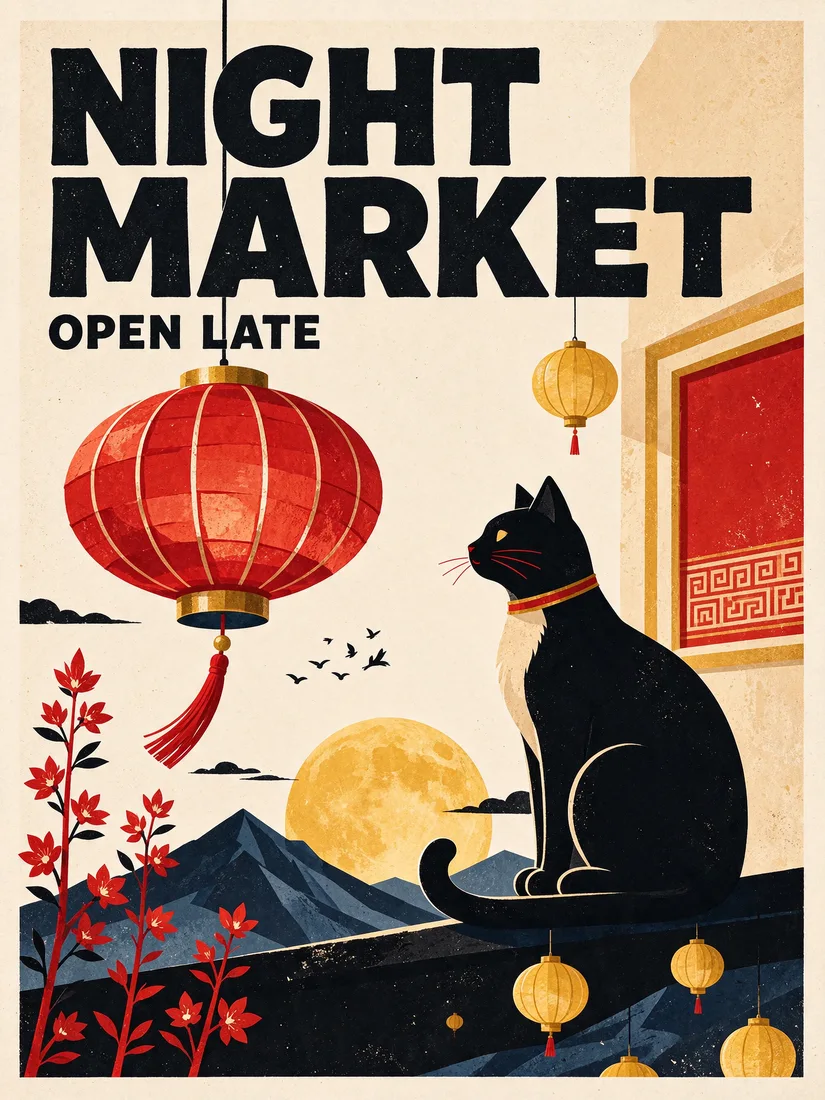
Clearer text in detailed layouts
The model handles titles, labels, and small text more accurately. Check exact spelling before using the image in a campaign or printing it.
 Before
 After
More consistent edits over several rounds
Use the last result as the next reference and describe what needs to change. The model is designed to preserve details in areas you leave untouched.

Transparent assets in a single step
The model can create assets with full or partial transparency. This is useful for compositing stickers, product cutouts, and translucent materials.
Explore other models
Switch between top image models in one generator.

GPT Image 2.6 Sunburst
Detailed image creation and reference editing with planning control.

GPT Image 2.6 Flare
Fast image creation and reference editing with planning control.

Grok Imagine Image 2.0
1K / 2K image generation and editing with up to 3 references.
Nano Banana 2.1
Up to 4K, multi-reference editing, web and image search.
Nano Banana 2
Multi-reference edits with fast style control.

Nano Banana 2 Lite
Fast 1K generation and editing for 11 credits.
Compare Seedream Image Models
Choose the Seedream model that fits your creative task, reference workflow and image requirements.
| Feature | Seedream 4.0 | Seedream 4.5 | Seedream 5.0 Lite | Seedream 5.0 Pro | Seedream 5.0 Flash | Seedream 5.5 NEW-40% |
|---|---|---|---|---|---|---|
| Resolution | 1K / 2K / 4K | 2K / 4K | 2K / 3K | 1K / 2K | 1K / 1.5K / 2K | 1K / 1.5K / 2K |
| Max reference images | 10 | 10 | 14 | 10 | 10 | 10 |
| Web search | No | No | Yes | No | No | No |
| Credit cost | 8 credits | 12 credits | 12 credits, search +3 | Limited-time 10/18 credits (regular 12/24), references +1 each | 6 credits, references included | 1K / 1.5K: 6 credits · 2K: 10 credits · +3 per reference image |
| Core advantage | 1K–4K at same price | 4K reference-image editing | Photorealism and up-to-date content | Commercial high-fidelity | Low-cost, fast creation | Realistic imagery · Clearer text · Multi-step editing · Native transparency |
| Best for | Bulk high-value-for-money output | High-definition marketing assets | Knowledge-driven visuals | Product ads and retouching | Creative iteration and multi-reference composition | Iterative edits, typography, and transparent assets |
Try other Seedream models and choose the right version by quality, reference control, and budget.

Choose Your Plan
Free images include a watermark. Upgrade for clean outputs, faster generation, and commercial use.
Seedream 5.5 FAQ
Learn about output sizes, reference images, and credits.
1
What is Seedream 5.5?
It is an image generation and editing model from ByteDance Seed, introduced on November 9, 2026.
2
What changed in Seedream 5.5?
ByteDance Seed highlights more realistic lighting and materials, clearer small text, and better preservation of unchanged areas across multiple edits.
3
Can Seedream 5.5 create transparent images?
Yes. The model supports native alpha, which preserves fully transparent areas as well as partially transparent edges or materials.
4
How does multi-step editing work?
You use each result as a reference for the next edit. State exactly what should change and which parts should stay as they are.
5
Can the model render text in images?
Yes. It is designed to render titles, labels, and dense text more clearly. Verify the wording before you publish the result.
6
What sizes can I select with Seedream 5.5?
Choose 1K, 1.5K, or 2K in the generator. It starts at 1.5K.
7
Can I generate with Seedream 5.5 on this page?
Yes. Enter a description in the generator above, or upload reference images and describe what you want to change.
8
How are generation and reference images priced?
Each output is priced by resolution. 1K and 1.5K cost the same, while 2K costs more. References are priced per input image. The generator shows the total for your selection.