GPT Image 2.6 Flare AI Image Generator
Turn ideas into striking posters and product visuals, faster.
Create images from text and edit reference images with OpenAI’s GPT Image 2.6 Flare in Raphael. Adjust resolution, quality and planning intensity for each idea.
Text-to-image ideas and prompts
Explore GPT image generation through this model’s official examples. The suggested prompts below are written by Raphael.
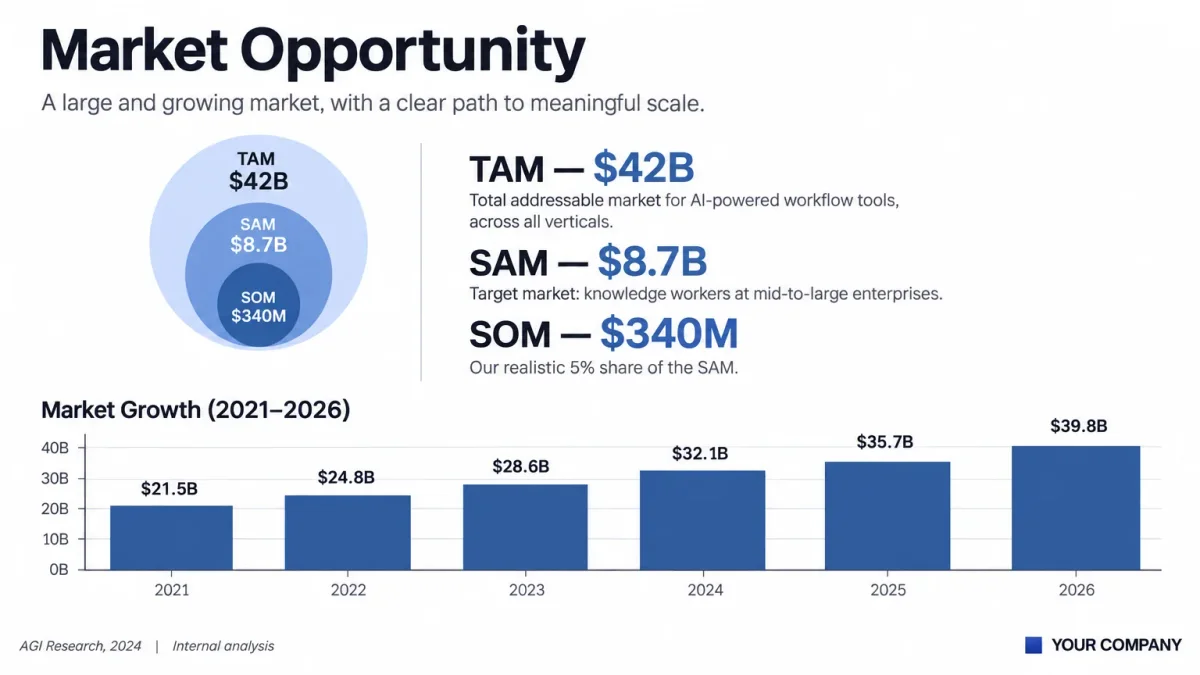
Generate presentation visuals
Use text-to-image generation to arrange a headline, diagrams and sample figures on a slide. Specify the layout and exact text in your image prompt, then check the result before presenting.
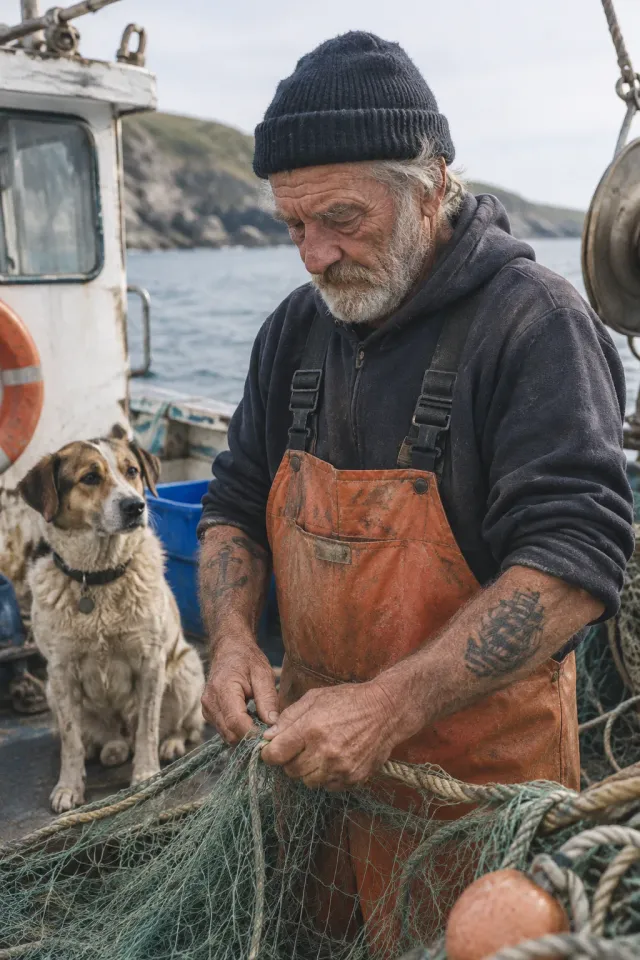
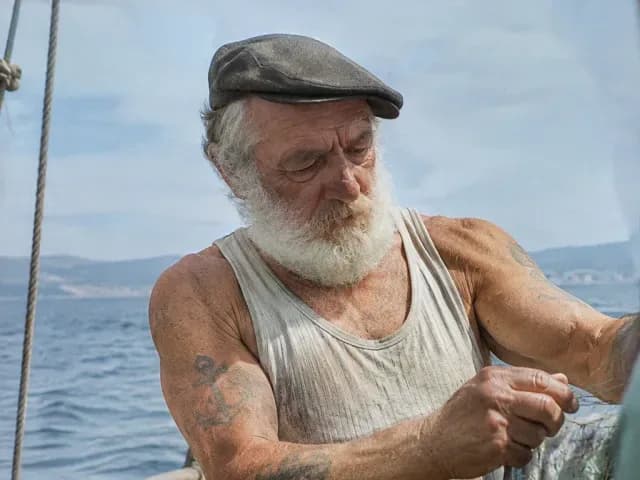
Create a realistic portrait
Describe the subject, setting, light and textures in your prompt. Explore a documentary photography style with weathered skin, work clothes and a coastal backdrop.
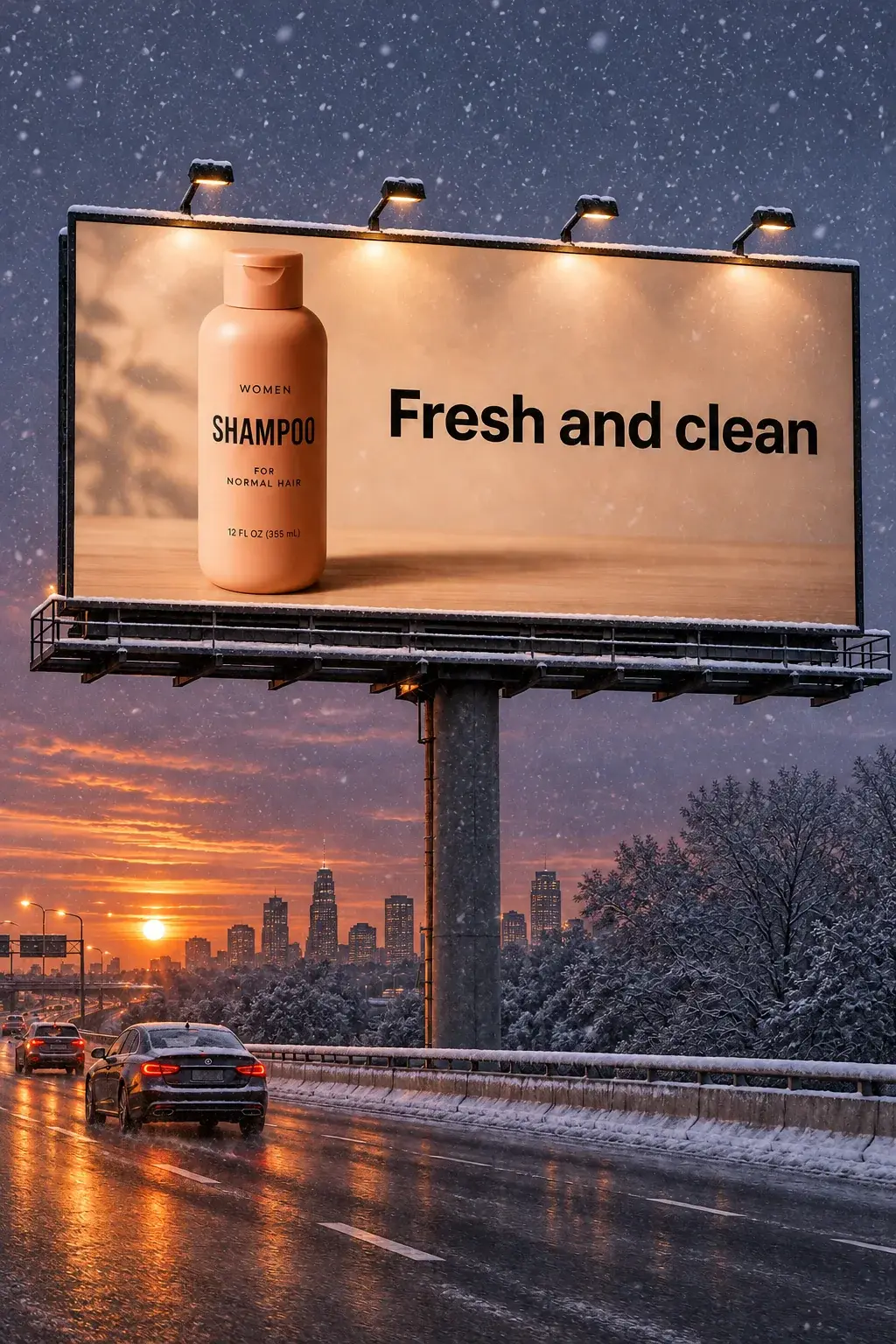
Change the season of an advertising scene
Use image-to-image editing to turn a roadside advertisement into a snowy evening scene. Ask for the product, headline and billboard structure to stay recognizable while the atmosphere changes.
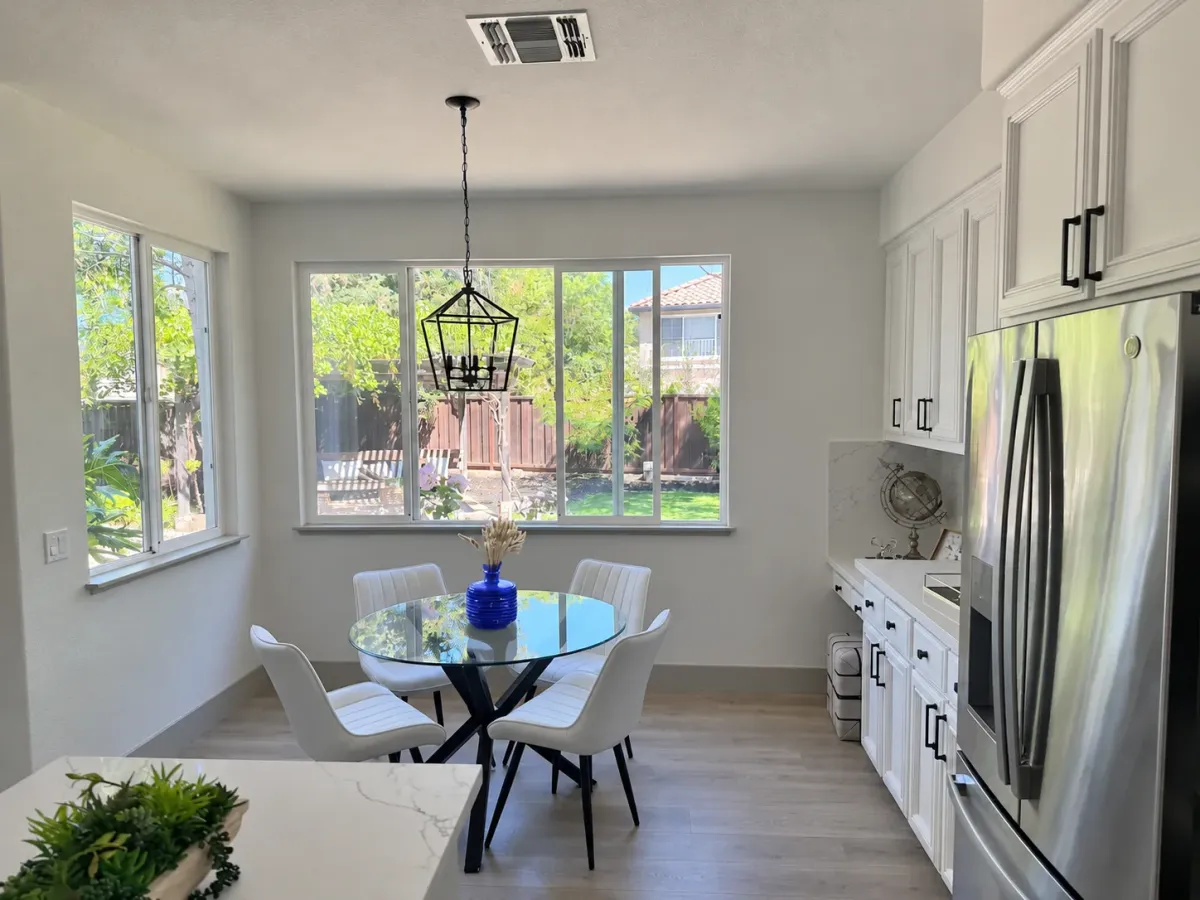
Edit a photo with a reference
Switch from text-to-image to image-to-image by uploading a photo. Describe the object to change and the room details to keep, such as the table, windows and lighting.
Explore other models
Switch between top image models in one generator.
 NEW
GPT Image 2.6 Sunburst
Detailed image creation and reference editing with planning control.
Grok Imagine Image 2.0
1K / 2K image generation and editing with up to 3 references.
Nano Banana 2.1
Up to 4K, multi-reference editing, web and image search.
Nano Banana 2
Multi-reference edits with fast style control.
Nano Banana 2 Lite
Fast 1K generation and editing for 11 credits.
GPT Image 2.5
Flare: fast creation, reference fidelity and natural detail.
Choose your GPT Image model
Controls and credit rules in Raphael.
| Feature | GPT Image 2 | GPT Image 2.5 | GPT Image 2.6 Flare | GPT Image 2.6 Sunburst |
|---|---|---|---|---|
| Resolution | 1K / 2K / 4K | 1K / 2K / 4K | 1K / 2K / 4K | 1K / 2K / 4K |
| Quality | Low / Medium / High | Low / Medium / High / xHigh / Max | Low / Medium / High / xHigh / Max | Low / Medium / High / xHigh / Max |
| Planning intensity | — | — | Low / Medium / High | Low / Medium / High |
| References per output | +3 credits per reference | +3 credits / reference | +3 credits / reference | +3 credits / reference |
| Reference file limit | 50 MiB | 50 MiB | 20 MiB | 20 MiB |
| 1K Medium, no references | From 18 credits, varies by aspect ratio | Prompt-dependent estimate | From 13 credits | From 13 credits |
Review the full quote before generating. Quality names across versions do not imply equal output quality.
Choose Your Plan
Free images include a watermark. Upgrade for clean outputs, faster generation, and commercial use.
Pro
-50%Unlimited Model Benefits
 Seedream 3.5Unlimited
- Seedream 3.5 ProUnlimited Not Included
 MiniMax H3 TurboUnlimited Not Included
- MiniMax H3Unlimited Not Included
- Upgrade to unlock all advanced models and enjoy exclusive discountsMiniMax-70%
 Gemini
 Nano
 GPT-50%Seedream-40%Veo
 Seedance
 Kling
 Grok
 Wan
- 2,000 credits per month
- Up to 2,000 fast images
- Up to 200 basic videos
- Priority queue
- No watermarks
- Batch processing with AI tools
- Full privacy
Ultimate
-50%Unlimited Model Benefits
- Seedream 3.5Unlimited
- Seedream 3.5 ProUnlimited
- MiniMax H3 TurboUnlimited Not Included
- MiniMax H3Unlimited Not Included
- Upgrade to unlock all advanced models and enjoy exclusive discountsMiniMax-70%GeminiNanoGPT-50%Seedream-40%VeoSeedanceKlingGrokWan
- 5,000 credits per month
- Up to 5,000 fast images
- Up to 500 basic videos
- Highest priority queue
- No watermarks
- Batch processing with AI tools
- Full privacy
Max
-50%Unlimited Model Benefits
- Seedream 3.5Unlimited
- Seedream 3.5 ProUnlimited
- MiniMax H3 TurboUnlimited
- MiniMax H3Unlimited
- Upgrade to unlock all advanced models and enjoy exclusive discountsMiniMax-70%GeminiNanoGPT-50%Seedream-40%VeoSeedanceKlingGrokWan
- 10,000 credits per month
- Up to 10,000 fast images
- Up to 1,000 basic videos
- Highest priority queue
- No watermarks
- Batch processing with AI tools
- Full privacy
GPT Image 2.6 Flare FAQ
How to generate images, write prompts and edit with references in Raphael.
How do I use the GPT image generator?
Enter a description of your subject, composition and style. Choose an aspect ratio, resolution and quality, then review the credit total and generate. You can create 1–4 images per request; the default is one. Raphael uses its own account and credits, separate from ChatGPT.
Should I choose Flare, Sunburst, GPT Image 2 or 2.5?
OpenAI positions Flare for fast iteration and Sunburst for detailed visual work and consistency across edits. Both support generation and editing here. Compare GPT Image 2, GPT Image 2.5 and the two 2.6 models in the table above to see the controls and credit rules available in Raphael.
Can I use image-to-image and multiple references?
Yes. Upload up to 16 JPG, PNG or WebP reference images, each up to 20 MiB (20,971,520 bytes). Describe how to use them, such as keeping a product’s appearance while changing its setting.
Can I reuse a ChatGPT image prompt?
You can paste a text prompt into Raphael and adapt it for Flare. Name the subject, intended use, composition, lighting and any exact wording to include. For edits, also upload the source image and say what to preserve. Prompts support up to 10,000 characters, including emoji.
Which image resolution and quality can I choose?
Choose 1K, 2K or 4K and Low, Medium, High, xHigh or Max quality. Defaults: 1K and Low.
What does planning intensity control?
Planning intensity controls how much planning goes into a request. Low can suit focused edits; High can help with dense text, complex layouts and relationships. It is separate from image quality, has no separate credit fee and defaults to Low.
Can an edit keep my reference image’s aspect ratio?
With references uploaded, choose Auto to follow the first image’s aspect ratio. Text-to-image starts at 1:1 and offers 15 aspect ratios, including landscape and portrait options.
How many credits do image generation and references cost?
A 1K Low image without references starts at 8 credits. Each reference adds 3 credits per output image. Review the full price before generating.