MiniMax H3 Image Highspeed
Test layouts and styles in less time, then generate the final image in 4K.
Compare up to four images from one prompt, or use up to 16 reference images to revise a scene.
AI Enhance
0 / 3,000
Reference Images (Optional)
0 / 3,000
AI Enhance
Model
Aspect Ratio
Output Number
Resolution
Output Format
From quick drafts to 4K images
The images are from the official MiniMax H3 Image showcase. The prompts below are starting points inspired by the examples.
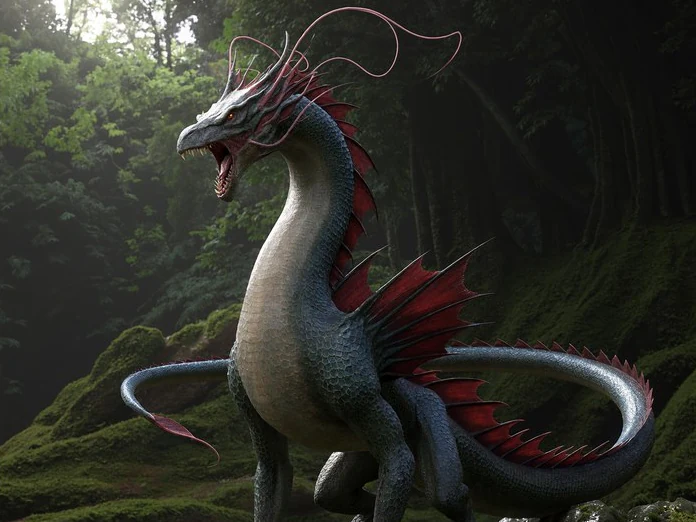
Draft at 1K, finish at 4K
Use 1K to check the silhouette and composition. Choose 4K for the final image when details such as scales, moss, and forest light matter.
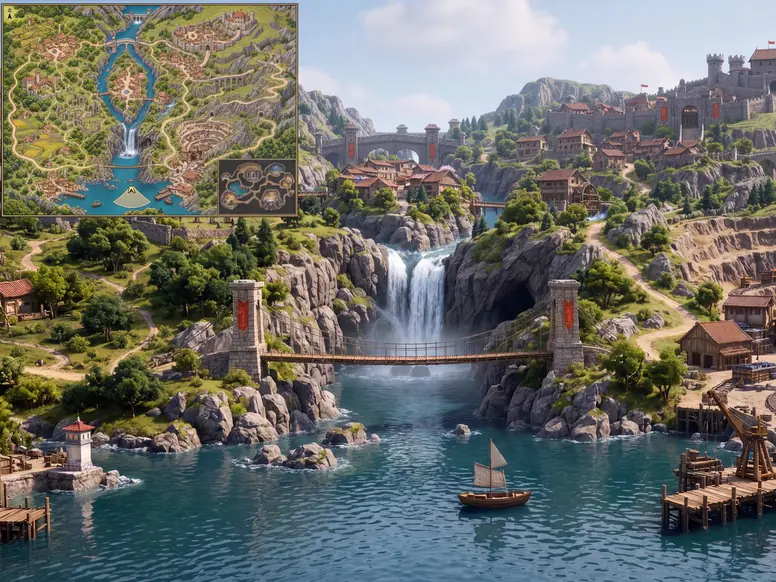
Build a new viewpoint from a reference
Describe where the camera should be and which landmarks to keep. This example turns a game map into a first-person view and keeps the map as an inset.
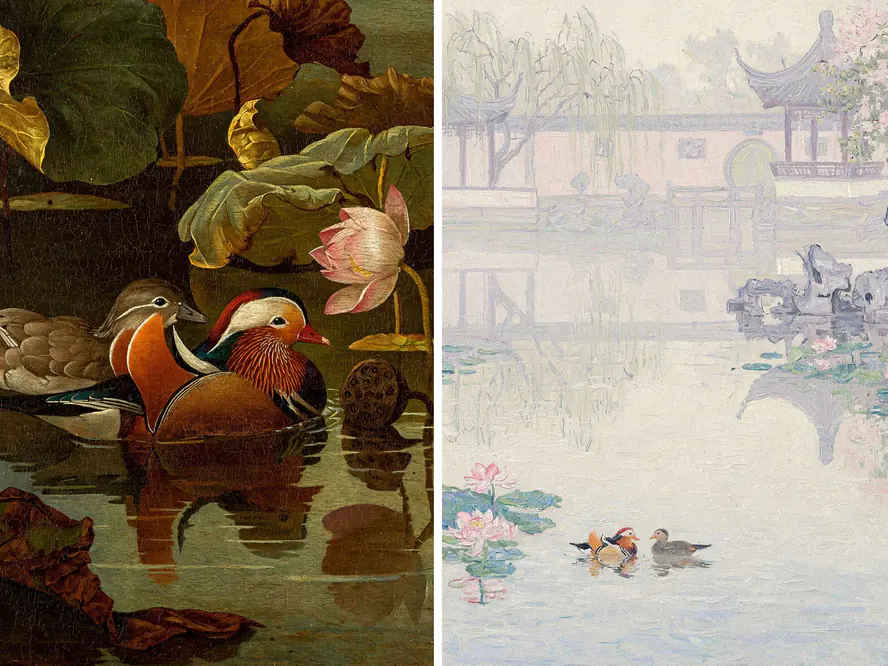
Compare compositions before choosing a style
Generate up to four images from one prompt to compare layouts. For a different medium, change the prompt and run it again, such as switching from oil paint to a light watercolor.
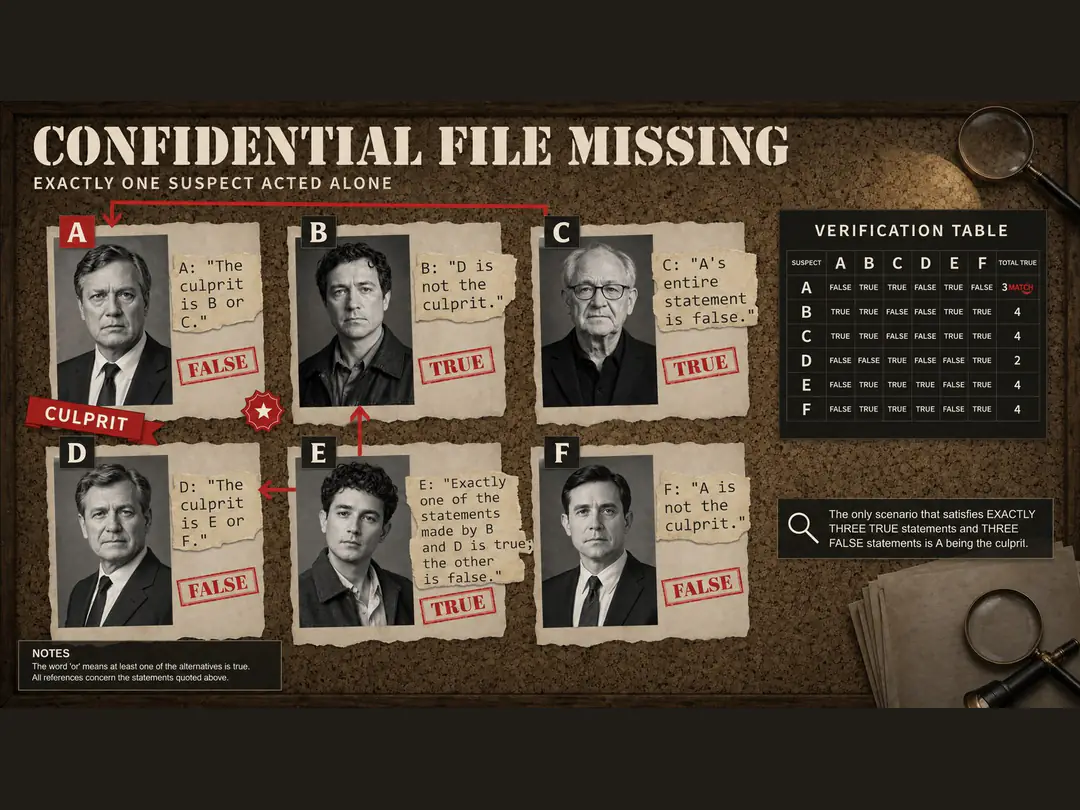
Place readable text in a visual layout
Give the model exact wording and a clear place for each element. The detective board shows how portraits, clues, and a table can fit on one page.
Explore other models
Switch between top image models in one generator.
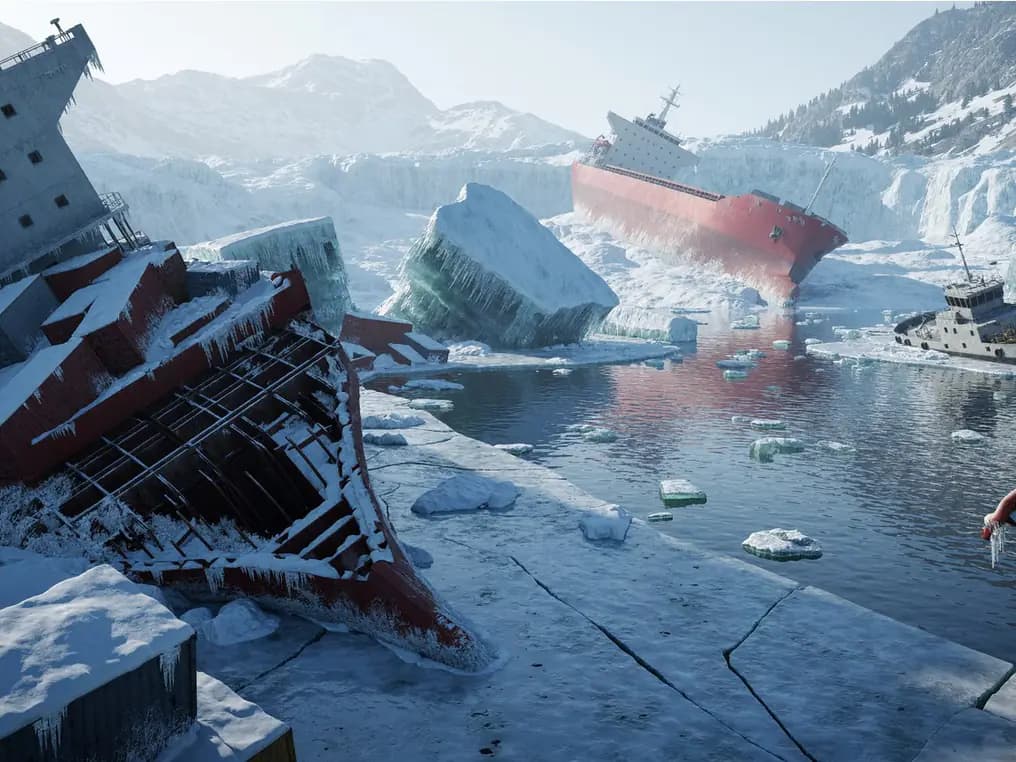 NEW
MiniMax H3 Image
Create realistic images from text and edit with multiple references.
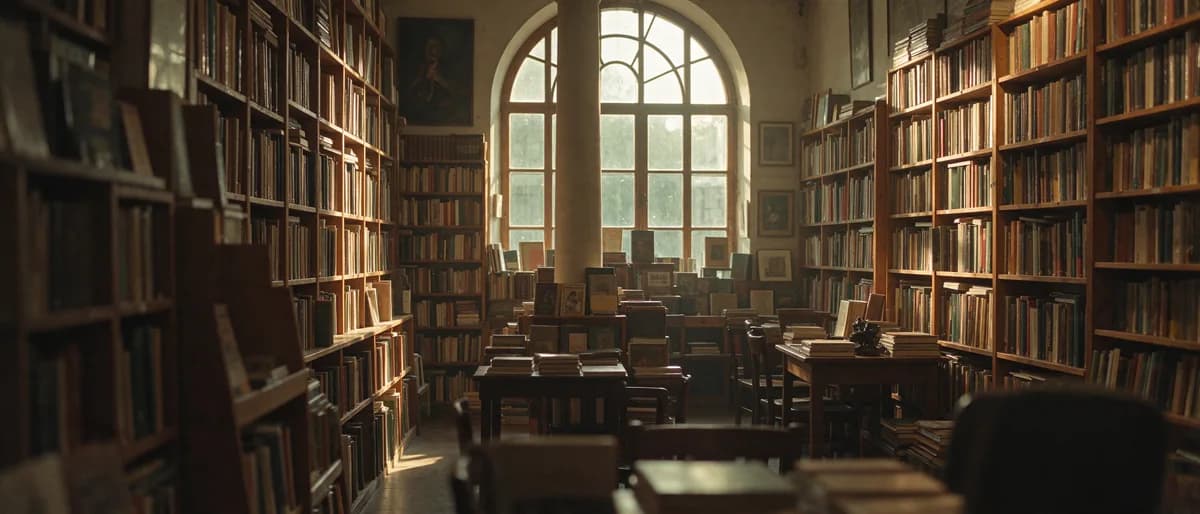 NEW
Seedream 5.5
Image model for realistic scenes, clearer text, and multi-step editing.
GPT Image 2.6 Sunburst
Detailed image creation and reference editing with planning control.
GPT Image 2.6 Flare
Fast image creation and reference editing with planning control.
Grok Imagine Image 2.0
1K / 2K image generation and editing with up to 3 references.
Nano Banana 2.1
Up to 4K, multi-reference editing, web and image search.
MiniMax H3 Image vs. Highspeed
Choose Standard to spend fewer credits per image, or Highspeed when you want faster iterations.
| Feature | MiniMax H3 Image | MiniMax H3 Image Highspeed |
|---|---|---|
| Resolution | 1K / 2K / 4K | 1K / 2K / 4K |
| Max reference images | 16 | 16 |
| Generation mode | Standard | Highspeed |
| Text-to-image credits per image (1K / 2K / 4K) | 11 / 11 / 30 | 17 / 17 / 55 |
| Key difference | Fewer credits per image for everyday use | Faster generation for quick iterations |
| File formats | JPG / PNG / WebP | JPG / PNG / WebP |
Try model

Choose Your Plan
Free images include a watermark. Upgrade for clean outputs, faster generation, and commercial use.
Frequently asked questions
MiniMax H3 Image Highspeed
1
When should I choose Highspeed?
Choose Highspeed when you want to review and revise several ideas quickly. Both models support up to 4K, 15 aspect ratios, and up to 16 reference images. The standard model uses fewer credits per output.
2
How do I generate 4K images?
Open the generation settings, choose 4K, and select an aspect ratio. The output width and height depend on the ratio you choose. Use 1K or 2K for draft versions.
3
Can I edit with multiple reference images?
Yes. Add up to 16 images, each up to 20 MiB. Explain what each reference contributes. AI Enhance turns on automatically for reference editing and is optional when you generate from text alone.
4
How many variations can I generate at once?
Generate 1 to 4 images from the same prompt. Set the output count in the generation settings to compare different compositions side by side.
5
Which file formats can I choose?
Choose JPG, PNG, or WebP under Output format. JPG is the default. PNG output has no transparent background.
6
Can I keep editing an image I generated?
Yes. Use your chosen image as a reference for the next round. Describe the details you want to change and what you want to keep.