MiniMax H3 Image
Turn a text prompt into a product shot, poster, or realistic scene. Use reference images to keep a subject, match a style, or change the setting.
Generate at 1K, 2K, or 4K, or edit an image using up to 16 references.
AI Enhance
0 / 3,000
Reference Images (Optional)
0 / 3,000
AI Enhance
Model
Aspect Ratio
Output Number
Resolution
Output Format
From text prompts to image edits
The images are from the official MiniMax H3 Image showcase. The prompts below are starting points inspired by the examples.
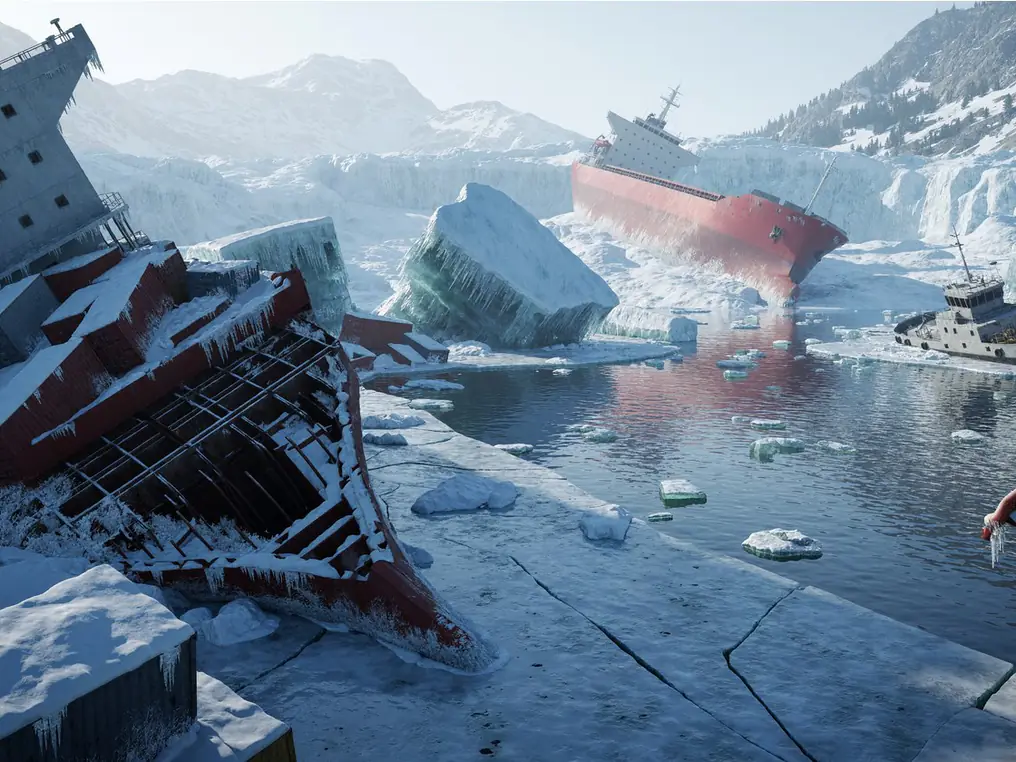
Build a scene from text
Describe what goes in the foreground and what belongs in the distance. In this scene, broken ice frames the shipwrecks and guides the eye toward the mountains.
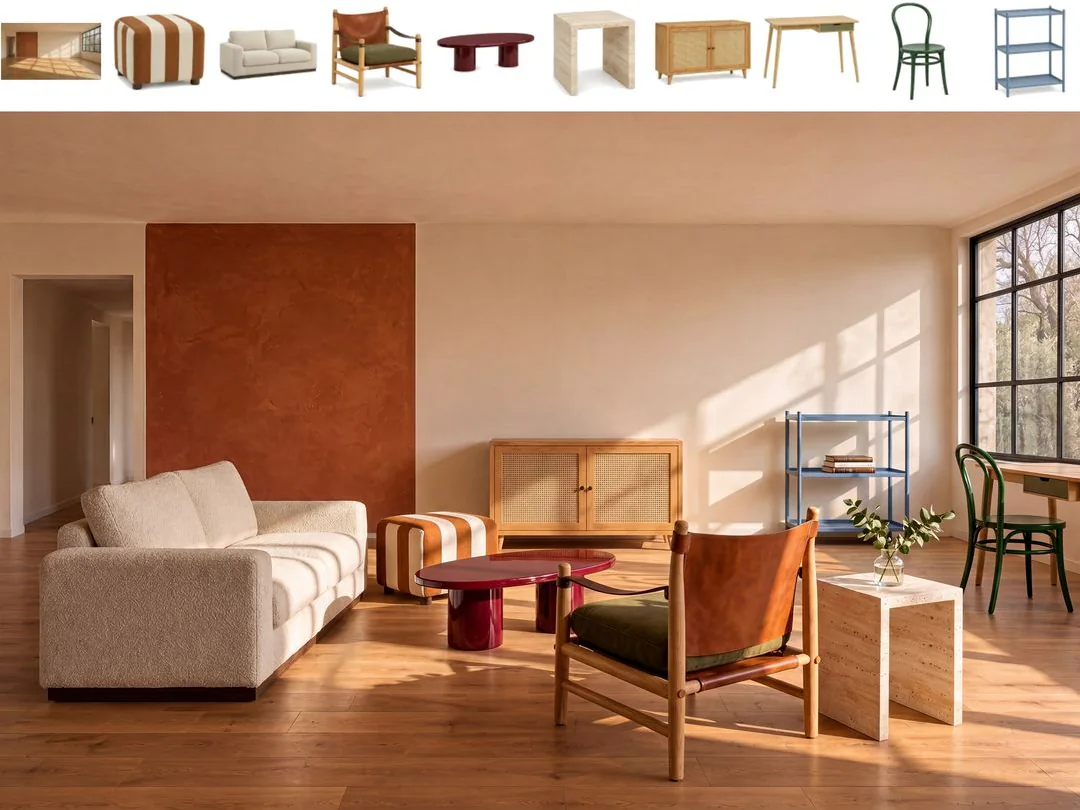
Edit an image with multiple references
Tell the model which image provides the room, subject, or style. This example combines an empty room and nine furniture references while keeping the room recognizable.
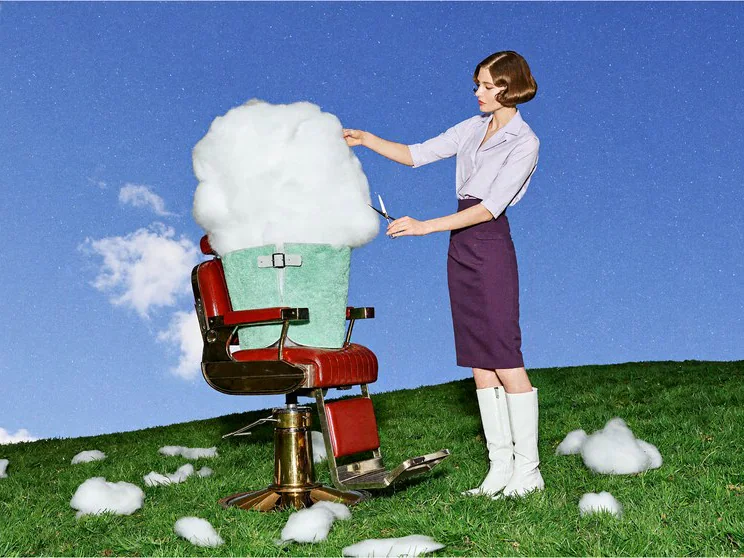
Turn an unusual idea into an image
Describe the action and setting as you would for a real photo. Ordinary details, such as the barber chair and daylight, help make an impossible scene feel believable.
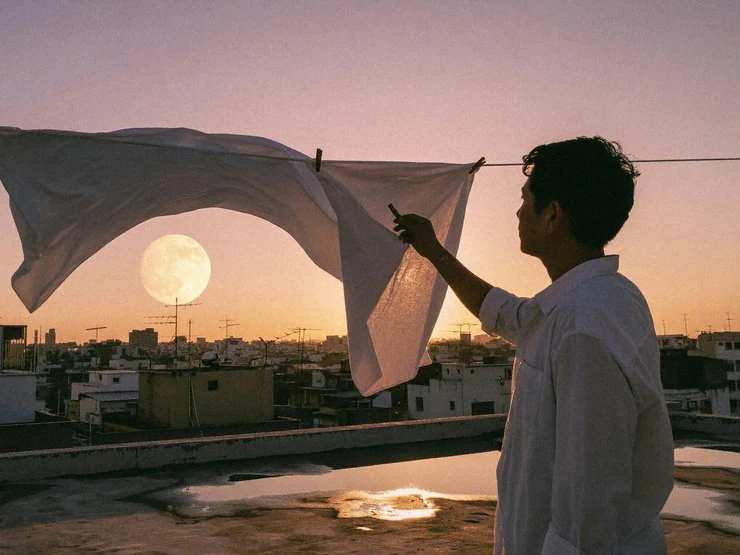
Make lighting and texture feel real
Give the model details it can show, such as the direction of the light, the folds in fabric, or how a person is moving. Here, backlight gives the sheet and figure clear outlines.
Explore other models
Switch between top image models in one generator.
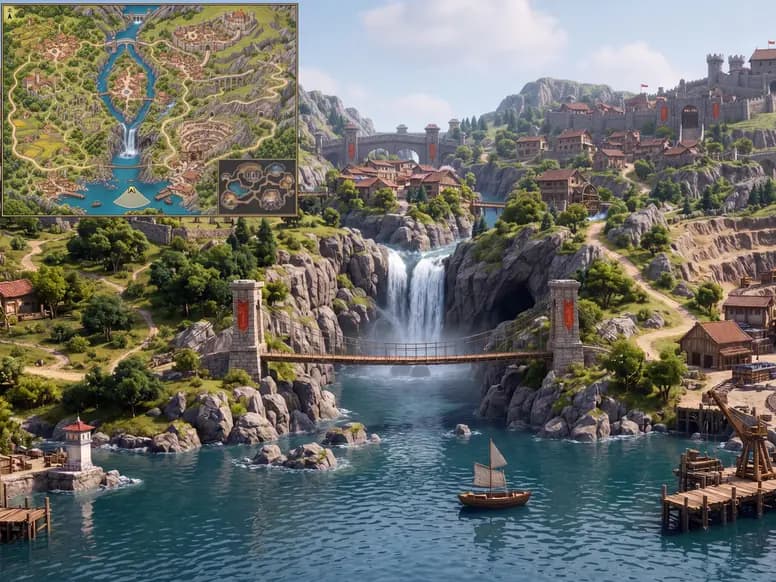 NEW
MiniMax H3 Image Highspeed
Explore compositions quickly and generate final images in 4K.
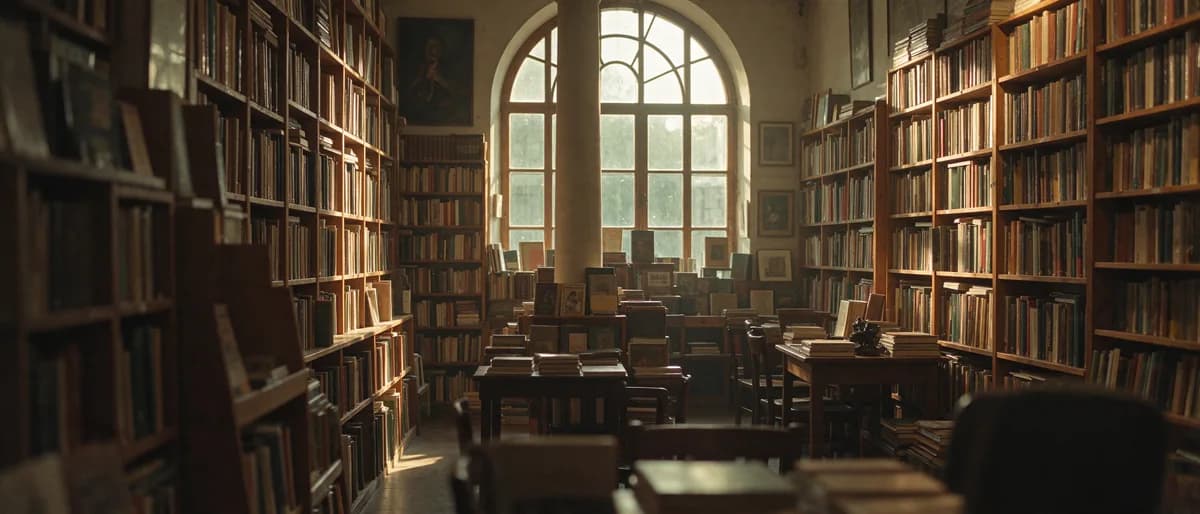 NEW
Seedream 5.5
Image model for realistic scenes, clearer text, and multi-step editing.
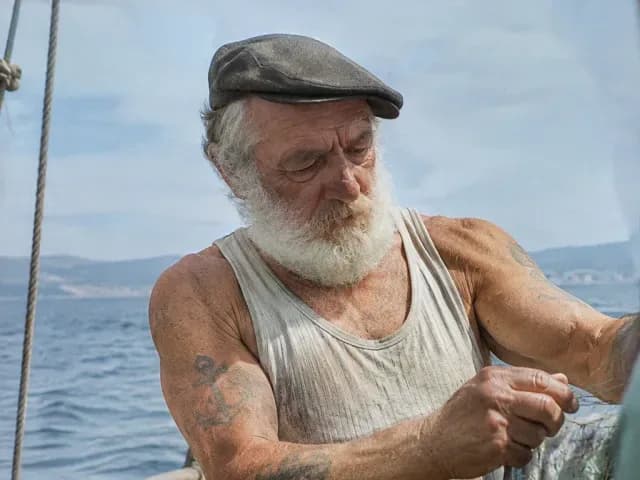
GPT Image 2.6 Sunburst
Detailed image creation and reference editing with planning control.
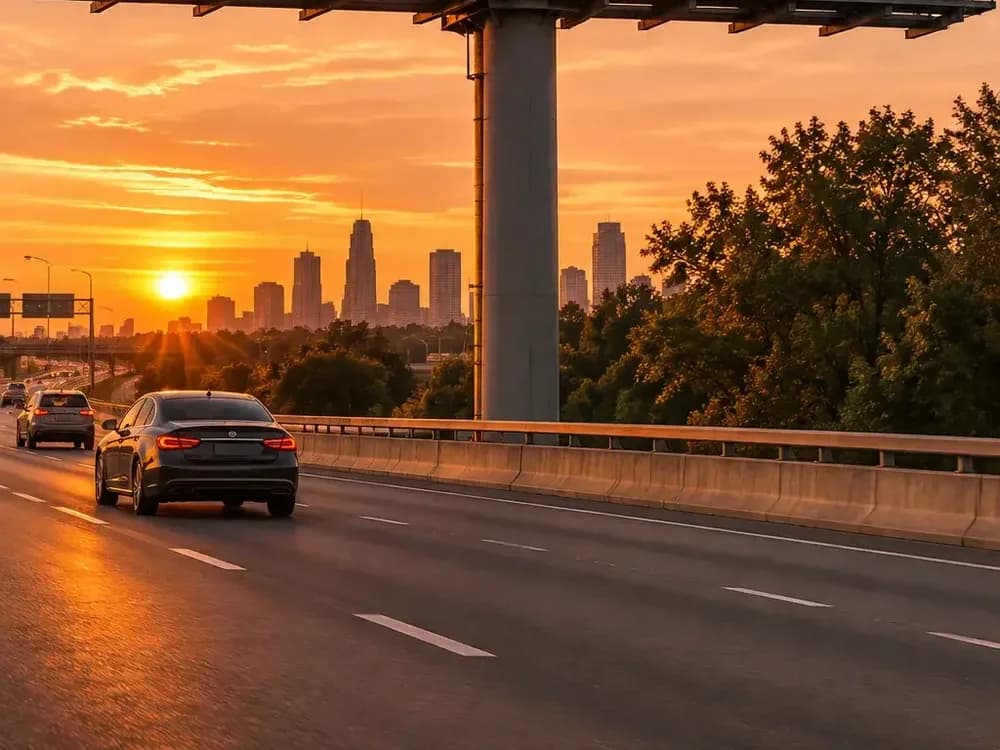
GPT Image 2.6 Flare
Fast image creation and reference editing with planning control.

Grok Imagine Image 2.0
1K / 2K image generation and editing with up to 3 references.
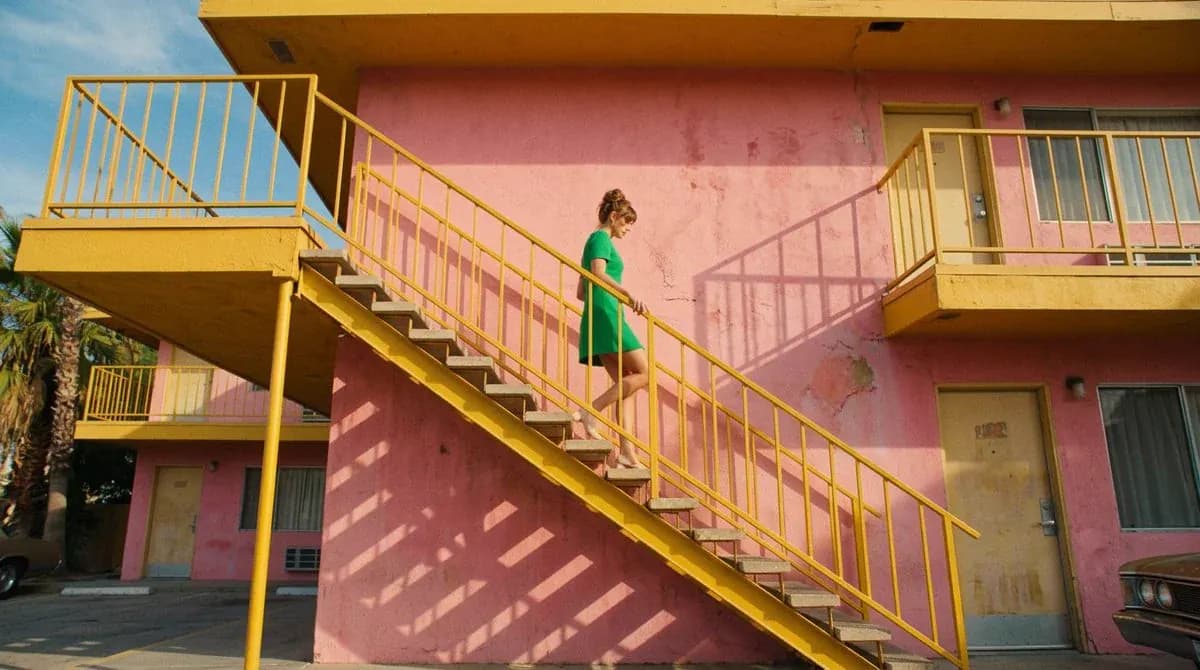
Nano Banana 2.1
Up to 4K, multi-reference editing, web and image search.
MiniMax H3 Image vs. Highspeed
Choose Standard to spend fewer credits per image, or Highspeed when you want faster iterations.
| Feature | MiniMax H3 Image | MiniMax H3 Image Highspeed |
|---|---|---|
| Resolution | 1K / 2K / 4K | 1K / 2K / 4K |
| Max reference images | 16 | 16 |
| Generation mode | Standard | Highspeed |
| Text-to-image credits per image (1K / 2K / 4K) | 11 / 11 / 30 | 17 / 17 / 55 |
| Key difference | Fewer credits per image for everyday use | Faster generation for quick iterations |
| File formats | JPG / PNG / WebP | JPG / PNG / WebP |
Try model

Choose Your Plan
Free images include a watermark. Upgrade for clean outputs, faster generation, and commercial use.
Frequently asked questions
MiniMax H3 Image
1
How do I prompt a reference image edit?
Say which image to use for the subject, layout, or style, and list what should stay the same. You can add up to 16 images, each up to 20 MiB.
2
Can I generate a 4K image from text?
Yes. Enter a prompt, select 4K in the generation settings, and choose one of the 15 aspect ratios. Use 1K or 2K when you want a smaller output.
3
How long can my prompt be?
You can enter up to 3,000 characters. Start with the subject and scene, then add details such as style and lighting.
4
How many credits does an image edit cost?
For each generated image, add 3 credits for prompt enhancement and 4 per reference to the base price. A single 2K output with one reference costs 18 credits. The Generate button shows the total.
5
Which file formats can I choose?
Choose JPG, PNG, or WebP under Output format. JPG is the default. PNG output has no transparent background.
6
Which aspect ratios are available?
Choose from 15 aspect ratios, including 1:1 for square images, 4:5 for portrait images, 16:9 for banners, and 3:1 for ultrawide layouts.