
Kling 4.0 Flash AI Video Generator
Create text-to-video clips with Kling 4.0 Flash, or use one first-frame image and image or video references.
Kling 4.0 Flash supports text to video, image to video from a single first frame, and generation with image or video references. Create 3–20 second 720p clips with generated audio.
AI Enhance
0 / 3,000
Reference Images (Optional)
0 / 3,000
AI Enhance
Model
Aspect Ratio
Output Number
Resolution
Quality
Output Format
Fast
Loading video models...
Kling 4.0 Flash Video Examples
Supports character performance, coherent motion and multi-shot short videos.
Official Kling 4.0 Flash example
A Natural Outdoor Encounter
Suggested prompt (not the original)
Kling 4.0 Flash Features
Create video from text, one first-frame image, or image and video references.
Official Kling 4.0 Flash example

Natural Character Performance
Render changing expressions and gestures during a conversation while keeping characters and their surroundings connected across the clip.
Official Kling 4.0 Flash example

Coherent Complex Motion
Keep character positions, body movement and camera direction coherent through fast action, so each movement remains clear.
Official Kling 4.0 Flash example
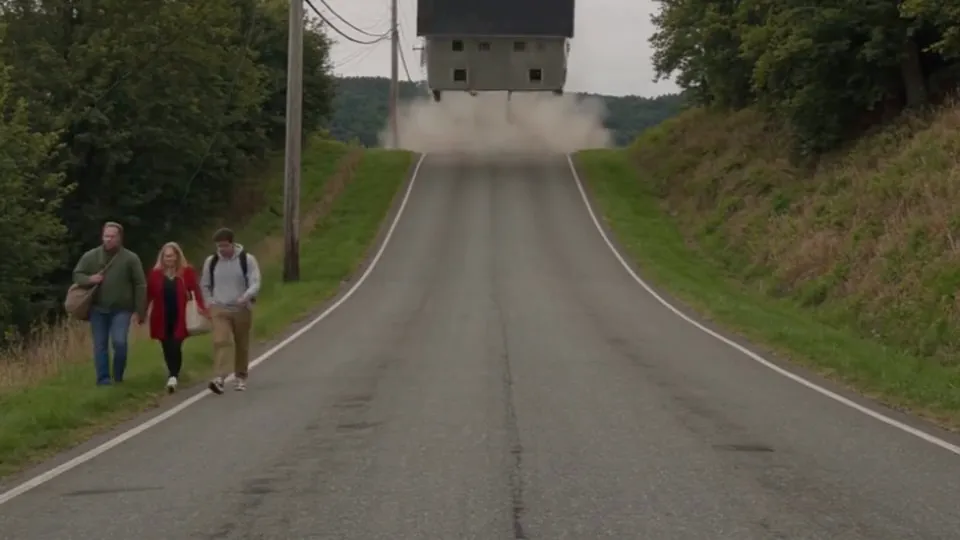
Dynamic Scene Generation
Create large-scale object motion, such as tumbling, with a readable trajectory and corresponding changes in the environment.
Official Kling 4.0 Flash example
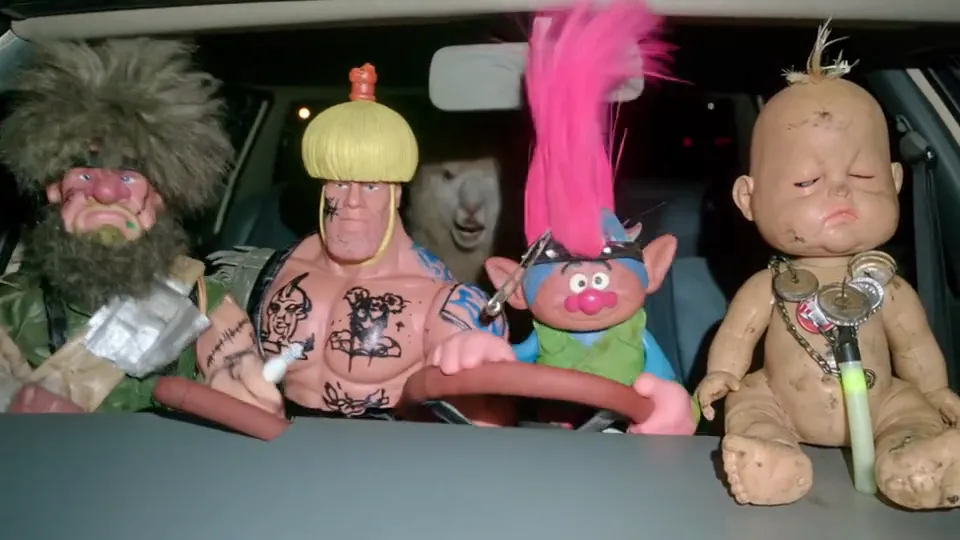
Multi-Shot Storytelling
Connect different views and settings in one video, bringing character, vehicle and road shots into a continuous action sequence.
 NEW
Kling 4.0
3–30 second video with keyframes and multimodal references.
 -60%
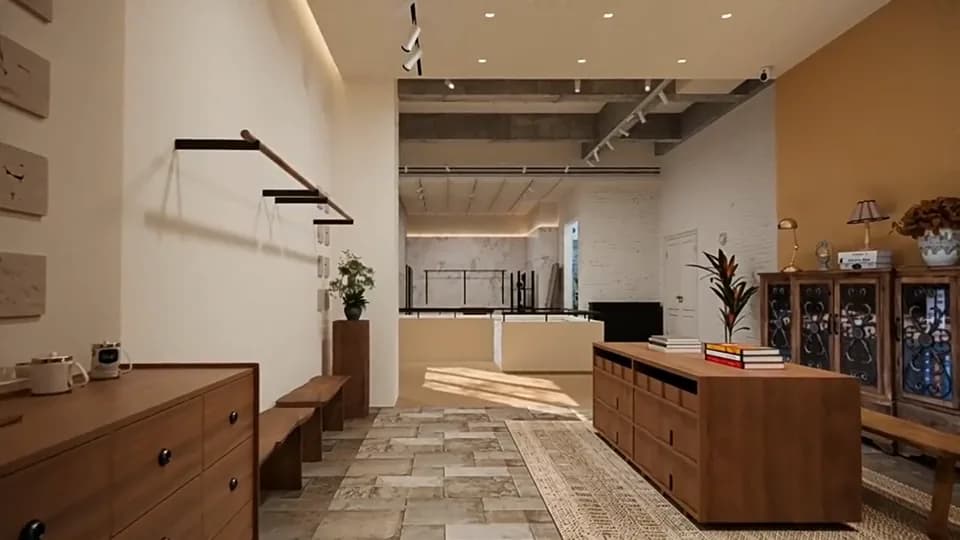
Wan 3.0
Multimodal video up to 30 seconds, with optional sound.
 -60%
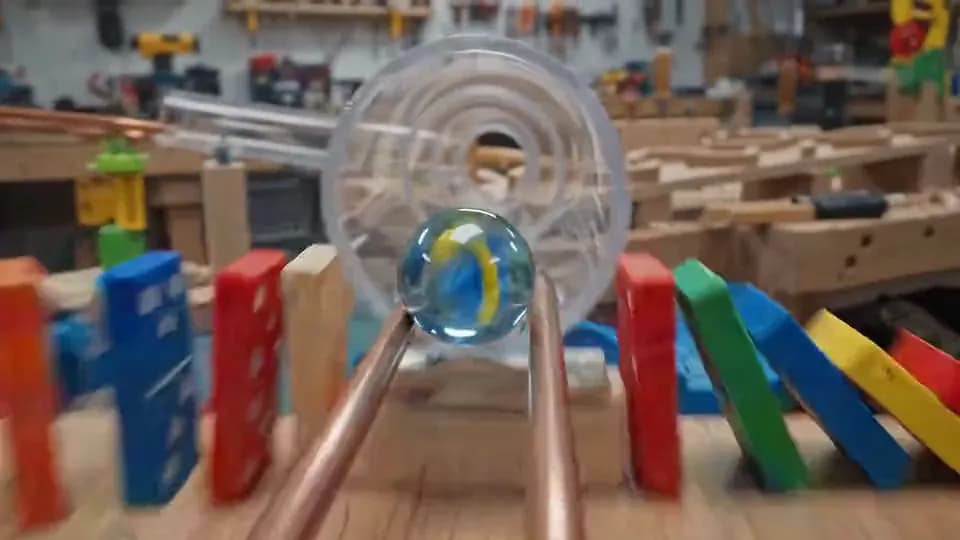
Wan 3.0 Prime
Faster multimodal video, up to 30 seconds.
Gemini Omni Flash
720p video from text, one image, or 1–6 reference images.

MiniMax H3
2K video with native stereo audio and multimodal references.

Seedance 2.5
Up to 30 seconds with multimodal references and native audio.
Compare Kling Video Models
Choose the right Kling video model based on image quality, image input, audio, and generation speed.
| Feature | Kling 3.0 | Kling 3.0 Turbo | Kling 4.0 | Kling 4.0 Flash |
|---|---|---|---|---|
| Resolution | 720p / 1080p / 4K | 720p / 1080p | 720p / 1080p | 720p |
| Duration | 3–15 seconds | 3–15 seconds | 3–30s | 3–20s |
| Image to video | Up to 2 images | 1 first frame | First, last, and up to 8 middle keyframes | One first frame |
| References | — | — | Images, videos, audio; 15 total | Images, videos; 15 total |
| Native Audio | Yes | No | Yes | Yes |
| Standard credits/sec | No sound: 31/41/153 | 41/51 | 50/75 | 30 |
| Video reference credits/billed sec | — | — | 30/45 | 20 |
Select a model to see available settings and the credit quote before generating.

Choose Your Plan
Free images include a watermark. Upgrade for clean outputs, faster generation, and commercial use.
Kling 4.0 Flash FAQ
Learn about inputs, duration, audio and batch generation.
1
How do I create a text-to-video clip with Kling 4.0 Flash?
Choose text to video, describe the scene, action and camera, then set the aspect ratio and duration. Flash creates 3–20 second 720p clips.
2
Does Flash support image-to-video generation?
Yes. Upload one first-frame image and describe the subsequent motion in your prompt. Flash does not support last or middle keyframes; choose Kling 4.0 for those controls.
3
Which reference assets does Kling 4.0 Flash support?
Use up to 10 images and 5 videos, with no more than 15 assets in total. Each reference video must be 3–20 seconds, and their combined duration cannot exceed 20 seconds. Audio references are not supported.
4
How does Kling 4.0 Flash differ from Kling 4.0?
Flash creates 3–20 second 720p clips and uses one first-frame image for image to video. Kling 4.0 supports 3–30 seconds at 720p or 1080p, plus last frames, middle keyframes and audio references.
5
Can I turn off audio in Kling 4.0 Flash videos?
There is no audio-off option. With reference video, choose regenerated sound or the first video's original audio. If that video has no audio track, the result may also be silent.
6
How many Kling 4.0 Flash videos can I generate at once?
Choose 1–4 videos. Each is submitted as a separate request, and the combined credit quote appears before generation.