AI Image to Image Generator
Generate AI images from any reference photo in seconds — keep the composition, restyle the rest. Free with unlimited basic generation.
Free, unlimited AI image to image generator. Switch between top image-to-image AI models in one panel: GPT Image 2 (the OpenAI lineage behind ChatGPT and DALL·E), Gemini 3-powered Nano Banana 2, and Seedream 5.0 — generate AI images from any reference photo while keeping the structure intact.

Popular Models
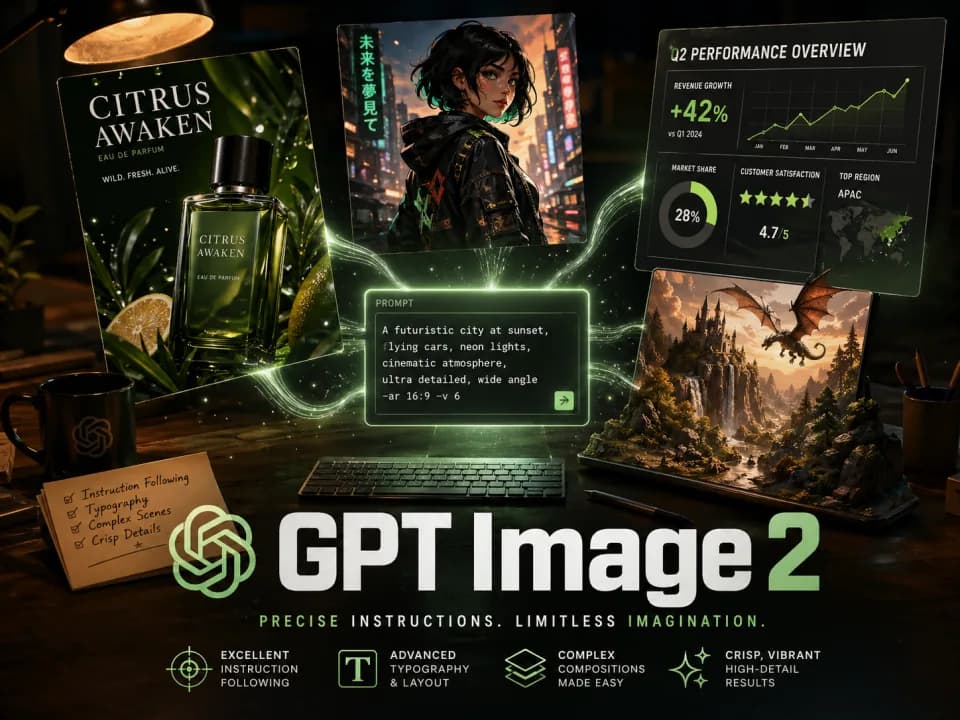
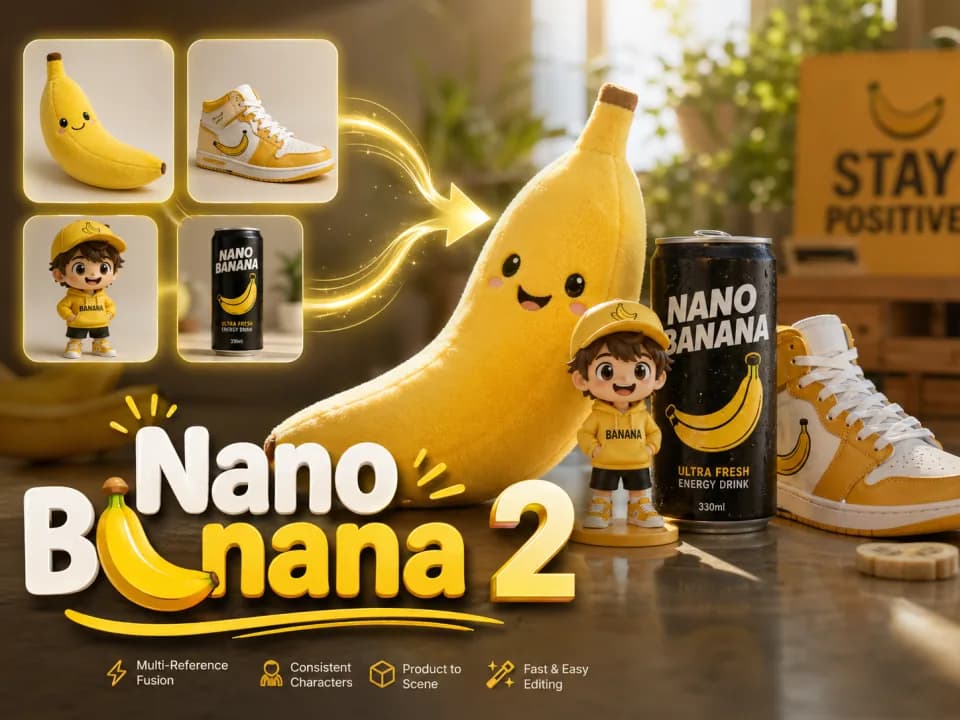
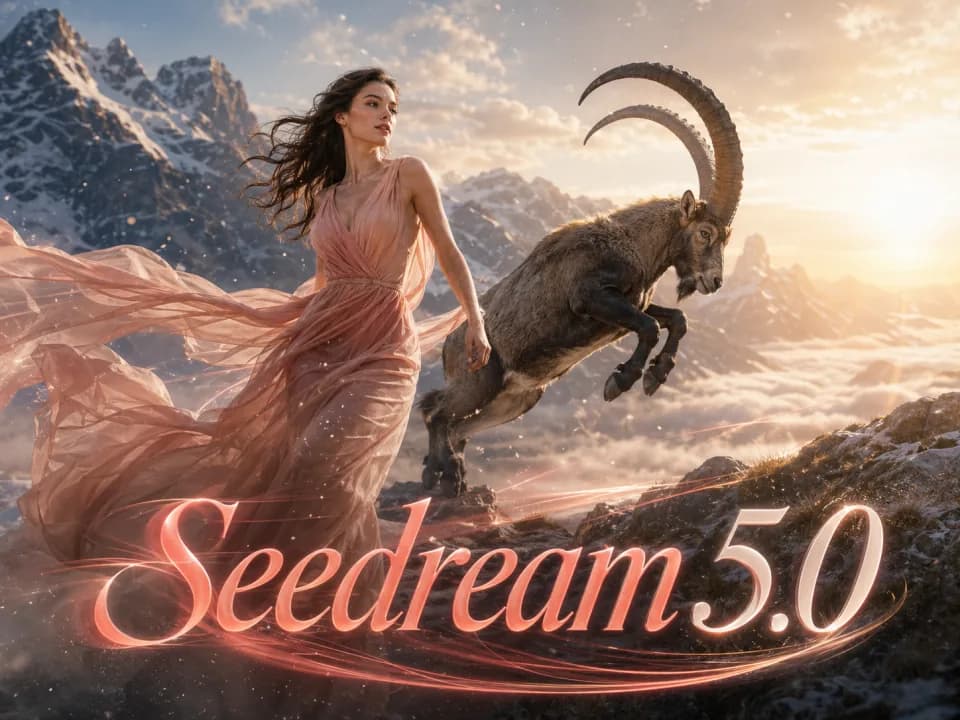
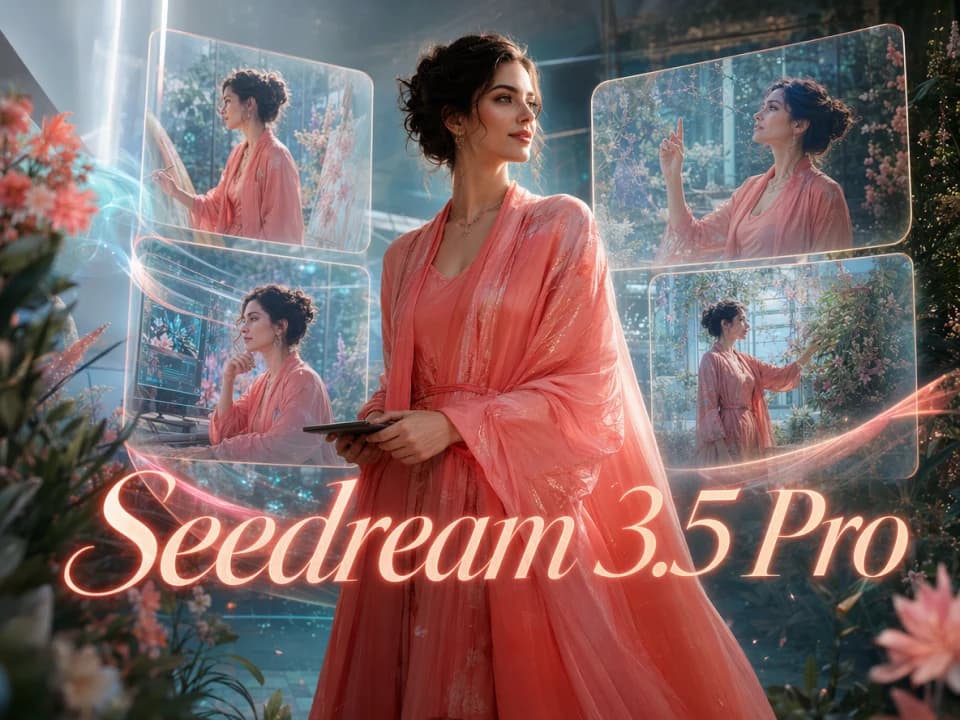
Image Templates
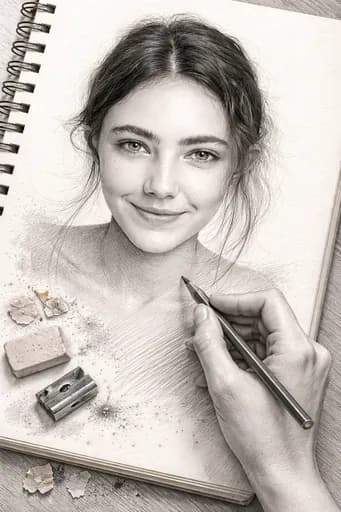
Upload a reference image, pick a template, and instantly transform the style.

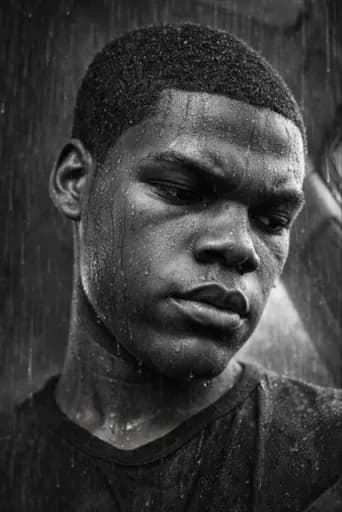
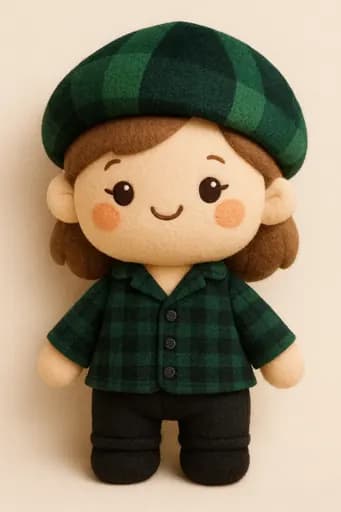
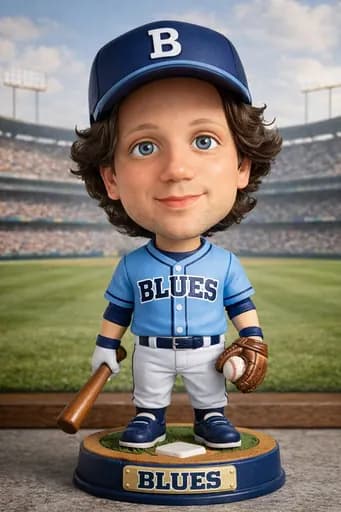
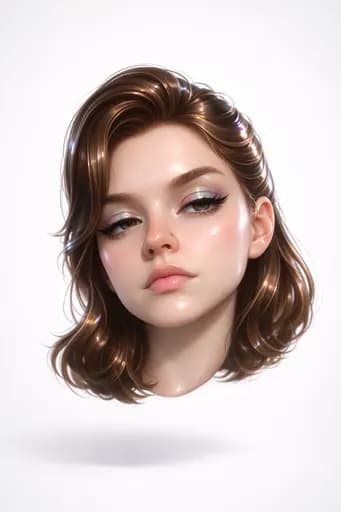
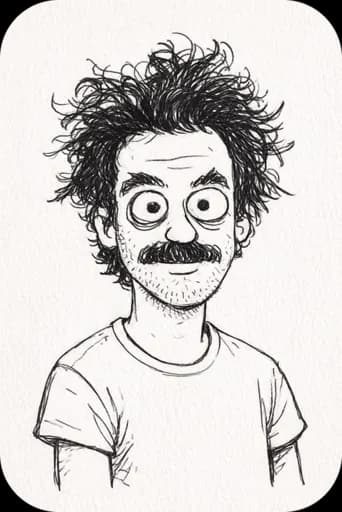
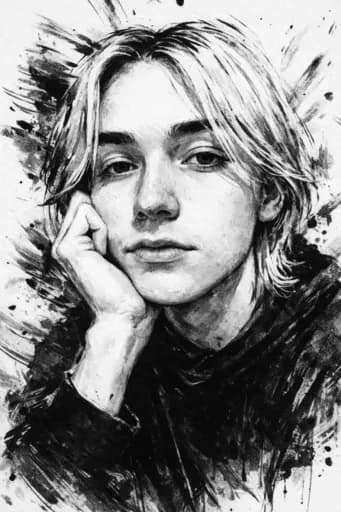
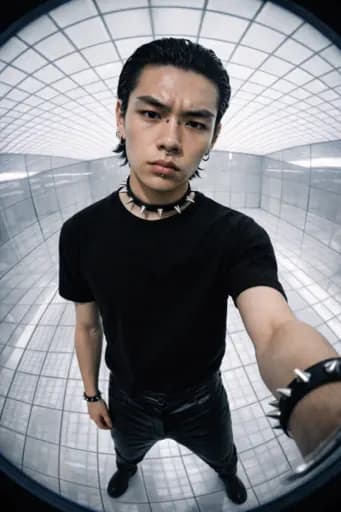
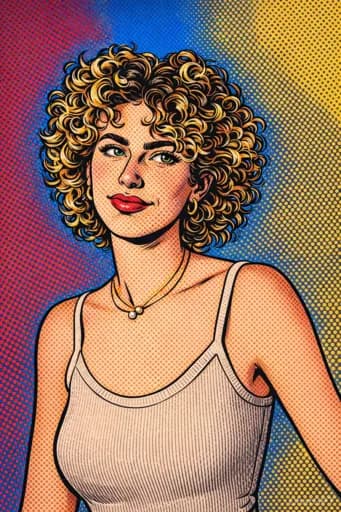
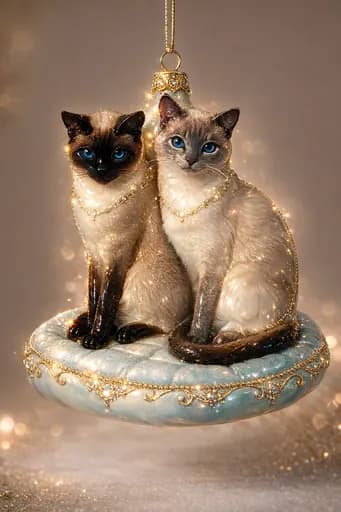
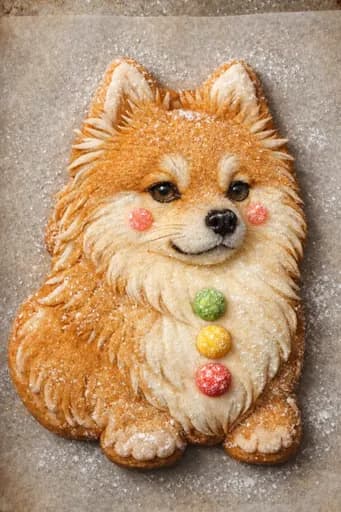
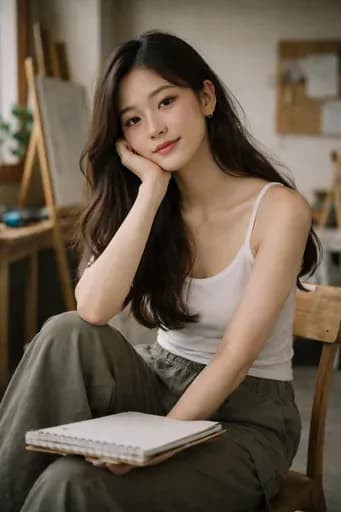

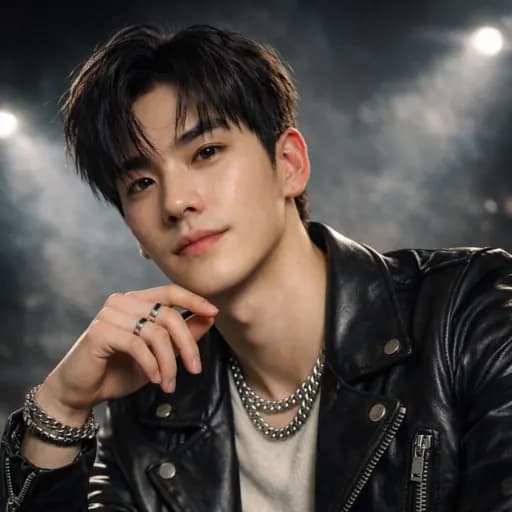
From one reference photo, multiple new versions — across top image-to-image AI models
Free AI image generator from image with unlimited basic generation. Top models — GPT Image 2 (ChatGPT/DALL·E lineage), Nano Banana 2 (Gemini 3), Seedream 5.0, Seedream 3.5 Pro — switch freely in one panel. Upload one reference photo, then rewrite style, lighting, background, or detail with prompts.
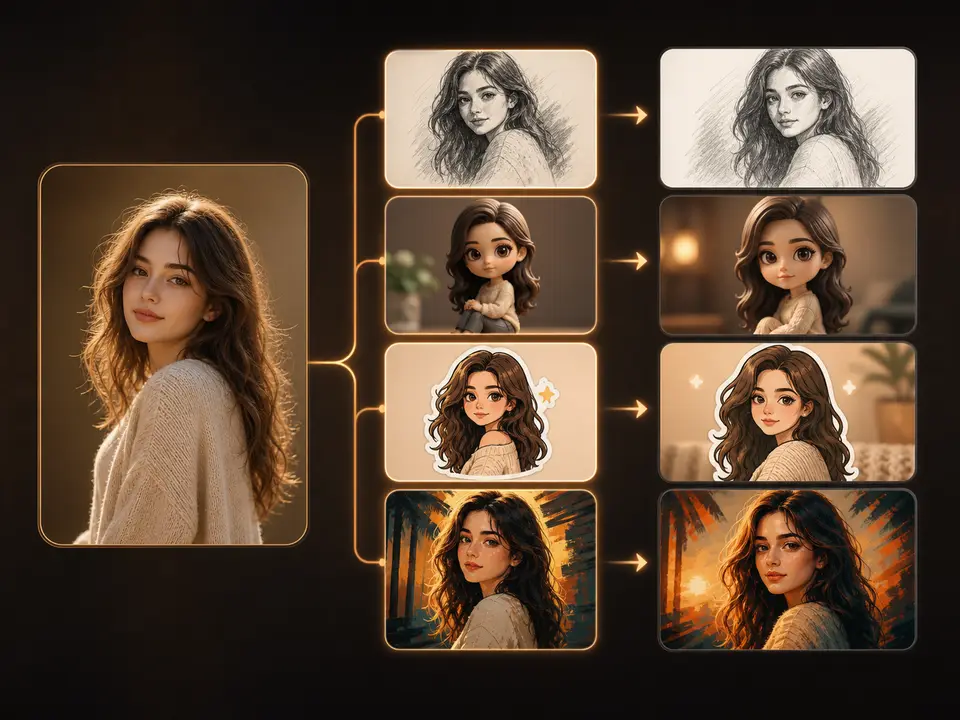
Template-driven edits, no prompt engineering required
Sketch art, 3D figurines, stickers, holiday cards, product posters — apply a template instead of hand-crafting the prompt. Templates pre-fill the key parameters; you upload a reference photo and tweak the description toward your target. This free AI image generator from image includes unlimited basic generation with the free tier.
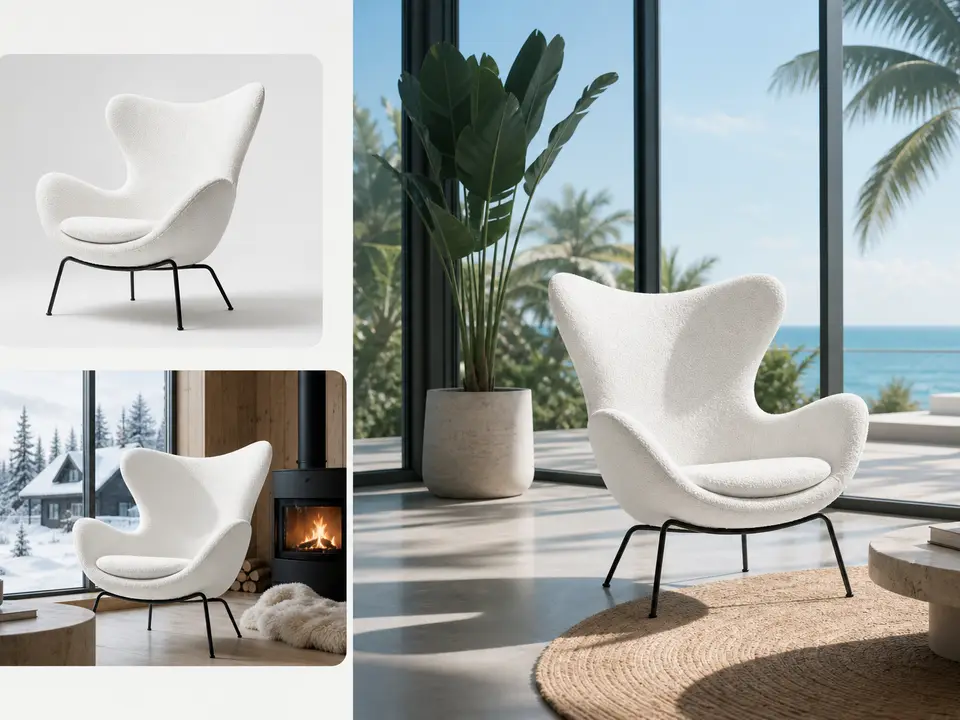
Preserve the subject, rewrite everything else
This image-to-image AI generator takes the subject, product, composition, and perspective from your reference, then rewrites season, material, lighting, background, or shooting style per your prompt. For structure preservation, GPT Image 2 — OpenAI's latest, the same family as ChatGPT image generation and DALL·E — performs the most reliably. Pin critical details with 'keep unchanged' phrasing in your prompt to reduce drift.
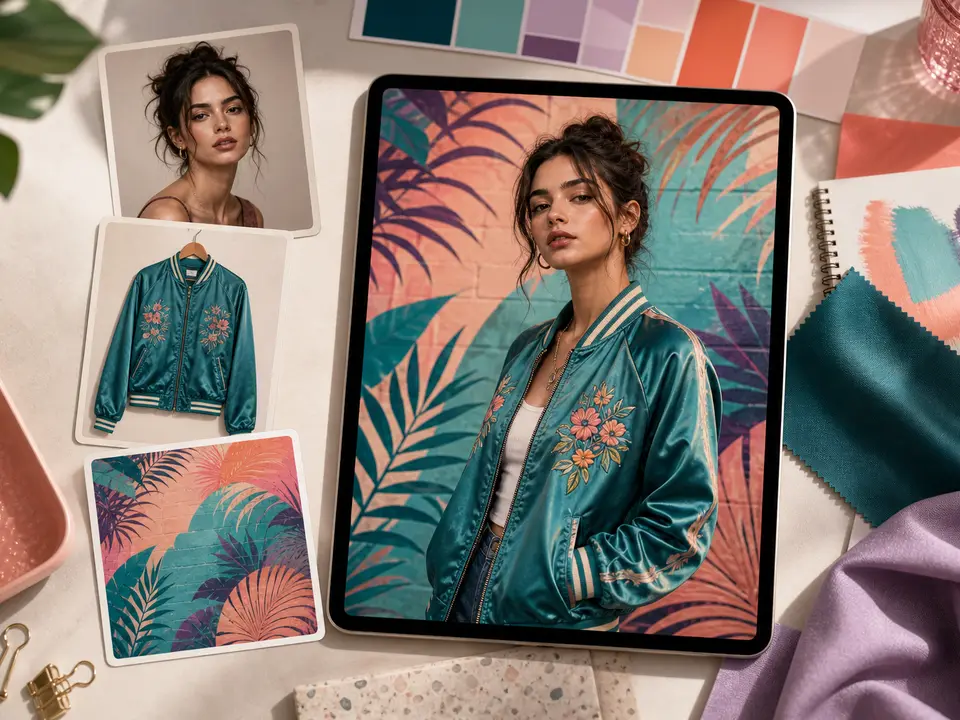
Fuse multiple references into one image
When the model supports multi-reference input, upload subject, outfit, product, background, or style as separate references. Nano Banana 2 — a Gemini 3 Flash-powered AI image generator from image — figures out each role on its own, then merges them per your prompt. Composition, outfit swap, style harmonization, and scene transfer all happen in one render.
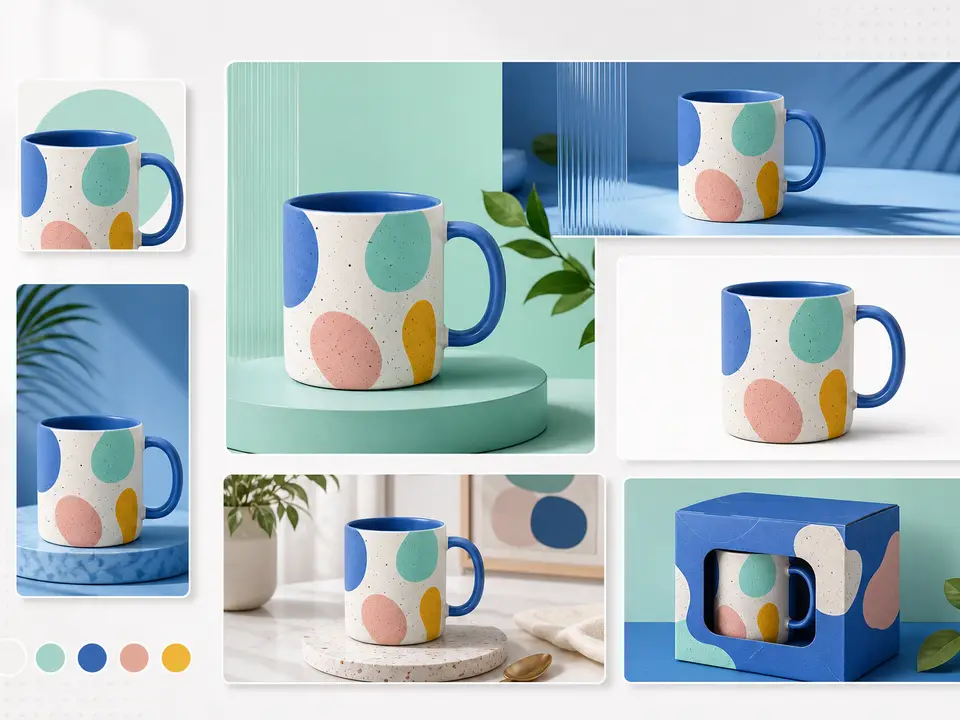
Extend one reference into a full asset set
Consistent portraits and brand visuals. This page highlights popular models such as GPT Image 2, Nano Banana 2, Seedream 5.0, and Seedream 3.5 Pro. Different models are better at multi-image fusion, photoreal repainting, product edits, or portrait consistency.
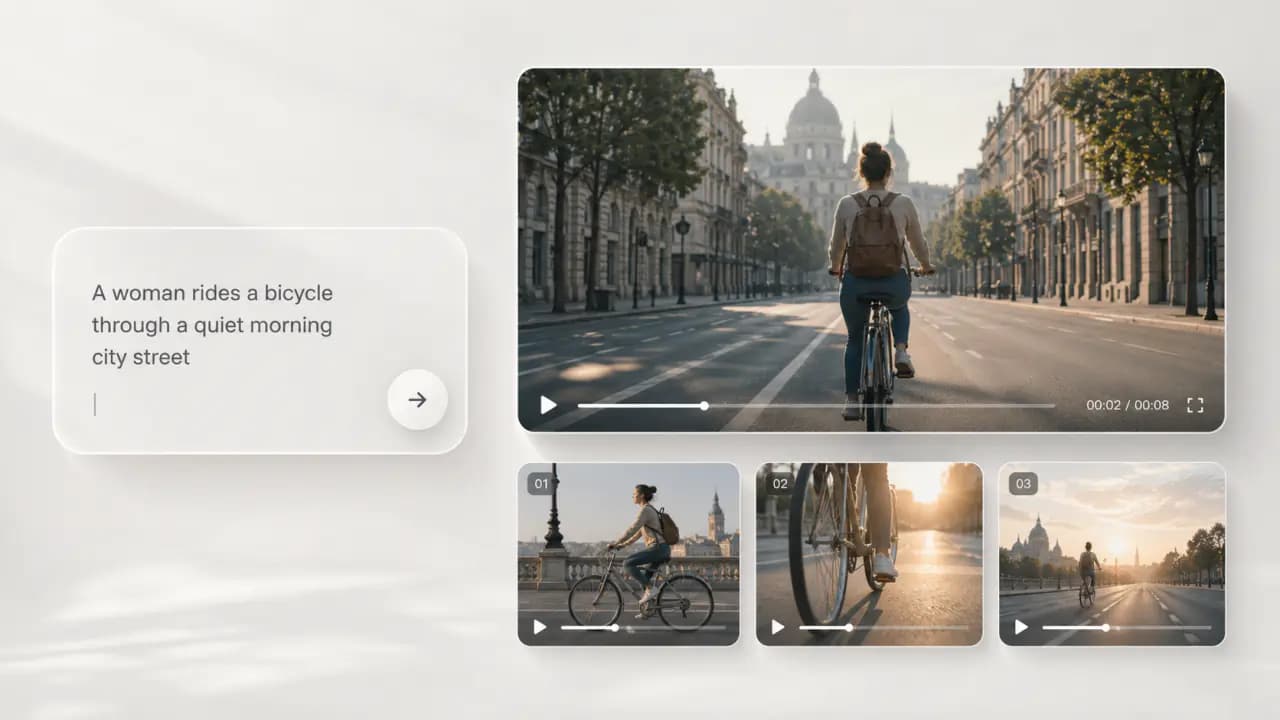
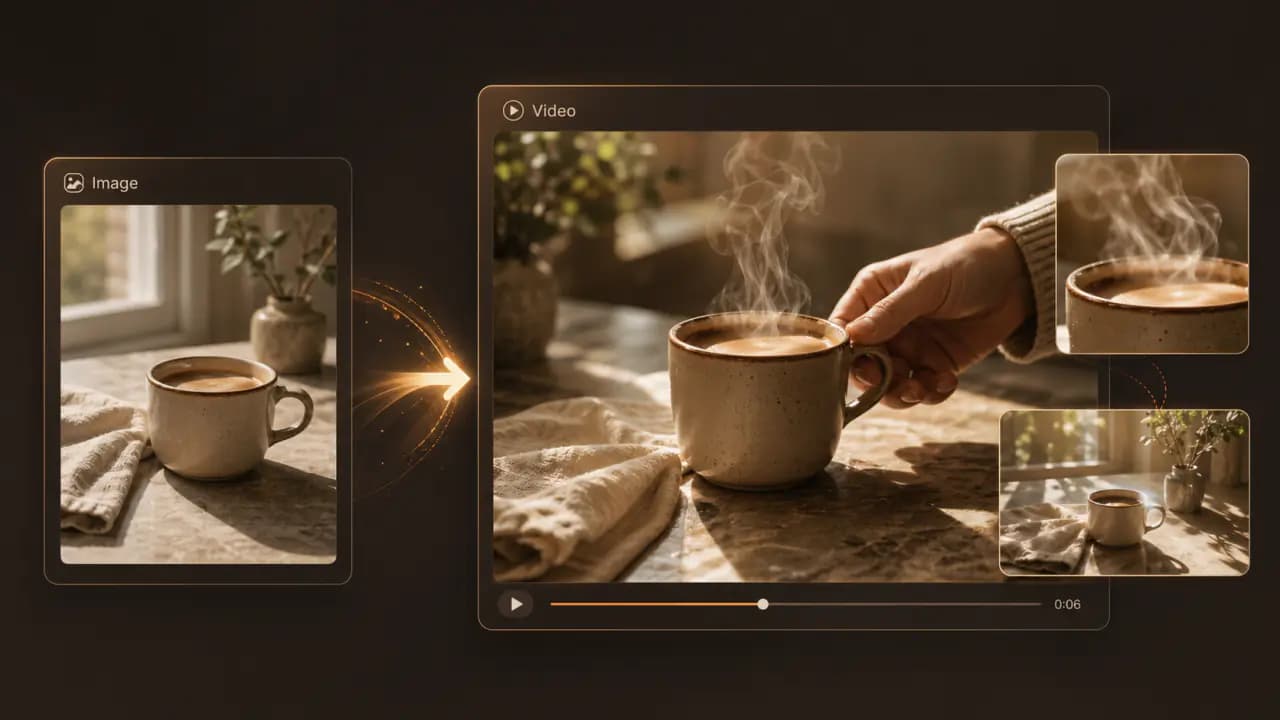
Keep exploring Raphael
One account, the full image and video generation workflow.
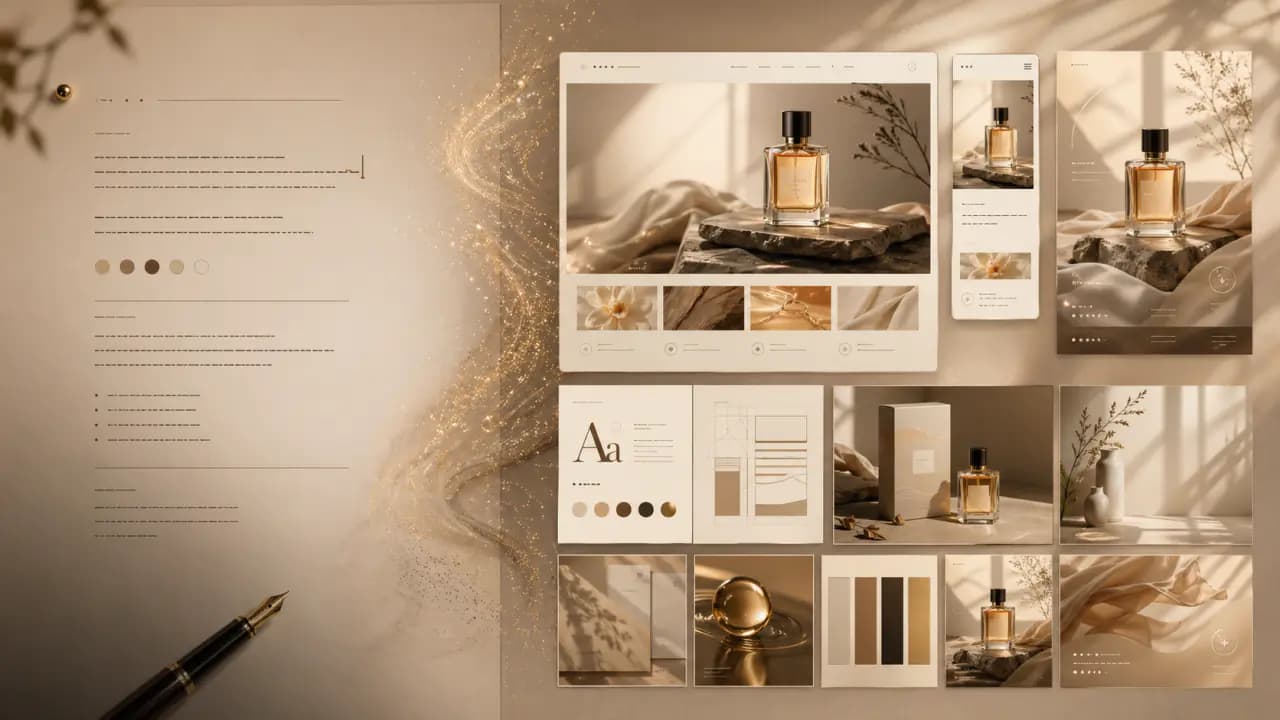
Choose Your Plan
Free images include a watermark. Upgrade for clean outputs, faster generation, and commercial use.
Pro
-50%Unlimited Model Benefits
 Seedream 3.5Unlimited
- Seedream 3.5 ProUnlimited Not Included
 MiniMax H3 TurboUnlimited Not Included
- MiniMax H3Unlimited Not Included
- Upgrade to unlock all advanced models and enjoy exclusive discountsMiniMax H3-70%
 Gemini
 Nano Banana
 GPT-50%Seedream-40%Veo
 Seedance 2.5
 Kling
Kling - 2,000 credits per month
- Up to 2,000 fast images
- Up to 200 basic videos
- Priority queue
- No watermarks
- Batch processing with AI tools
- Full privacy
Ultimate
-50%Unlimited Model Benefits
- Seedream 3.5Unlimited
- Seedream 3.5 ProUnlimited
- MiniMax H3 TurboUnlimited Not Included
- MiniMax H3Unlimited Not Included
- Upgrade to unlock all advanced models and enjoy exclusive discountsMiniMax H3-70%GeminiNano BananaGPT-50%Seedream-40%VeoSeedance 2.5Kling
- 5,000 credits per month
- Up to 5,000 fast images
- Up to 500 basic videos
- Highest priority queue
- No watermarks
- Batch processing with AI tools
- Full privacy
Max
-50%Unlimited Model Benefits
- Seedream 3.5Unlimited
- Seedream 3.5 ProUnlimited
- MiniMax H3 TurboUnlimited
- MiniMax H3Unlimited
- Upgrade to unlock all advanced models and enjoy exclusive discountsMiniMax H3-70%GeminiNano BananaGPT-50%Seedream-40%VeoSeedance 2.5Kling
- 10,000 credits per month
- Up to 10,000 fast images
- Up to 1,000 basic videos
- Highest priority queue
- No watermarks
- Batch processing with AI tools
- Full privacy
FAQs
Have more questions? Contact us at support@raphael.app
What is AI image-to-image?
AI image-to-image lets you upload one or more reference images and use a prompt to control style, details, scene, and lighting. It is useful when you want to keep the subject or composition while repainting the result.
What parts of the original image can it preserve?
The model can try to preserve the subject, pose, composition, colors, or style depending on your prompt and references, but exact detail preservation is not guaranteed. The clearer you are about what to keep and what to change, the more stable the result becomes.
What is image-to-image best for?
Common uses include portrait restyling, product photo upgrades, background changes, relighting, character consistency, poster variations, and combining multiple references into one image.
Can I upload multiple reference images?
Yes. Models that support multiple references will show the available upload slots in the generator. You can separate subject, style, product, and background references, then explain each image's role in the prompt.
How do I keep a person, product, or character consistent?
Use clear, unobstructed reference images and explicitly say which face, outfit, product shape, brand color, or character traits should stay consistent. Complex details may still need several generations or follow-up edits.
Which AI image models are supported?
This page highlights popular models such as GPT Image 2, Nano Banana 2, Seedream 5.0, and Seedream 3.5 Pro. Different models are better at multi-image fusion, photoreal repainting, product edits, or portrait consistency.
What is the difference between free and paid users?
Free users can try image-to-image, but outputs include a watermark and are mainly for preview and personal testing. Paid users unlock higher quality, faster generation, larger model quotas, watermark-free outputs, and commercial usage rights.
Can I use image-to-image results commercially or keep editing them?
Paid users can use watermark-free results commercially. Free watermarked results are for trial and preview only and are not licensed for commercial publishing. You can also keep editing with image-to-image, regenerate with another model, download the result, or send it into image-to-video.