AI Text to Image Generator
Generate images from text with GPT Image 2, Nano Banana 2, Seedream 5, and Seedream 3.5 Pro — choose a model, set your aspect ratio, and download HD results.
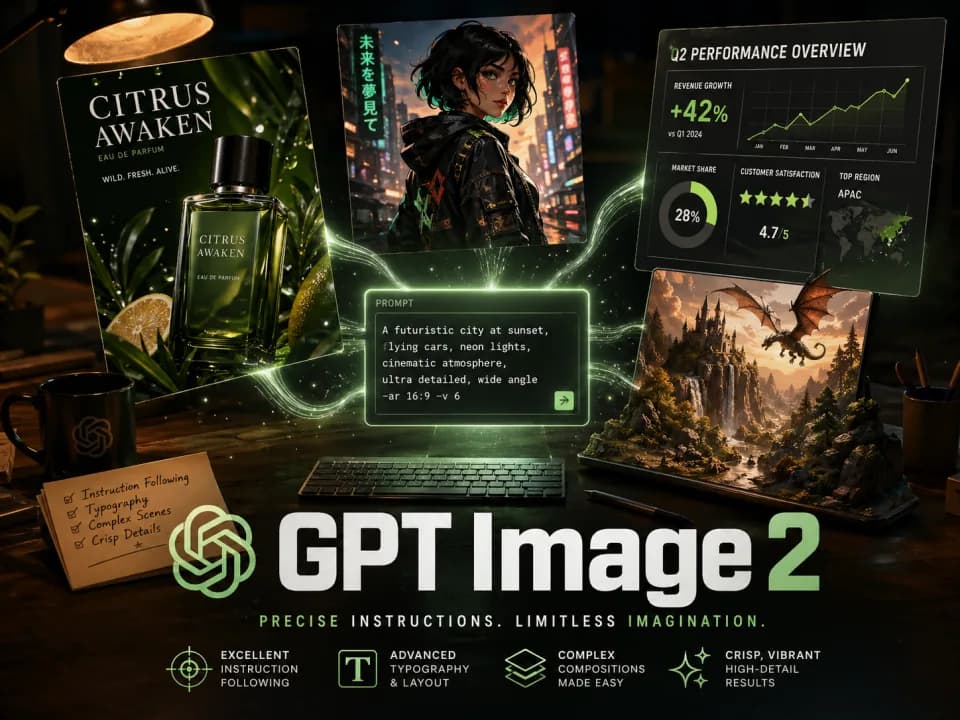
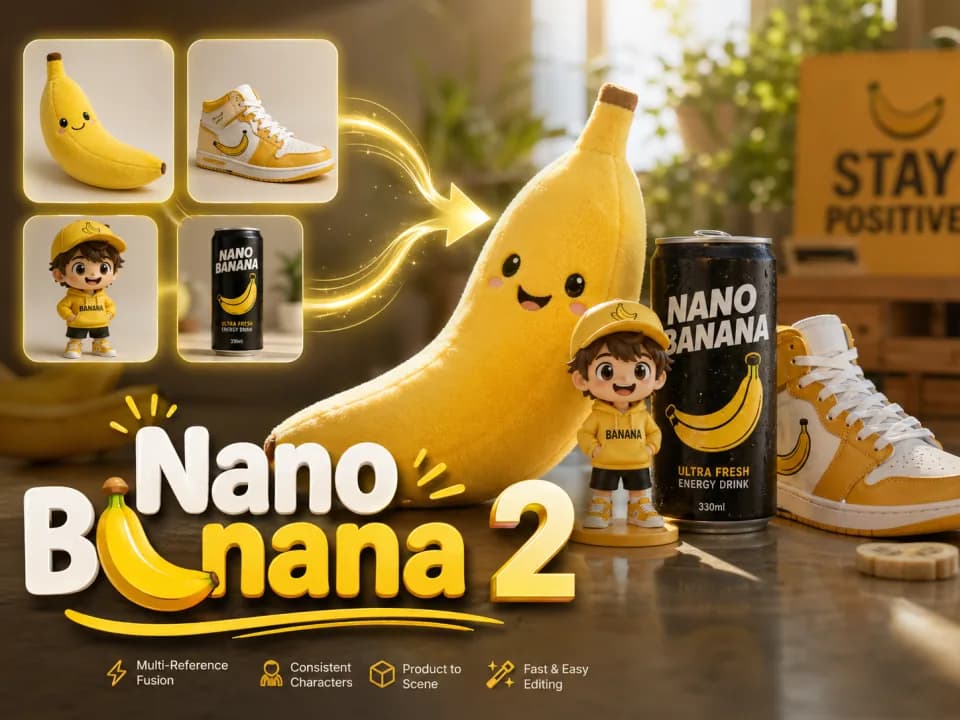
Free AI text-to-image generator with multiple top models in one panel: GPT Image 2 from the OpenAI family behind ChatGPT and DALL·E, Gemini-powered Nano Banana 2, Seedream 5.0, and Seedream 3.5 Pro for consistent brand visuals.

Popular Models
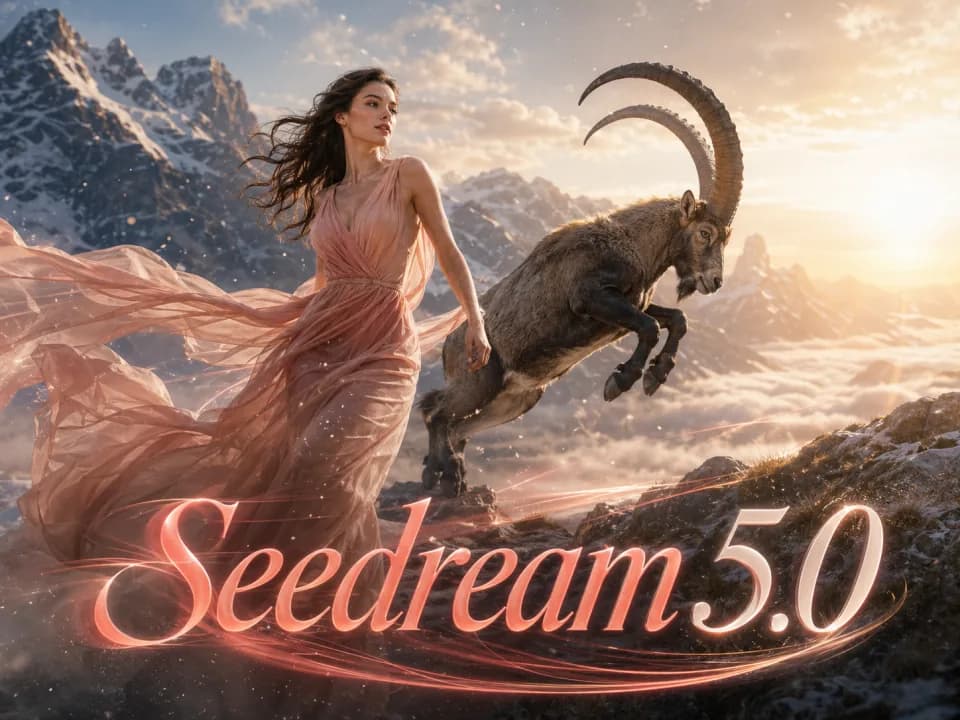
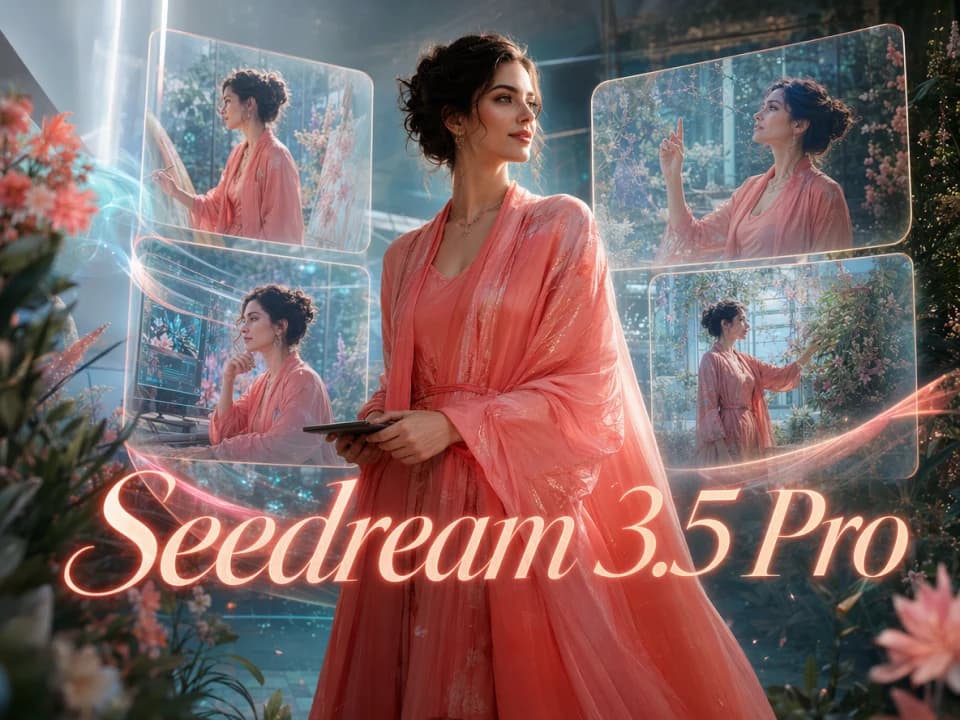
Get Inspired
Get inspired by what others are creating with Raphael
From a sentence to a finished image — every top text-to-image AI model in one place
Free AI text to image generator with unlimited basic generation. Switch between GPT Image 2, Nano Banana 2, Seedream 5.0, and Seedream 3.5 Pro in one panel — from one line of description to finished images.
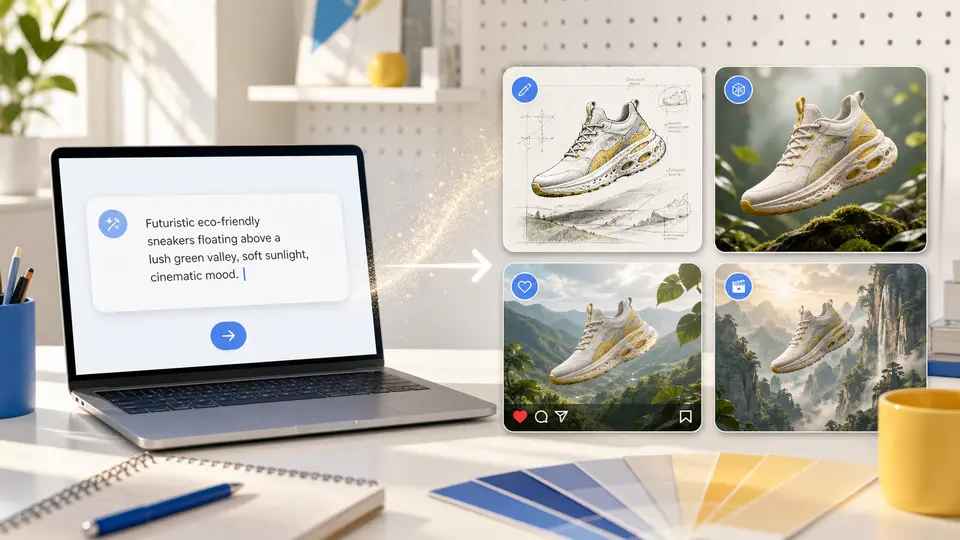
Write a thought, get a finished image
No prompt-engineering manuals or advanced parameter tuning. Describe the subject, scene, style, lighting, and mood; this free AI image generator fills in the details and returns multiple candidate images at once. Unlimited basic generation is included — no membership or payment up front.
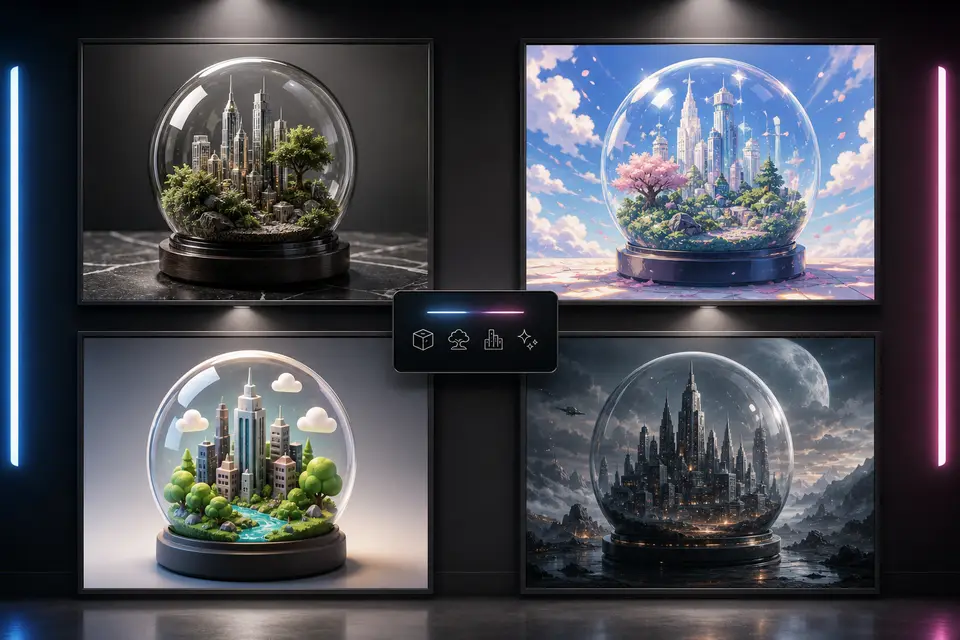
One prompt, multiple model directions in parallel
This page highlights popular models such as GPT Image 2, Nano Banana 2, Seedream 5.0, and Seedream 3.5 Pro. Each model has different strengths, such as in-image text, reference-based editing, photoreal lighting, or portrait consistency.
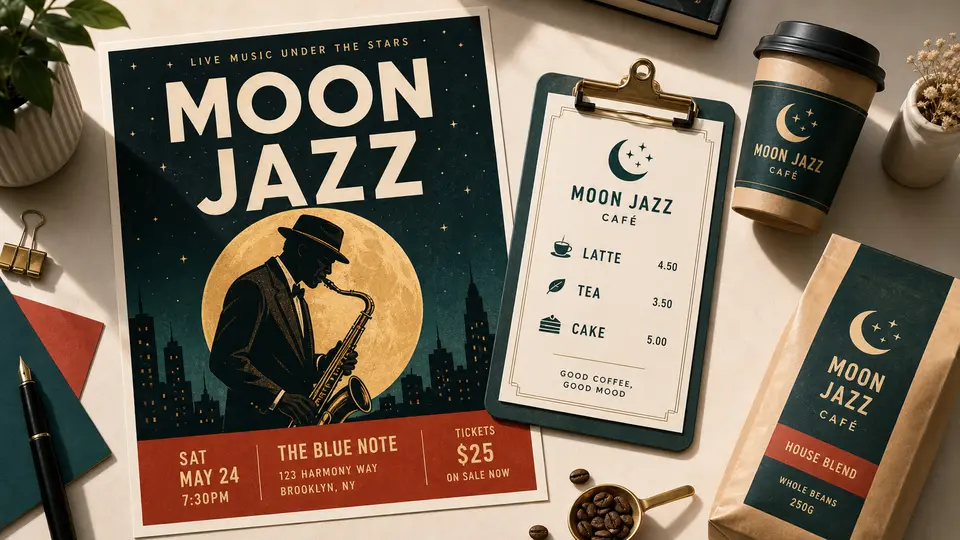
Readable text, baked into the image
Add text to image through your prompt — poster headlines, e-commerce main-image taglines, menu prices, or product packaging copy. GPT Image 2, the OpenAI text-to-image model in the ChatGPT and DALL·E lineage, handles in-image text reliably; refine complex layouts with image-to-image.
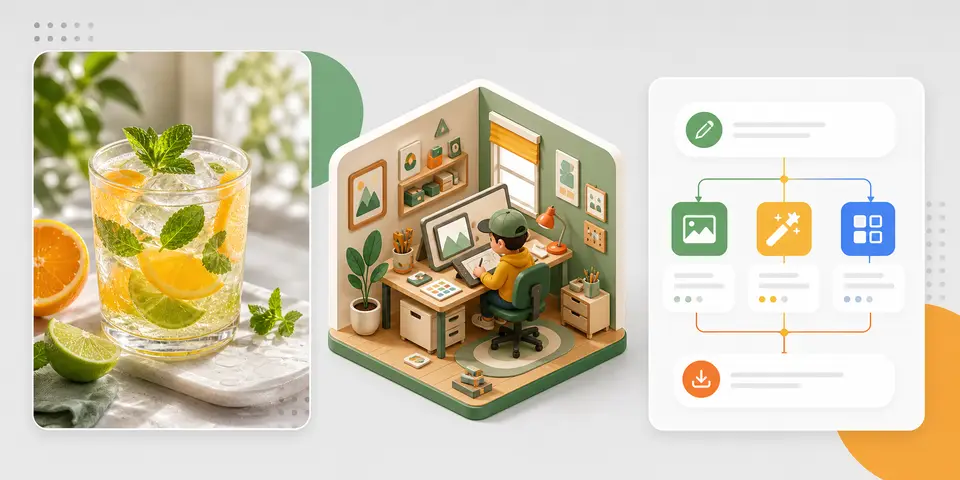
From photoreal portraits to infographics, all in one generator
Create cinematic portraits, e-commerce hero shots, social covers, slide-deck visuals, flowcharts, and infographics with one free AI image generator from text. Switch model, change aspect ratio, or restyle with image-to-image in the same panel — without jumping to Photoshop, Figma, or Canva.
Keep exploring Raphael
One account, the full image and video generation workflow.
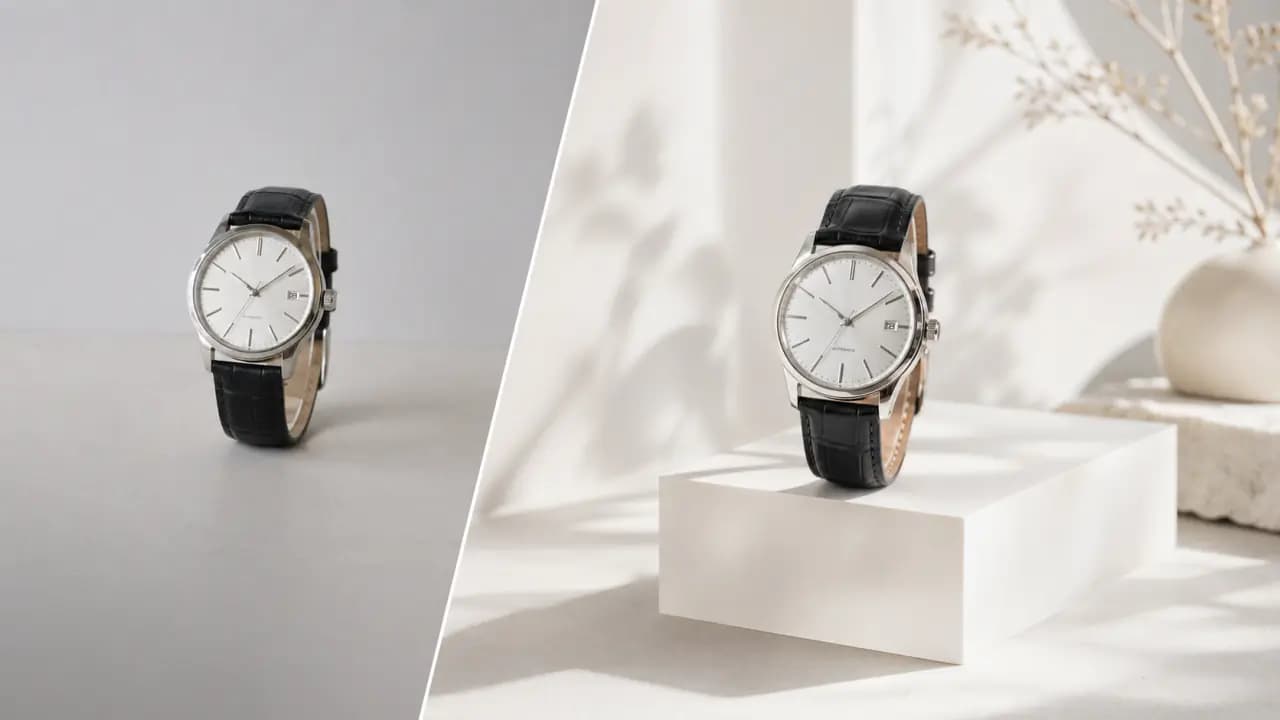
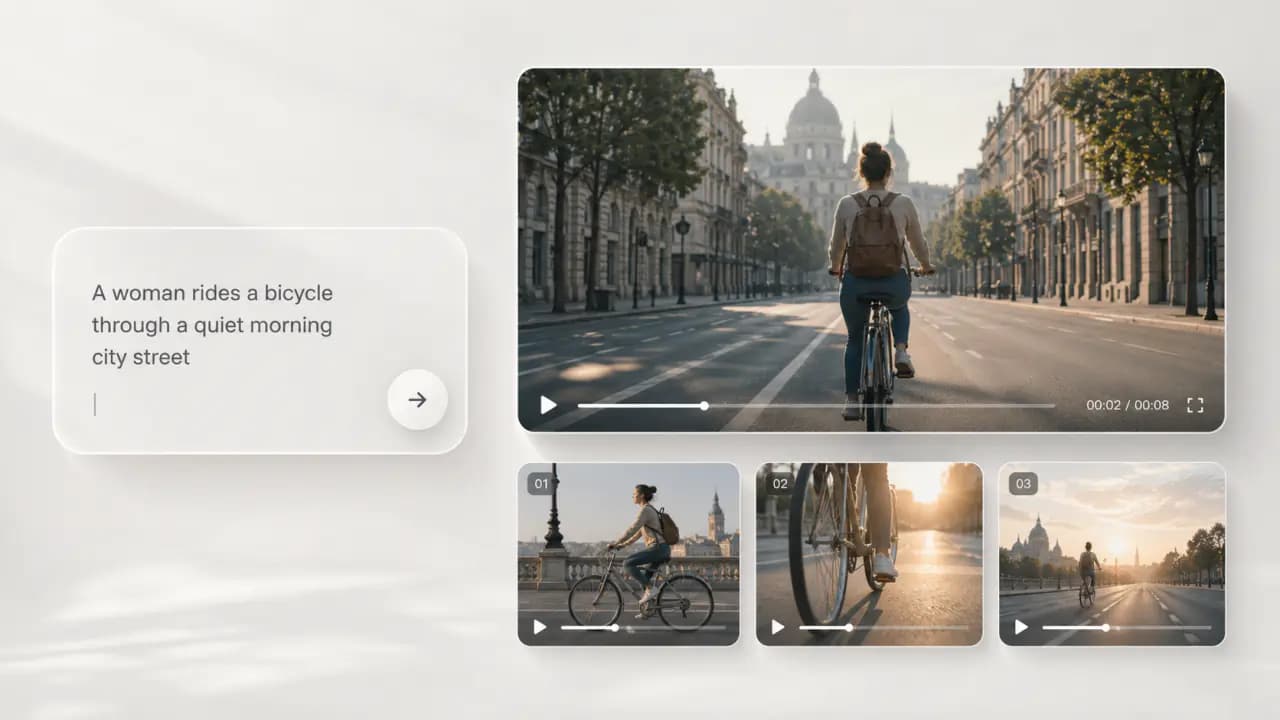
Choose Your Plan
Free images include a watermark. Upgrade for clean outputs, faster generation, and commercial use.
Pro
-50%Unlimited Model Benefits
 Seedream 3.5Unlimited
- Seedream 3.5 ProUnlimited Not Included
 MiniMax H3 TurboUnlimited Not Included
- MiniMax H3Unlimited Not Included
- Upgrade to unlock all advanced models and enjoy exclusive discountsMiniMax H3-70%
 Gemini
 Nano Banana
 GPT-50%Seedream-40%Veo
 Seedance 2.5
 Kling
Kling - 2,000 credits per month
- Up to 2,000 fast images
- Up to 200 basic videos
- Priority queue
- No watermarks
- Batch processing with AI tools
- Full privacy
Ultimate
-50%Unlimited Model Benefits
- Seedream 3.5Unlimited
- Seedream 3.5 ProUnlimited
- MiniMax H3 TurboUnlimited Not Included
- MiniMax H3Unlimited Not Included
- Upgrade to unlock all advanced models and enjoy exclusive discountsMiniMax H3-70%GeminiNano BananaGPT-50%Seedream-40%VeoSeedance 2.5Kling
- 5,000 credits per month
- Up to 5,000 fast images
- Up to 500 basic videos
- Highest priority queue
- No watermarks
- Batch processing with AI tools
- Full privacy
Max
-50%Unlimited Model Benefits
- Seedream 3.5Unlimited
- Seedream 3.5 ProUnlimited
- MiniMax H3 TurboUnlimited
- MiniMax H3Unlimited
- Upgrade to unlock all advanced models and enjoy exclusive discountsMiniMax H3-70%GeminiNano BananaGPT-50%Seedream-40%VeoSeedance 2.5Kling
- 10,000 credits per month
- Up to 10,000 fast images
- Up to 1,000 basic videos
- Highest priority queue
- No watermarks
- Batch processing with AI tools
- Full privacy
FAQs
Have more questions? Contact us at support@raphael.app
What is AI text-to-image?
AI text-to-image turns a written prompt into an image. Describe the subject, style, lighting, composition, and use case, and Raphael AI will generate results with the model that fits the request.
What makes Raphael AI text-to-image different?
Raphael AI is not tied to a single model. GPT Image 2, Nano Banana 2, Seedream 5.0, Seedream 3.5 Pro, and other image models are available in one generator, so you can choose the best model for each scene.
Which AI image models are supported?
This page highlights popular models such as GPT Image 2, Nano Banana 2, Seedream 5.0, and Seedream 3.5 Pro. Each model has different strengths, such as in-image text, reference-based editing, photoreal lighting, or portrait consistency.
What is the difference between free and paid users?
Free users can try generation, but outputs include a watermark and are mainly for preview and personal testing. Paid users unlock higher quality, faster generation, larger model quotas, watermark-free outputs, and commercial usage rights.
Can I use generated images commercially?
Paid users can use watermark-free generated images for commercial projects such as ads, e-commerce, social posts, presentations, and client work. Free watermarked outputs are for trial and preview only and are not licensed for commercial publishing. In all cases, you are responsible for making sure prompts, uploads, and outputs respect copyright, likeness rights, and platform content rules.
How do I write a better image prompt?
Describe the subject, action, scene, style, camera, lighting, aspect ratio, and intended use. For complex visuals, start with the main image first, then use image-to-image or regeneration to refine details.
What aspect ratios and resolutions are supported?
Raphael AI supports common square, portrait, and landscape ratios. Available resolution, image count, and quality options depend on the selected model and plan, and the generator shows the choices currently available.
Can I keep editing after generation?
Yes. You can continue with image-to-image, regenerate with another model, download the result, or send the image into an image-to-video workflow.