Give your selfie a glossy 3D look
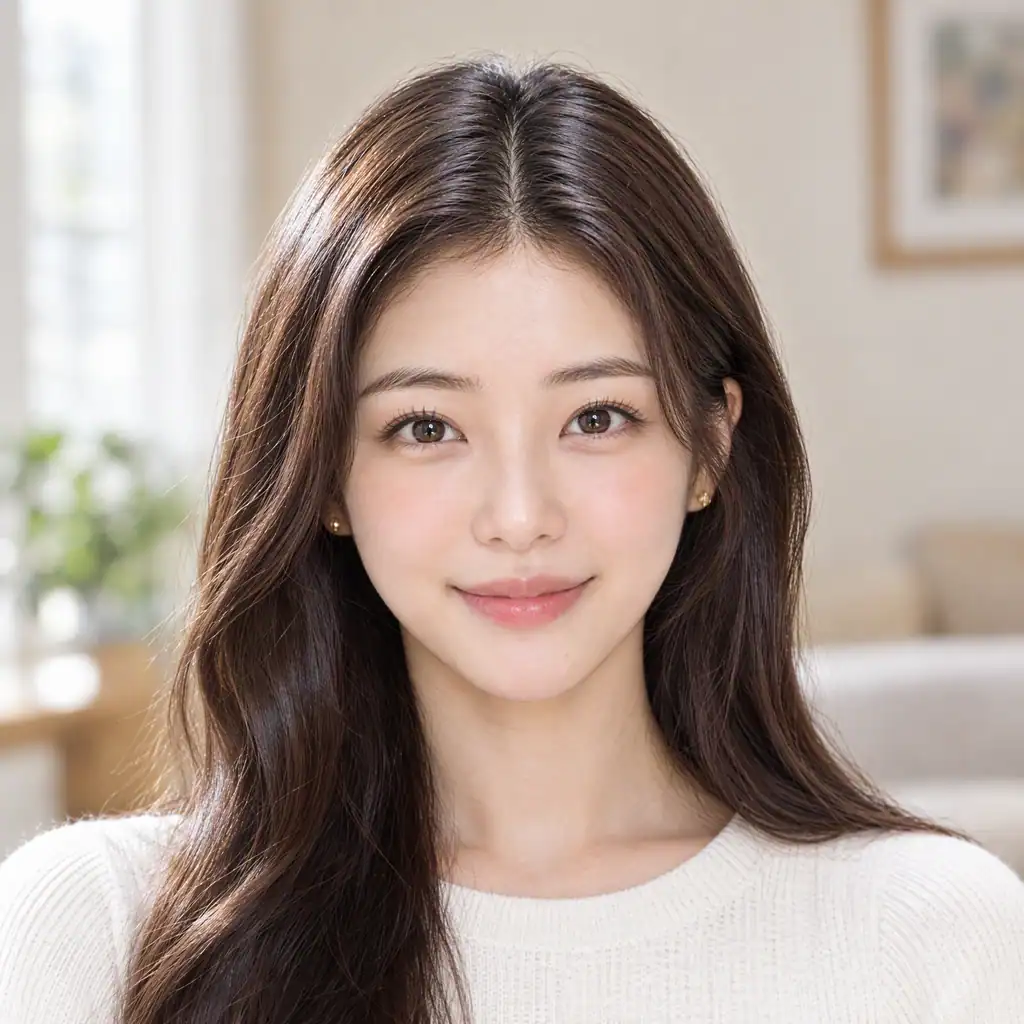
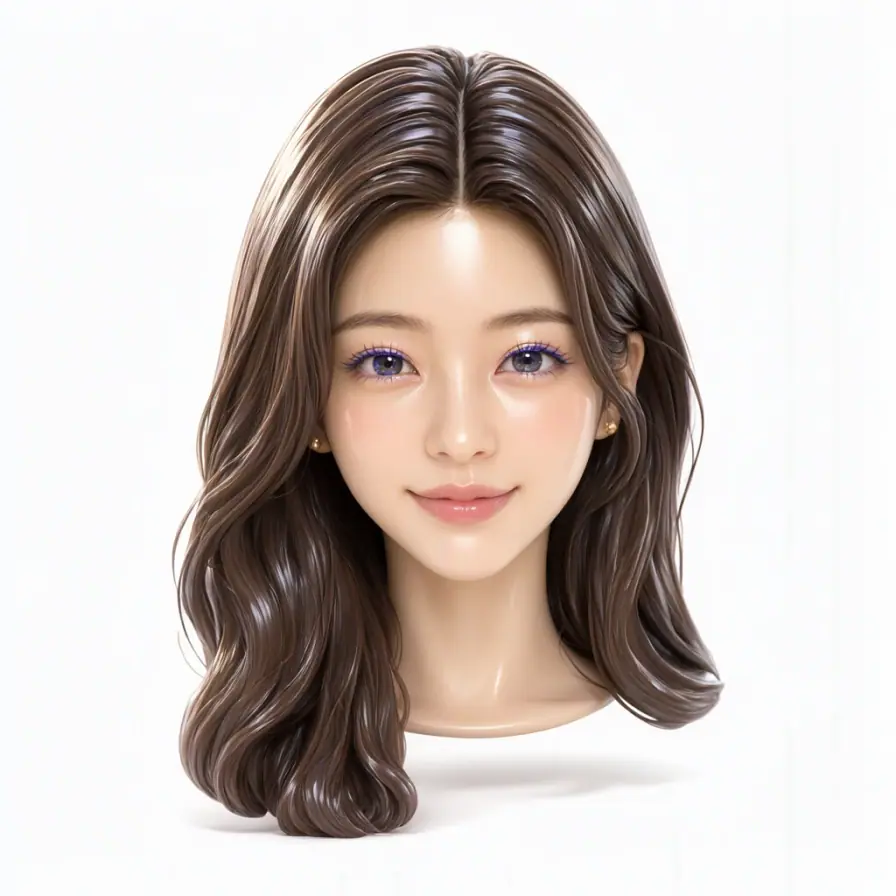
Use your photo as the reference for a floating-head portrait with a glossy finish and a clean backdrop.
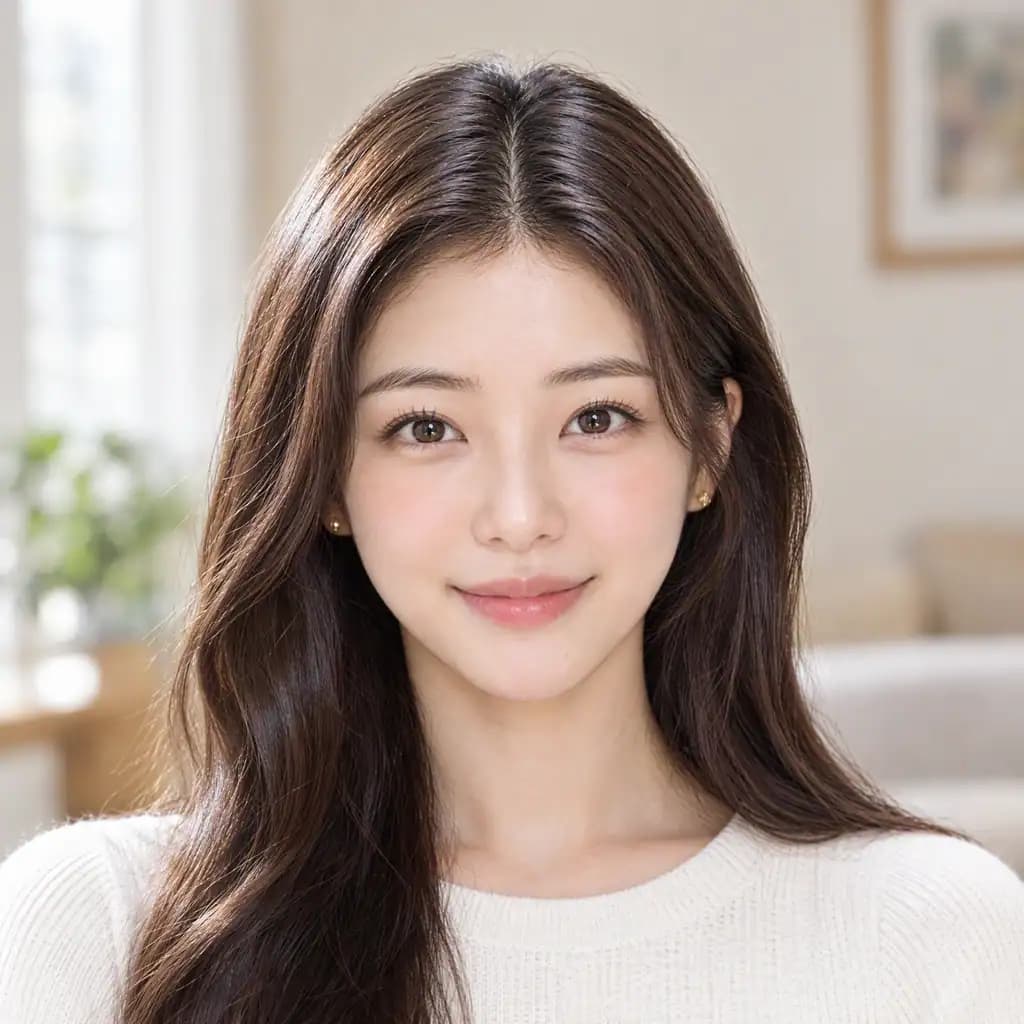
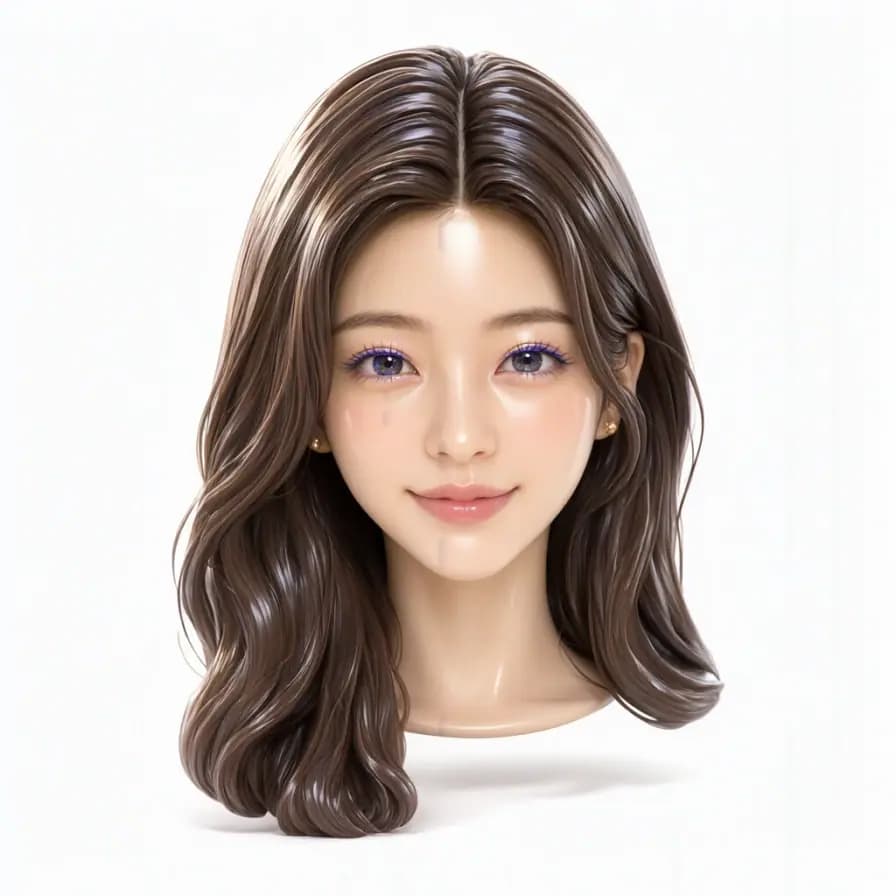
Give your selfie a bold personality with a glossy finish, iridescent eyeshadow and a cool expression. Use your photo as the reference for a floating-head portrait on a clean backdrop.
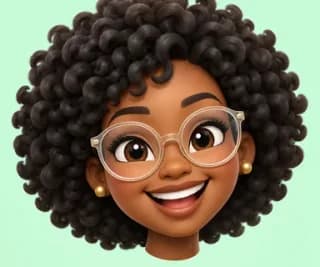
Explore the visual direction with the existing style illustration.
Use your photo as the reference for a floating-head portrait with a glossy finish and a clean backdrop.
Explore a complete glam look with purple-to-teal eyeshadow, a metallic nose accessory and a cool expression.

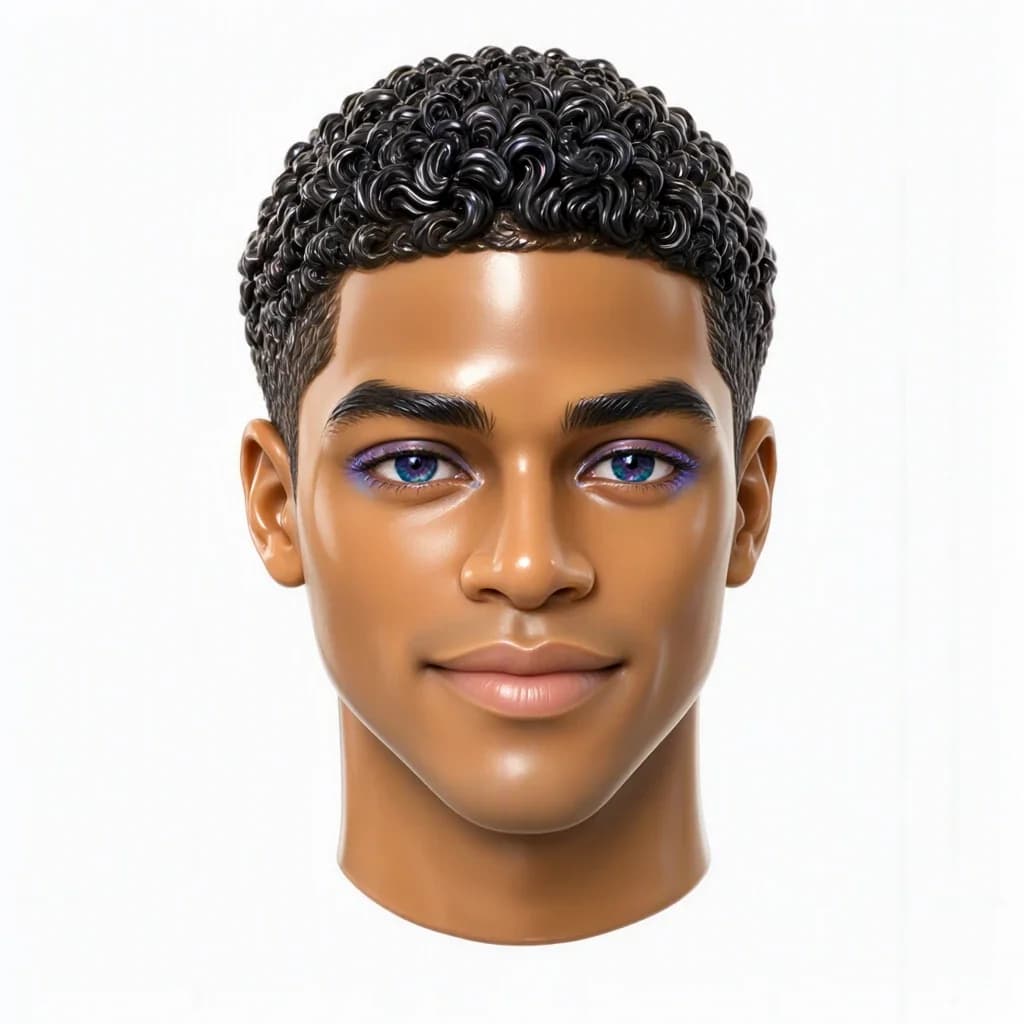
Express your personality with a sculpted close-up portrait. Check the destination platform’s crop so the hair and chin stay visible.

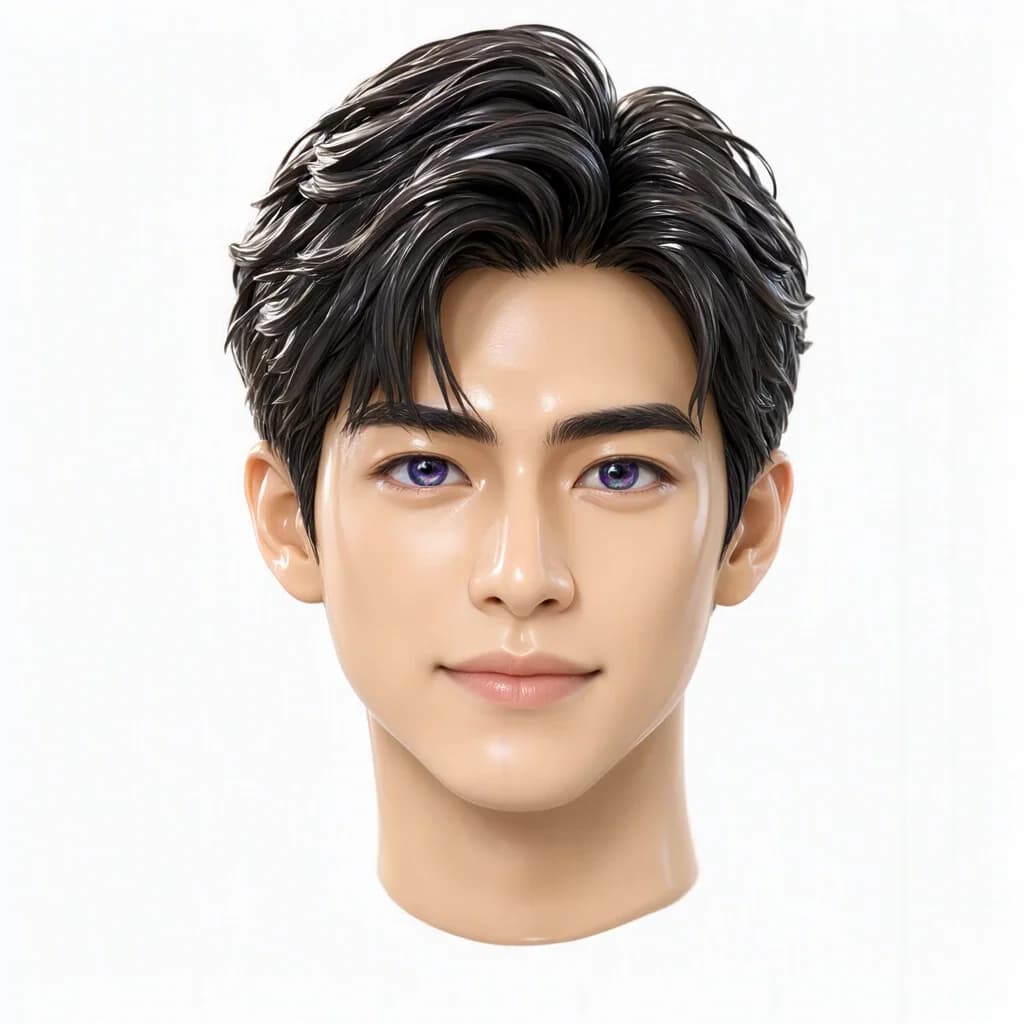
Reimagine hair as smooth, polished forms that give the portrait a distinctive silhouette and surface finish.
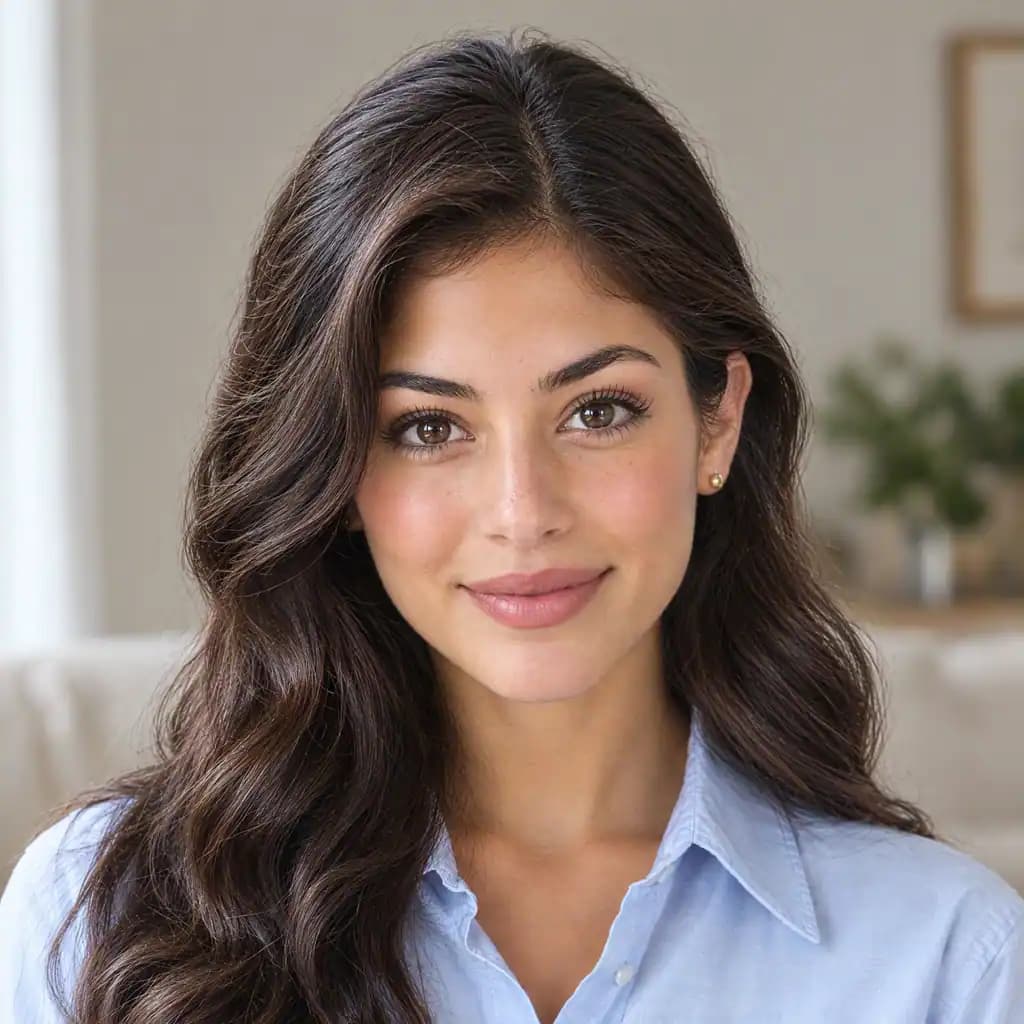
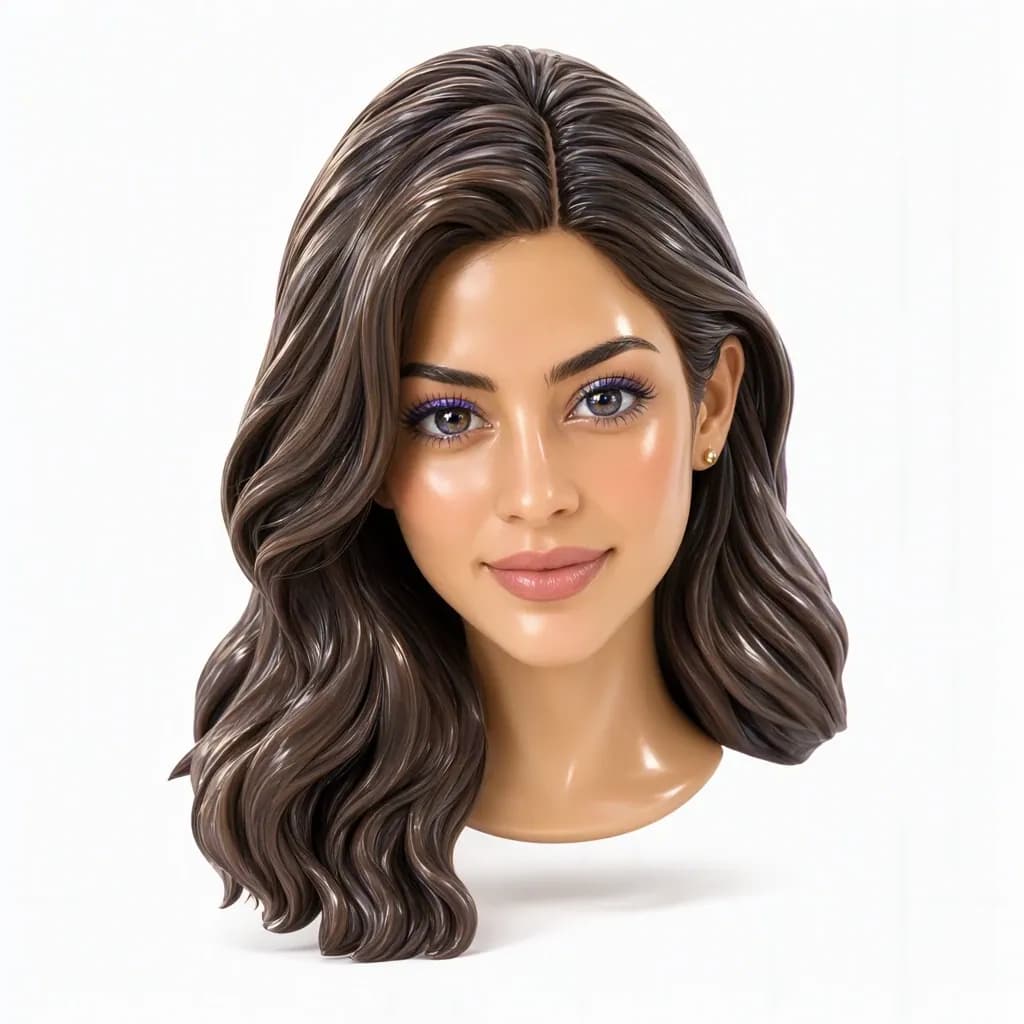
Upload a photo, generate the fixed style, then save or keep editing.
Choose a JPG, PNG or WebP image with a clear subject. Avoid a blurred face or heavy obstruction.
The look is already selected, so you do not need to write a prompt. Sign in, review the credit cost and generate.
Open your result to view and download it, or continue with another image tool.
Use the subject of your photo as the reference for a new avatar.
Focus on the head for a distinctive close-up expression and silhouette.
Explore a smooth plastic-like finish and soft highlights.
Try a glam look with purple-to-teal eyeshadow.
Give the hairstyle smooth, polished forms.
Set the portrait against a clean white backdrop.
Questions about photo conversion, suitable inputs and your results.
This tool creates a floating-head close-up. Try the fashion-doll tool for a full-body doll concept.
You download a flat image with a 3D-rendered look, rather than a rotatable 3D model.
Use a clear close-up with visible facial features and hair. Heavy filters, blur and covered features can affect the result.
Yes. The glam look restyles makeup, hair and expression, and may add iridescent eyeshadow and a metallic nose accessory.
AI redraws the subject in a stylized way, so skin tone, facial features and makeup can differ from the original. Review those details before saving.
You can use a result you like as a profile image. Check the platform’s circular or square crop so the hair and chin remain visible.
Explore more effects and ways to edit your images.