
AI Text to Video Generator
Describe a scene and watch it become a cinematic video clip with Veo, Seedance, Kling, and MiniMax H3 Turbo.
AI text-to-video generator that turns prompts into smooth, story-ready video clips with cinematic camera moves.
Popular Models
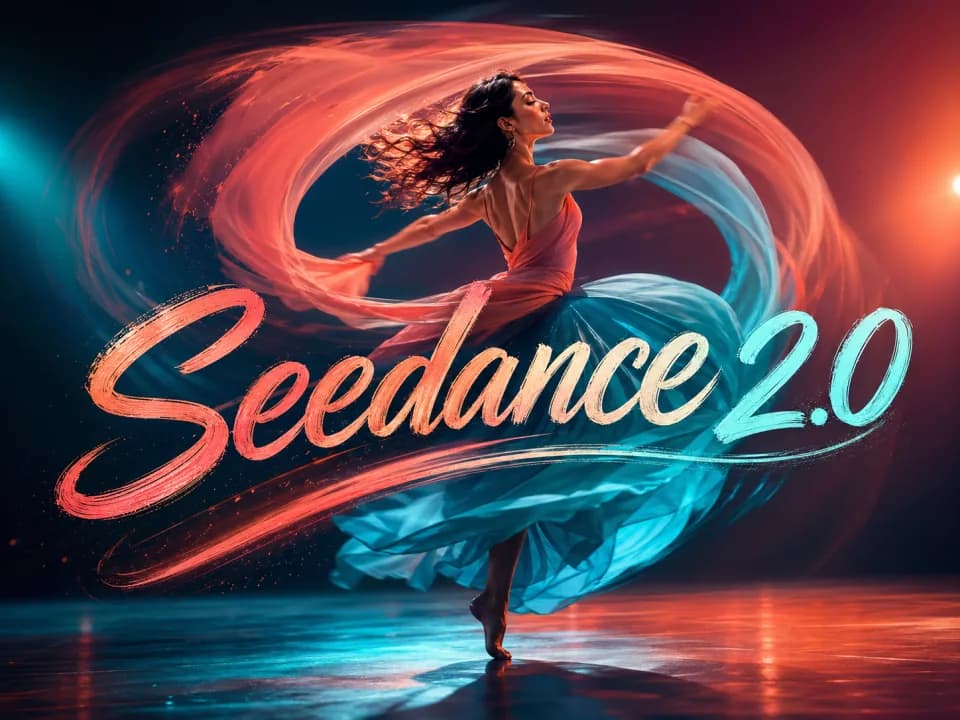
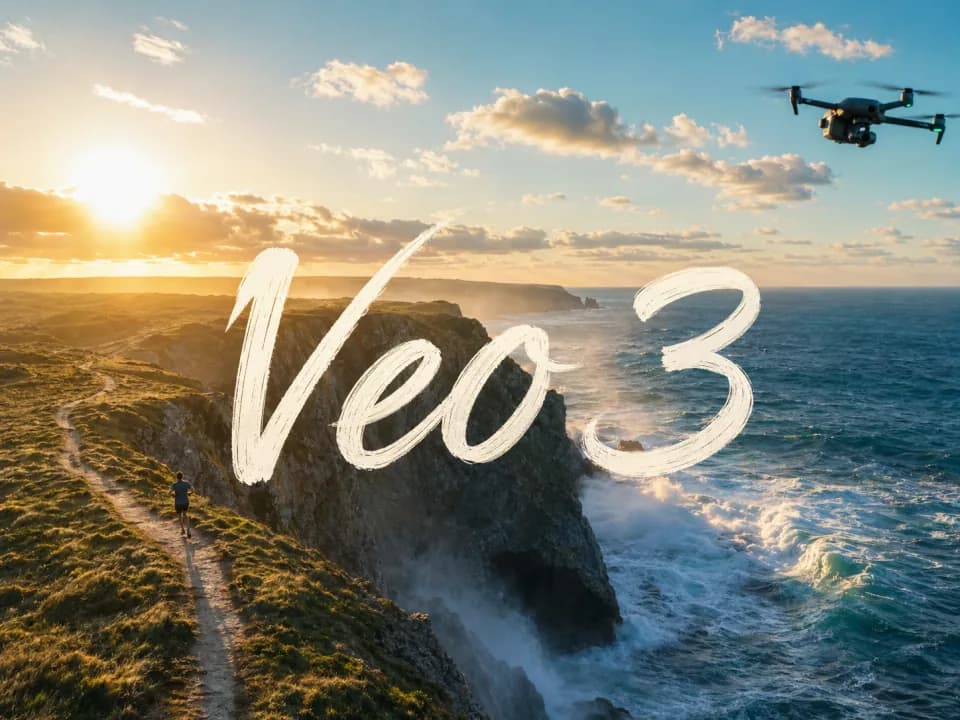
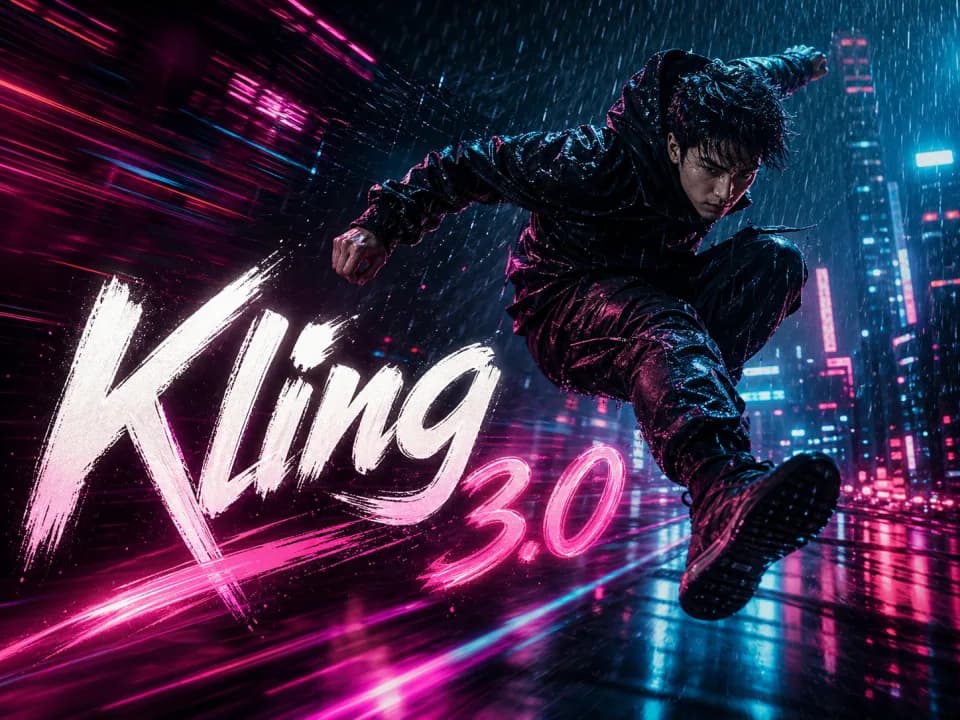
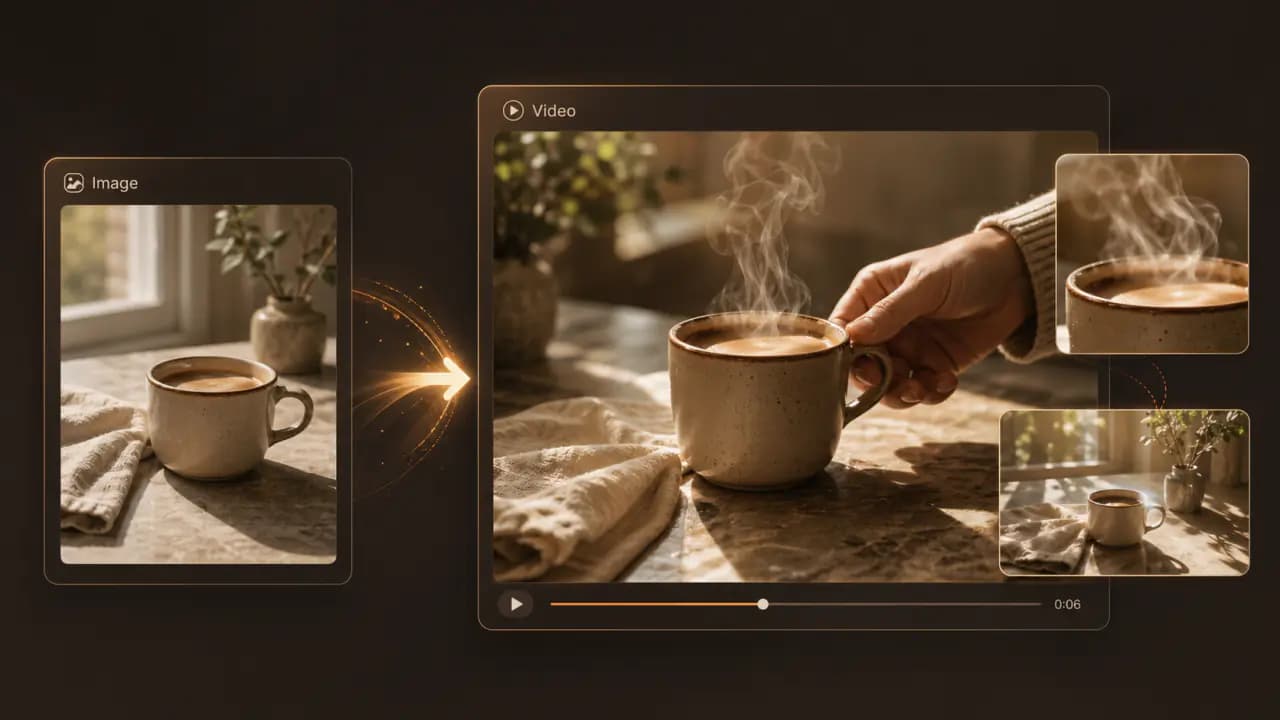
From one prompt to a finished clip — every top text-to-video AI model in one place
Text-to-video creation with leading models - Veo 3.1, Seedance 2.0, Kling 3.0, and MiniMax H3 Turbo - available in one panel; one prompt is all it takes.
One prompt, multiple model directions in parallel
Run the same prompt across leading text to video AI models in parallel. Veo 3.1 brings cinematic realism with native audio. Seedance 2.0 excels at natural human motion. Kling 3.0 is strong for bold motion and camera moves. MiniMax H3 Turbo offers fast, lower-cost 480P / 768P creation with optional stereo audio. Compare candidates side by side, then deliver the strongest cut.
Iterate with model-aware controls
Test creative direction, then refine duration, aspect ratio, quality, and shot detail in the same panel. The generator shows available options based on the selected model so you can choose the right setup for each clip.
Camera moves, duration, transitions — every shot under your control
Subject, action, scene, camera movement, and mood — write them straight into your prompt. Push, pan, zoom, slow motion, transitions — every shot under your control. Prompts produce not just frames but rhythm, sound, and shot language — closer to a finished cut than a moving still.
Built for real content, ad-safe by design
Ad concepts, product showcases, brand stories, social shorts — output downloads cleanly, edits in any NLE, re-iterates across models. Paid plans deliver watermark-free clips for commercial use. The platform explicitly does not generate deepfake face-swaps, celebrity composites, or NSFW content — every generation is compliance-safe, ready for ad networks, e-commerce, and brand channels.
Keep exploring Raphael
One account, the full image and video generation workflow.


Choose Your Plan
Free images include a watermark. Upgrade for clean outputs, faster generation, and commercial use.
Pro
-50%Unlimited Model Benefits
 Seedream 3.5Unlimited
- Seedream 3.5 ProUnlimited Not Included
 MiniMax H3 TurboUnlimited Not Included
- MiniMax H3Unlimited Not Included
- Upgrade to unlock all advanced models and enjoy exclusive discountsMiniMax H3-70%
 Gemini
 Nano Banana
 GPT-50%Seedream-40%Veo
 Seedance 2.5
 Kling
Kling - 2,000 credits per month
- Up to 2,000 fast images
- Up to 200 basic videos
- Priority queue
- No watermarks
- Batch processing with AI tools
- Full privacy
Ultimate
-50%Unlimited Model Benefits
- Seedream 3.5Unlimited
- Seedream 3.5 ProUnlimited
- MiniMax H3 TurboUnlimited Not Included
- MiniMax H3Unlimited Not Included
- Upgrade to unlock all advanced models and enjoy exclusive discountsMiniMax H3-70%GeminiNano BananaGPT-50%Seedream-40%VeoSeedance 2.5Kling
- 5,000 credits per month
- Up to 5,000 fast images
- Up to 500 basic videos
- Highest priority queue
- No watermarks
- Batch processing with AI tools
- Full privacy
Max
-50%Unlimited Model Benefits
- Seedream 3.5Unlimited
- Seedream 3.5 ProUnlimited
- MiniMax H3 TurboUnlimited
- MiniMax H3Unlimited
- Upgrade to unlock all advanced models and enjoy exclusive discountsMiniMax H3-70%GeminiNano BananaGPT-50%Seedream-40%VeoSeedance 2.5Kling
- 10,000 credits per month
- Up to 10,000 fast images
- Up to 1,000 basic videos
- Highest priority queue
- No watermarks
- Batch processing with AI tools
- Full privacy
FAQs
Have more questions? Contact us at support@raphael.app
What is AI text-to-video?
AI text-to-video turns a written prompt into a short video. Describe the subject, motion, scene, camera movement, pacing, and mood, and the model will generate a matching clip.
What makes Raphael AI text-to-video different?
Raphael AI brings multiple video models into one workspace, so you can try the same prompt across models and compare motion, visual quality, camera stability, and style.
Which AI video models are supported?
This page highlights popular video models such as Seedance 2.0, Veo 3.1, Kling 3.0, and MiniMax H3 Turbo. Each model has different strengths, such as human motion, cinematic realism, bold camera moves, or fast lower-cost drafts.
What can I make with text-to-video?
It works well for ad concepts, social clips, product showcases, storyboards, visual experiments, intro animations, and creative previews. For exact brand assets or real-person likenesses, start with clear source material and review the output carefully.
How do I write a better video prompt?
Describe what the subject is doing, how the camera moves, where the scene takes place, the visual style, pacing, and anything to avoid. The more specific the motion is, the easier it is for the model to produce a stable video.
Can I choose aspect ratio, duration, and quality?
Available aspect ratios, durations, resolutions, and generation counts depend on the selected model. The generator shows the options currently supported, and it is usually best to test with a shorter clip before generating a fuller version.
What changes when I upgrade?
Paid plans can unlock higher quality, faster generation, larger model quotas, watermark-free outputs, and commercial usage rights depending on the selected plan.
Can I use generated videos commercially or keep editing them?
Eligible watermark-free videos can be used commercially according to your plan and our terms. You can download results, adjust the prompt and regenerate, or keep iterating with image and video workflows.