Coordinate Three Friends
Give a three-person group a shared navy and cream palette while keeping individual outfits.
 Original
 Result
Upload one group photo and give everyone coordinated navy and cream outfits. No separate garment photo or clothing selection needed.
Compare each group photo with its actual matching outfit result.
Give a three-person group a shared navy and cream palette while keeping individual outfits.
OriginalResultCompare the original mismatched clothes with the coordinated look for both people.
 Original
 Result
See how one instruction changes the clothes of four people into a coordinated group look.
 Original
 Result
Create complementary outfits for two friends with different original clothes and silhouettes.
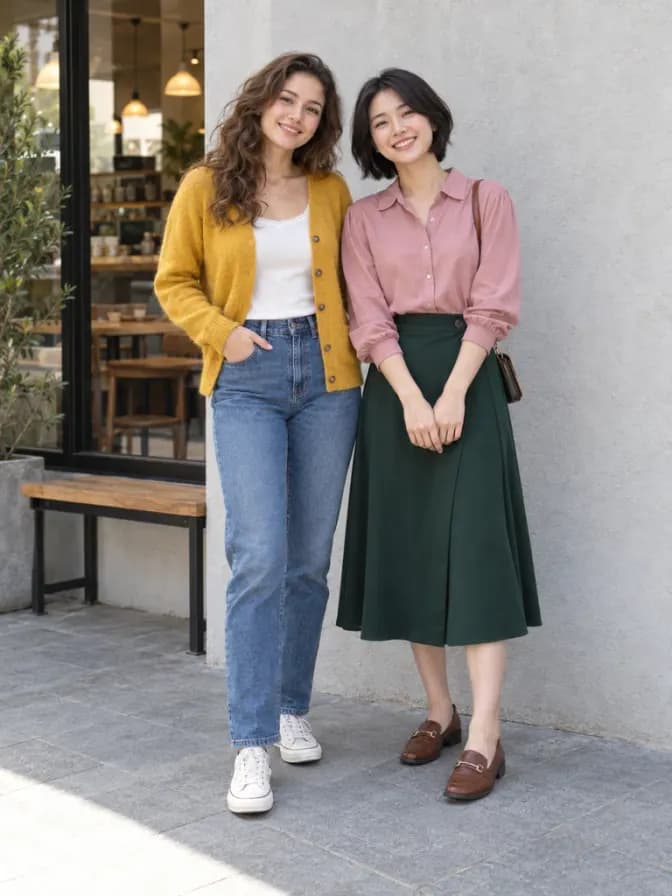 Original
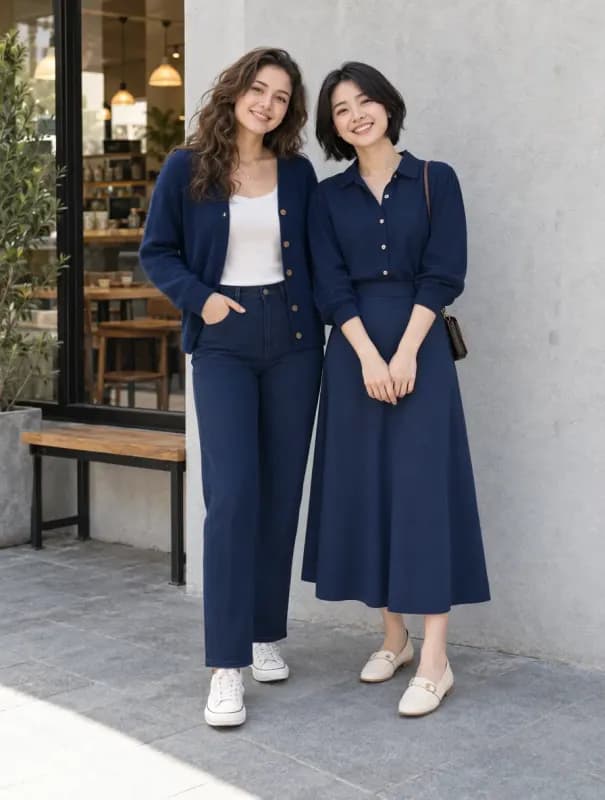 Result
One group photo is all you need.
Make sure each person’s face and clothes are visible.
Start the edit to give the group a coordinated navy and cream look.
Check every person’s face, clothes and details before downloading.
Upload the people together in one image. A separate garment reference is not required.
Give everyone a coordinated navy-blue and cream look, with complementary fits and details.
The instructions ask to change every person’s clothing while keeping the original group size.
Use each original face, hairstyle, pose and body proportions as references. Check the result for changed details.
Explore coordinated clothes without deliberately replacing the photo’s background or framing.
Review the outfits and faces, then download the result or continue with other image tools.
Preparing a group photo and reviewing coordinated outfits.
No. Upload one group photo and click Create matching outfits. This page uses a fixed coordinated navy and cream style.
Yes. The goal is a coordinated color palette with complementary fits, rather than identical clothing on everyone.
The instructions ask to preserve the number of people, identities and poses. AI may change details, so compare every person with the original.
Choose a clear photo where each person’s face and clothes are visible. Avoid heavy overlap, very small faces and cropped bodies when possible.
Explore more effects and ways to edit your images.