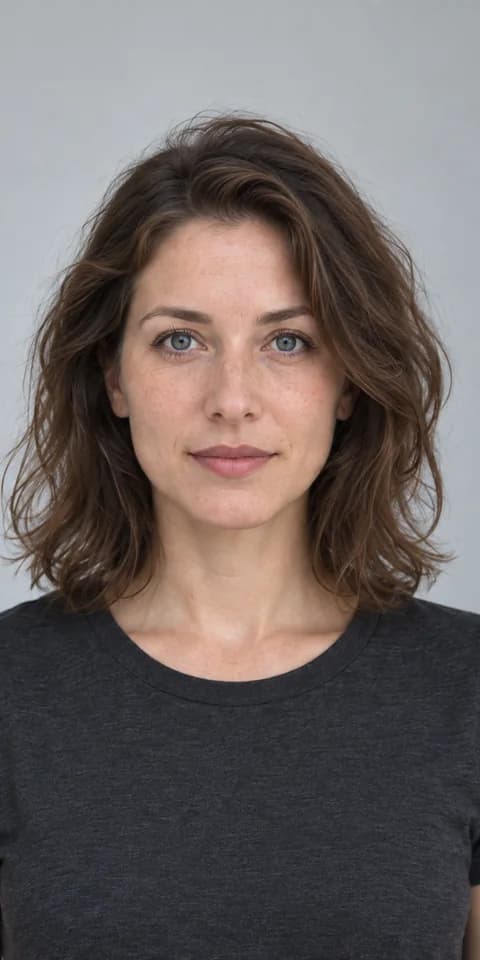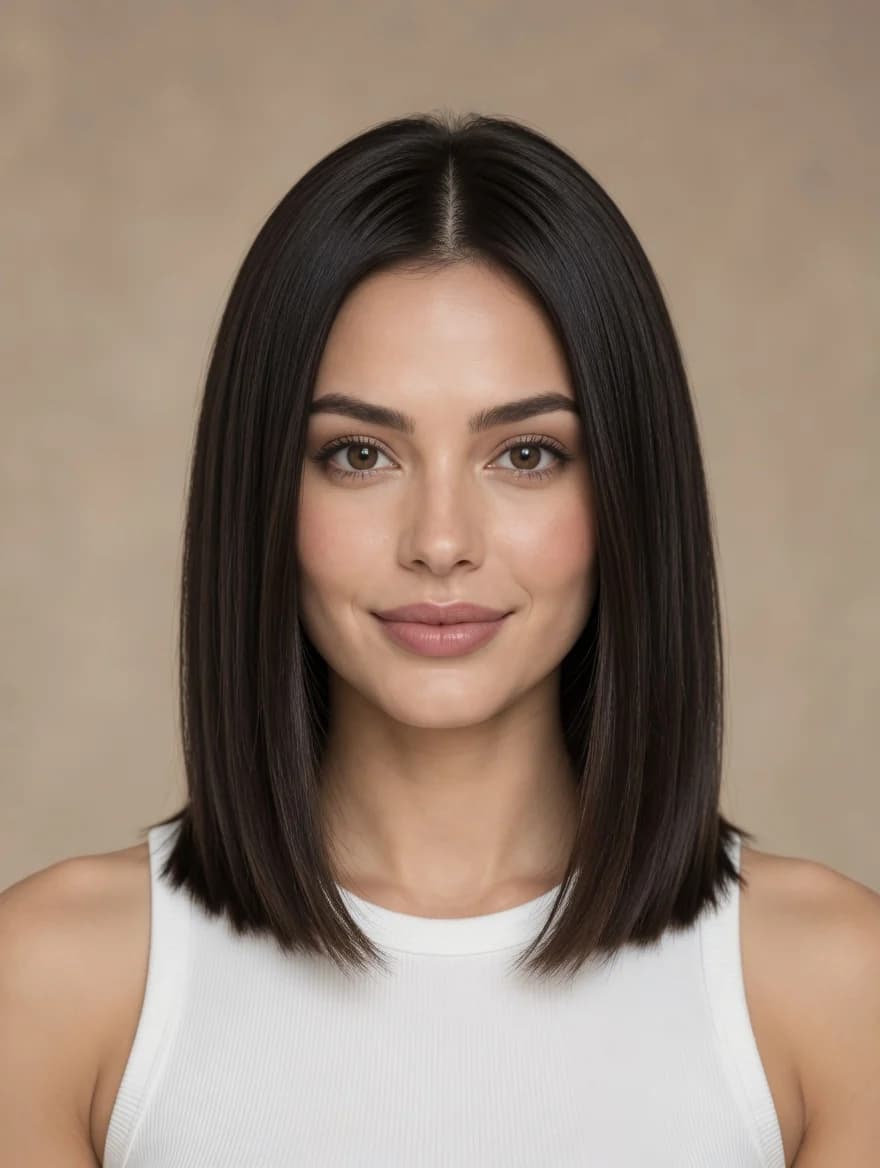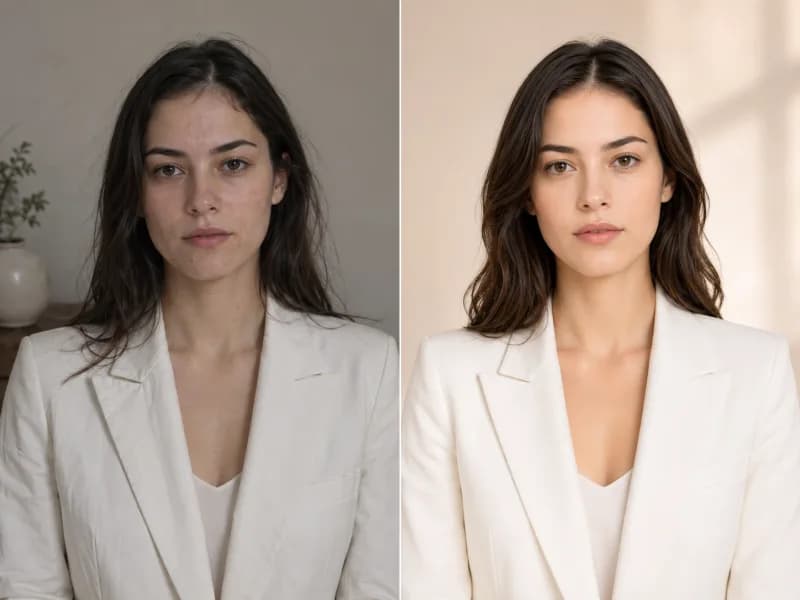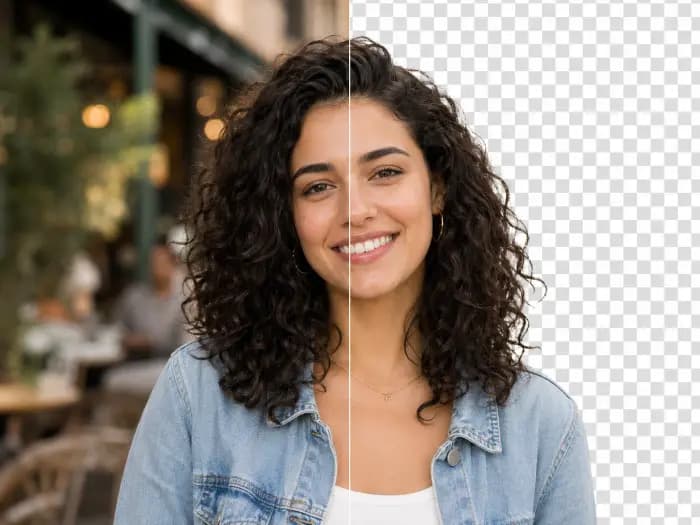
Casual Look to Streetwear
Swap a white tee and jeans for a charcoal blazer, cropped top, striped shorts, and a bright shoulder bag while keeping the cafe setting.
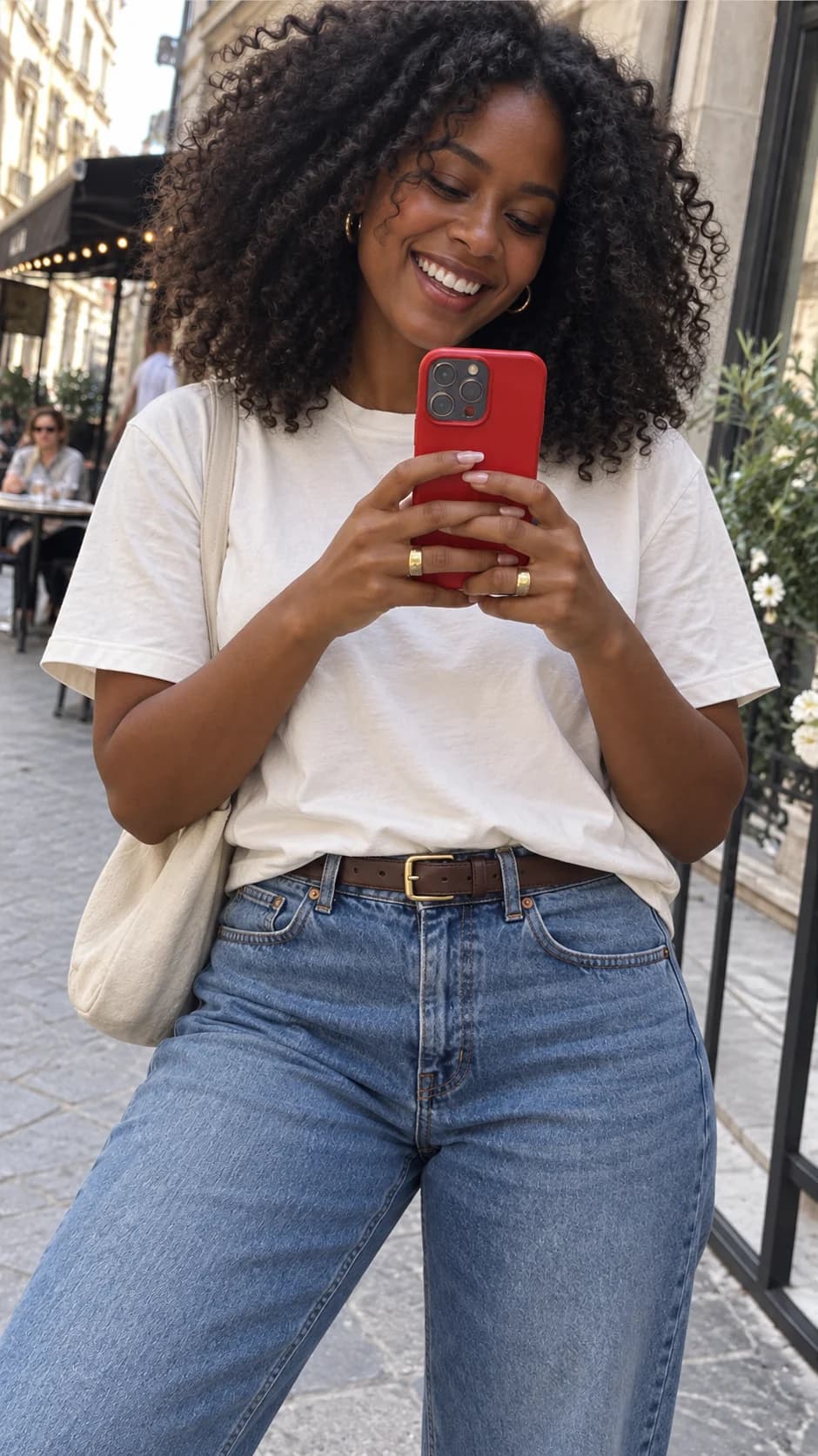 Original outfit
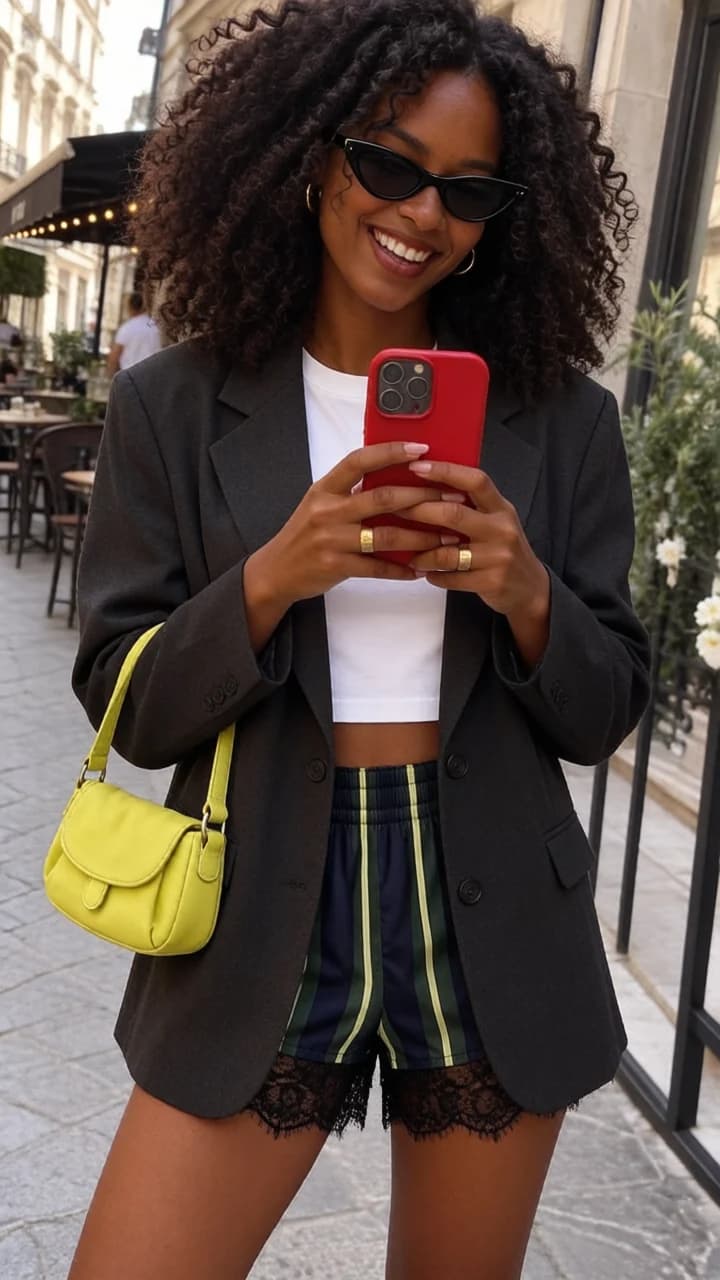 Outfit change
See what an AI clothes swap can look like with preset outfits, a clothing reference, or a written description. Results vary with your photo.
Swap a white tee and jeans for a charcoal blazer, cropped top, striped shorts, and a bright shoulder bag while keeping the cafe setting.
Original outfitOutfit changeUse a clothing image as a reference for a blue cropped jacket, black top, pleated skirt, and boots on the same person.
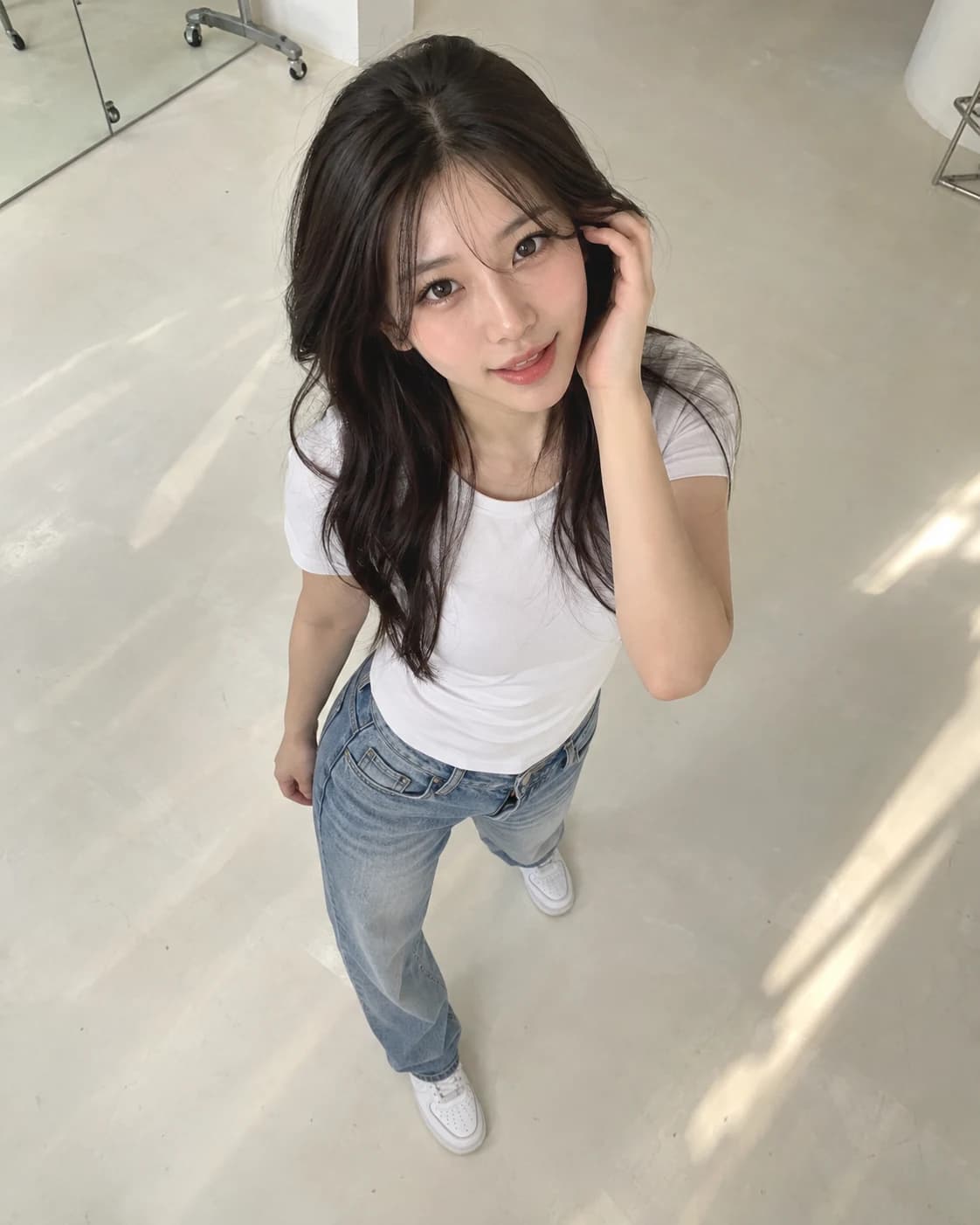 Original outfit
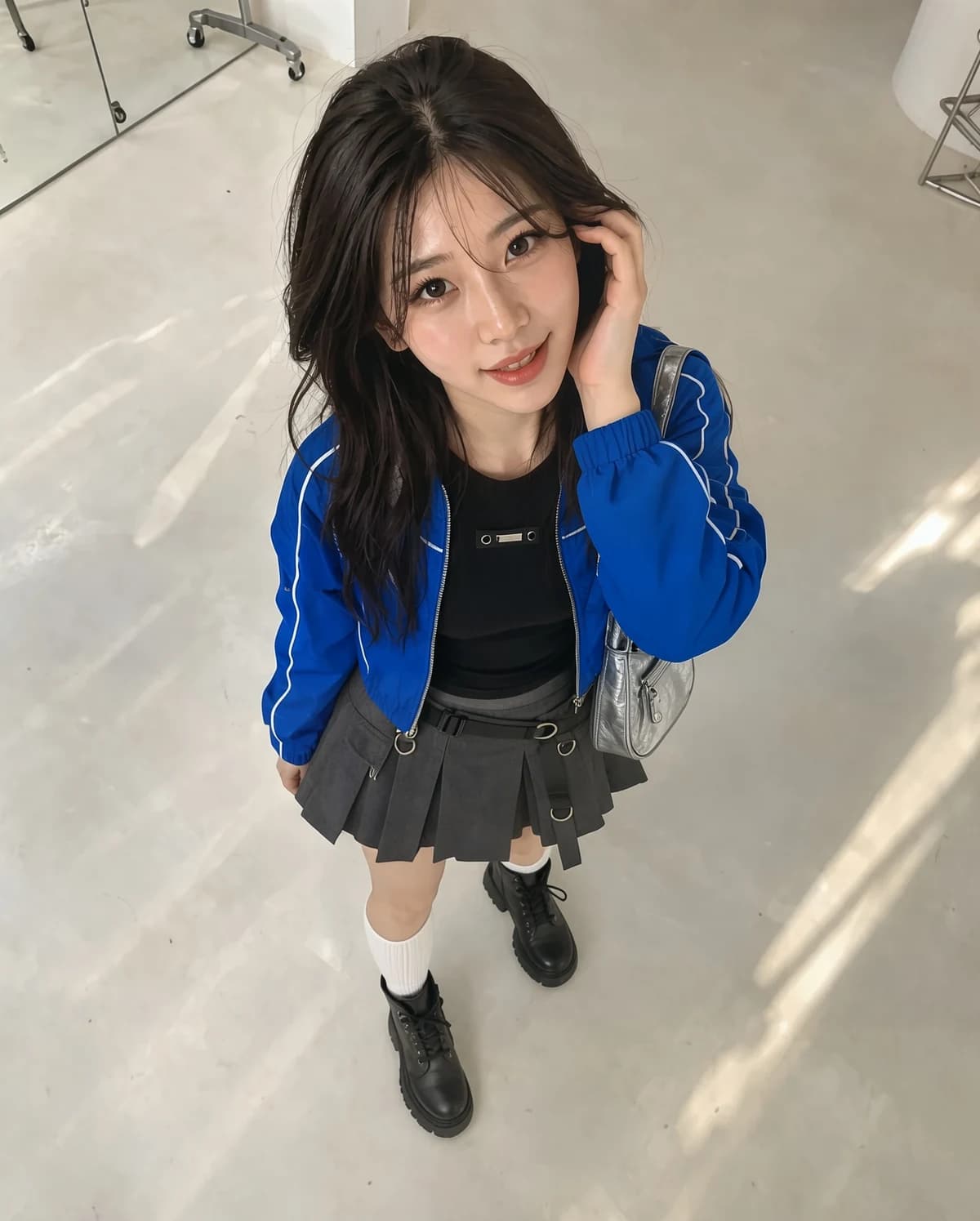 Outfit change
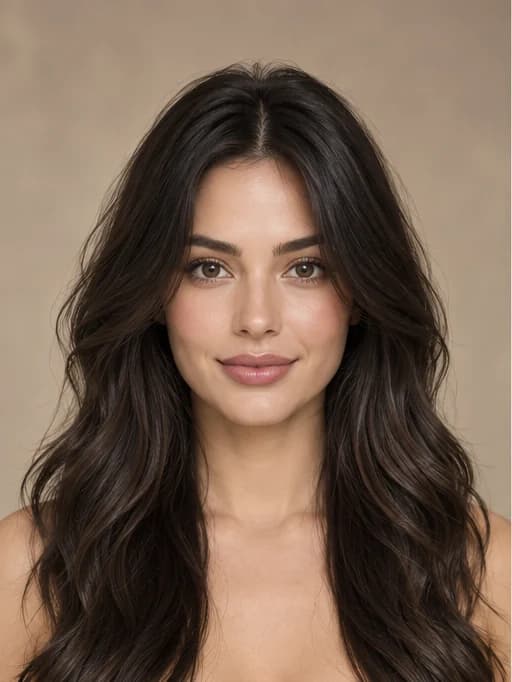
Describe a brown suede jacket, striped knit polo, and dark jeans to preview a vintage outfit in the original record-store scene.
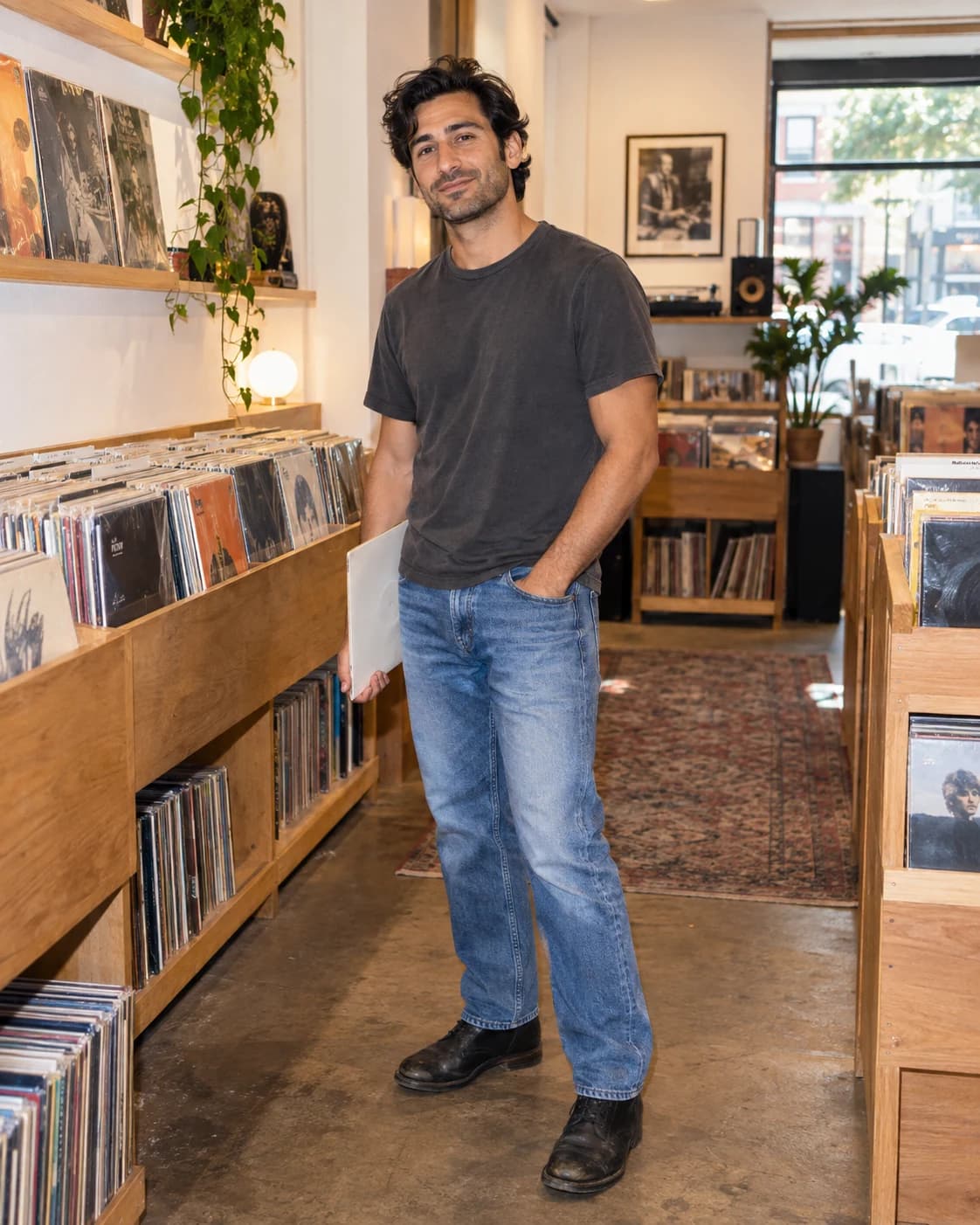 Original outfit
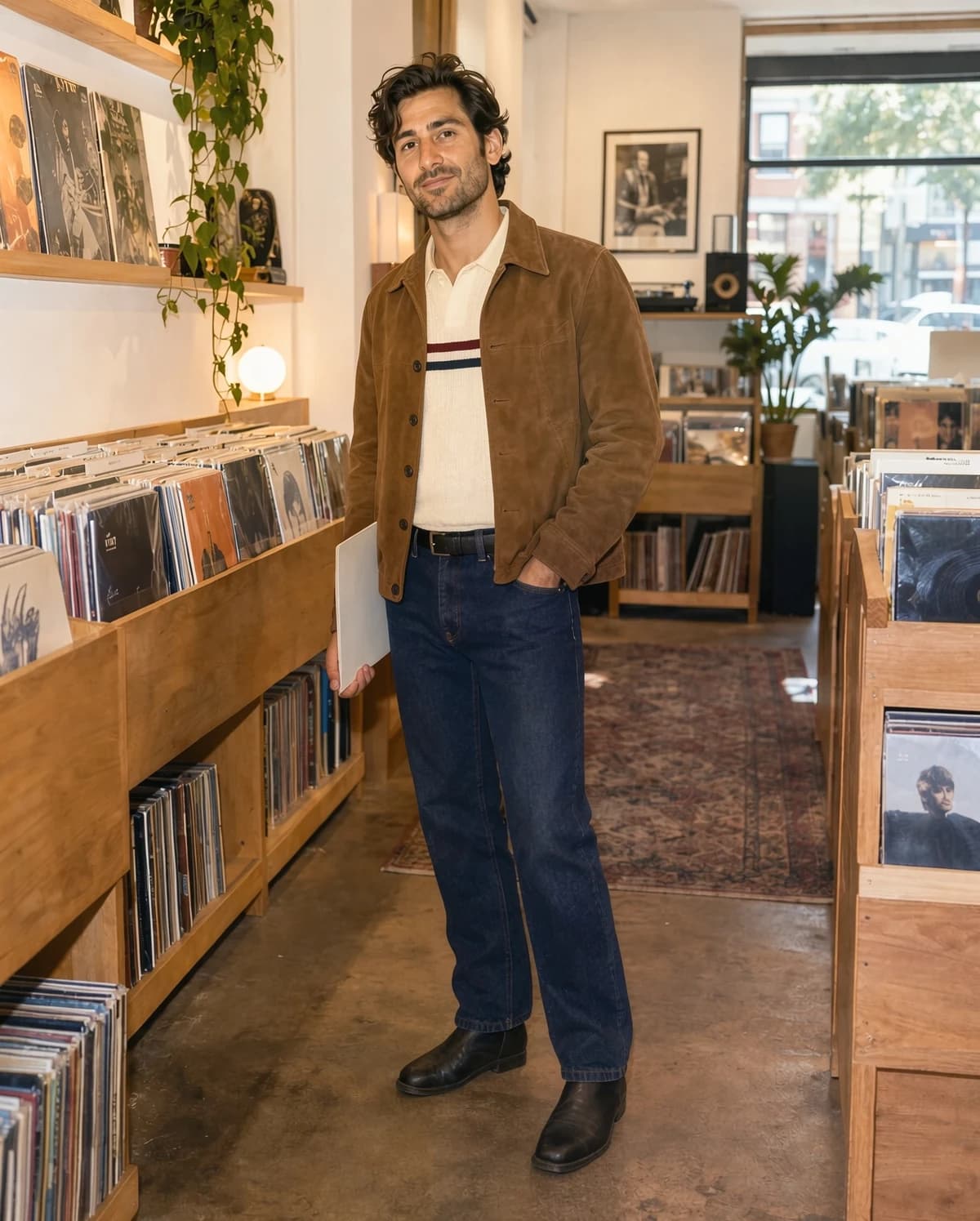 Outfit change
Use the online AI clothes changer in three steps: add your photo, choose an outfit, and preview the edit.
Choose a clear photo of one person, with the outfit and body visible in even light.
Pick a preset, upload a clothing photo for virtual try-on, or describe the style, colors, and garments you want.
Generate a preview, then return to your history to compare looks or download the result.
Preview casual, work, streetwear, and occasion looks on your own photo before choosing what to wear.
Start with a preset, upload a clothing image, or type a custom outfit description.
The edit aims to keep your face, identity, and pose while changing clothing. Small differences can still occur.
See an AI clothing swap shaped around the person in the photo. It is a visual preview, not a guarantee of real-world fit.
Go beyond presets by specifying an occasion, color palette, fabric, or garment details.
The edit aims to retain the background, framing, and lighting so you can compare outfits in context.
Return to your generated images to review, download, or try another clothing style.
Free images include a watermark. Upgrade for clean outputs, faster generation, and commercial use.
 Seedream 3.5UnlimitedSeedream 3.5 ProUnlimited Not Included
 MiniMax H3 TurboUnlimited Not IncludedMiniMax H3Unlimited Not IncludedMiniMax H3-70%
 Gemini
 Nano Banana
 GPT-50%Seedream-40%Veo
 Seedance 2.5
 KlingSeedream 3.5UnlimitedSeedream 3.5 ProUnlimitedMiniMax H3 TurboUnlimited Not IncludedMiniMax H3Unlimited Not IncludedMiniMax H3-70%GeminiNano BananaGPT-50%Seedream-40%VeoSeedance 2.5KlingSeedream 3.5UnlimitedSeedream 3.5 ProUnlimitedMiniMax H3 TurboUnlimitedMiniMax H3UnlimitedMiniMax H3-70%GeminiNano BananaGPT-50%Seedream-40%VeoSeedance 2.5Kling
Answers about photos, clothing references, virtual outfit try-on, and saved results.
Use a clear photo of one person, facing forward or slightly to the side, with most of the outfit visible. Group shots, heavy occlusion, and low resolution can affect the result.
Yes. Upload a clear flat-lay, product image, or clothing photo as a reference. AI aims to follow its style, colors, and layers, but intricate details and real-world fit may differ.
Yes. Select Custom and describe the garments, colors, style, or occasion to generate an outfit preview from your photo.
The tool aims to keep your face, hairstyle, pose, and background while editing clothes. AI-generated results may still contain small changes.
No. It helps you explore a visual look, but it cannot confirm a garment's actual size, fabric feel, or how it will fit in person.
After submitting a task, open your generation history to view and download the completed image.
Continue your workflow with another Raphael image tool.

Change clothes in your photo with a preset outfit, a clothing reference image, or your own description.