American yearbook headshot
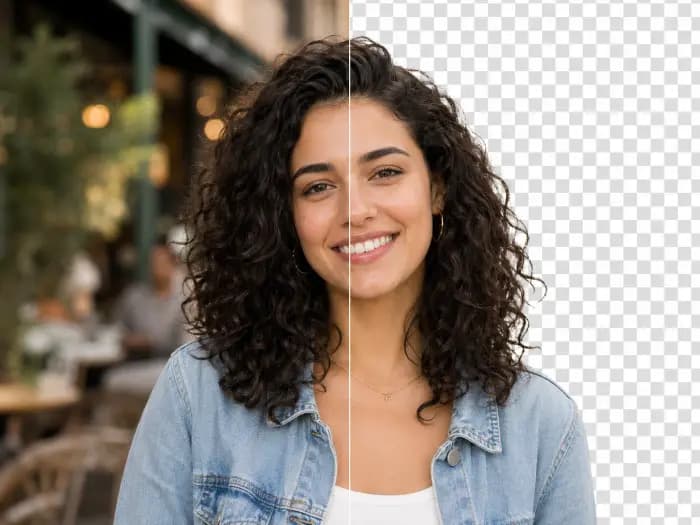
A blue studio backdrop, denim jacket, and soft flash create a classic yearbook portrait.
 Before
 Styled result
Explore yearbook, retro flash, and black-and-white editorial looks on different portraits.
A blue studio backdrop, denim jacket, and soft flash create a classic yearbook portrait.
BeforeStyled resultBright direct flash and a warm party backdrop give this portrait a candid retro feel.
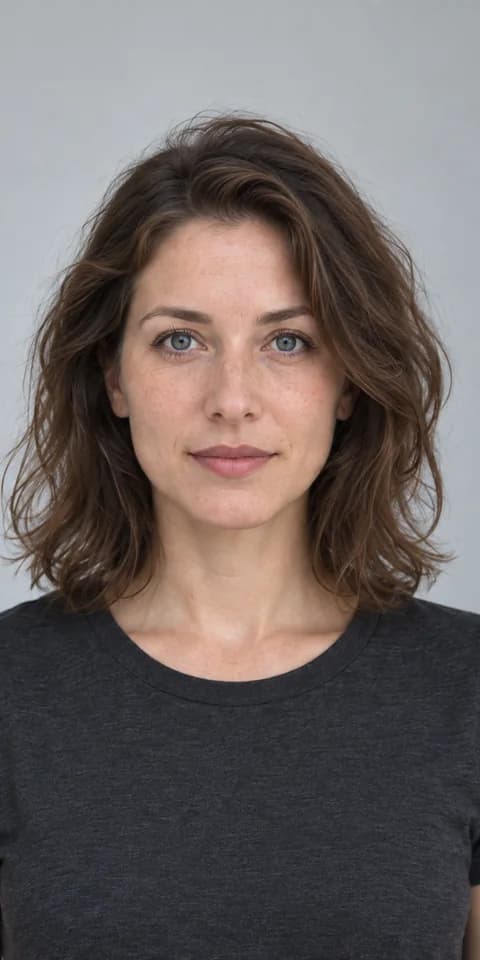 Before
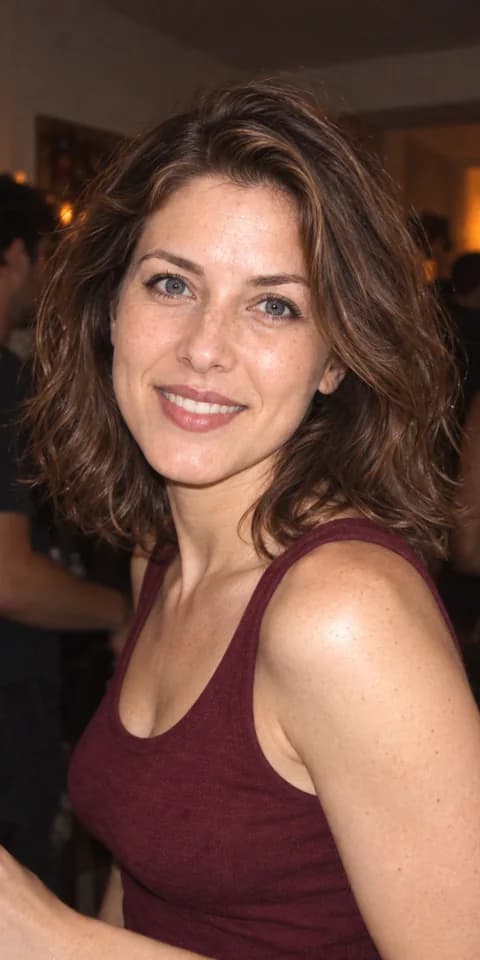 Styled result
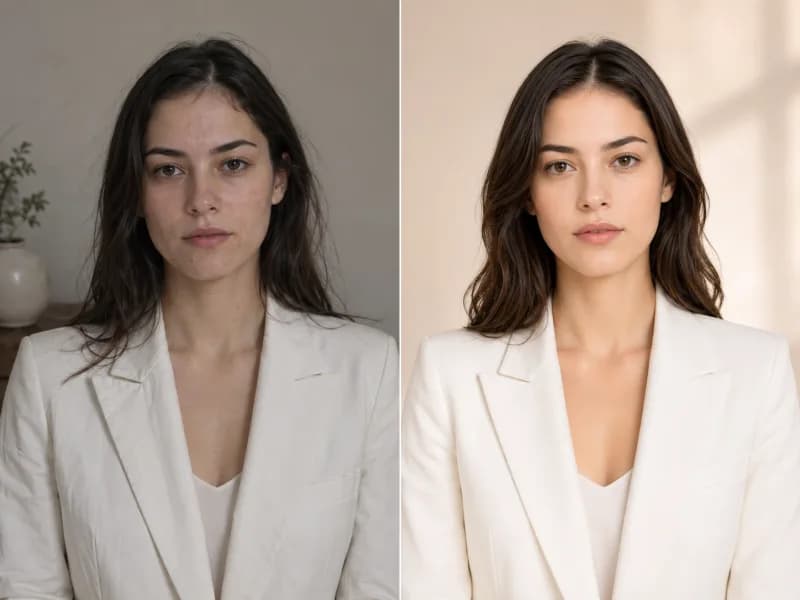
Compare a light-background ID portrait with an editorial look of the same person, shaped by side lighting and contrast.
 Before
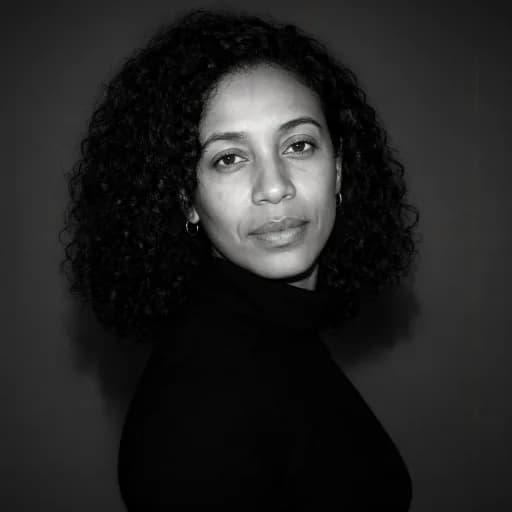 Styled result
Upload a photo and choose a style to get started. Presets require no prompt writing.
Choose a clear portrait of one person with their face visible and natural lighting.
Pick a LinkedIn, business, resume, or creative preset, or describe the clothing and background you want.
Generate your headshot from the photo, then view and download the result in your history.
Make a professional headshot for LinkedIn, a resume, or a business profile from an existing photo.
Choose an ID photo, business, social profile, or creative look that suits your purpose.
The generator aims to keep your facial features recognizable while changing clothing, lighting, and background. Results can vary.
Create a LinkedIn headshot or a portrait for resumes, conferences, and business profiles.
Go beyond presets by describing the occasion, outfit, background, and mood you want.
Try clean backgrounds and natural lighting for a profile picture or job application.
Find generated headshots in your Raphael history to view, download, or try another style.
Free images include a watermark. Upgrade for clean outputs, faster generation, and commercial use.
 Seedream 3.5UnlimitedSeedream 3.5 ProUnlimited Not Included
 MiniMax H3 TurboUnlimited Not IncludedMiniMax H3Unlimited Not IncludedMiniMax H3-70%
 Gemini
 Nano Banana
 GPT-50%Seedream-40%Veo
 Seedance 2.5
 KlingSeedream 3.5UnlimitedSeedream 3.5 ProUnlimitedMiniMax H3 TurboUnlimited Not IncludedMiniMax H3Unlimited Not IncludedMiniMax H3-70%GeminiNano BananaGPT-50%Seedream-40%VeoSeedance 2.5KlingSeedream 3.5UnlimitedSeedream 3.5 ProUnlimitedMiniMax H3 TurboUnlimitedMiniMax H3UnlimitedMiniMax H3-70%GeminiNano BananaGPT-50%Seedream-40%VeoSeedance 2.5Kling
Answers about choosing a photo, customizing your headshot, where to use it, and saved results.
Use a clear photo of one person, facing forward or slightly to the side, with natural light. Group photos, covered faces, and low resolution can affect the result.
The AI aims to keep your facial features recognizable, but generated images may change small details. Review the result and try another generation if needed.
Yes. Choose Custom to describe the setting, outfit, background, and overall mood instead of using a preset.
Yes. A style can change clothing, lighting, and background. Fine details may vary, especially with complex source photos.
Choose a LinkedIn, business, or ID portrait style. Review facial details and clothing before using the result on a professional profile or resume.
After submitting a task, you move to your generation history. Once it finishes, you can view and download the image there.
Continue your workflow with another Raphael image tool.
Turn a photo into a professional headshot. Choose a LinkedIn, resume, or creative style, or describe your own look.