Straight Hair to Long Waves
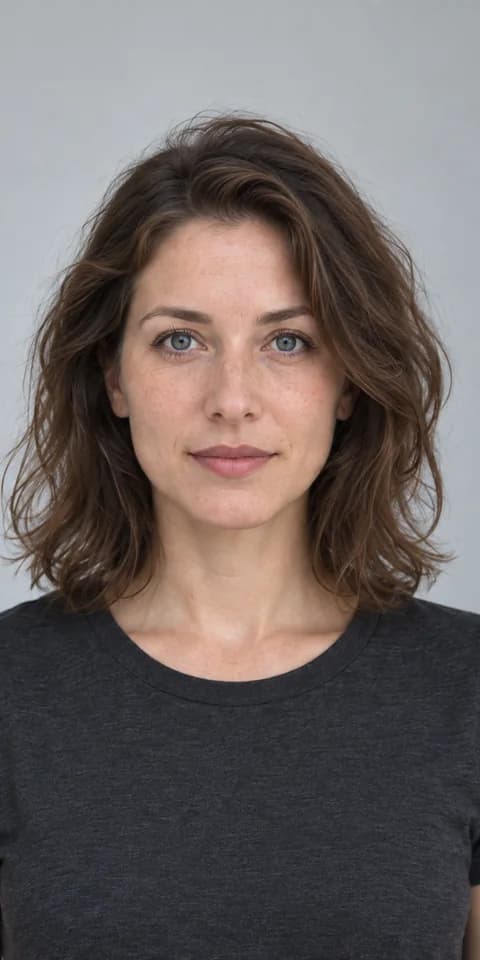
Compare a shoulder-length straight cut with longer, softer waves and layered volume.
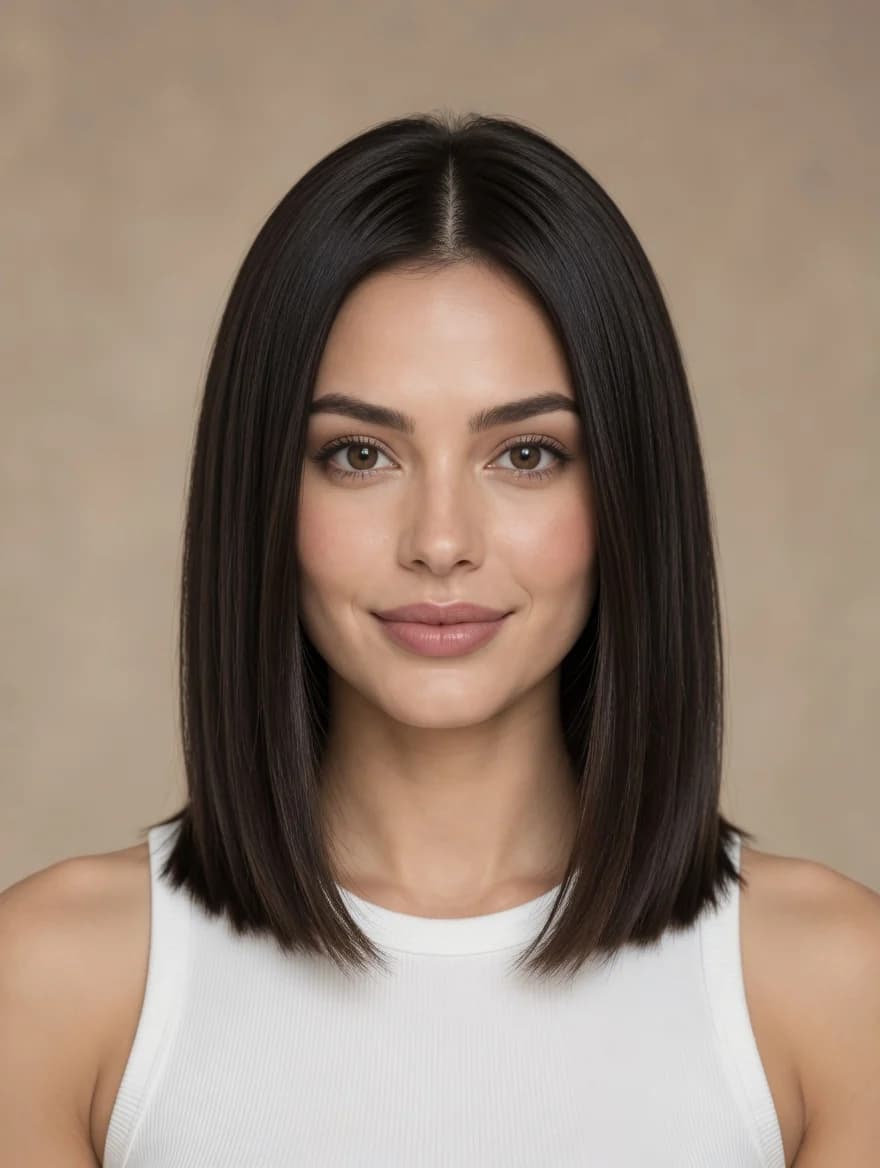 Starting style
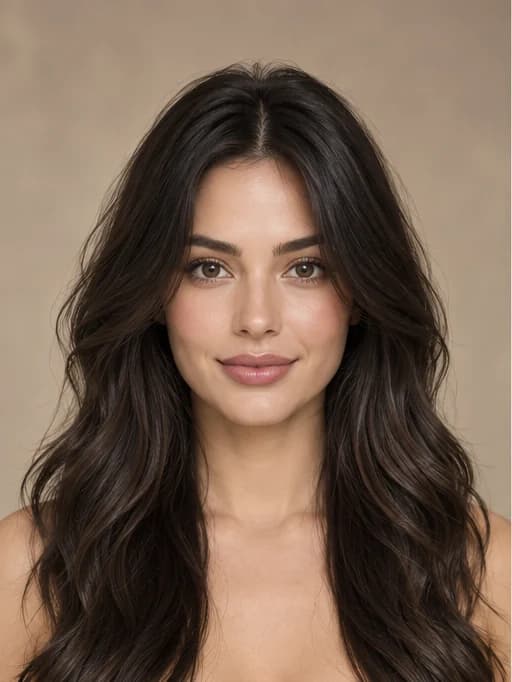 New style
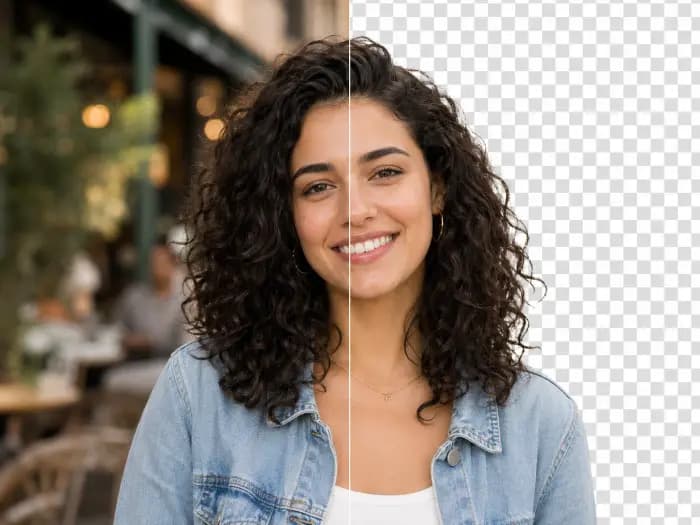
Explore the preset looks before trying one on your own photo. These images illustrate styles; your result will depend on the photo you upload.
Compare a shoulder-length straight cut with longer, softer waves and layered volume.
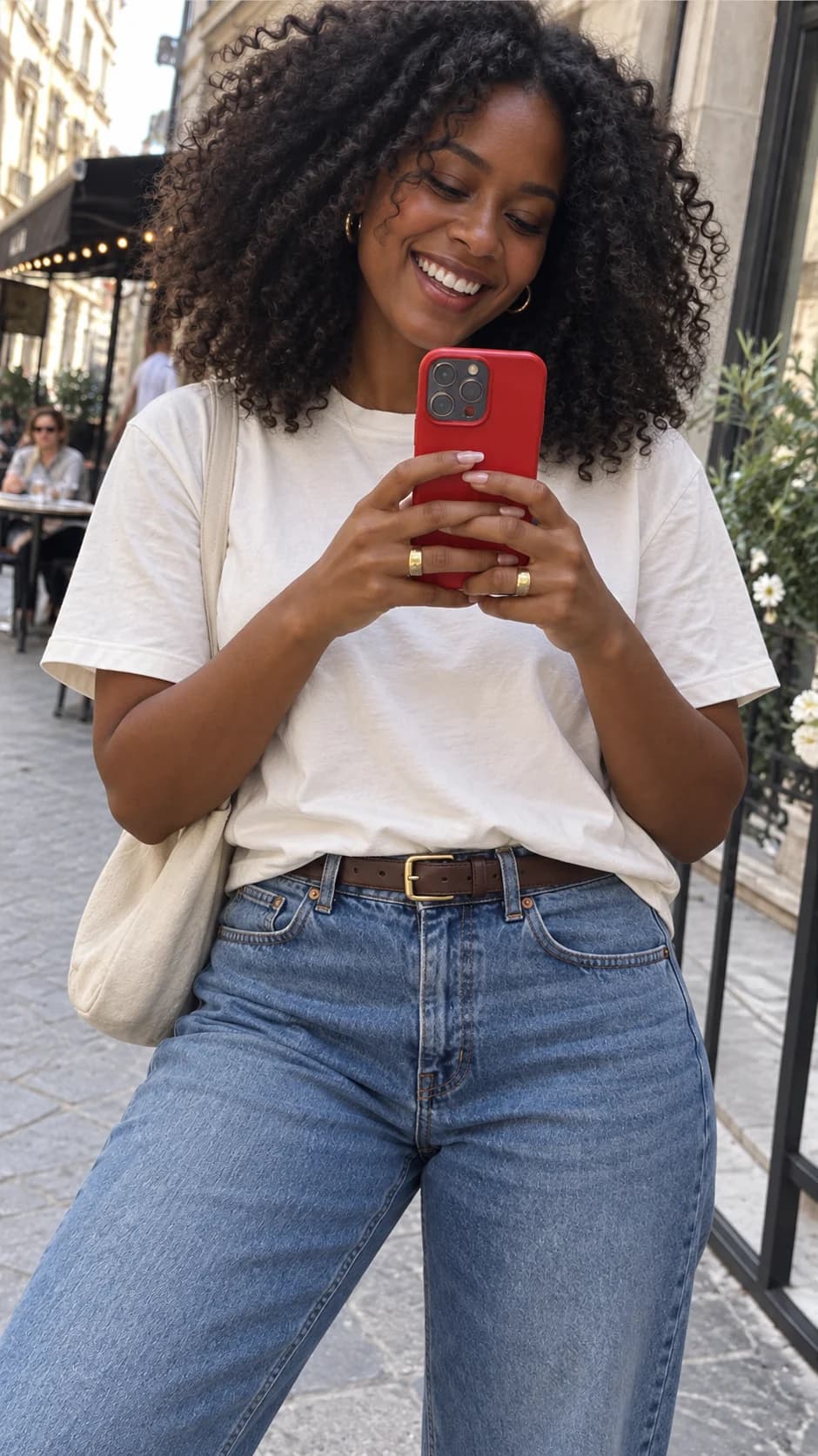
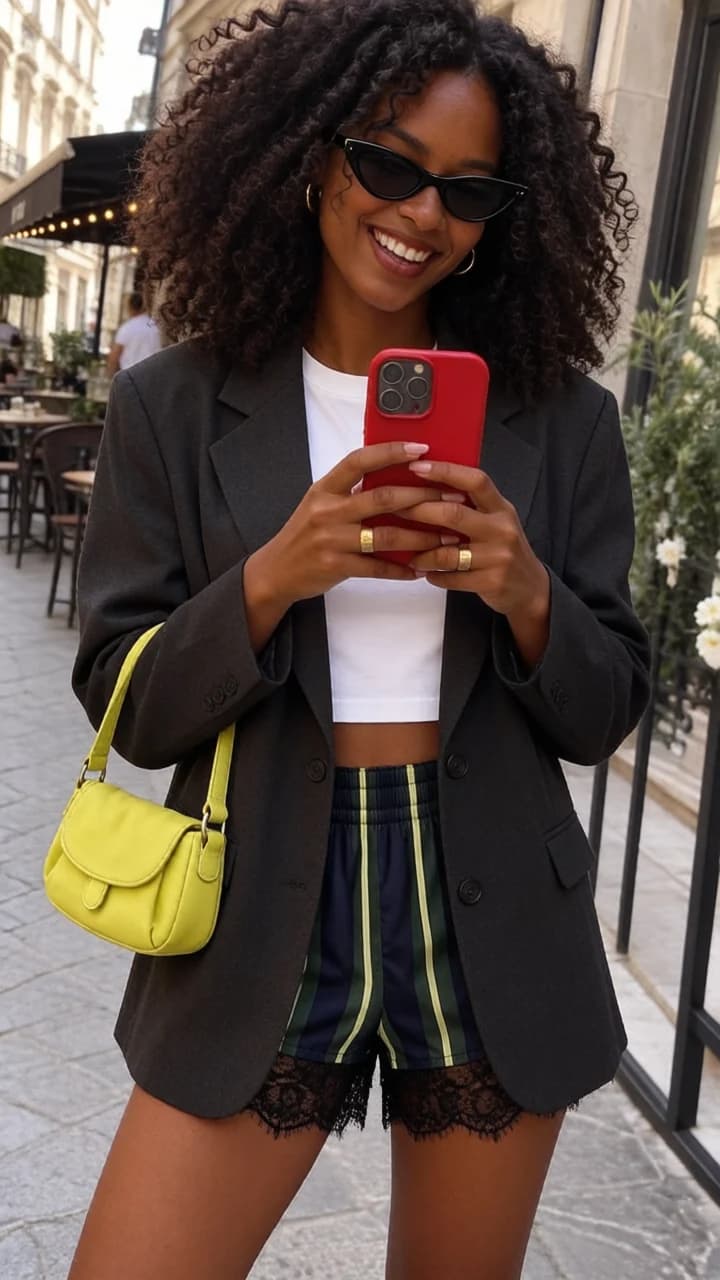
Starting styleNew styleSee how two braided sections create a different outline from a high ponytail.
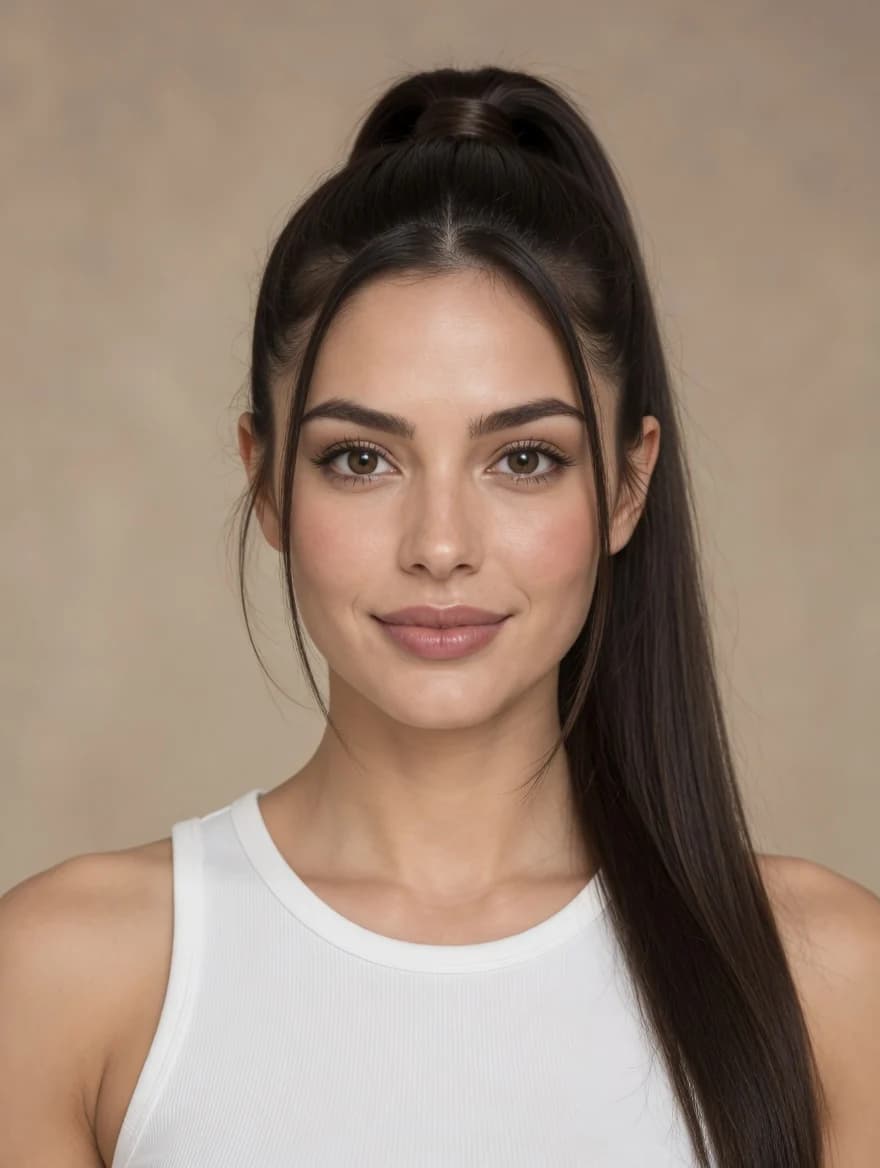 Starting style
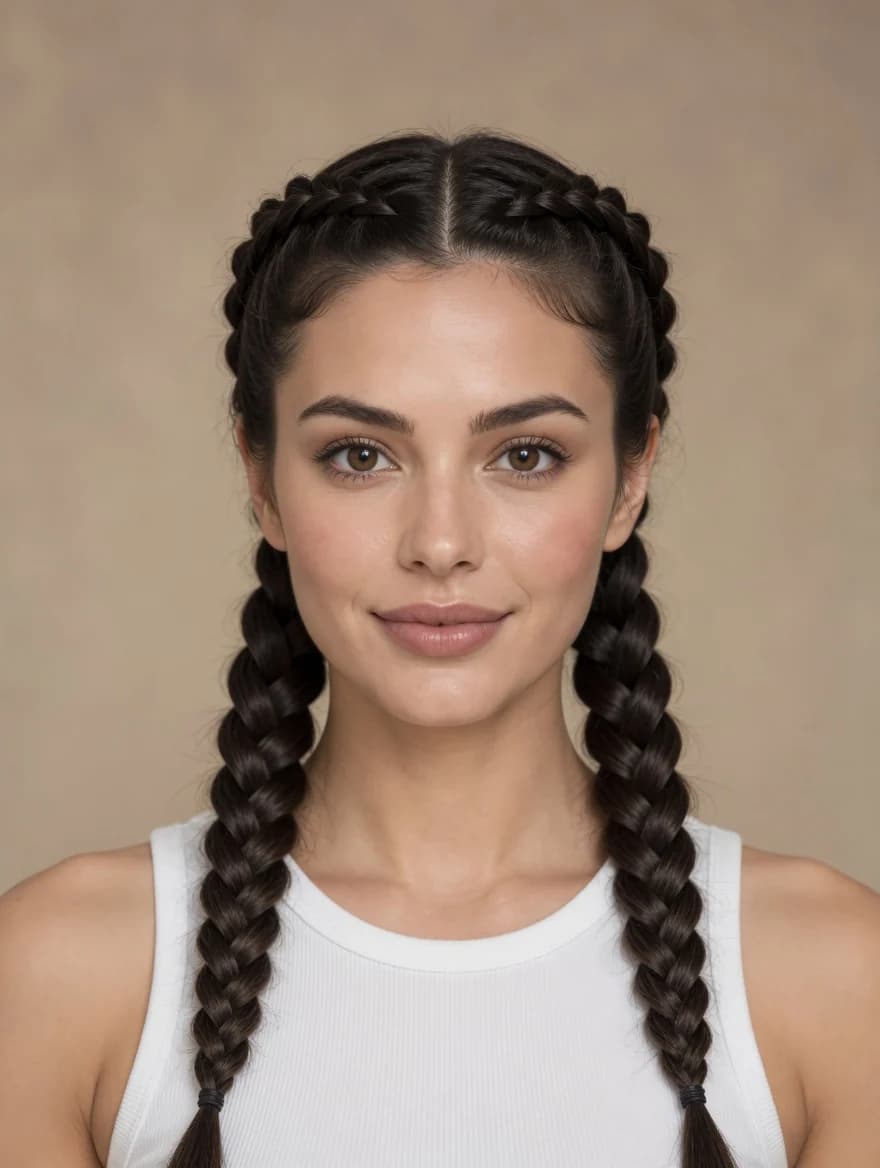 New style
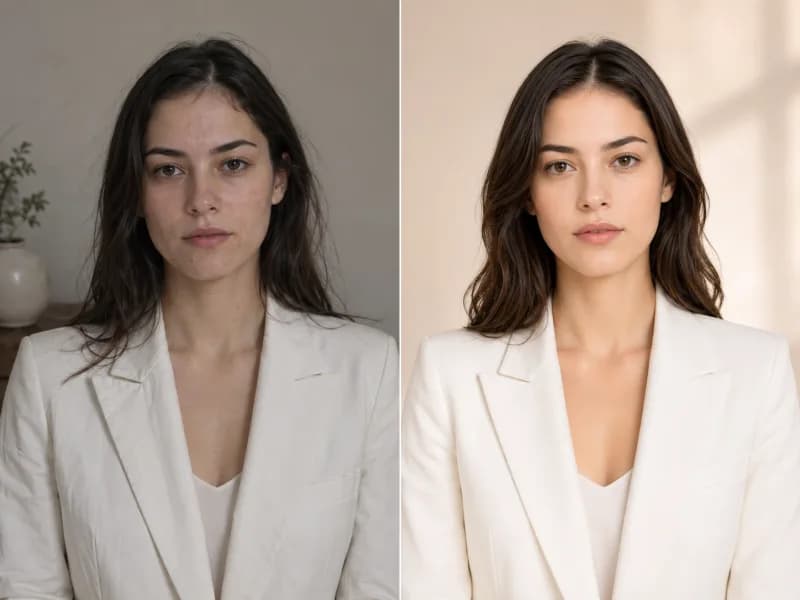
Preview the difference between a neat, side-swept short cut and a longer, feathered style.
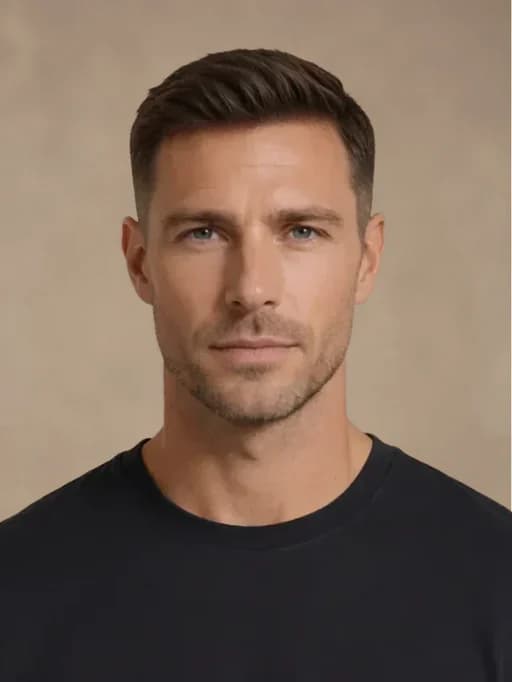 Starting style
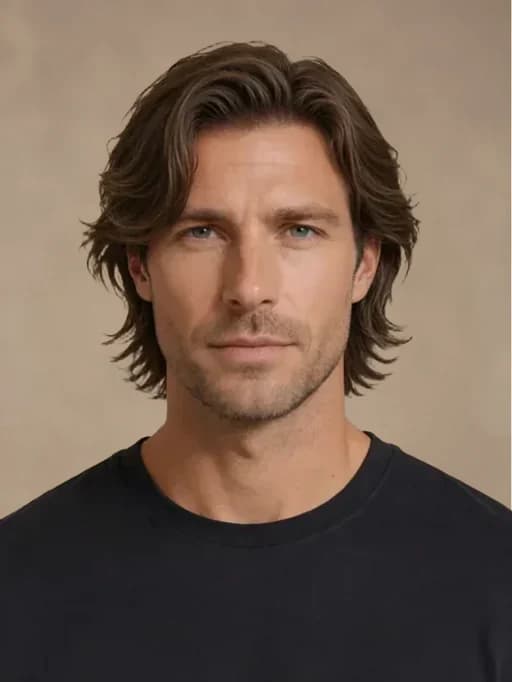 New style
Use the online hairstyle try-on tool in three simple steps.
Choose a photo of one person with a visible face and hair in even lighting.
Pick a preset for women or men, or describe the length, bangs, curls, or layers you want.
Generate a hairstyle preview, then open your history to compare or download the image.
Try different hairstyles online to explore a look before your next salon visit. The preview is a visual idea, not a guarantee of how a real haircut will turn out.
Browse separate preset collections, from women's bobs and braids to men's short and medium cuts.
The edit aims to retain your face, outfit, pose, and background while changing the hairstyle. Small differences can still occur.
Use the haircut simulator to explore straight hair, loose waves, curls, or a shorter silhouette on your photo.
Go beyond the presets by typing a specific haircut, length, part, fringe, or curl pattern.
See a hairstyle on your own face and in your original setting rather than on a generic model.
Return to generated images in your history to compare looks and download a result.
Free images include a watermark. Upgrade for clean outputs, faster generation, and commercial use.
 Seedream 3.5UnlimitedSeedream 3.5 ProUnlimited Not Included
 MiniMax H3 TurboUnlimited Not IncludedMiniMax H3Unlimited Not IncludedMiniMax H3-70%
 Gemini
 Nano Banana
 GPT-50%Seedream-40%Veo
 Seedance 2.5
 KlingSeedream 3.5UnlimitedSeedream 3.5 ProUnlimitedMiniMax H3 TurboUnlimited Not IncludedMiniMax H3Unlimited Not IncludedMiniMax H3-70%GeminiNano BananaGPT-50%Seedream-40%VeoSeedance 2.5KlingSeedream 3.5UnlimitedSeedream 3.5 ProUnlimitedMiniMax H3 TurboUnlimitedMiniMax H3UnlimitedMiniMax H3-70%GeminiNano BananaGPT-50%Seedream-40%VeoSeedance 2.5Kling
Answers about trying hairstyles on your photo, preview results, and saved images.
Use a clear photo of one person, facing forward or slightly to the side, with visible hair and even light. Heavy obstructions, group shots, and very low resolution can make the preview less reliable.
The edit aims to keep your facial features and identity, but AI-generated images can still have small differences. Review the result before using it.
Yes. Choose an available bob, bangs, or other preset, or switch to Custom to describe the length, texture, fringe, and layers you want.
The hairstyle edit asks the model to preserve your clothing, pose, and background. Some photos may still produce minor changes.
Preset images show the intended hairstyle, not an exact result. Your hair texture, photo angle, and lighting can affect the outcome, so curls, layers, and color may vary. For a more specific look, switch to Custom and describe the hairstyle you want.
After you submit a task, it appears in generation history. Once the image is ready, open it there to view or download it.
Continue your workflow with another Raphael image tool.
Upload your photo to try different hairstyles online. Choose a preset for women or men, or describe a custom haircut and preview the result.