Ideas for Your Photos

Explore the visual direction with the existing style illustration.

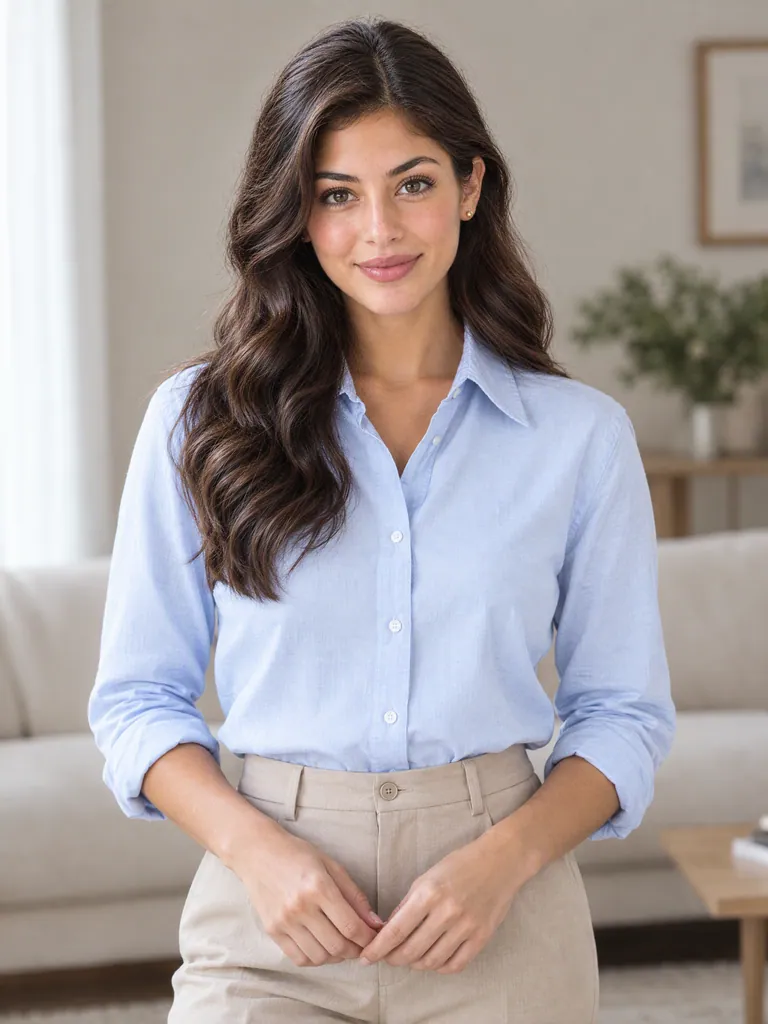
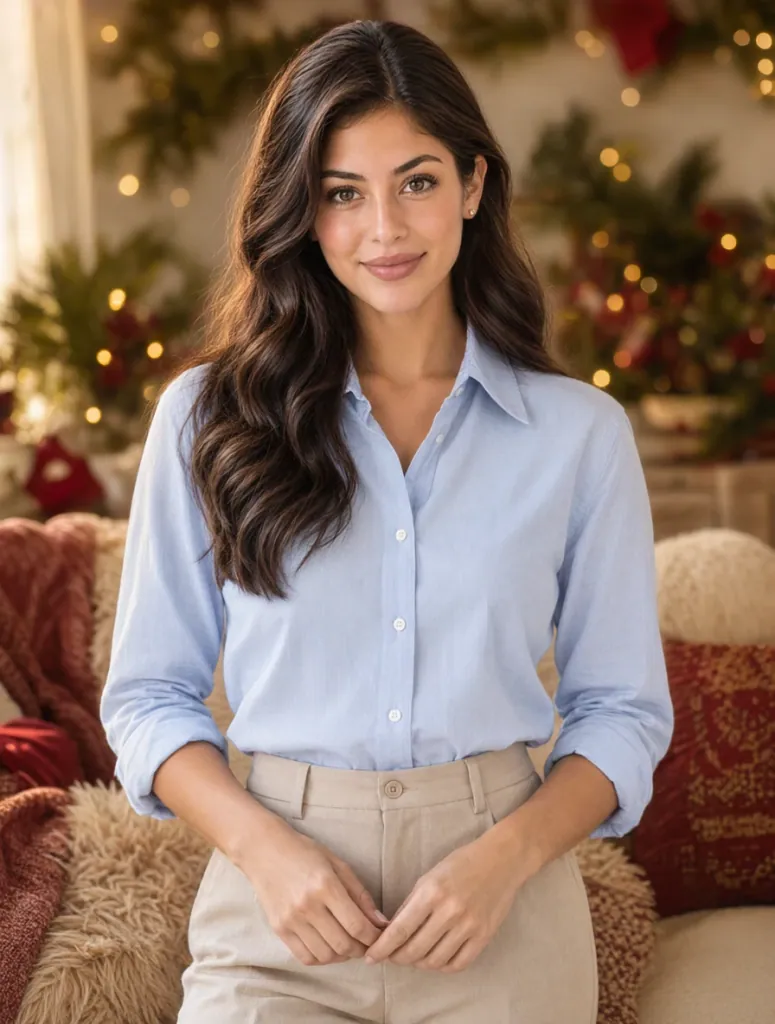
A warmer seasonal profile picture

Start with an everyday selfie and give it a new mood with warm light, evergreen details and festive bokeh. Crop a favorite into a profile picture and bring a little Christmas warmth to a familiar face.
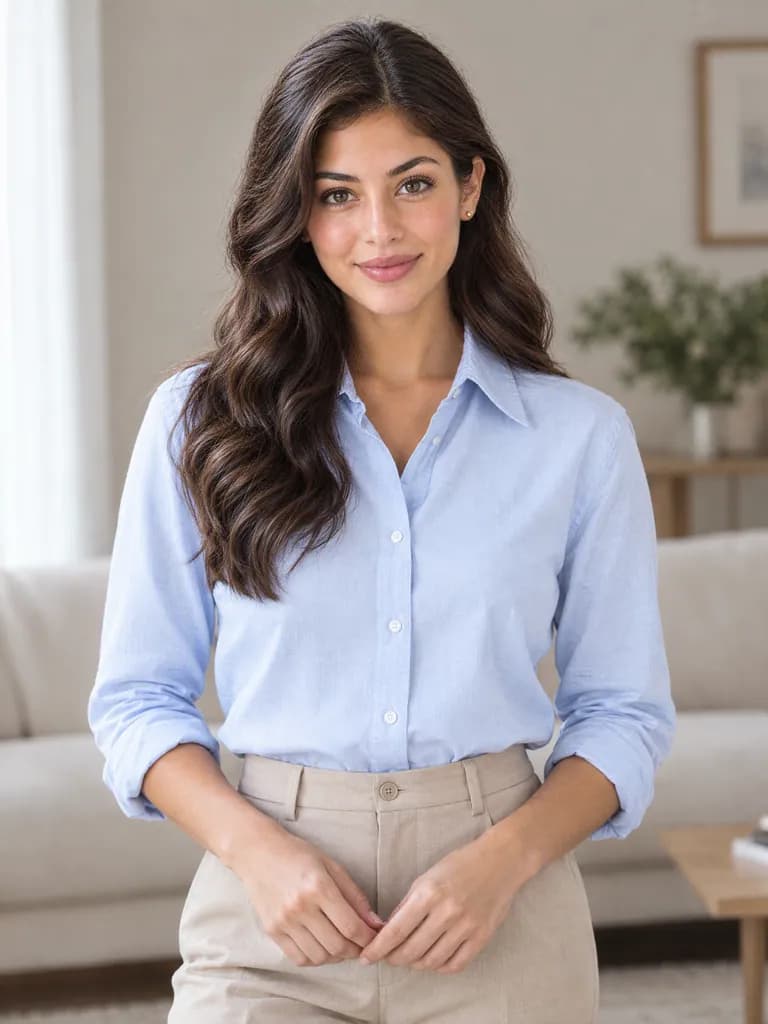
Original · A warmer seasonal profile pictureOriginal
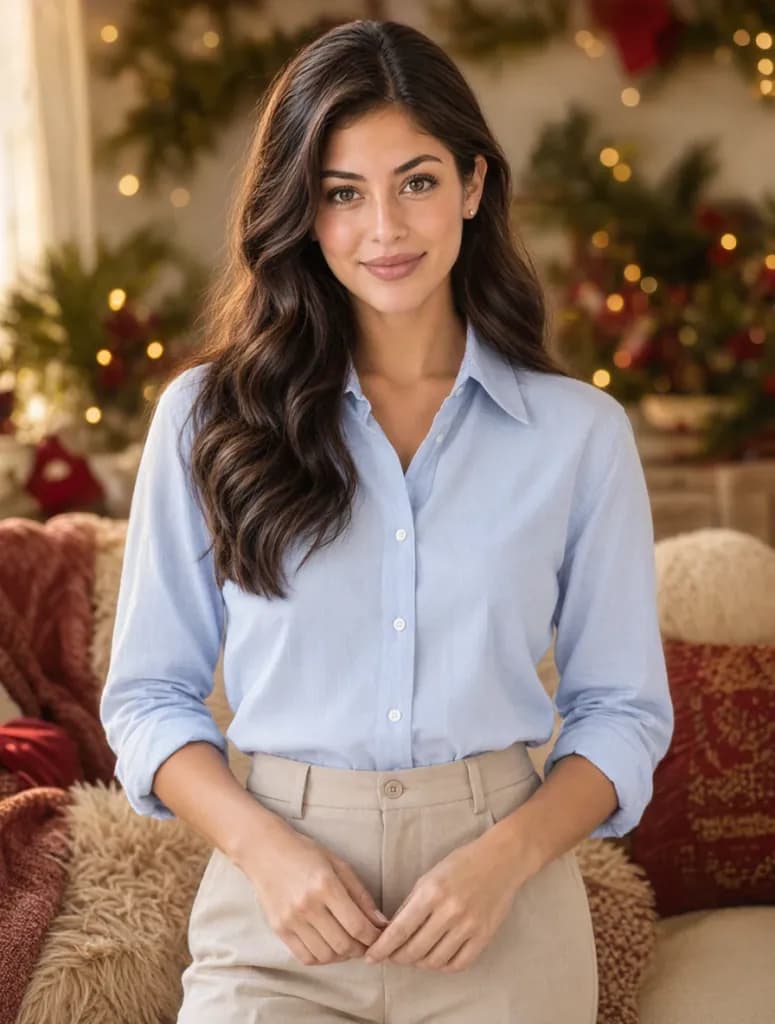
Result · A warmer seasonal profile pictureResult

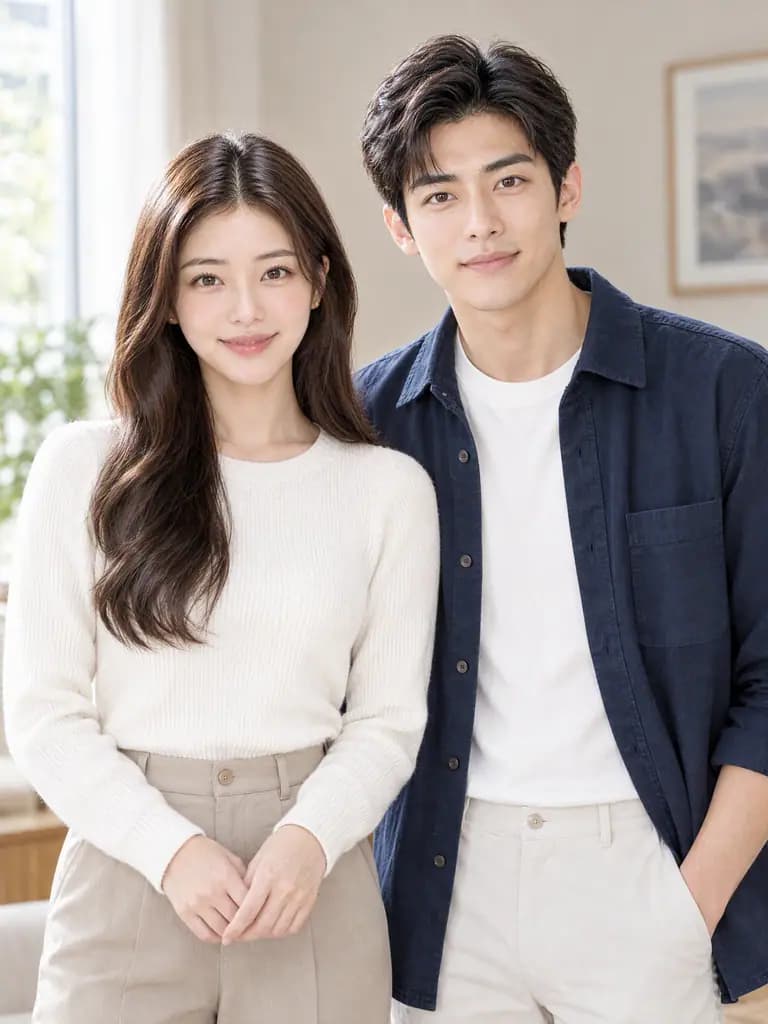
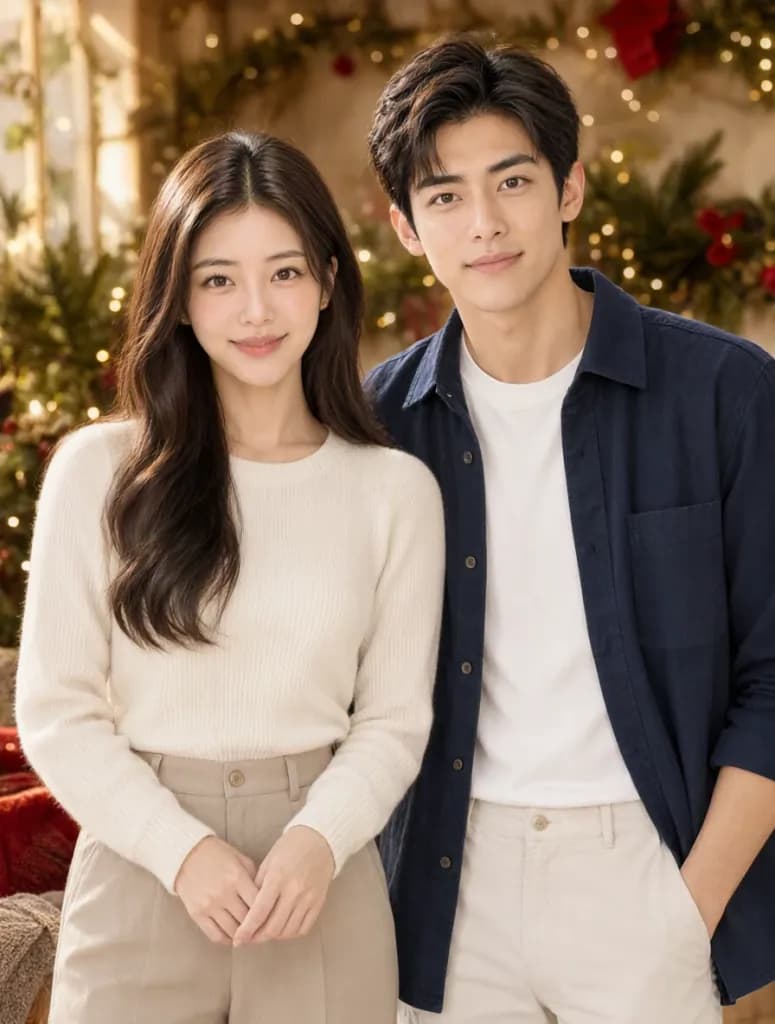
A festive look for a couple photo

Try a couple photo for a holiday portrait of the two of you, surrounded by soft bokeh and classic festive colors. Share it with loved ones or add a seasonal image to your digital album.

Original · A festive look for a couple photoOriginal
Result · A festive look for a couple photoResult

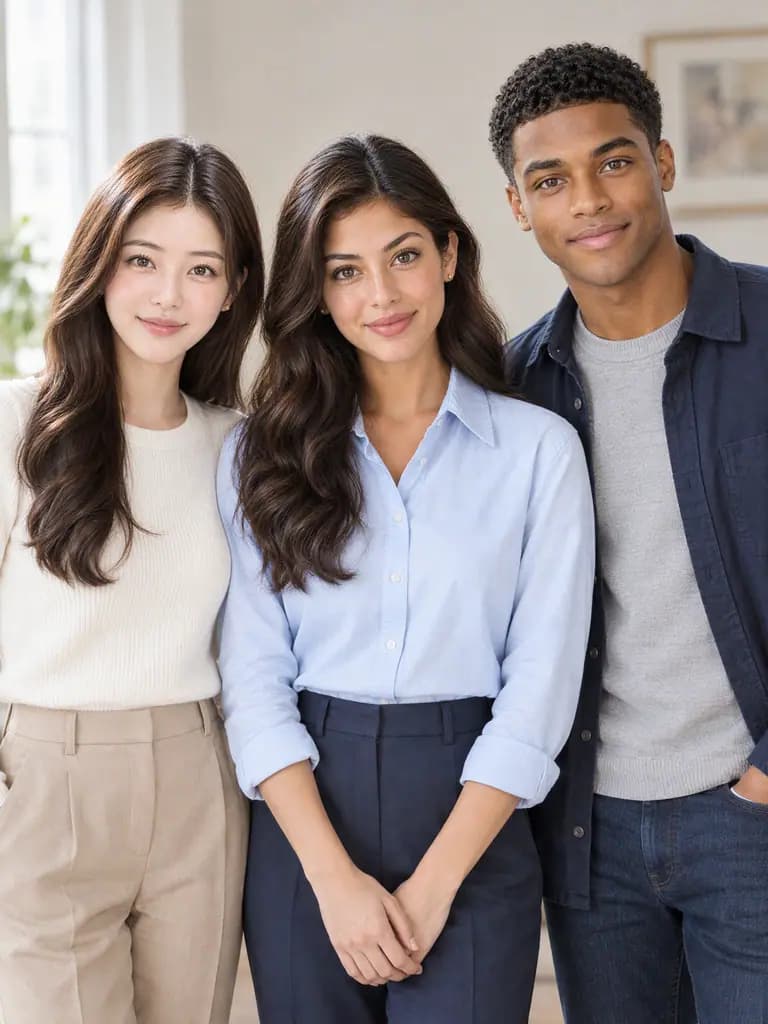
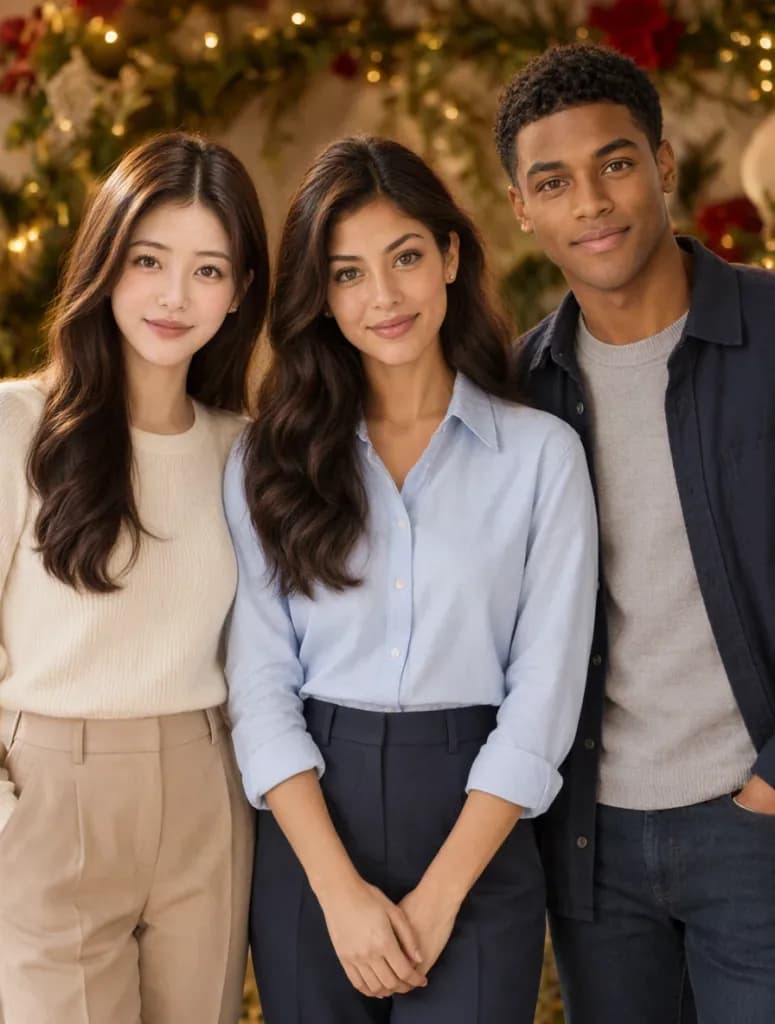
A warm greeting for the family chat

Try a small family group photo and bring the people in it into a setting of twinkle lights, evergreens and cozy colors. Share a warm portrait image in the family chat for a greeting with familiar faces.

Original · A warm greeting for the family chatOriginal
Result · A warm greeting for the family chatResult

A portrait for your own card layout

Already have a card design you like? Create a portrait focused on people and warm holiday light, then place it in your own layout. Let the image set the mood and add your personal message separately.

Original · A portrait for your own card layoutOriginal
Result · A portrait for your own card layoutResult

How it works

Upload a photo, generate the fixed style, then save or keep editing.

  1. Upload a photo

    Choose a JPG, PNG or WebP image with a clear subject. Avoid a blurred face or heavy obstruction.

  2. Generate the fixed look

    The look is already selected, so you do not need to write a prompt. Sign in, review the credit cost and generate.

  3. Save or keep editing

    Open your result to view and download it, or continue with another image tool.

Features

Start with your own photo

Make the people in your uploaded photo the starting point for the image, using familiar faces as the reference for a new festive look.

Soft golden lighting

Gentle holiday light and golden highlights create a warm, cozy direction for a personal portrait or greeting image.

Evergreens and twinkle lights

Evergreen branches, small lights and soft bokeh bring a seasonal setting around the subject with delicate festive details.

Classic holiday colors

Rich reds, forest greens and cozy textures give an everyday portrait the feel of a classic Christmas image.

A natural portrait direction

Soft light, seasonal styling and the subject’s expression come together in a photographic direction with a warm holiday mood.

Begin with a photo

Try the ready-to-use holiday portrait look without writing a long prompt. Continue with the image editor whenever you want to explore a further change.

Frequently Asked Questions

Questions about photo conversion, suitable inputs and your results.

1

What kind of photo should I upload?

Start with a clear, evenly lit portrait of one person. Avoid tiny faces, blur, sunglasses or hands covering the face. Leave a little room around the head and shoulders for the festive setting.

2

Will the portrait still look like me?

Your photo guides the subject, with the aim of keeping a recognizable face and natural expression. AI may still change facial features, skin tone, apparent age or small details. Compare the result with your original and choose a version you are comfortable using.

3

Can I try a couple or family photo?

You can try, though we recommend starting with one person. Everyone in a group should have a clear, visible face. Review each person, the total headcount, hands and edges of the image. One accurate face does not establish that the whole group is accurate.

4

How is a holiday portrait different from a holiday card?

A portrait focuses on the people, warm light and decorations. It can work as a profile picture, a shared image or a photo for another design. A holiday card focuses on a greeting composition; choose the photo holiday card tool when that is your goal.

5

Can I choose another holiday, outfit or background?

This page uses one fixed warm Christmas portrait effect, with no holiday, outfit or scene options. For a specific change, use the AI image editor after generation and review the subject again after editing.

6

Can I use the image as a profile picture or print it?

Download the image and crop a copy for a profile, or place it in your own design. Before printing, check the file’s pixel dimensions, intended print size and your print service’s requirements, then review a small proof. A generated image does not by itself guarantee print compliance.

Related image tools

Explore more effects and ways to edit your images.

Raphael AI

Give your photo a warm holiday glow

Turn your photo into a warm Christmas portrait

Give an everyday portrait a warm Christmas look with soft golden light, evergreen branches, twinkle lights and festive bokeh. Create a seasonal profile picture, a greeting for loved ones or a portrait for your own card design.

Original
Original
Warm Holiday Portrait