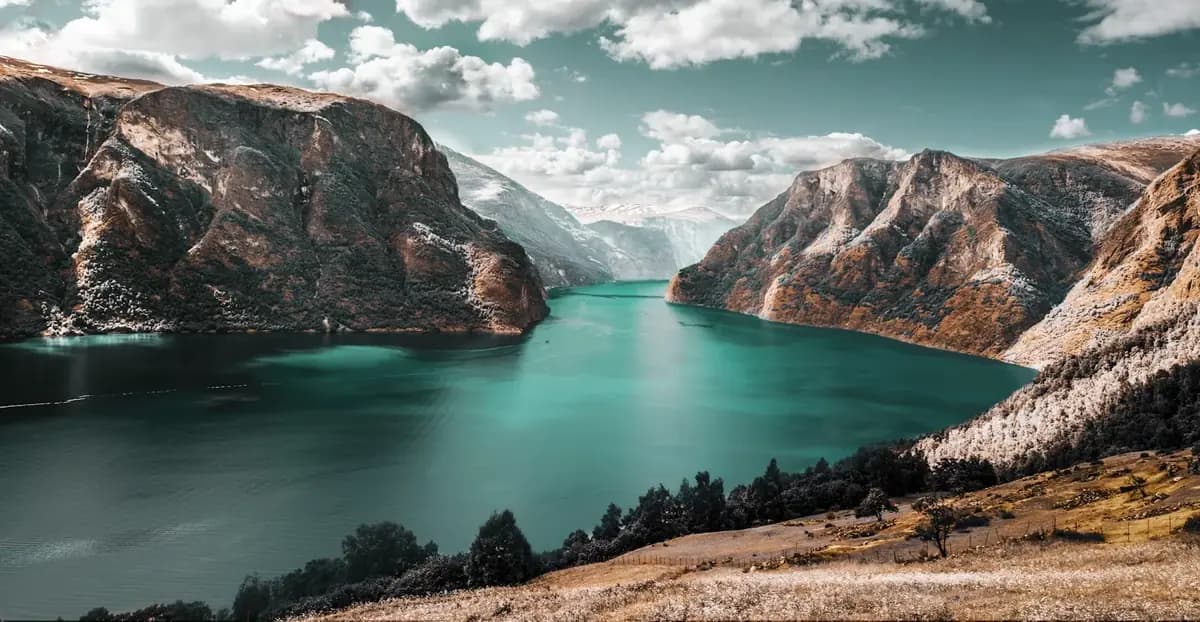
Remove a Text Watermark from a Travel Photo
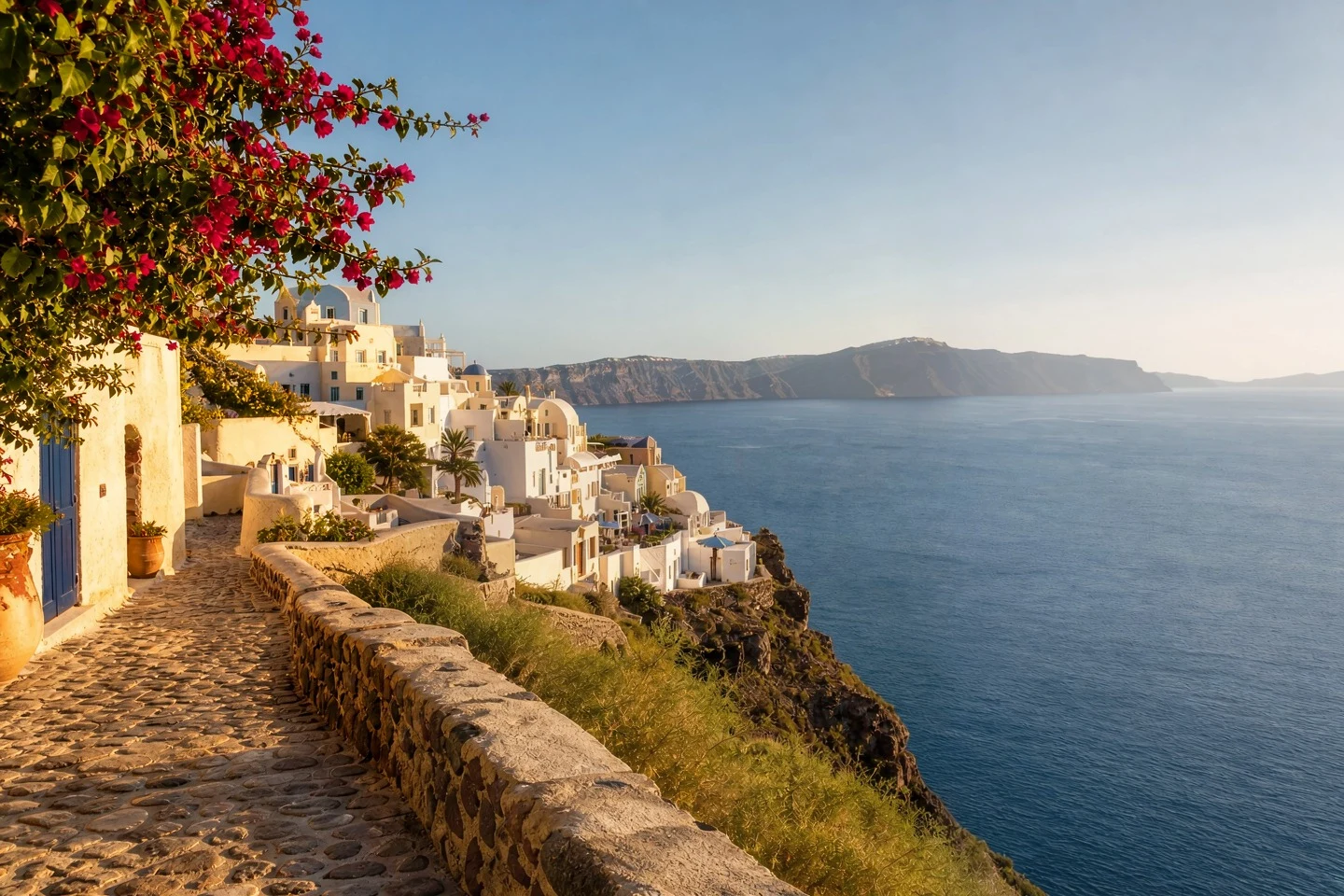
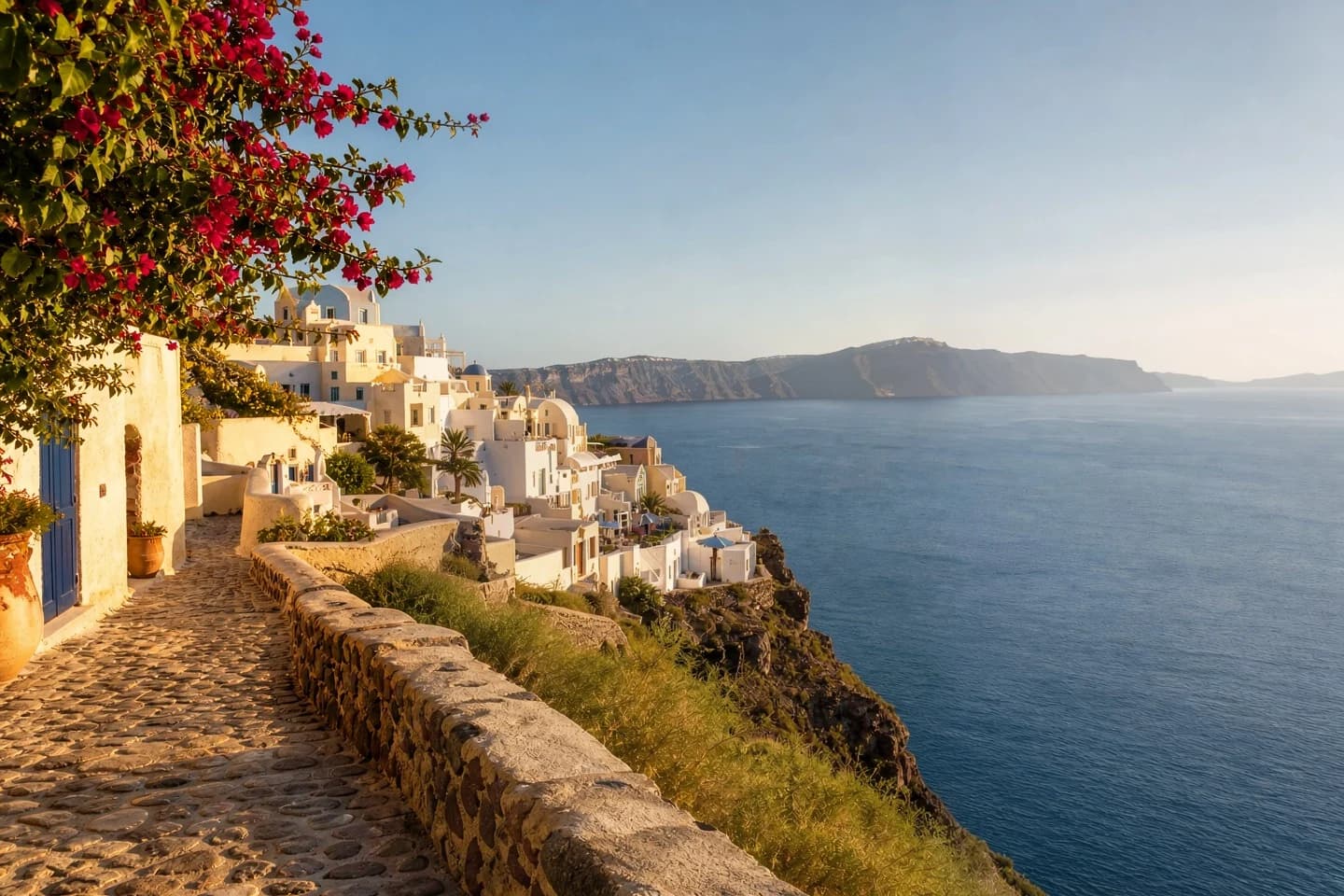
AI detects translucent text and its background over detailed scenery, then reconstructs the buildings, sea, and cliffs underneath.

BeforeAfter
See real results for a text watermark, promotional badge, and date stamp.
AI detects translucent text and its background over detailed scenery, then reconstructs the buildings, sea, and cliffs underneath.
Remove the promotional badge in the upper-right while restoring the original gradient background and lighting.


Clear the date text and dark plate in the lower-right, then restore the tabletop and notebook edge.


No manual brushing is required; AI handles the image after upload.
Choose one image, or up to 10 at once if you have purchase benefits.
The system detects visible overlays and reconstructs covered areas.
Review each result and download it without a Raphael watermark.
A reliable image cleanup workflow from detection and reconstruction to download.
Detects text, logos, badges, date stamps, stickers, QR codes, and promo graphics without manual brushing.
Uses surrounding texture, color, and lighting to reconstruct covered areas for a more coherent result.
Process up to 10 images at once. Each runs independently, with separate refunds for failed items.
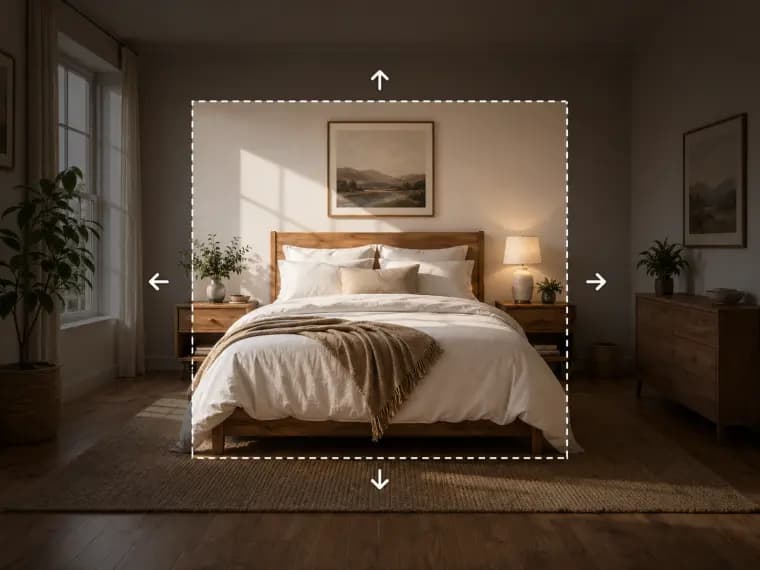
Large images auto-fit within 2048 × 2048 proportionally, with no cropping or stretching.
Results are saved in Raphael storage instead of temporary provider URLs.
Supports JPG, PNG, and WebP, and downloaded results do not receive another Raphael watermark.
Free images include a watermark. Upgrade for clean outputs, faster generation, and commercial use.
 Seedream 3.5UnlimitedSeedream 3.5 ProUnlimited Not Included
 MiniMax H3 TurboUnlimited Not IncludedMiniMax H3Unlimited Not IncludedMiniMax-70%
 Gemini
 Nano
Nano GPT-50%Seedream-40%Veo
 Seedance
 Kling
Kling Grok
Grok WanSeedream 3.5UnlimitedSeedream 3.5 ProUnlimitedMiniMax H3 TurboUnlimited Not IncludedMiniMax H3Unlimited Not IncludedMiniMax-70%GeminiNanoGPT-50%Seedream-40%VeoSeedanceKlingGrokWanSeedream 3.5UnlimitedSeedream 3.5 ProUnlimitedMiniMax H3 TurboUnlimitedMiniMax H3UnlimitedMiniMax-70%GeminiNanoGPT-50%Seedream-40%VeoSeedanceKlingGrokWan
Answers about formats, batch access, credits, rights, and result storage.
JPG, PNG, and WebP are supported, up to 10 MB per image.
Each source file can be up to 10 MB. Images above the processing dimensions are proportionally reduced to fit within 2048 × 2048 before submission, without cropping or stretching.
All signed-in users can process one image; members or users with paid-credit balance can process up to 10 at once.
Each submitted image costs 3 credits.
Yes. Each batch slot is tracked separately, and the 3 credits for a failed image are refunded independently.
Yes, while still respecting image rights and applicable law.
No. Downloads from this image utility do not add a Raphael watermark.
Not always. AI reconstructs covered areas from surrounding context, so large overlays or important details may change.
Continue your workflow with another Raphael image tool.
Want to preview a new haircut instead? Try the AI Hairstyle Changer.