Ideas for Your Photos

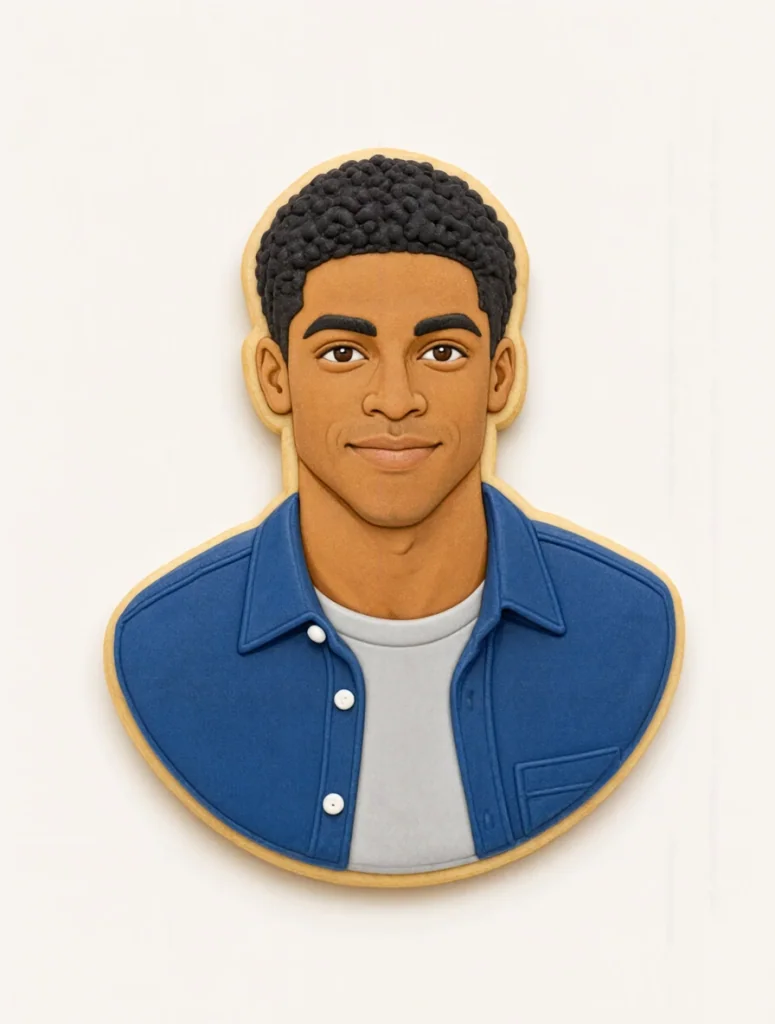
Explore the visual direction with the existing style illustration.

A selfie as an iced-cookie character

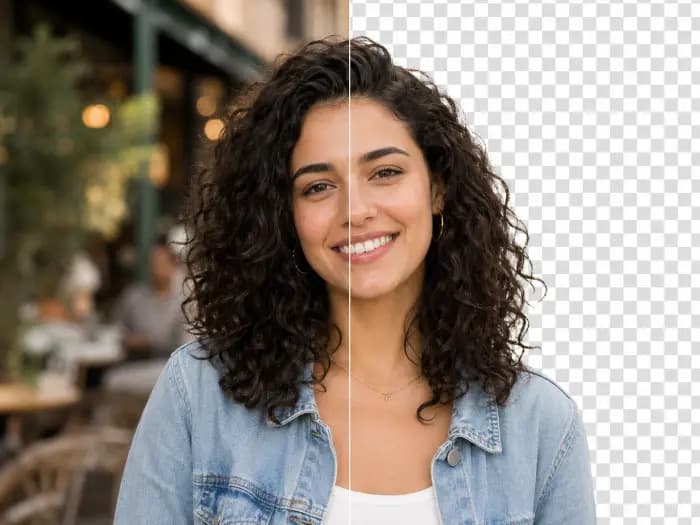
Start with a portrait of one person and reinterpret the hairstyle, glasses and facial features in icing. A simple, cute cookie character makes a playful profile picture or a greeting image for friends.

Original · A selfie as an iced-cookie characterOriginal
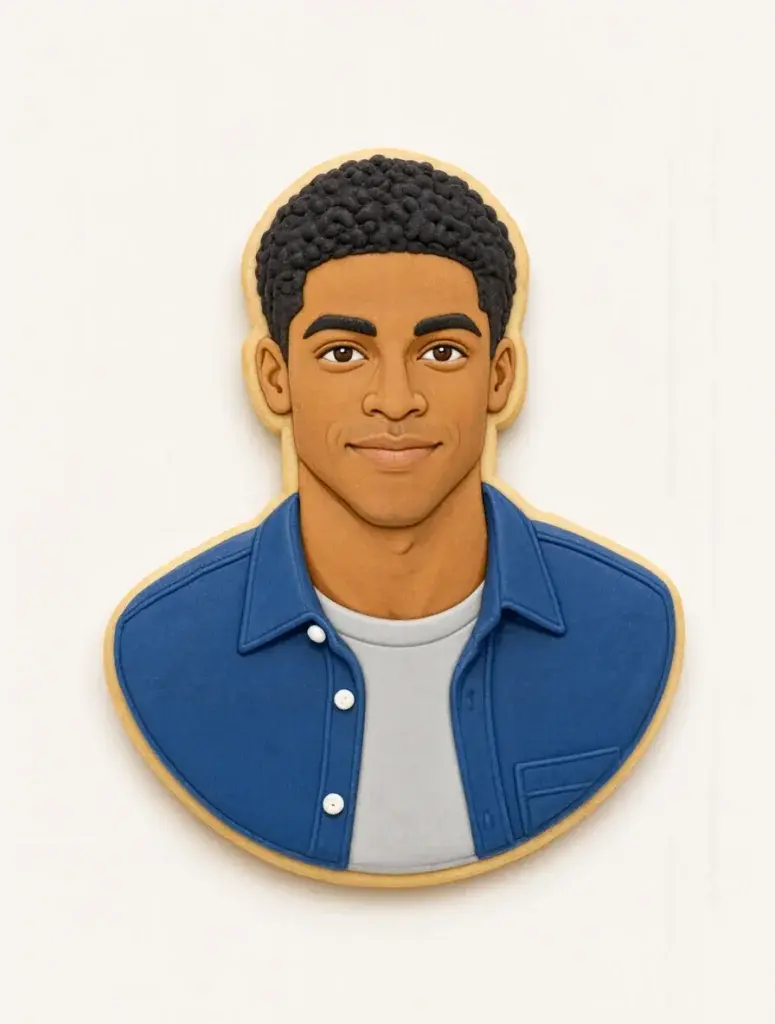
Result · A selfie as an iced-cookie characterResult

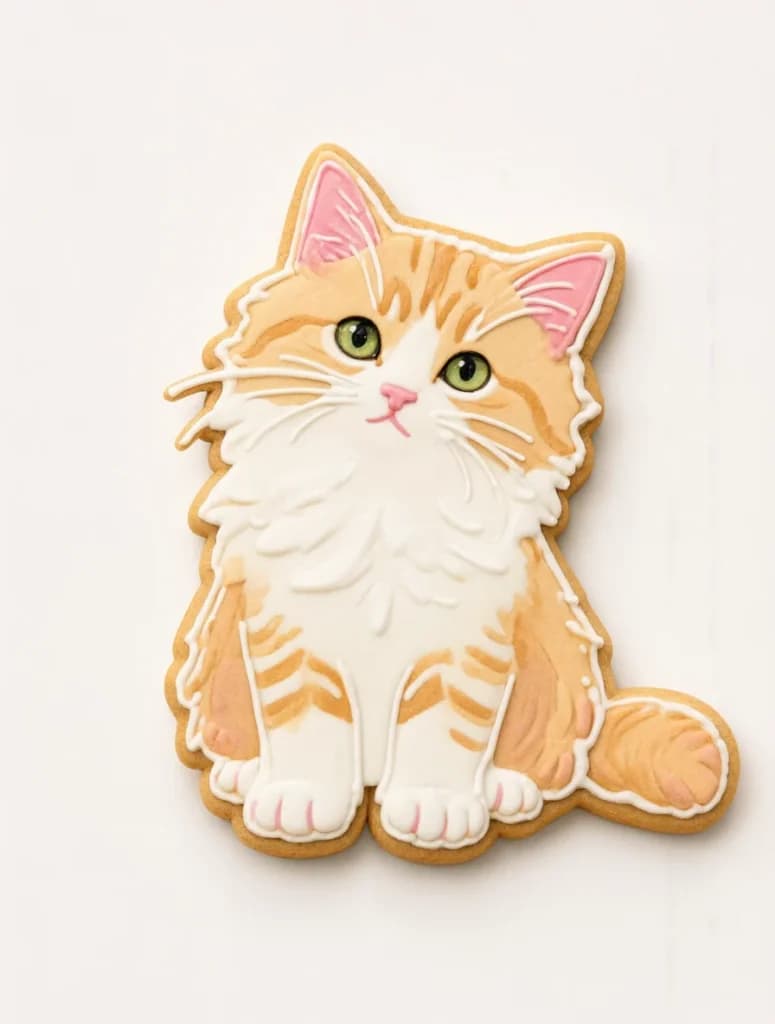
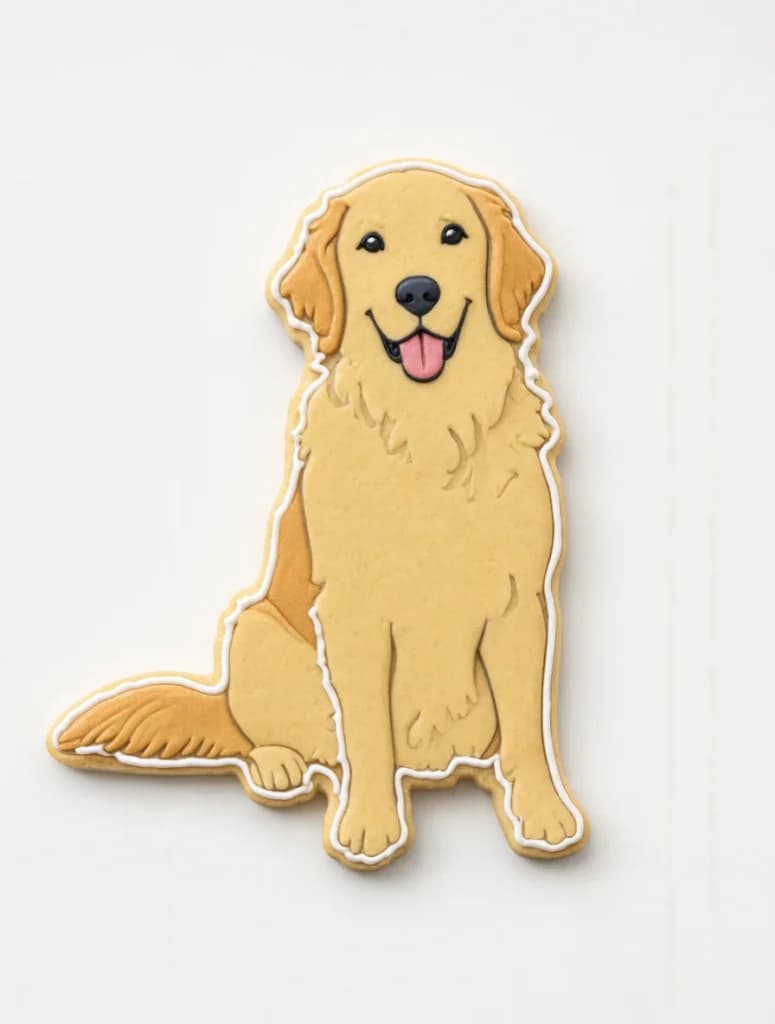
A sweeter illustration of your pet

Explore an icing-inspired version of your pet, with ears, coat colors and markings becoming charming details on a cookie image. Share a different look for your companion and add a little fun to a familiar photo.

Original · A sweeter illustration of your petOriginal
Result · A sweeter illustration of your petResult

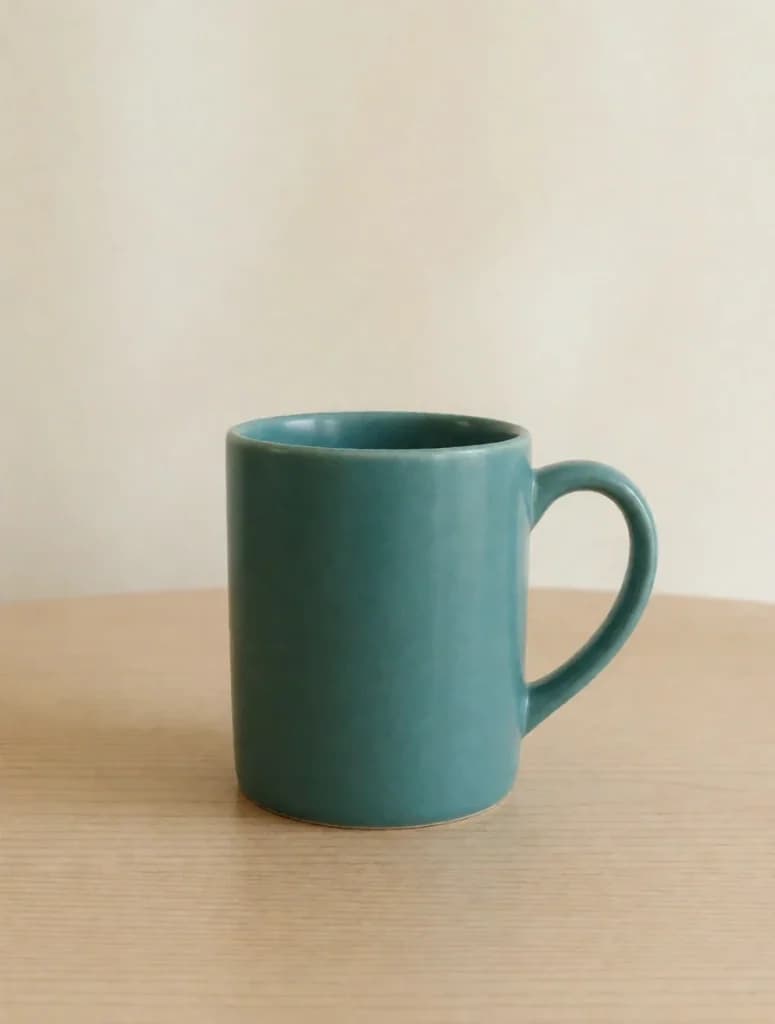
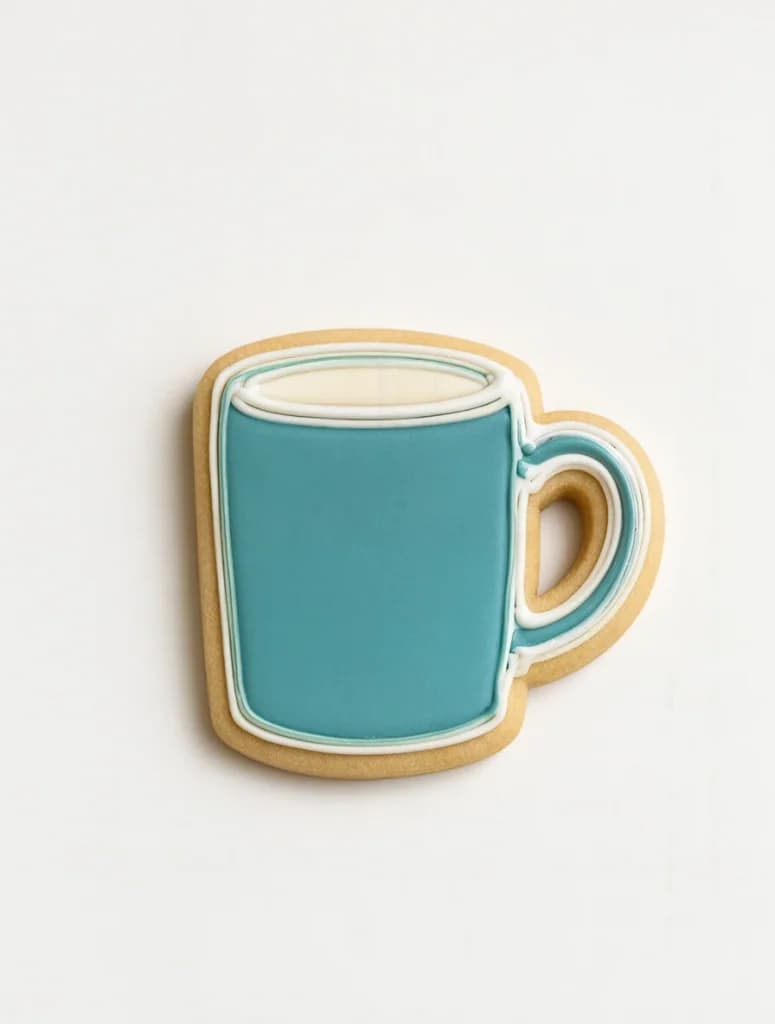
A favorite object as a decorated cookie

Use a photo of an object with a simple outline to explore a version decorated in colorful icing. Save it to your inspiration board for a new direction in crafts, drawing or digital design.

Original · A favorite object as a decorated cookieOriginal
Result · A favorite object as a decorated cookieResult

A seasonal touch for a digital greeting

Turn one clear subject into cookie-style artwork with small seasonal accents, then place it in your own digital greeting or social design. Rounded lines and lively colors give the image a cheerful holiday mood.

Original · A seasonal touch for a digital greetingOriginal
Result · A seasonal touch for a digital greetingResult

How it works

Upload a photo, generate the fixed style, then save or keep editing.

  1. Upload a photo

    Choose a JPG, PNG or WebP image with a clear subject. Avoid a blurred face or heavy obstruction.

  2. Generate the fixed look

    The look is already selected, so you do not need to write a prompt. Sign in, review the credit cost and generate.

  3. Save or keep editing

    Open your result to view and download it, or continue with another image tool.

Features

Familiar details reinterpreted in icing

Use distinctive hair, markings or shapes from your photo as the starting point for a simplified decorated-cookie version of the subject.

Smooth, colorful icing

A smooth, glossy royal-icing look and lively colors bring the visual character of a hand-decorated cookie to the image.

Rounded lines and clear shapes

Chunky outlines, limited shading and simple forms suggest a hand-piped look and a friendly cookie silhouette.

A playful, simplified character

Faces, pet markings and object details become icing designs, using simple forms for a lighthearted, cute image.

Small seasonal accents

Details such as holly, snowflakes and scarves guide the seasonal styling, bringing a little festive character to the cookie artwork.

An image to share and collect

Save a favorite cookie-style image for a playful profile picture, digital greeting, inspiration board or your own creative design.

Frequently Asked Questions

Questions about photo conversion, suitable inputs and your results.

1

Do I get an image, a recipe or an edible cookie?

You get an iced-cookie-style image. The tool does not provide recipes, ingredient quantities, baking steps or physical food, and there is no cookie-making or shipping service.

2

What photos work well for cookie art?

Start with one person, one pet or an object with a simple outline and clearly visible details. You can try a complex scene, but details will be simplified. Group photos are more likely to lose distinctive features; check each person rather than assuming every face will be accurate.

3

Why do the face and colors differ from my photo?

The effect reinterprets the photo as a simplified icing design rather than keeping photographic skin and every detail. Faces, markings and colors can change. Compare distinctive features such as hair, glasses and silhouette with your original and choose a version you like.

4

How is this different from a gingerbread effect or edible photo printing?

This effect aims for a sugar cookie decorated with icing. It is not the same as a brown gingerbread character or printing your original photo onto edible paper. It generates a new cookie shape and decoration and provides an image only.

5

Can I choose a theme or put a name on the cookie?

This page uses one fixed sugar-cookie effect, with no theme, color or name input options. To try adding or changing lettering, use the AI image editor afterward. AI text can contain errors, so check every word.

6

Can I make real cookies from the image or download a cutter?

You can use the image as visual inspiration, but it is not a tested production plan. Shapes and lines are not guaranteed to be practical for piping or cutting. The tool does not export cutters, STL models or edible-printing files. A real cookie needs separate work on size, materials and technique.

Related image tools

Explore more effects and ways to edit your images.

Raphael AI

Explore your photo as iced-cookie art

Turn your photo into cute iced sugar cookie art

Reimagine a person, pet or object photo as cute iced sugar cookie art. Colorful icing, rounded lines and simple shapes give familiar features a playful new look for profile pictures, digital greetings or craft inspiration.

Original
Original
Photo to Sugar Cookie