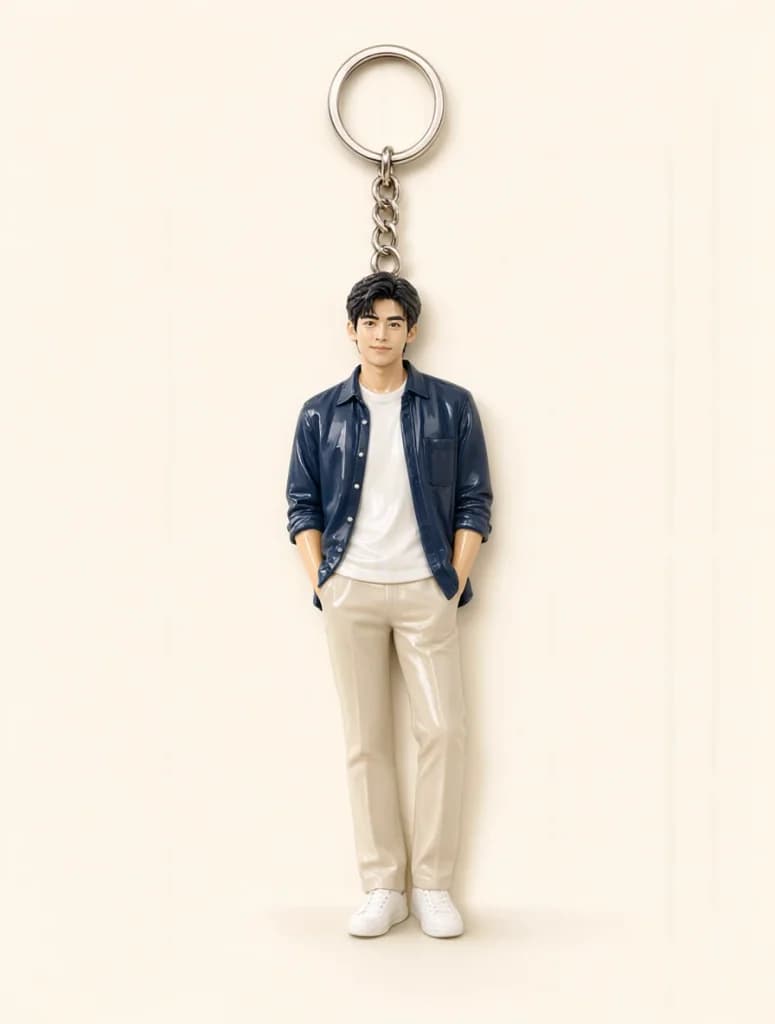
Favorite subjects as miniature keychain images

Explore the visual direction with the existing style illustration.

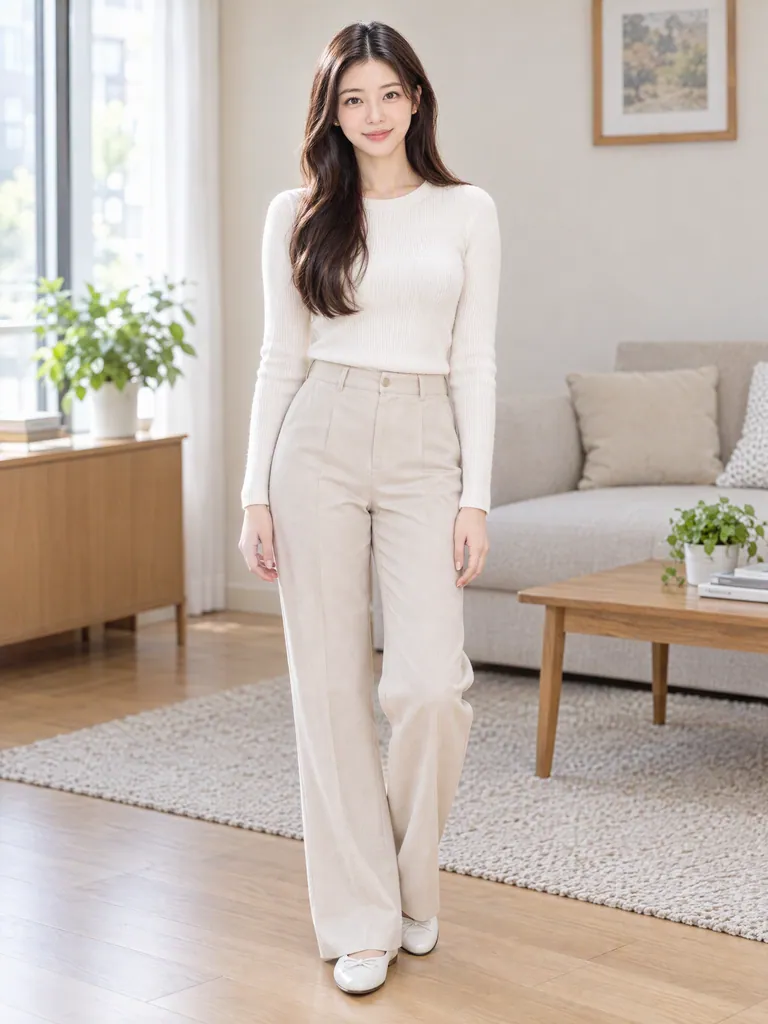
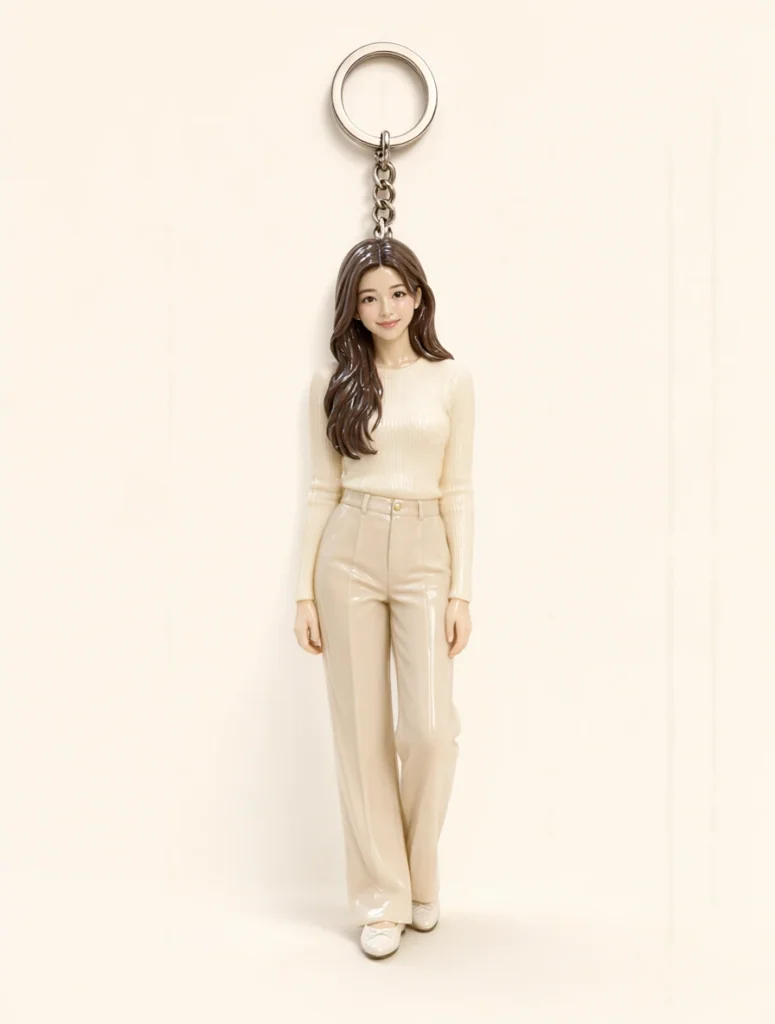
Turn a portrait into a figurine keychain image

Use a photo with clear facial and outfit details to create a miniature figurine keychain image. The effect reinterprets hair, clothing and expression with a glossy finish, painted details and a ring above the figure. Save it as a personal collectible concept.
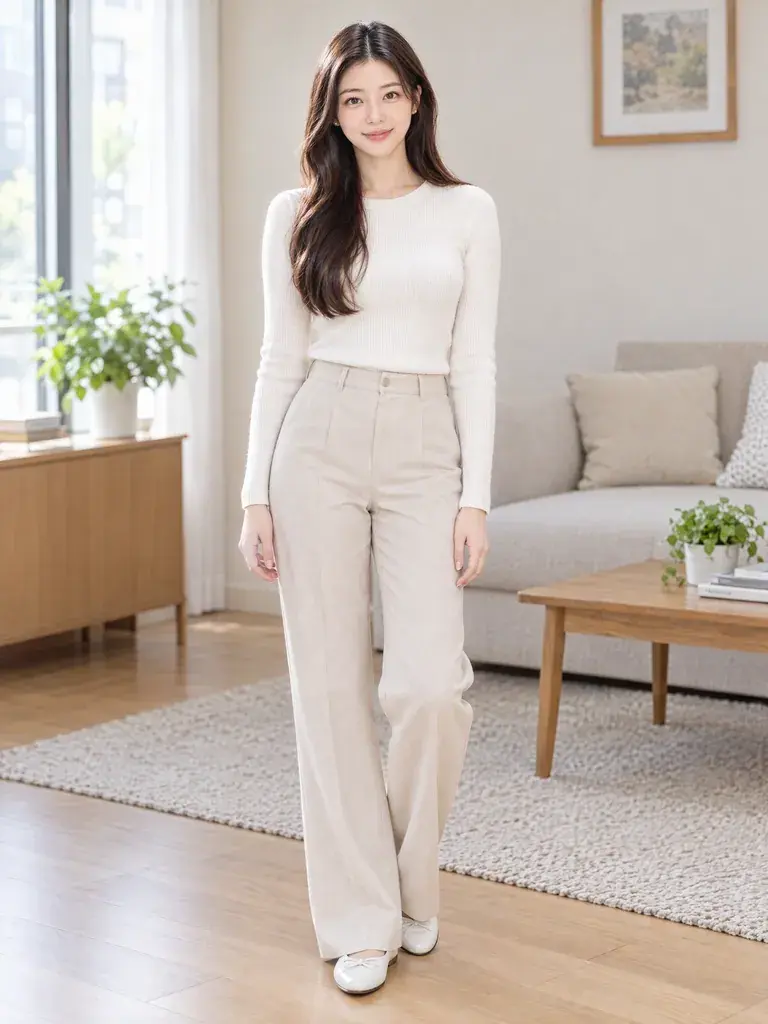
Original · Turn a portrait into a figurine keychain imageOriginal
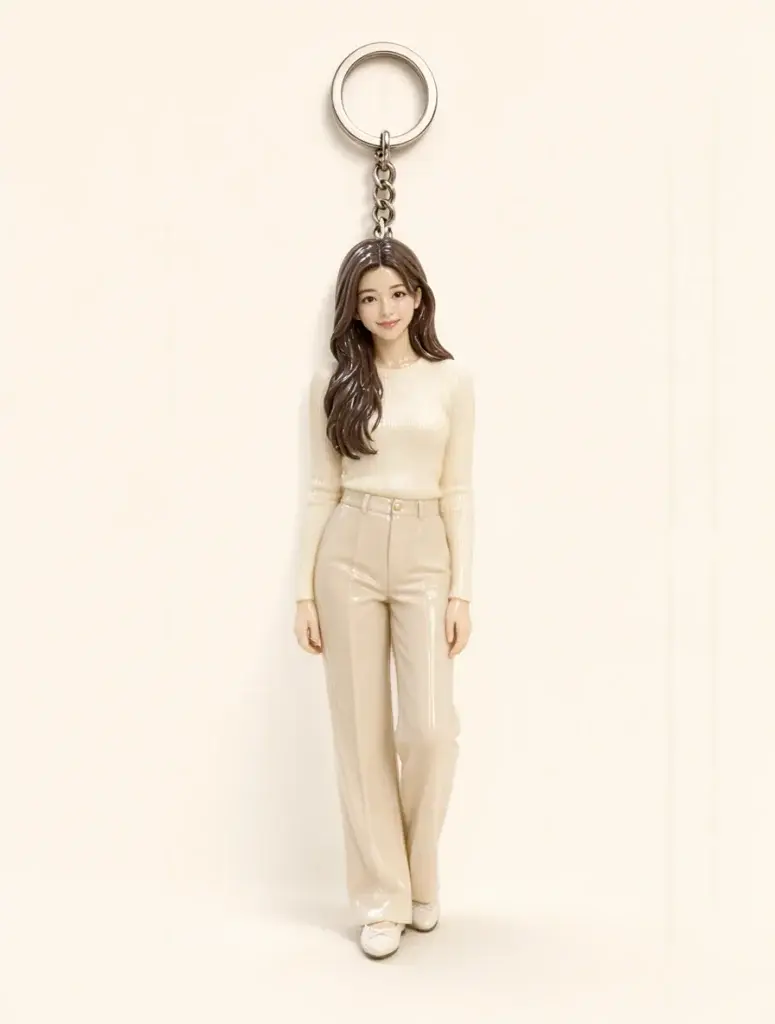
Result · Turn a portrait into a figurine keychain imageResult

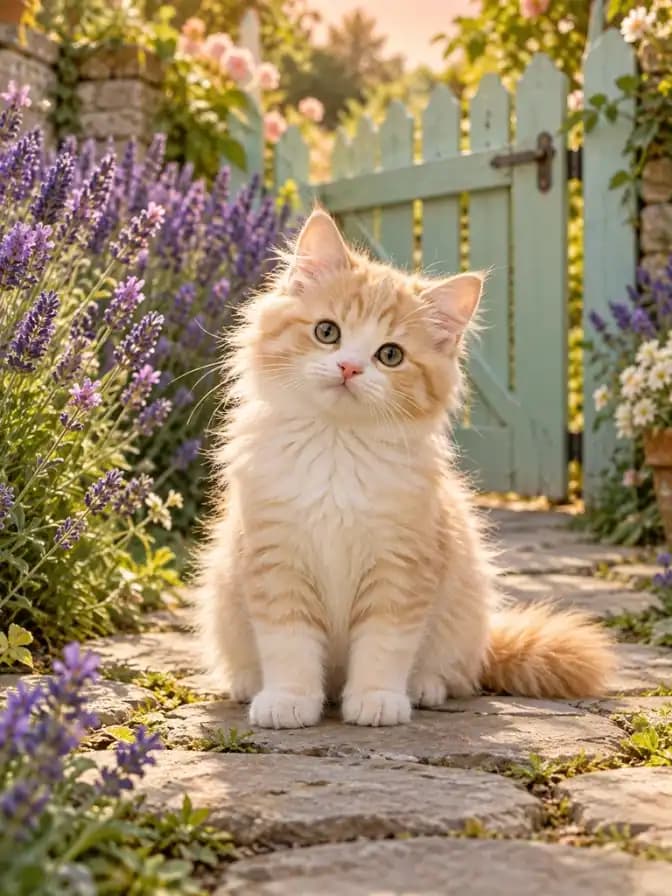
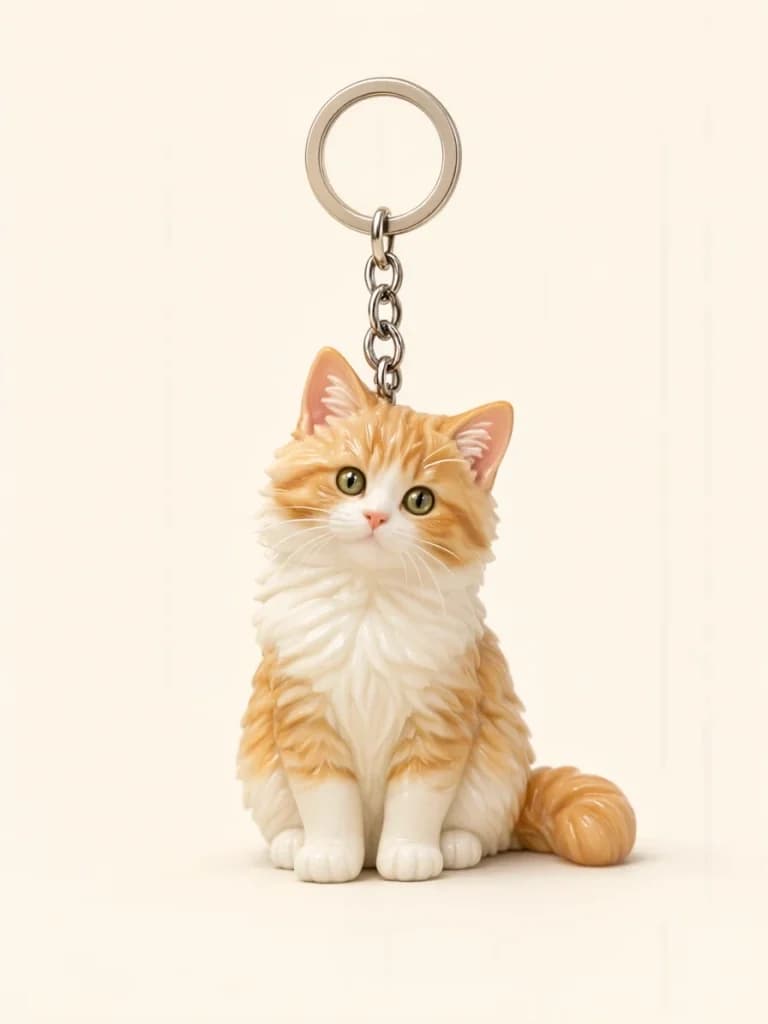
Make a keychain concept from a pet photo

A cat’s ears or a dog’s coat markings help define a miniature charm. The effect reimagines your pet as a small dimensional figurine with a keyring attachment. Keep it as a pet image or share the concept with a friend.

Original · Make a keychain concept from a pet photoOriginal
Result · Make a keychain concept from a pet photoResult

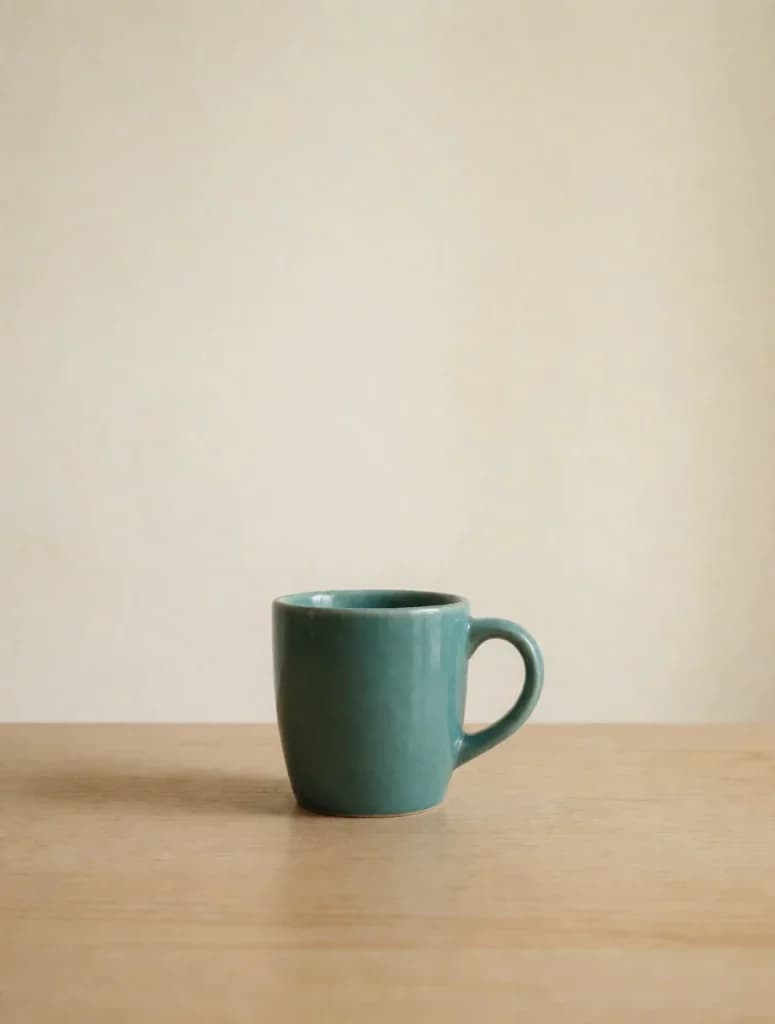
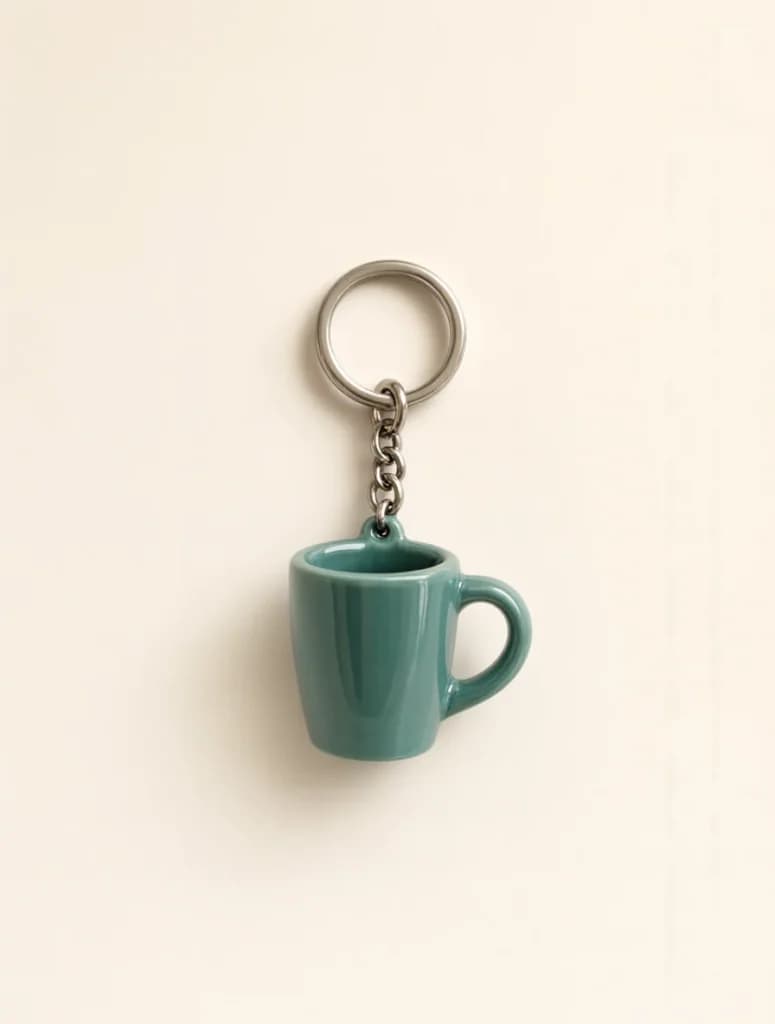
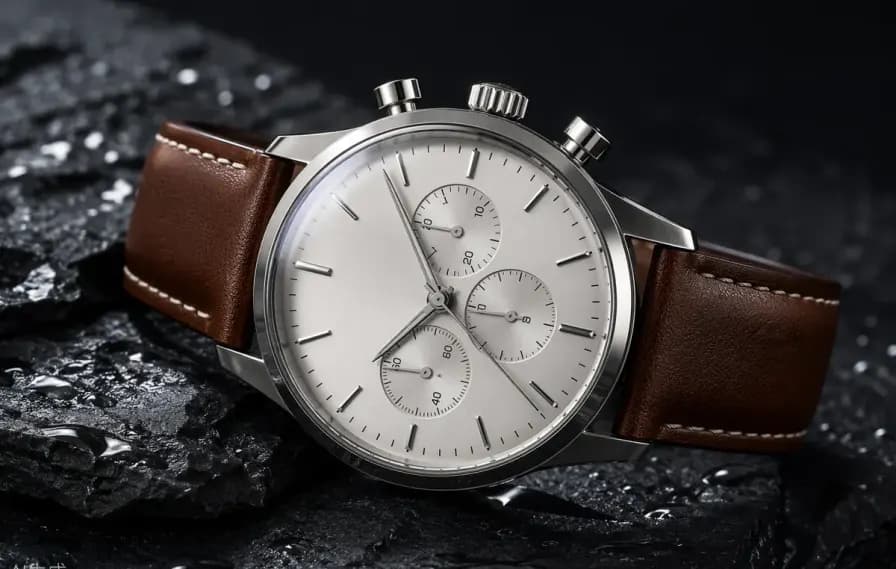
Reimagine a small object as a keychain charm

A mug, camera or small keepsake can provide the shape for a miniature charm. AI reinterprets its silhouette, surface and scale with a metal attachment. The image gives you a way to describe an idea for a collectible or personal accessory.

Original · Reimagine a small object as a keychain charmOriginal
Result · Reimagine a small object as a keychain charmResult

Share a gift idea as a keychain image

If you want to show a friend how a photo might look as a charm, generate a figurine keychain concept first. Use the image to discuss shape and finish or simply keep it as a fun picture. It is an image rather than a physical order or a production file.

Original · Share a gift idea as a keychain imageOriginal
Result · Share a gift idea as a keychain imageResult

How it works

Upload a photo, generate the fixed style, then save or keep editing.

  1. Upload a photo

    Choose a JPG, PNG or WebP image with a clear subject. Avoid a blurred face or heavy obstruction.

  2. Generate the fixed look

    The look is already selected, so you do not need to write a prompt. Sign in, review the credit cost and generate.

  3. Save or keep editing

    Open your result to view and download it, or continue with another image tool.

Photo to 3D Keychain Features

Miniature Figurine Look

Reimagine the photo’s subject as a small, rounded collectible charm.

Glossy Finish

Surface highlights and painted details give the miniature a dimensional finish.

Metal Ring Details

A loop and keyring give the result a recognizable keychain form.

People, Pets & Objects

Use a person, pet or small object to explore a charm concept.

One Ready-Made Look

Start with a photo, without writing a prompt or modeling a figure.

A Digital Image to Keep

Download the generated image or refine it with another image tool.

Photo to 3D Keychain FAQ

Questions about photo conversion, suitable inputs and your results.

1

Do I receive an image or a physical keychain?

You receive a digital keychain-style image. This page does not manufacture, sell or ship physical keychains.

2

Can I download an STL or another 3D model file?

No. This page generates an image with a three-dimensional appearance. It does not export a printable mesh, STL or 3MF file.

3

Can I use people, pets or objects?

Try a single person, pet or object with a clear silhouette. Complex structures, small writing and obscured details may be simplified, so inspect your result.

4

Will the subject remain recognizable?

AI uses cues such as the face, hair, coat colors or object silhouette. Figurine styling changes proportions and materials, so an exact detail match is not guaranteed.

5

Can I keep editing the generated image?

Open image tools from the result to make local edits, remove the background or upscale. These tools edit the digital image; they do not turn it into a production-ready 3D file.

6

Do I need to sign in and use credits?

Sign in to generate and use your account credits. Check the cost shown on the Generate button before submitting. Browsing the page and examples does not start a generation.

Related image tools

Explore more effects and ways to edit your images.

Raphael AI

Turn a favorite photo into a miniature idea

Photo to 3D Keychain

Reimagine a person, pet or favorite object as a miniature figurine keychain image. Rounded forms, a glossy finish and a metal ring create a picture to save, share or use as a gift concept.

Original
Original
Photo to 3D Keychain