Ideas for Your Photos

Explore the visual direction with the existing style illustration.

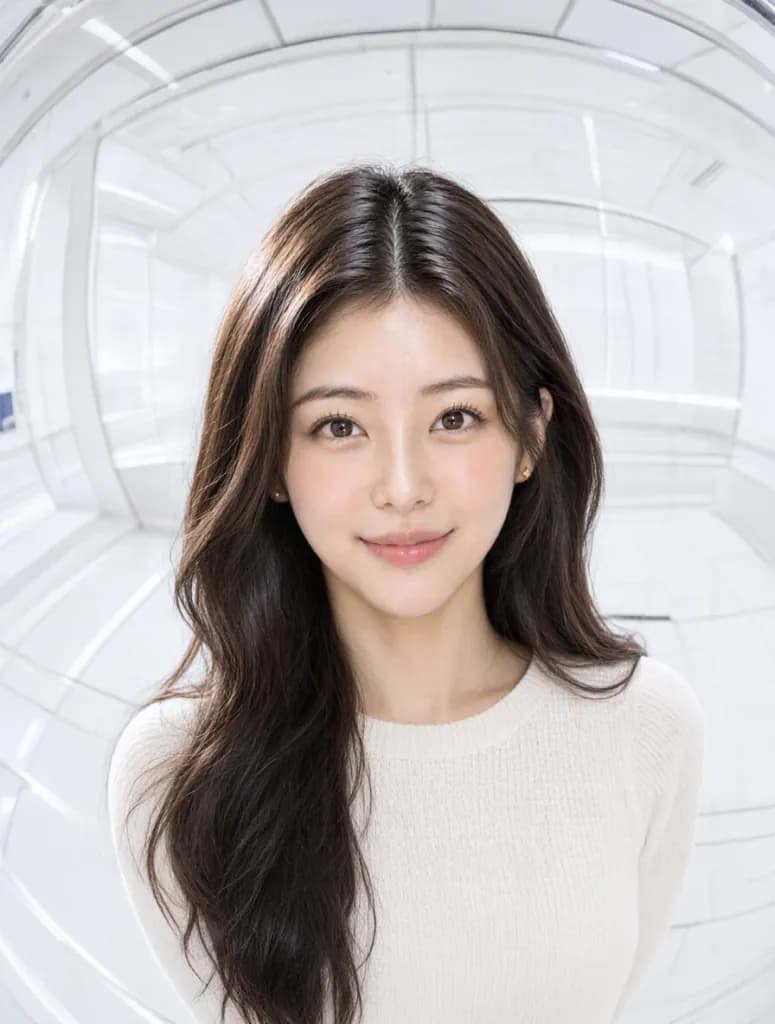
Give your profile a close-up impact

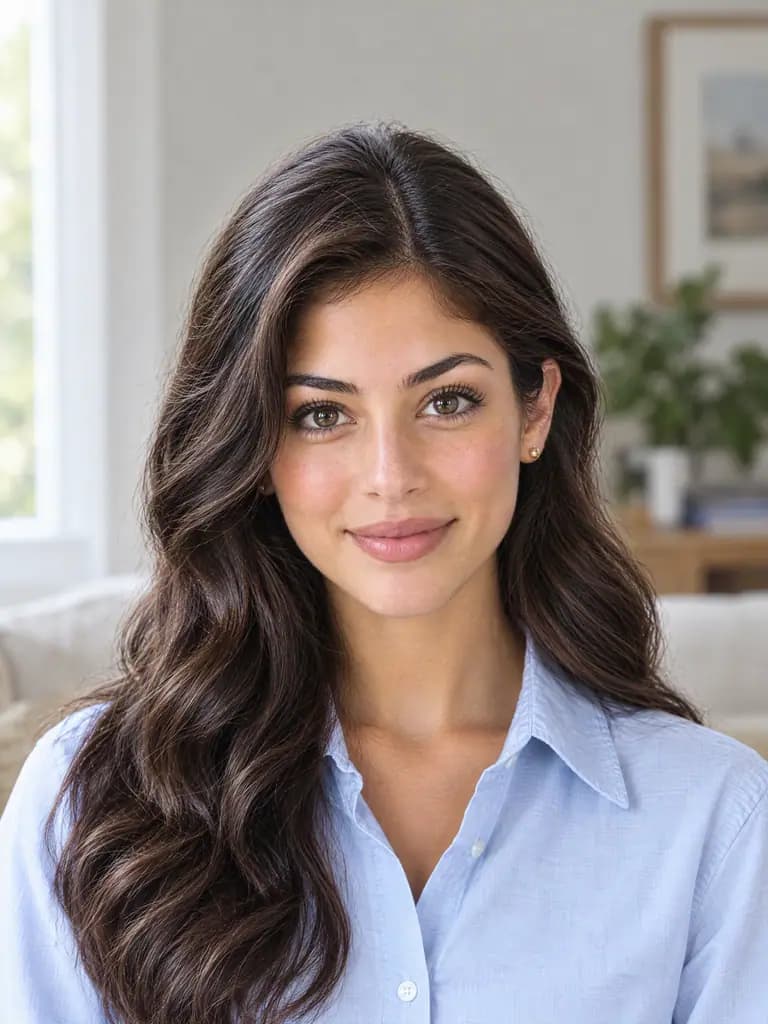
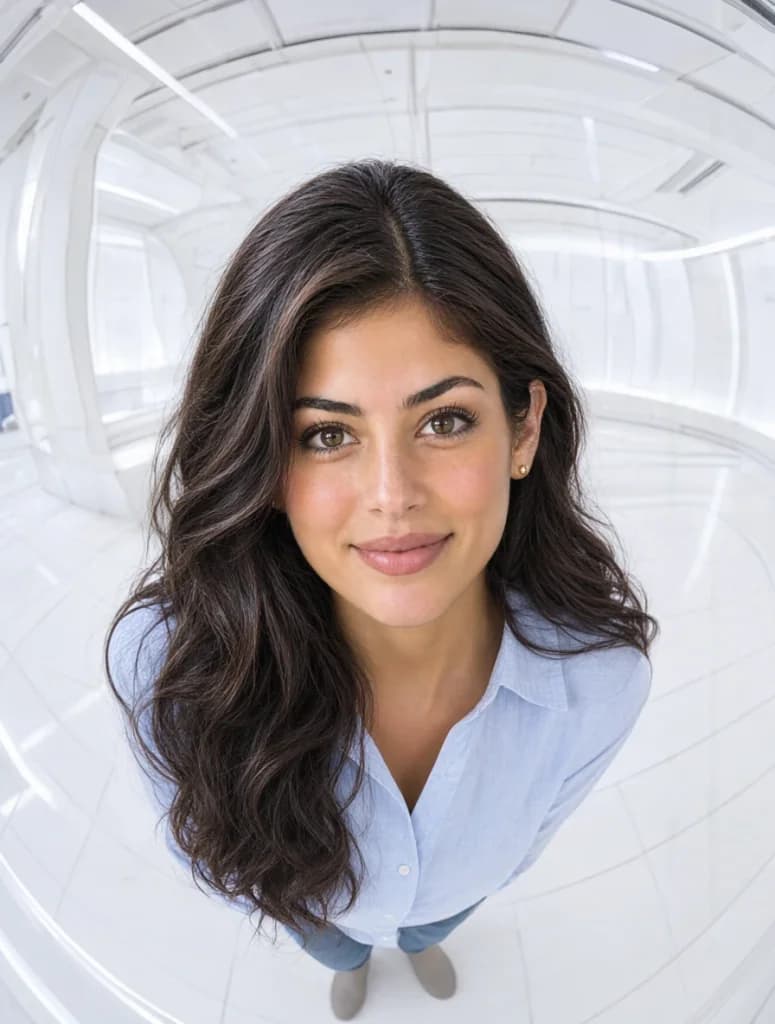
Try a fisheye portrait when an everyday selfie feels too familiar. Ultra-wide perspective brings the face closer while white surroundings open up around it. Crop the generated image to your profile frame for a more distinctive sense of space.

Original · Give your profile a close-up impactOriginal
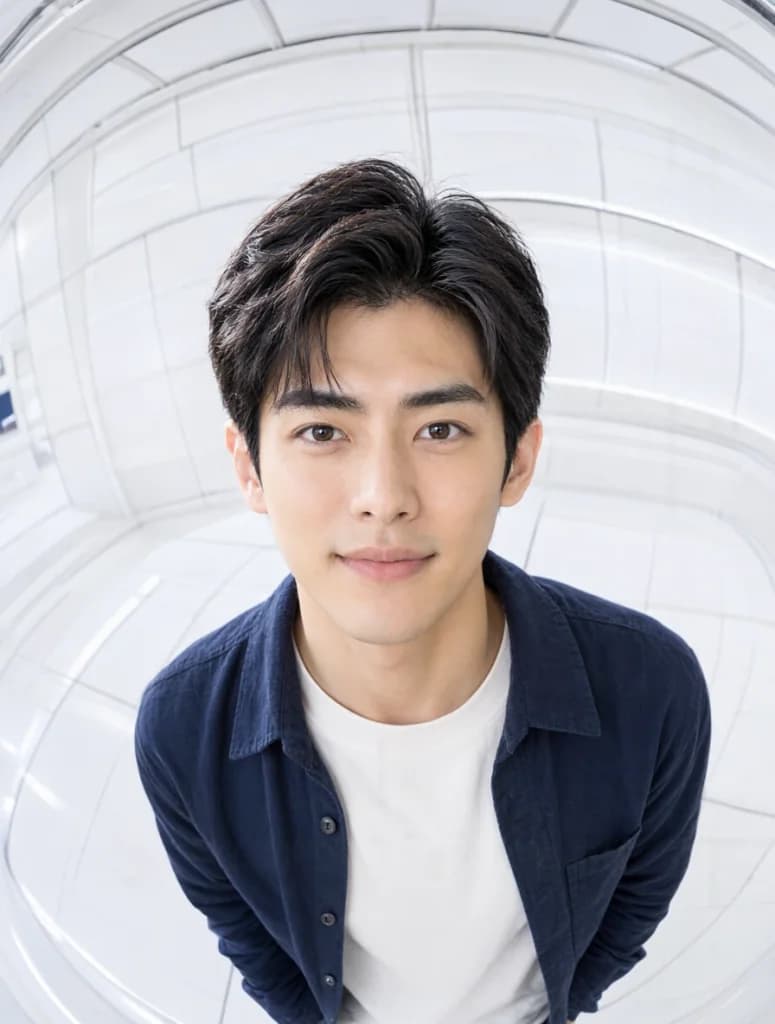
Result · Give your profile a close-up impactResult

Show an outfit in a different setting

Start with a half-body outfit photo and explore a future-facing scene of direct flash, reflective flooring and a white gridded ceiling. Share a styling idea beyond an everyday street shot, with a bolder sense of space.

Original · Show an outfit in a different settingOriginal
Result · Show an outfit in a different settingResult

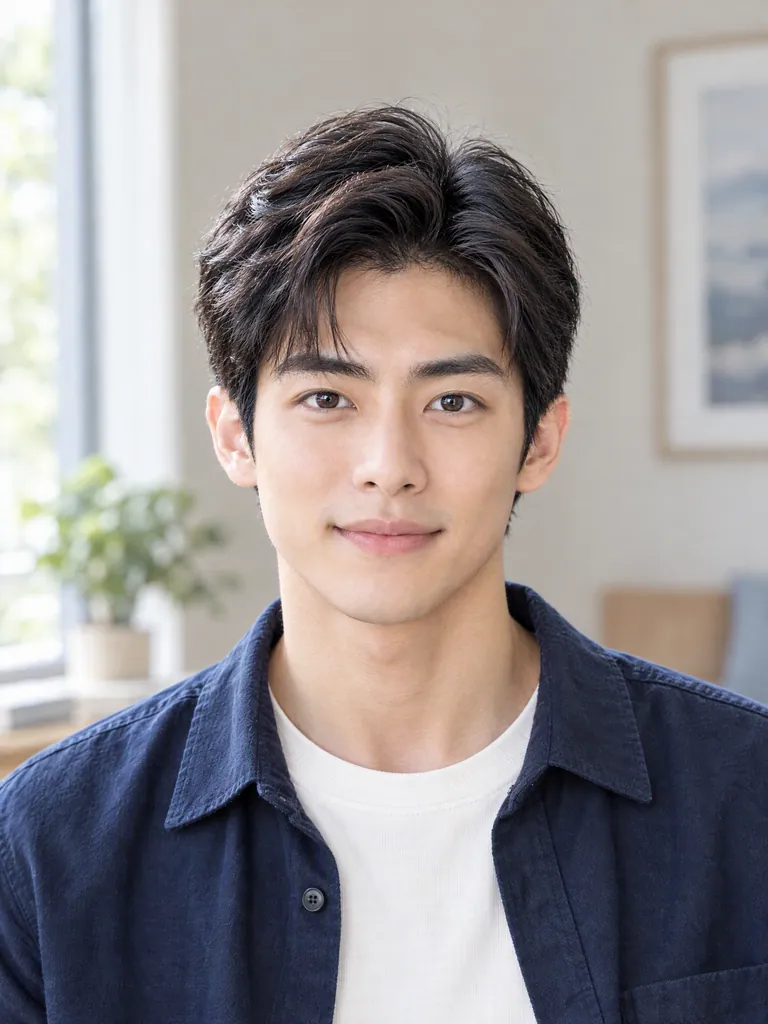
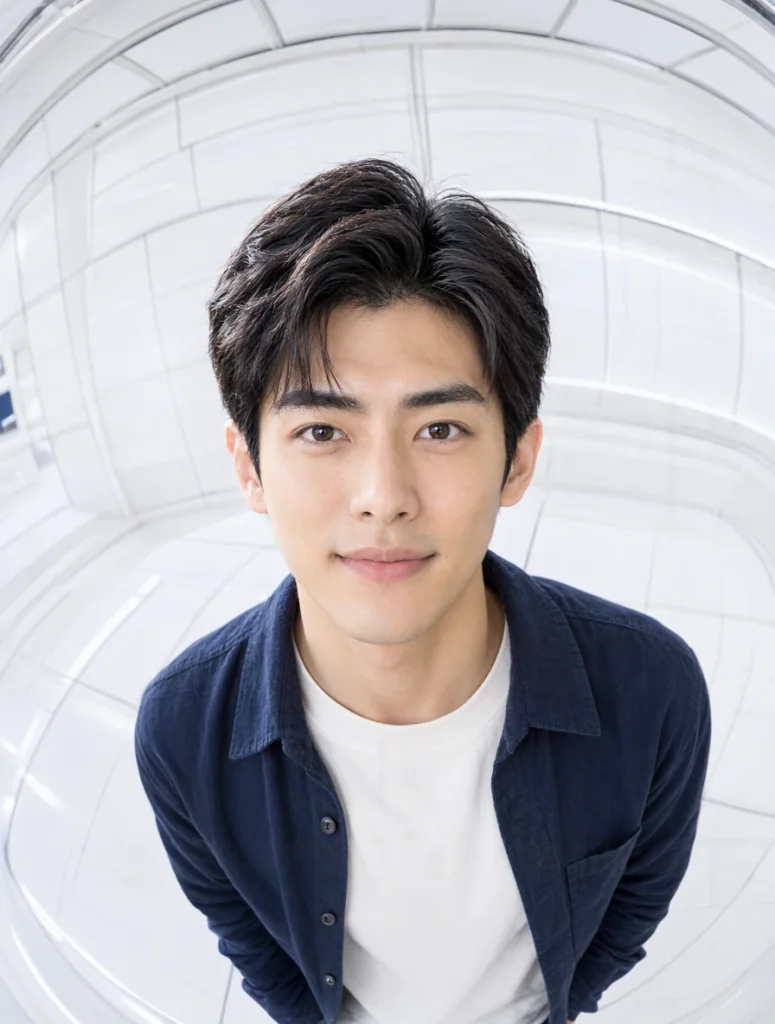
Find a bold character visual for a project

Use your photo to explore exaggerated wide-angle perspective and a clean sci-fi setting for a music or design project. Treat the result as a concept image or a base for a layout, adding your project title and design elements separately.

Original · Find a bold character visual for a projectOriginal
Result · Find a bold character visual for a projectResult

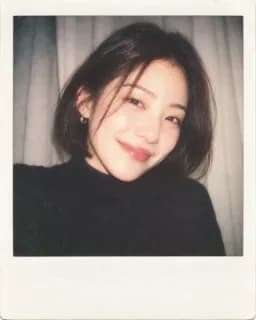
Explore the perspective without a fisheye lens

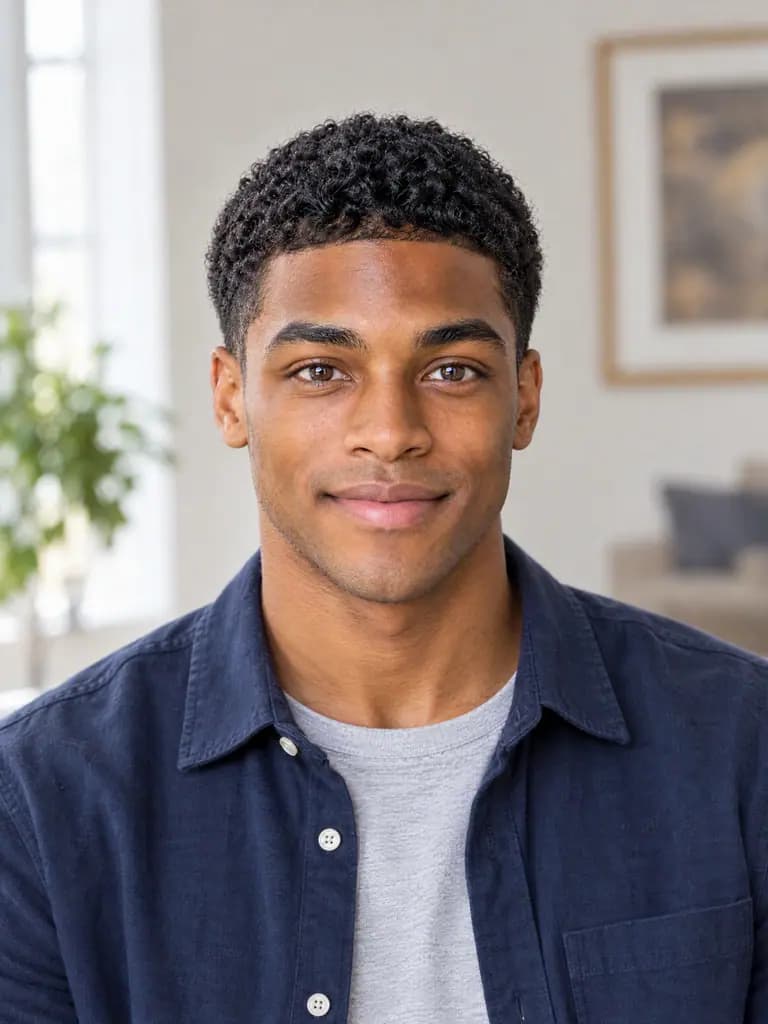
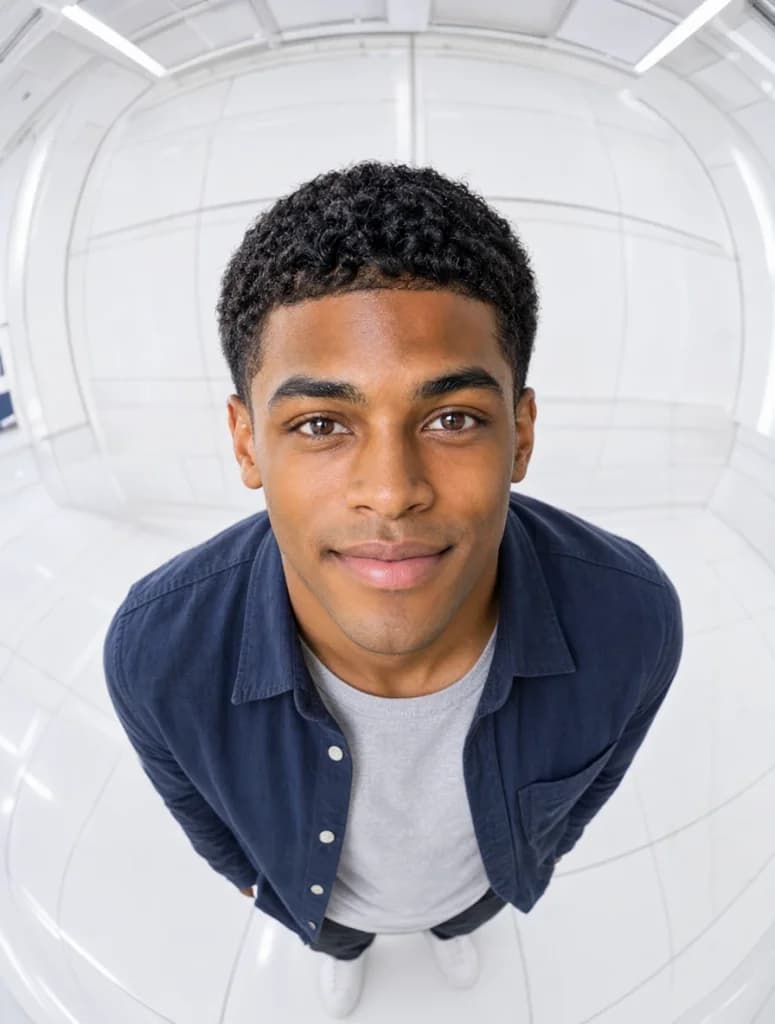
If you want to try an ultra-wide portrait without the lens or location, start with a photo you already have. Explore fisheye perspective and white surroundings for ideas for a personal portrait or a future shoot.

Original · Explore the perspective without a fisheye lensOriginal
Result · Explore the perspective without a fisheye lensResult

How it works

Upload a photo, generate the fixed style, then save or keep editing.

  1. Upload a photo

    Choose a JPG, PNG or WebP image with a clear subject. Avoid a blurred face or heavy obstruction.

  2. Generate the fixed look

    The look is already selected, so you do not need to write a prompt. Sign in, review the credit cost and generate.

  3. Save or keep editing

    Open your result to view and download it, or continue with another image tool.

Features

Exaggerated fisheye perspective

An ultra-wide view and curved edges give the portrait a strong sense of distance and depth.

Bright direct-flash styling

High-contrast flash creates a direct, brightly lit photographic atmosphere.

A futuristic white setting

Reflective floor panels and an illuminated gridded ceiling shape a minimal sci-fi space.

A new portrait scene

Generate a fresh photographic setting from your uploaded portrait, with a quick comparison to the original before use.

One futuristic look

Go straight to this fixed white-space fisheye effect without selecting other scenes or styles.

A creative starting point

Make stylized images for profiles, outfit posts and personal projects, then crop or lay them out for your purpose.

Frequently Asked Questions

Questions about photo conversion, suitable inputs and your results.

1

How is fisheye different from a regular wide-angle look?

A regular wide-angle view fits more of a scene into the frame. Fisheye emphasizes curved space and exaggerated perspective, with closer foreground details and lines bending toward the edges. This page creates a visual interpretation of that style, rather than precise lens simulation or calibration.

2

What photos work best for fisheye portraits?

Use a clear single-person close-up or half-body photo with an unobstructed face and room around the head and shoulders. Severe blur, extreme side angles and very small faces leave less useful reference detail.

3

Can I keep my original background?

This page generates toward a futuristic white space with reflective flooring and an illuminated gridded ceiling. It does more than bend the original photo, so it is unsuitable when the existing scene needs to remain intact.

4

Can I change the distortion strength or choose another scene?

This page focuses on one fixed effect and does not offer a distortion slider or alternative scene choices. Try the related portrait tools if you want a natural, formal or different photographic direction.

5

Will fisheye change my face or body proportions?

Yes. Fisheye perspective can enlarge details closer to the center and stretch parts near the edges, changing facial or body proportions. Generation may also change some facial or clothing details.

6

Can this remove fisheye distortion from an existing photo?

No. This page creates fisheye-style portraits and does not provide lens correction or distortion removal. Use a dedicated lens-correction tool when you need straight architectural lines or accurate proportions.

Related image tools

Explore more effects and ways to edit your images.

Raphael AI

Try a bolder portrait perspective

Bring your portrait into a futuristic white space

Reimagine your photo with exaggerated fisheye perspective, bright direct flash and reflective white surroundings. This page focuses on one futuristic portrait look for creative images with bold depth and a sci-fi mood.

Original
Original
Fisheye Portrait
Fisheye Portrait