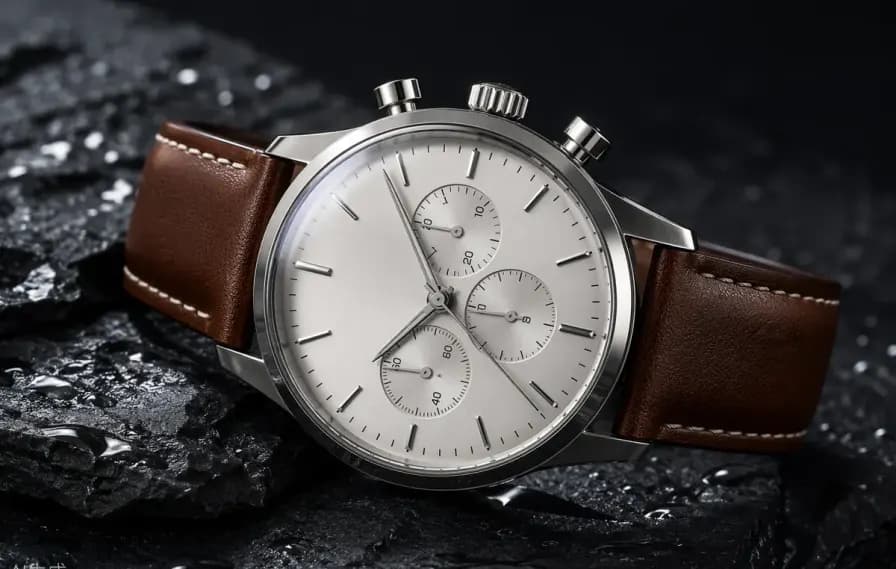
You as the ornament
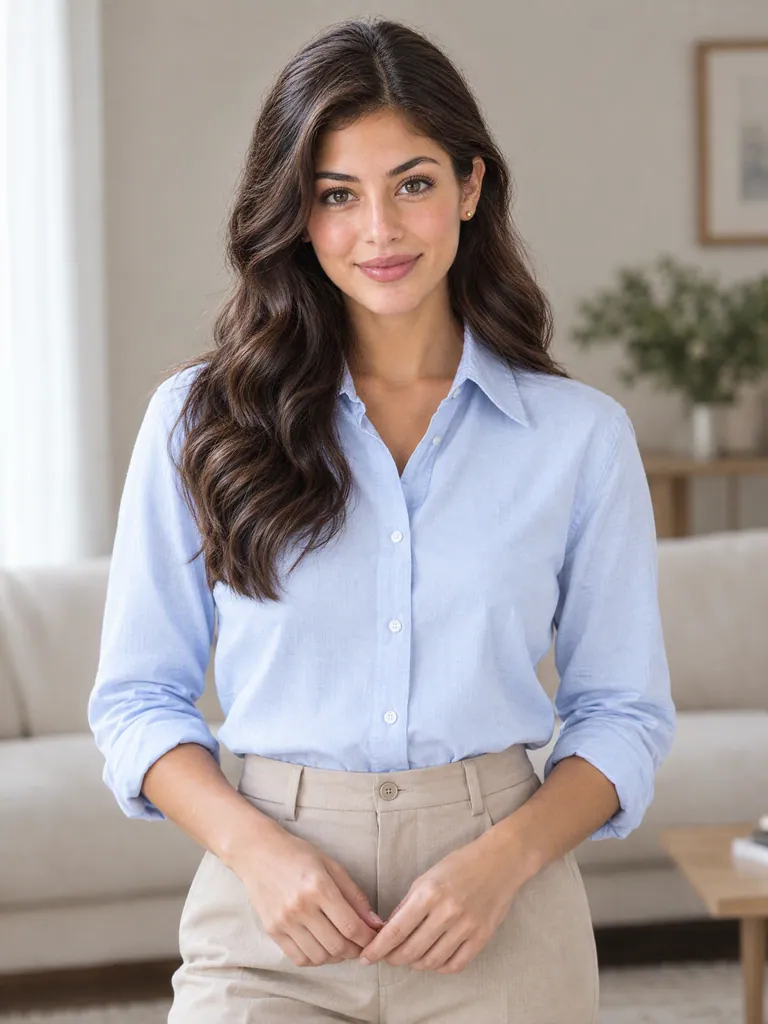
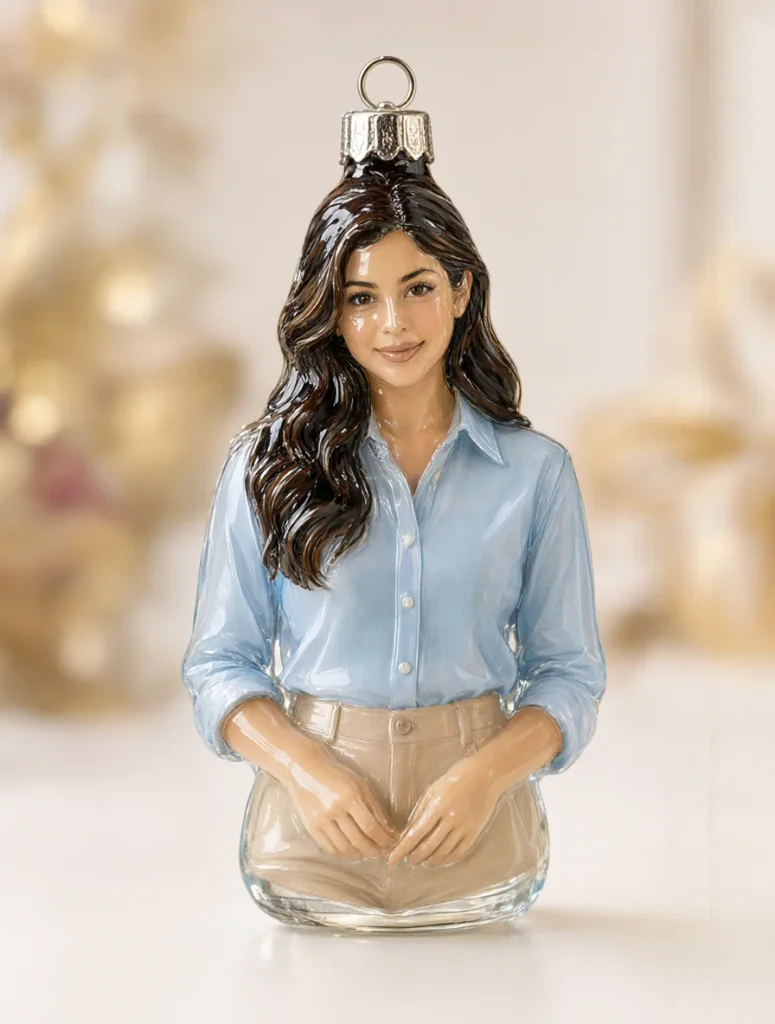
Start with a portrait of one person and bring a familiar figure into a look of glossy glass and a metal hanging loop. Share the playful Christmas image with loved ones for a greeting with a little surprise.
 Original
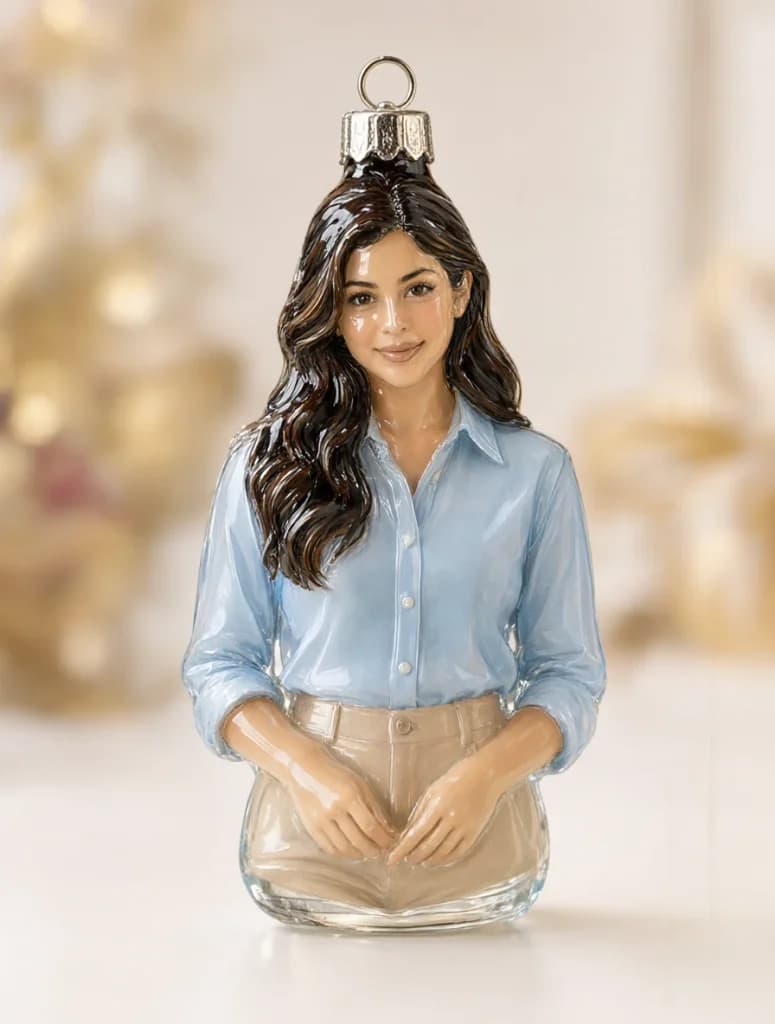 Result
Explore the visual direction with the existing style illustration.
Start with a portrait of one person and bring a familiar figure into a look of glossy glass and a metal hanging loop. Share the playful Christmas image with loved ones for a greeting with a little surprise.
OriginalResultUse a pet photo to explore an ornament image where ears, coat colors and markings become playful details in a glossy glass design. Share a seasonal picture of your companion in a different kind of festive look.
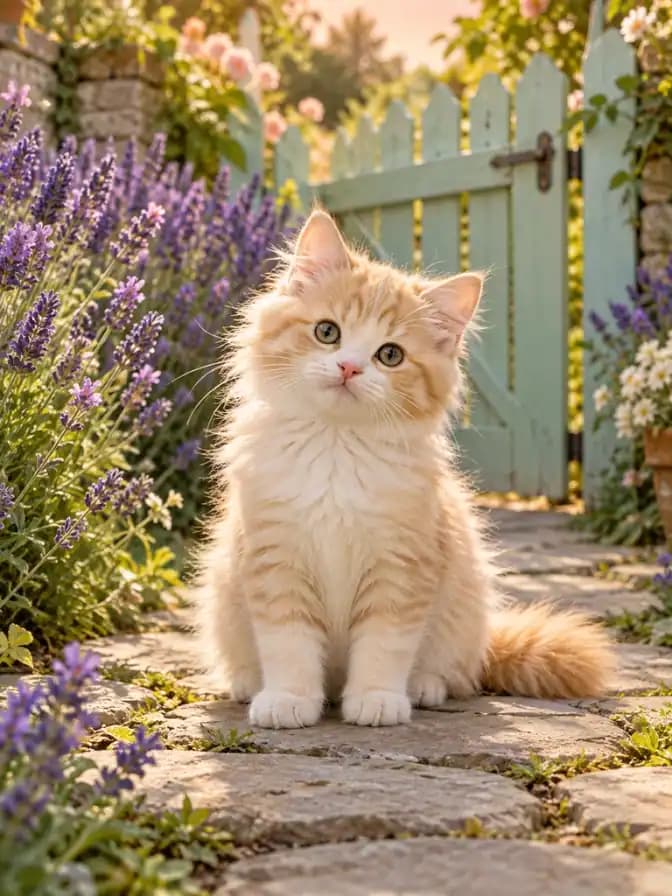 Original
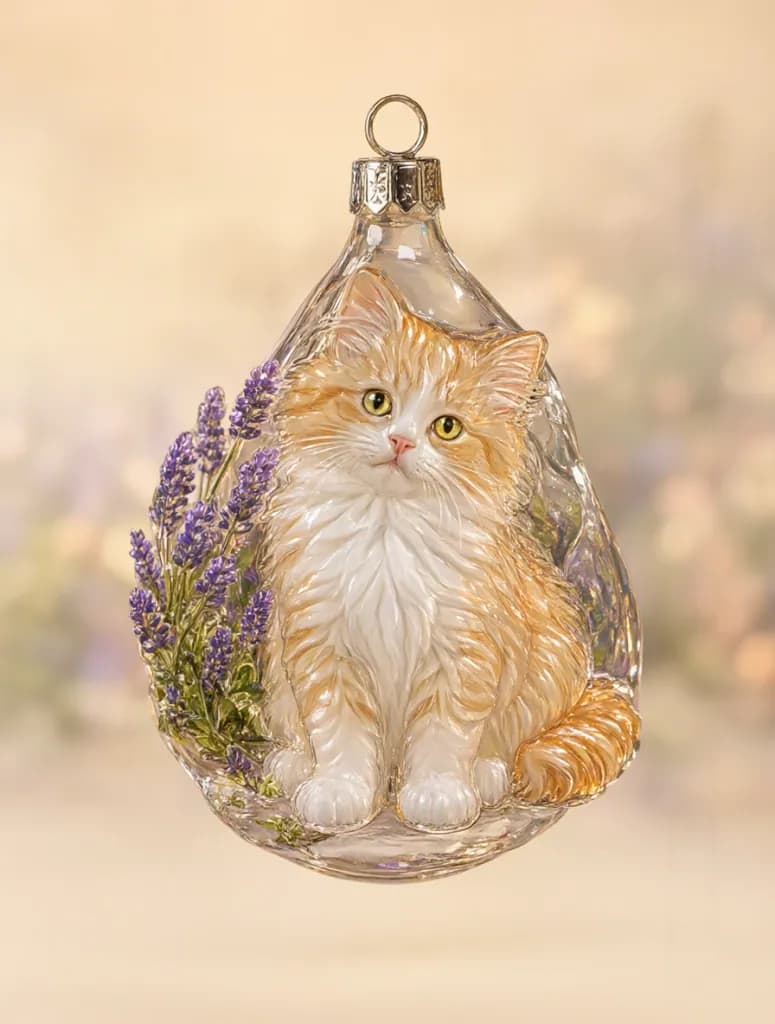 Result
Choose an object with personal meaning and explore its shape and shine as a glass ornament image. Save a favorite to your inspiration board and give an everyday keepsake a seasonal story.
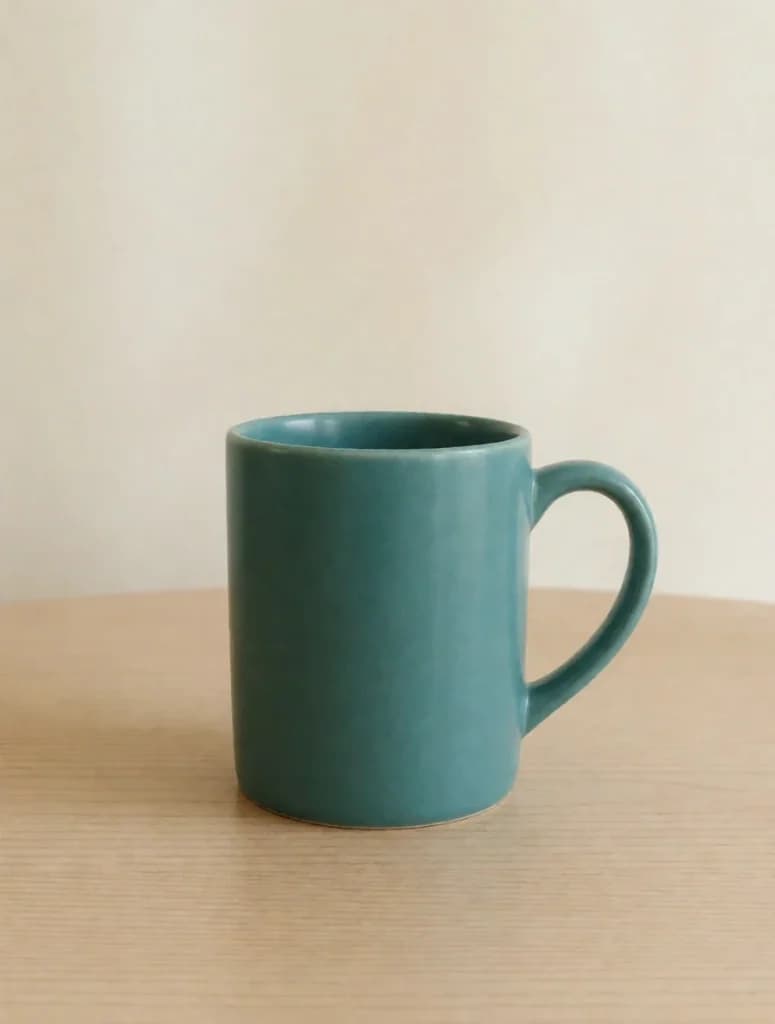 Original
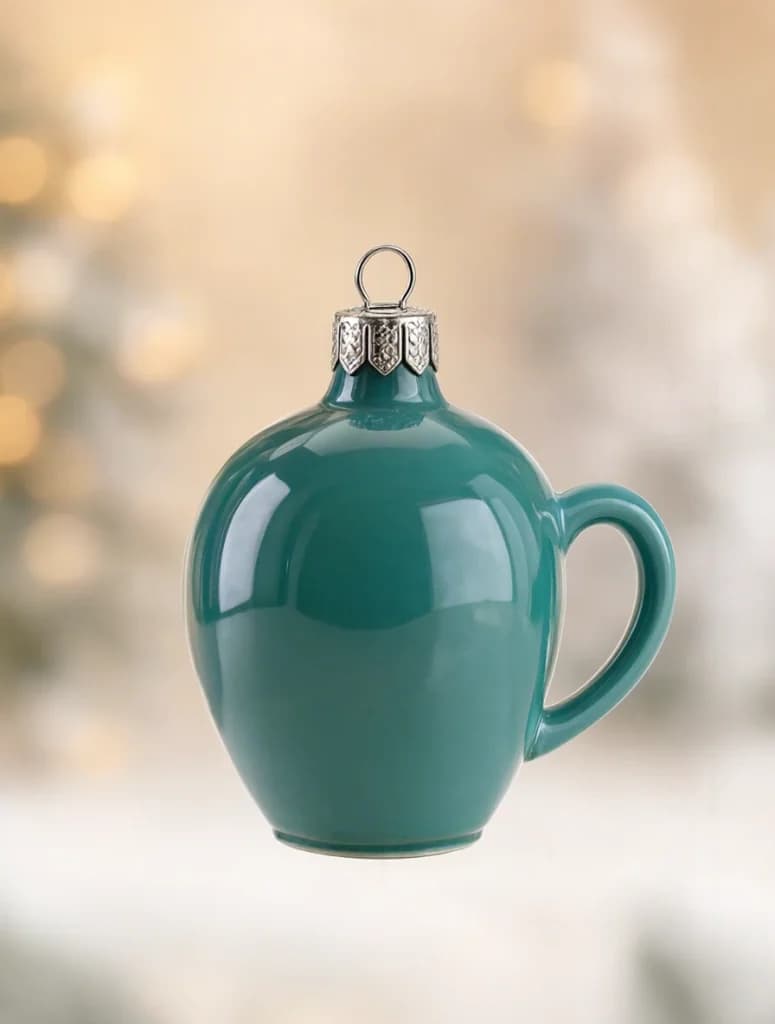 Result
Create an ornament image with a hanging loop from a photo of one clear subject, then place it in your own digital greeting design. Glass reflections add festive character to a message, email or seasonal post.
 Original
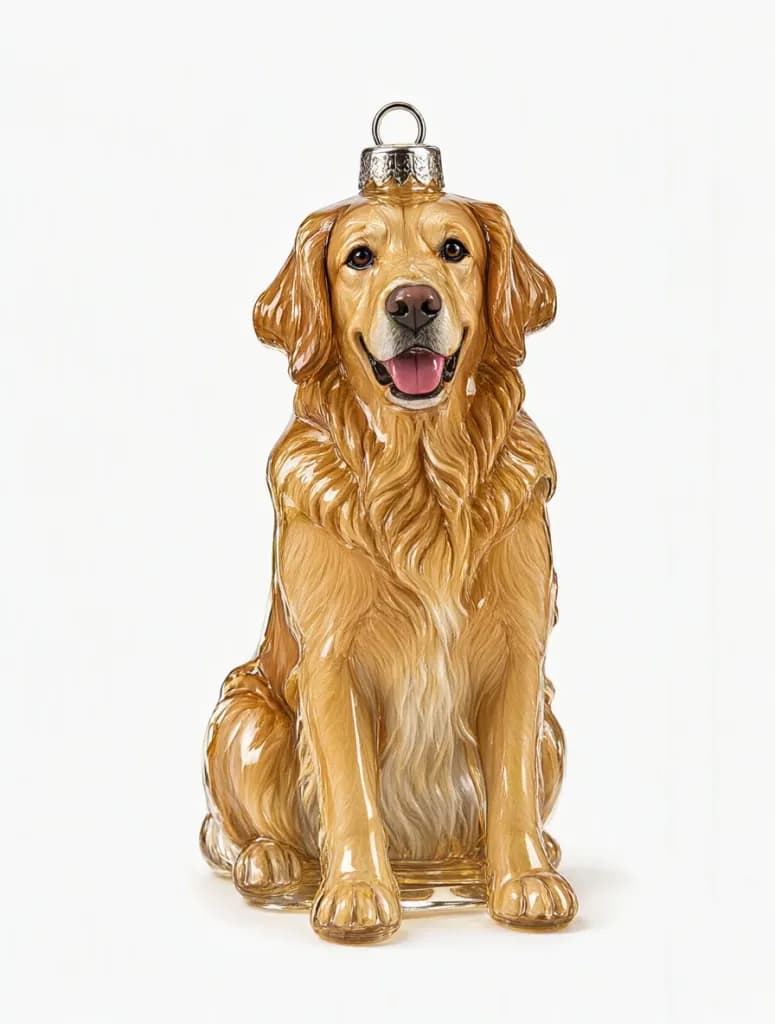 Result
Upload a photo, generate the fixed style, then save or keep editing.
Choose a JPG, PNG or WebP image with a clear subject. Avoid a blurred face or heavy obstruction.
The look is already selected, so you do not need to write a prompt. Sign in, review the credit cost and generate.
Open your result to view and download it, or continue with another image tool.
Start with a person, pet or object photo and reinterpret a familiar subject as a festive ornament image.
Smooth glass and a high-shine finish guide the visual direction, with reflections following the subject’s curves.
A top metal cap and loop bring recognizable ornament details to the image, giving the subject the visual language of a holiday decoration.
A color similar to the input photo forms a backdrop for the subject, connecting the glass look with the source image’s palette.
Upload a photo to try the ready-to-use glass ornament effect without writing a long description, and explore a new seasonal visual idea.
Save a favorite ornament-style image for a digital greeting, a seasonal post or your own creative design.
Questions about photo conversion, suitable inputs and your results.
You receive an ornament-style image. This tool does not make, sell or ship physical ornaments, and it does not provide a structural design ready for manufacturing.
You can try any of these. Choose one clear subject with visible features and an outline that is not cut off or hidden. For people, start with a single portrait and review the face and glass shape afterward.
No. The fixed effect aims to turn the subject into a glass ornament with a metal topper and hanging loop. Its shape and background can vary with your source photo. A round bauble, tree branch or Christmas-tree setting is not guaranteed.
This page has no material, shape or text input options; it uses one fixed glass-ornament effect. You can try changing text or details with the AI image editor afterward. AI lettering may still contain errors, so check every word.
No. The output is an image, rather than an STL, OBJ, 3MF, CAD file or cutting path. A physical ornament needs separate work on dimensions, structure and materials using other tools or a maker’s services.
Compare the subject with your photo, then check for unusual reflections, fused outlines, a broken or misplaced loop and stray lettering. A loop that looks complete in an image has not been tested for real-world strength or manufacturing.
Explore more effects and ways to edit your images.

Reimagine a person, pet or object photo as a glossy glass Christmas ornament image. Smooth glass, a high-shine finish and a metal hanging loop give a familiar subject a festive new look for digital greetings, seasonal posts or visual inspiration.