A personal greeting with your photo
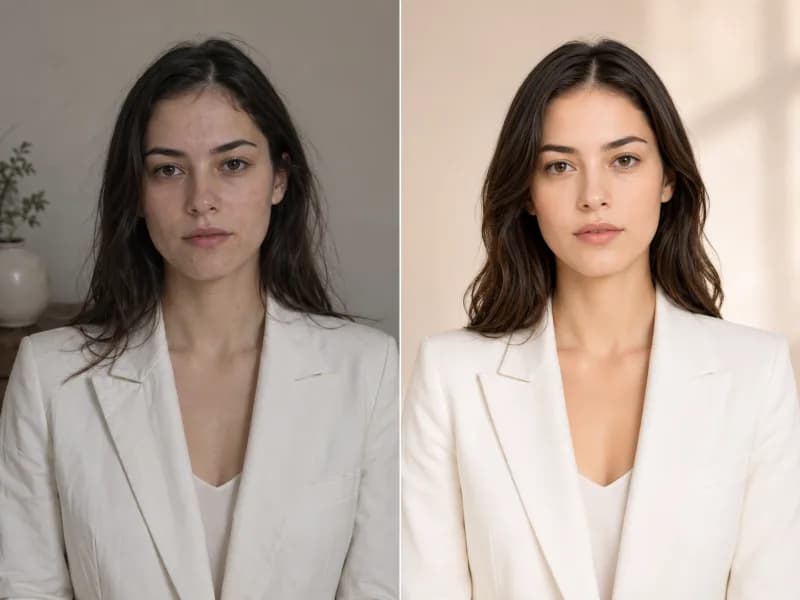
Start with a portrait of one person and create a card image with warm light and elegant festive styling. Put your own photo into the greeting for a more personal way to send Christmas wishes.
 Original
 Result
Explore the visual direction with the existing style illustration.
Start with a portrait of one person and create a card image with warm light and elegant festive styling. Put your own photo into the greeting for a more personal way to send Christmas wishes.
OriginalResultTry a couple photo for a card image with cozy light and delicate seasonal details. Share it with mutual friends or use it as a holiday greeting from the two of you.
 Original
 Result
Try a small family group photo for a holiday card image that brings familiar faces into your greeting. Share it with relatives and friends for a little sense of togetherness across the distance.
 Original
 Result
Create a festive card image from your photo, then try adjusting lettering or details with the image editor. You can also place the image in your own design and add a personal message beside it.
 Original
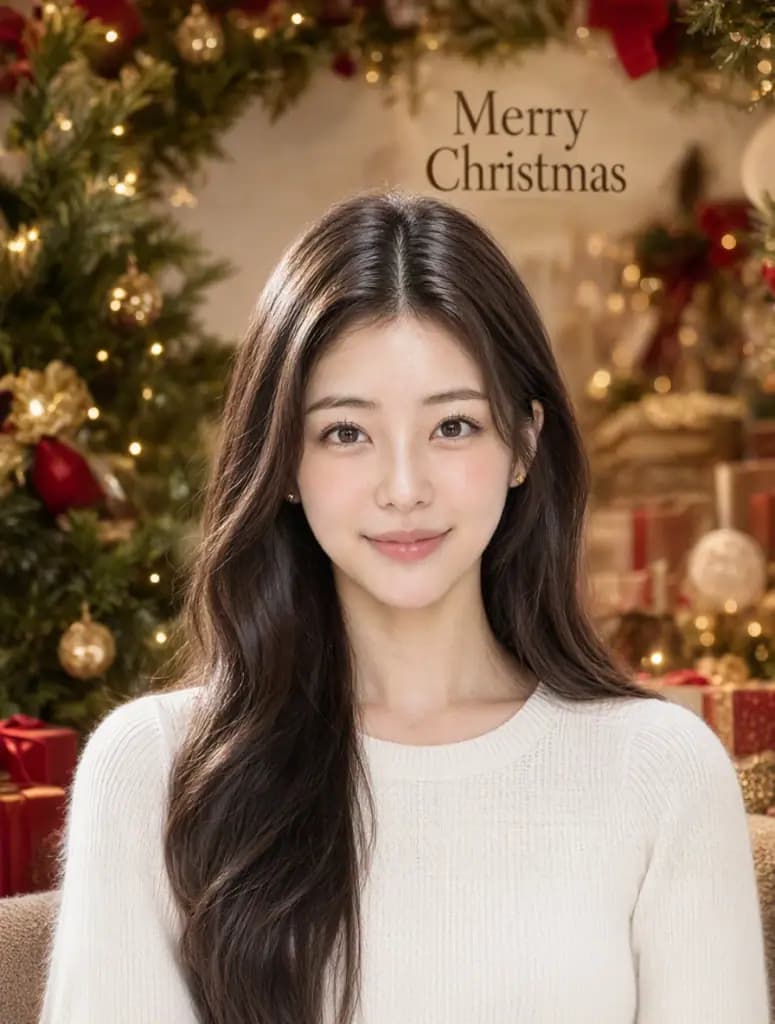 Result
Upload a photo, generate the fixed style, then save or keep editing.
Choose a JPG, PNG or WebP image with a clear subject. Avoid a blurred face or heavy obstruction.
The look is already selected, so you do not need to write a prompt. Sign in, review the credit cost and generate.
Open your result to view and download it, or continue with another image tool.
Use your uploaded photo as the reference for the people in the image, making familiar faces the starting point for a personal holiday greeting.
Cozy light and gentle seasonal styling give an everyday photo a warm direction for a greeting to friends and family.
Seasonal decorations support the subject, bringing light, festive accents and people together in a Christmas greeting image.
Use the ready-to-use holiday card effect to explore a personal greeting image from a single photo.
Take the generated image to the AI image editor to try replacing text, adjusting decorations or changing a specific detail.
Use the card image in a chat, an email or your own design, with different ways to share the same holiday sentiment.
Questions about photo conversion, suitable inputs and your results.
It uses your uploaded photo as a reference to generate a warm, elegant holiday card image. The result is a picture, rather than an editable card template, a folded-card interior or an order for physical cards.
This page uses a fixed effect, with no greeting input, template selector, font controls or layout options. AI-generated seasonal text may appear. Check its content, spelling and position, and continue editing after generation if needed.
Take the result to the existing AI image editor and describe the text you want to replace or remove. AI edits can still misspell words or affect nearby details, so check the lettering and faces again. For exact typesetting, add text in your own layout tool.
You can try, though we recommend starting with a portrait of one person. Every face in a group should be clear and visible. Review each face, the headcount, hands and cropping before sharing a group result.
This tool provides a card image. It does not provide print-specification files, folded-card interiors, printing or shipping. Before printing elsewhere, check pixel dimensions, trim and other production requirements and review a proof. AI images and lettering do not guarantee print compliance.
Choose the portrait effect when you want warm light and festive decorations around your subject. Choose this card effect when your goal is a greeting image to send to others. Both generate images, and faces and any lettering still need review.
Explore more effects and ways to edit your images.

Create a warm, elegant Christmas card image from your own photo. Cozy light and subtle festive details bring a personal touch to a greeting for loved ones. Continue with the image editor afterward to explore changes to the card or lettering.