Ideas for Your Photos

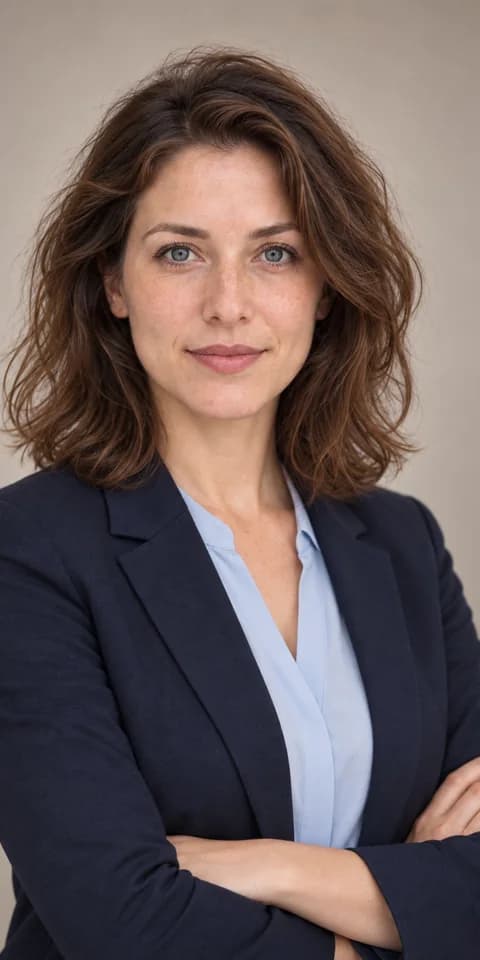
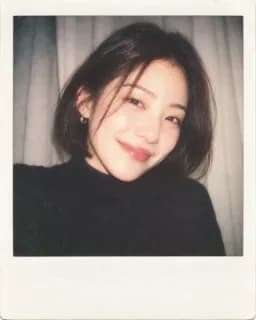
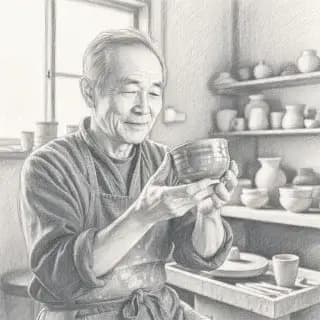
Explore the visual direction with the existing style illustration.

Give your profile photo a stronger mood

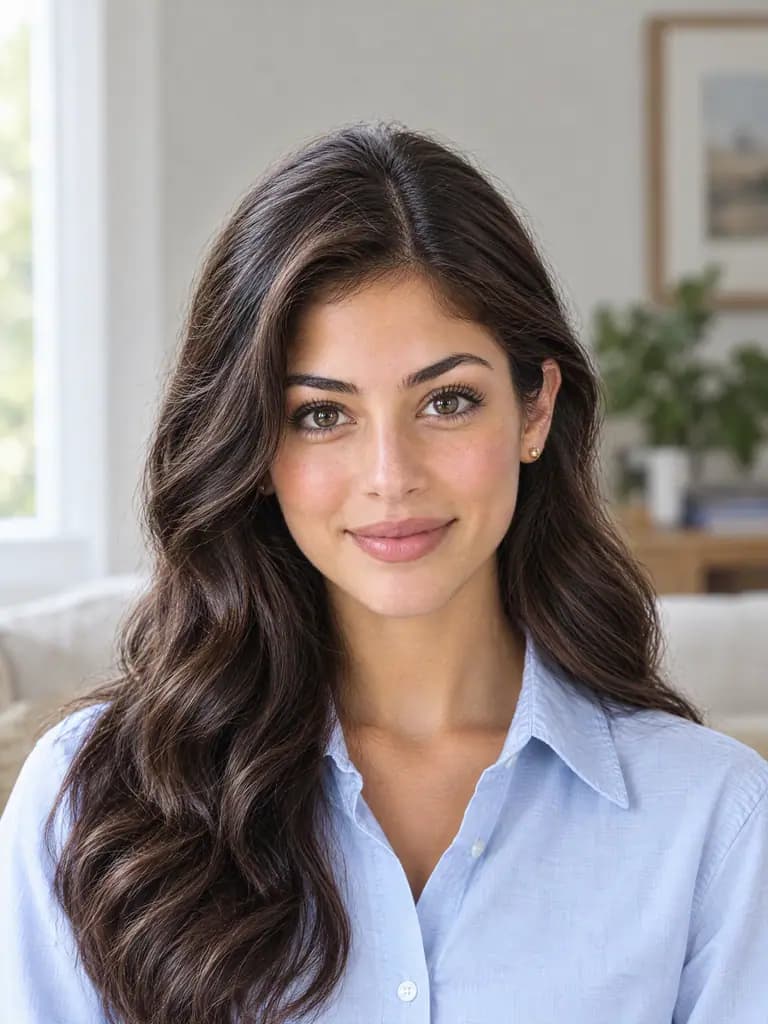
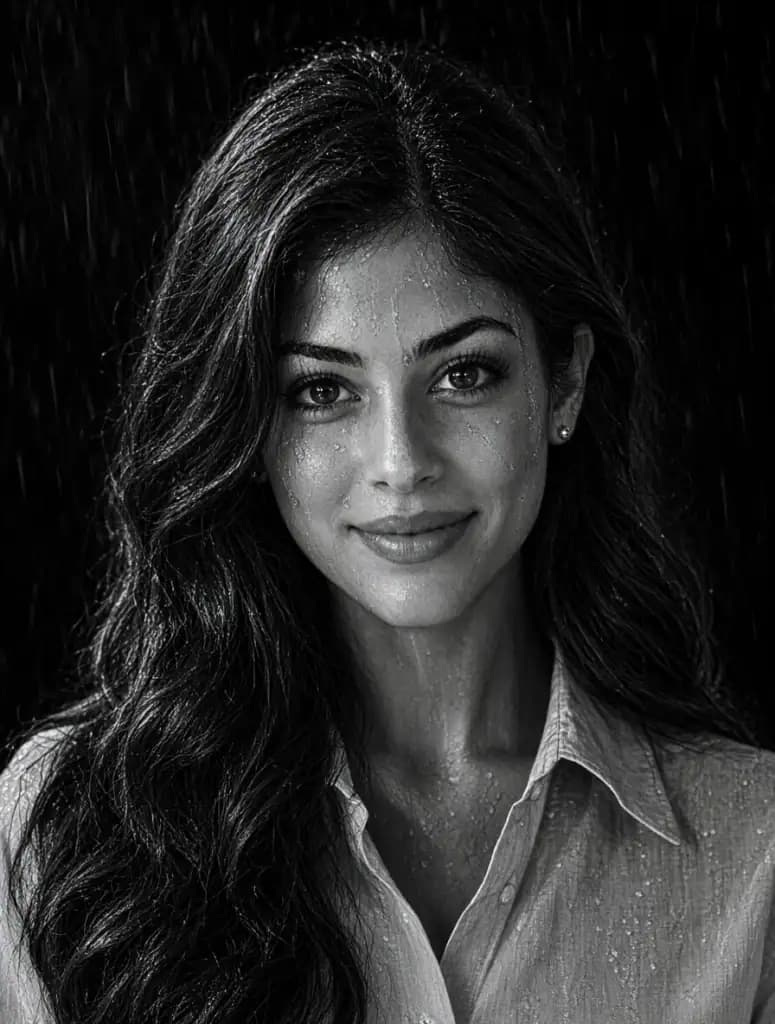
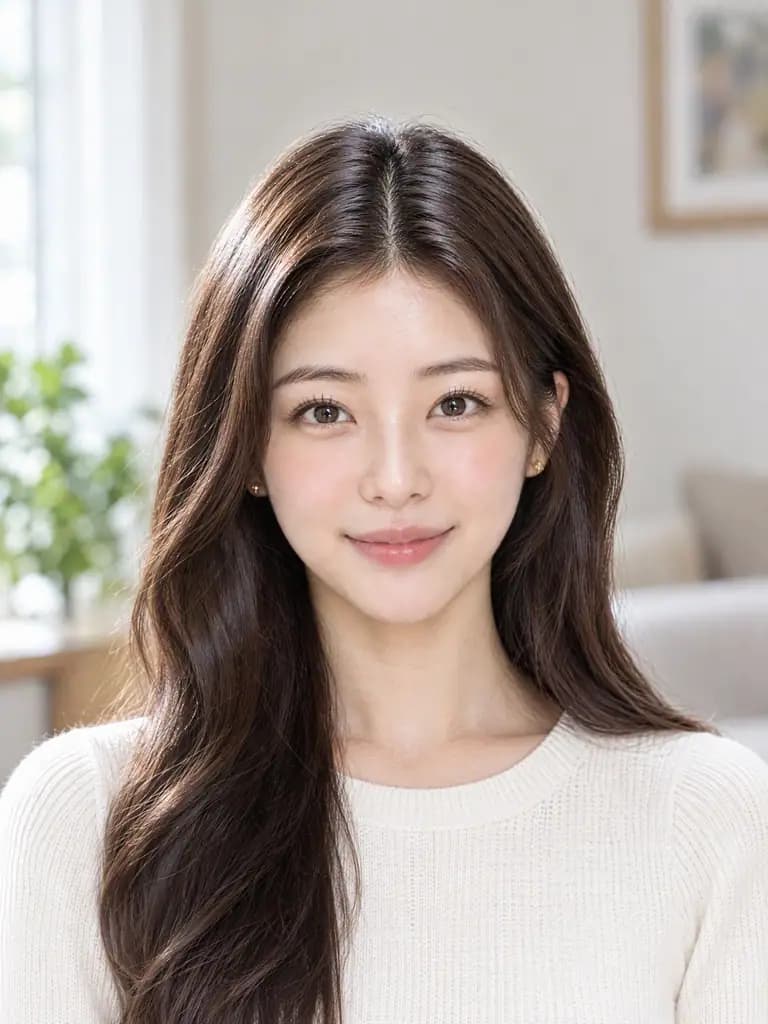
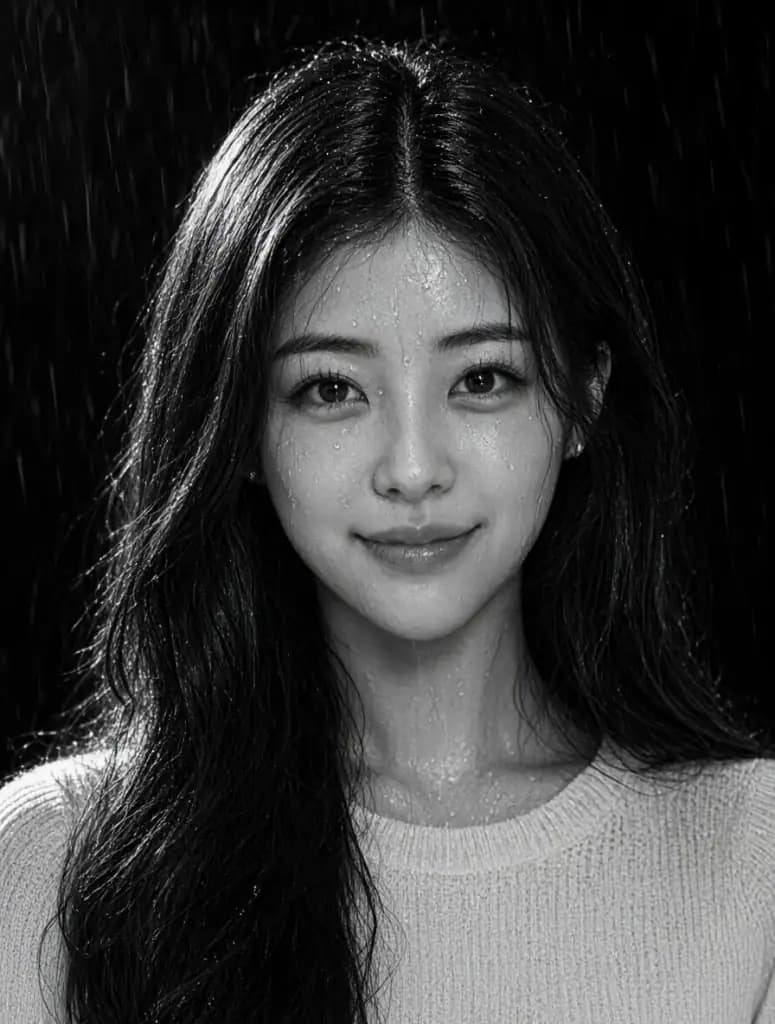
Want more of a story in an everyday selfie? Replace ordinary lighting with bold black-and-white tones that draw attention to facial contours, wet hair and droplets. Use the result for a social profile, cropping it to fit your avatar frame before sharing.
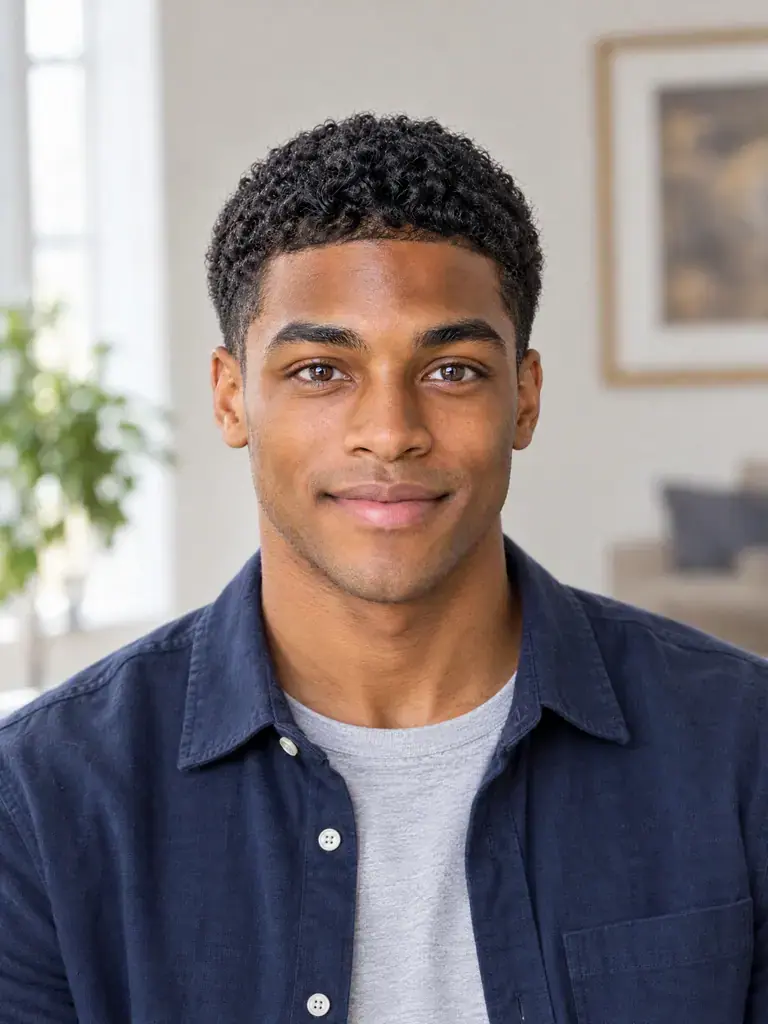
Original · Give your profile photo a stronger moodOriginal
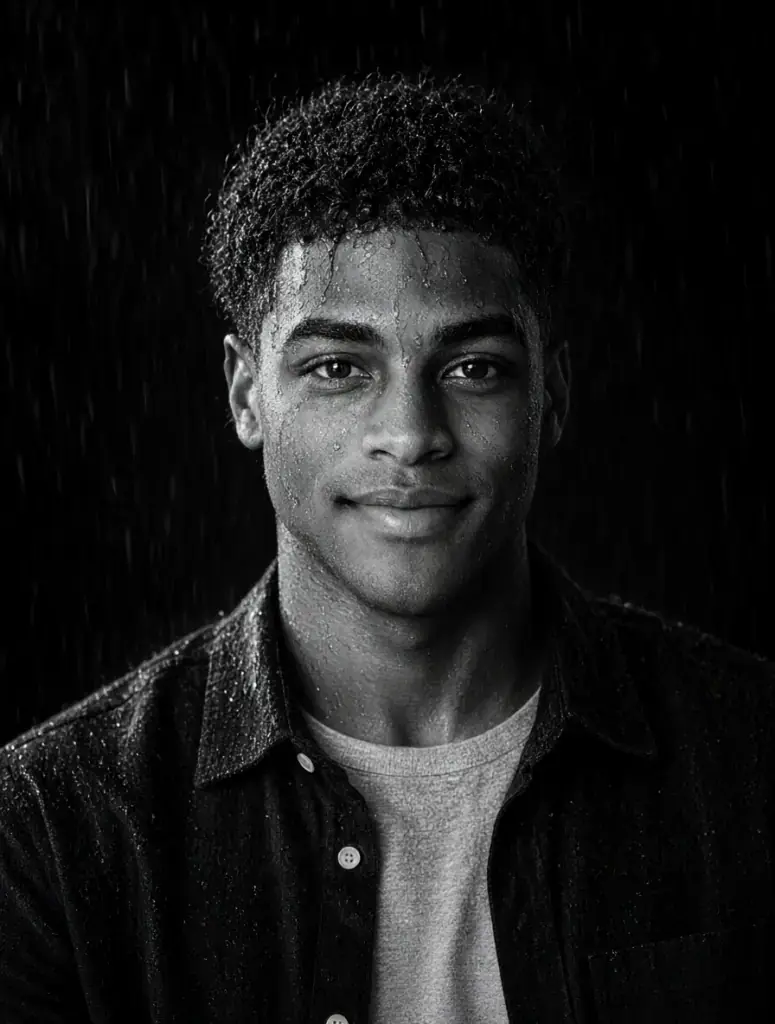
Result · Give your profile photo a stronger moodResult

Create a starting image for your music project

Start with your own photo when exploring a playlist cover, single concept or personal music visual. A rain-textured monochrome portrait gives you a base for a cover design; add your title and layout separately.

Original · Create a starting image for your music projectOriginal
Result · Create a starting image for your music projectResult

Choose a less formal author portrait

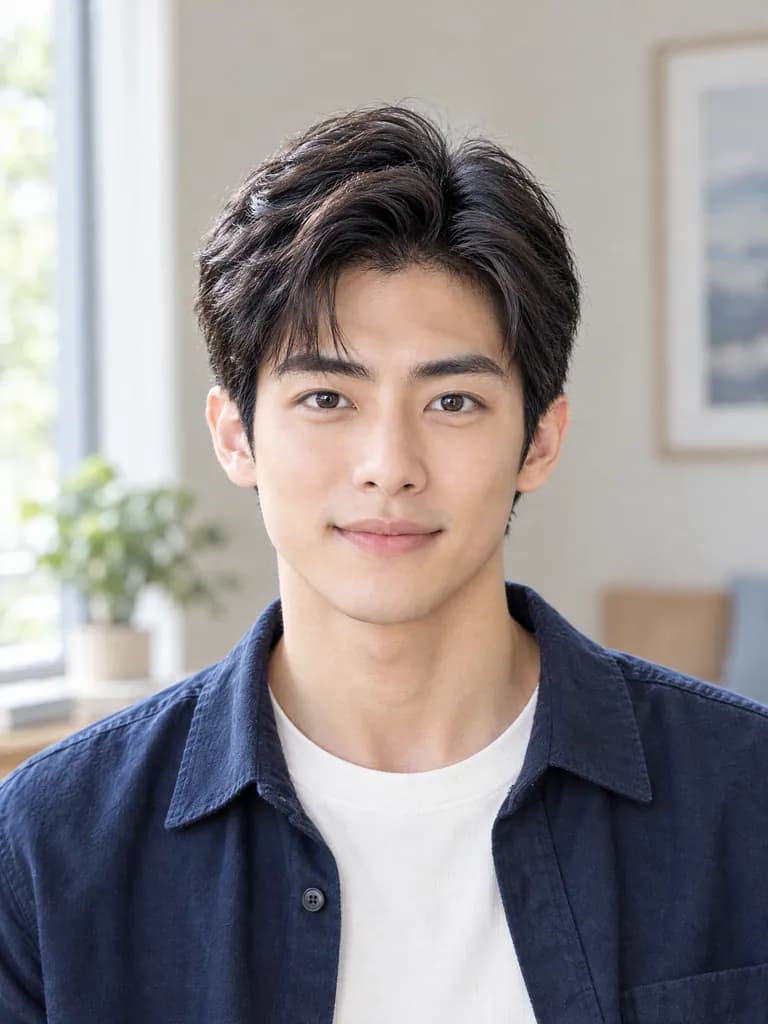
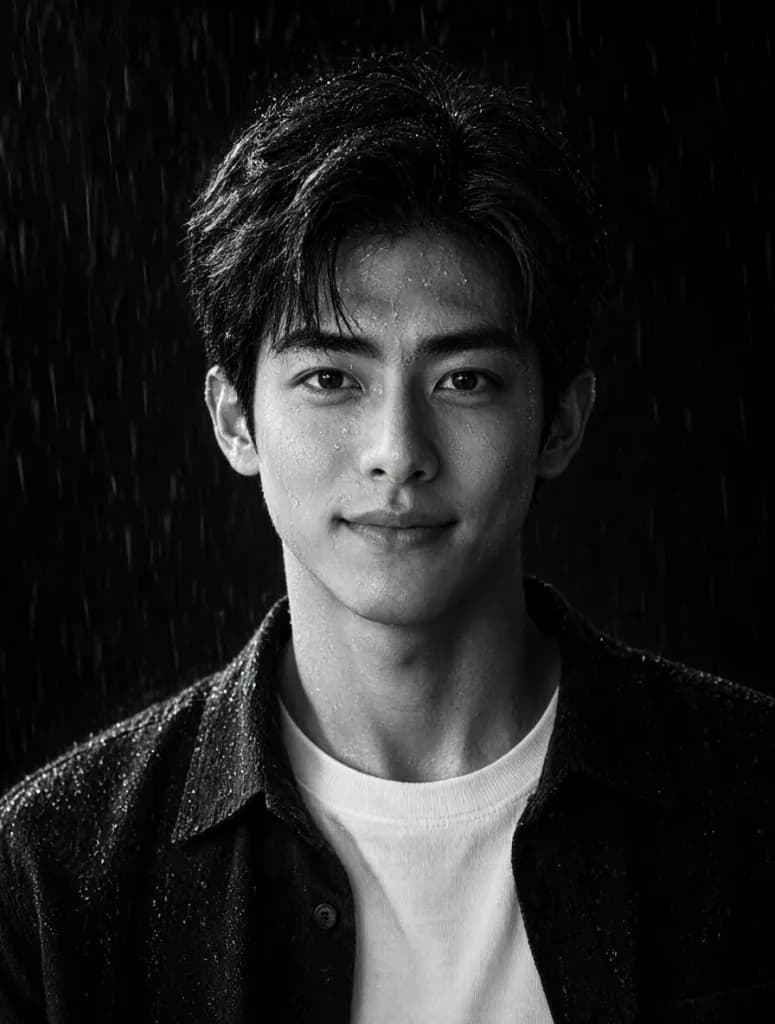
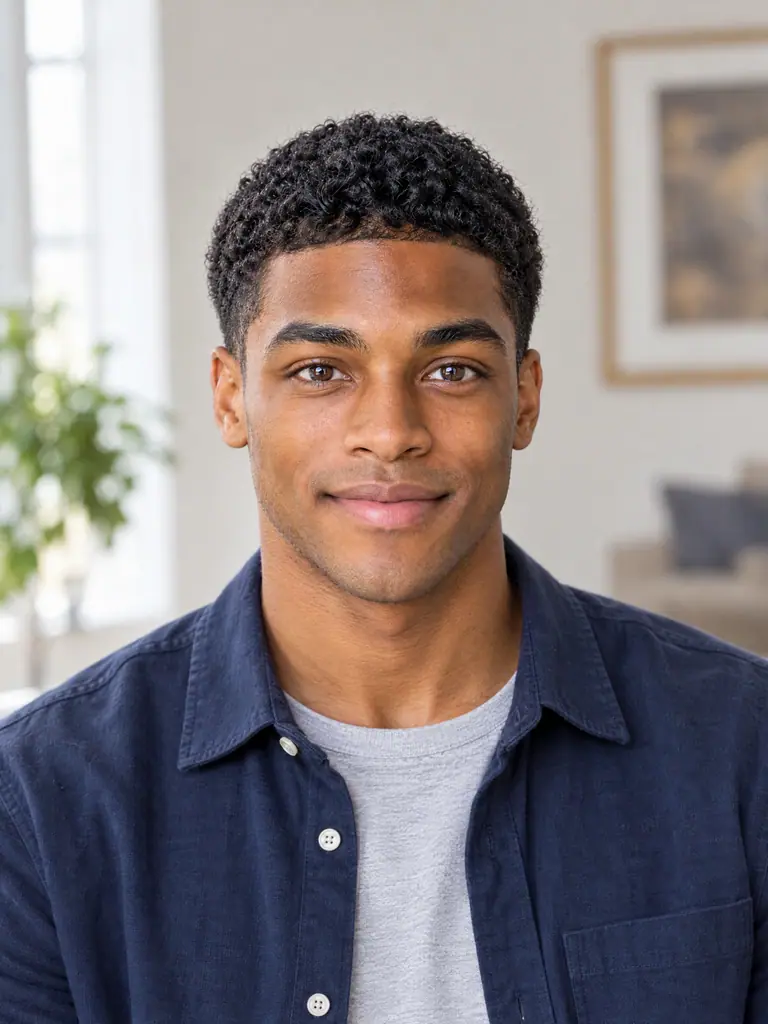
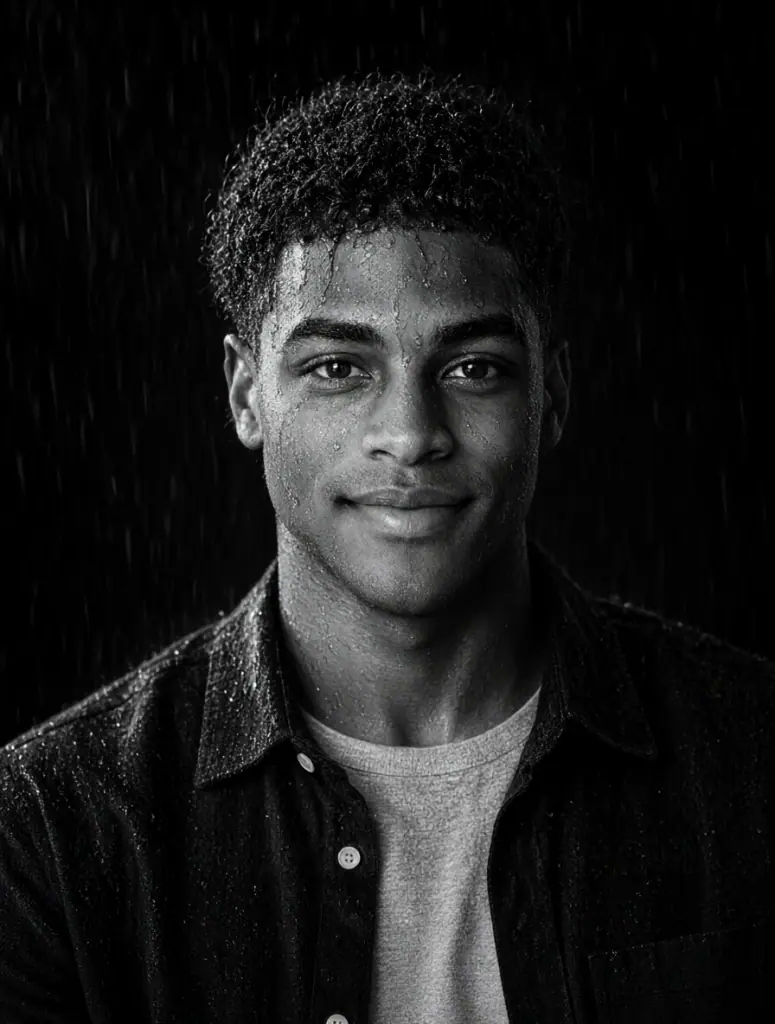
A suit-and-studio headshot may not suit your writing, photography or creative work. Try a dark background and sculpted light for a personal blog, creator bio or project introduction, with emotion as the visual focus.

Original · Choose a less formal author portraitOriginal
Result · Choose a less formal author portraitResult

Explore a rain portrait before planning a shoot

See a creative interpretation of yourself with droplets, wet hair and a dark backdrop without arranging a rain shoot first. Upload a clear portrait and use the photographic result as a starting point for a mood-led portrait idea.

Original · Explore a rain portrait before planning a shootOriginal
Result · Explore a rain portrait before planning a shootResult

How it works

Upload a photo, generate the fixed style, then save or keep editing.

  1. Upload a photo

    Choose a JPG, PNG or WebP image with a clear subject. Avoid a blurred face or heavy obstruction.

  2. Generate the fixed look

    The look is already selected, so you do not need to write a prompt. Sign in, review the credit cost and generate.

  3. Save or keep editing

    Open your result to view and download it, or continue with another image tool.

Features

Bold monochrome tones

Deep shadows and bright highlights draw attention to the portrait's contours and expression.

Face droplets

Irregular water droplets and streaks suggest a rain-soaked look, going beyond a simple color conversion.

Wet-hair atmosphere

Damp, lightly clumped strands work with the droplets to shape the mood of a rain close-up.

A dark, simple backdrop

A dark background reduces visual distractions and gives illuminated features and droplets more presence.

Your photo as a reference

Generate a stylized photograph from your uploaded portrait, with a quick comparison to the original before use.

One cinematic look

Go straight to this fixed black-and-white rain effect without choosing between multiple portrait styles.

Frequently Asked Questions

Questions about photo conversion, suitable inputs and your results.

1

What photos work best for a black-and-white rain portrait?

Use a clear photo of one person with an unobstructed face and enough light. Avoid severe blur, tiny faces and strong beauty filters so the image provides useful facial detail.

2

How is this different from a black-and-white filter?

A standard black-and-white filter mainly changes the original photo's color and tones. This effect generates droplets, wet hair, high-contrast lighting and a dark background from your reference, so composition and other details may also change.

3

Will the result still look like me?

Your uploaded photo serves as the person reference, but some facial features, expressions or hair details may change. An exact match to the original is not guaranteed.

4

Can I keep my background or make a color rain portrait?

This page uses one fixed black-and-white rain look with a dark background. It does not offer color rain scenes or other background styles. For a natural or business portrait, try the headshot tool.

5

Can I use a couple or group photo?

Start with a clear single-person photo. With multiple people, facial details and relationships between subjects are more likely to change.

6

Does it create a photo or a rain video?

It creates a still portrait image. Droplets and wet hair appear as visual elements in the photograph; the result is not an animated rain video.

Related image tools

Explore more effects and ways to edit your images.

Raphael AI

Give your photo a rain-soaked mood

Turn an everyday photo into a black-and-white rain portrait

Try a cinematic close-up with wet hair, droplets on the face and bold monochrome lighting. This page focuses on one dark-background rain look for expressive profile photos and personal creative projects.

Original
Original
Black and White Rain Portrait