Photo to Sketch Examples

See the original photo and the generated result for each preset.

Turn Photos into Pencil Sketches Without Tracing by Hand

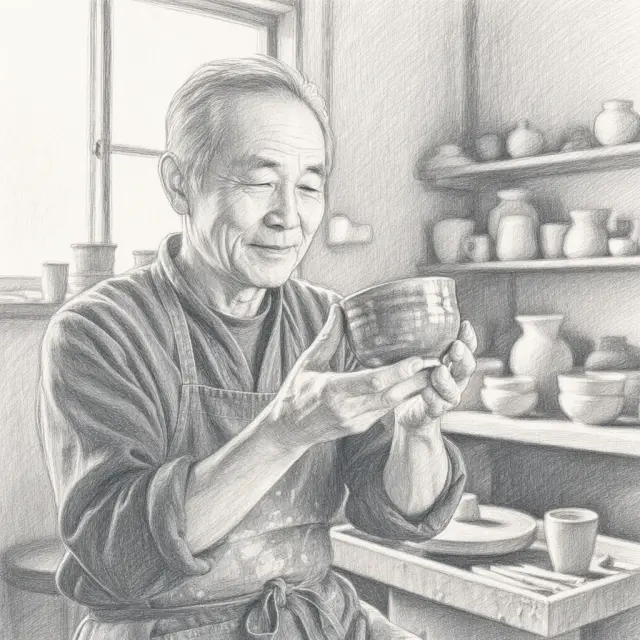
Convert a portrait, pet photo, or landscape into a pencil sketch with drawn outlines, tonal hatching, and paper-like texture. Raphael gives you a starting point without manually tracing the image or adjusting a series of filters. Choose the pencil preset to create sketch-style profile pictures, portrait keepsakes, or illustrations for personal projects.
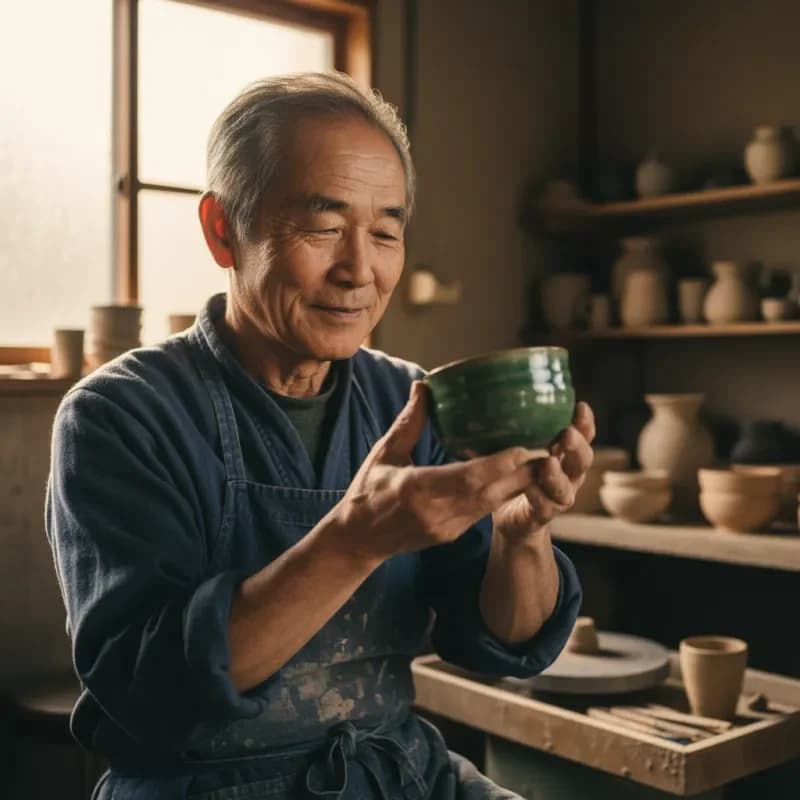
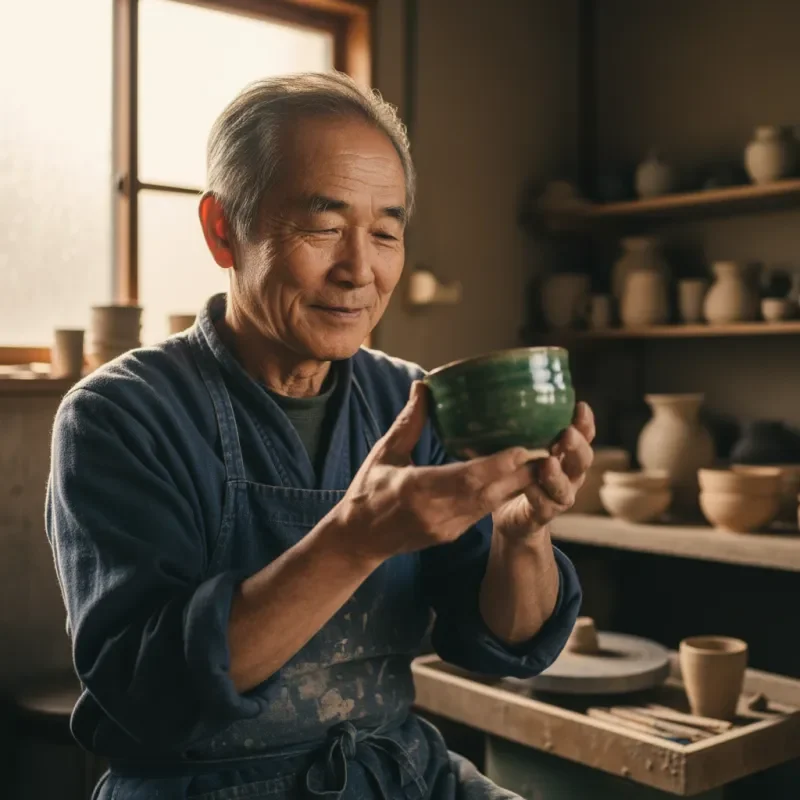
Original · Turn Photos into Pencil Sketches Without Tracing by HandOriginal
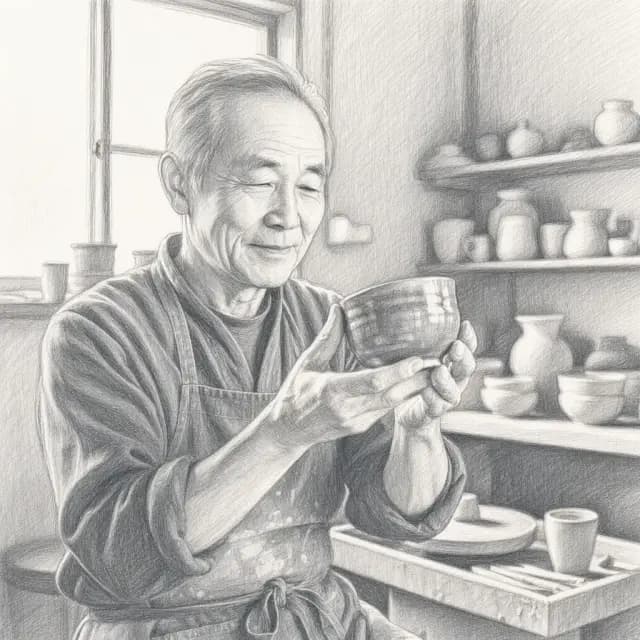
Result · Turn Photos into Pencil Sketches Without Tracing by HandResult

Turn the Whole Photo into an Ink Drawing

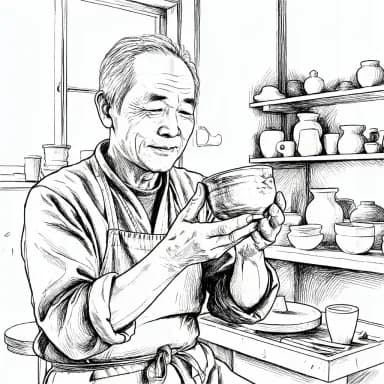
An image’s story includes the buildings, objects, and surroundings as well as its main subject. The ink drawing preset uses the whole photo as a reference, interpreting it through contours, line density, and black-and-white contrast. Transform travel photos, street scenes, and everyday moments into illustrations that include the setting.

Original · Turn the Whole Photo into an Ink DrawingOriginal
Result · Turn the Whole Photo into an Ink DrawingResult

Explore Nine Drawing Styles from the Same Photo

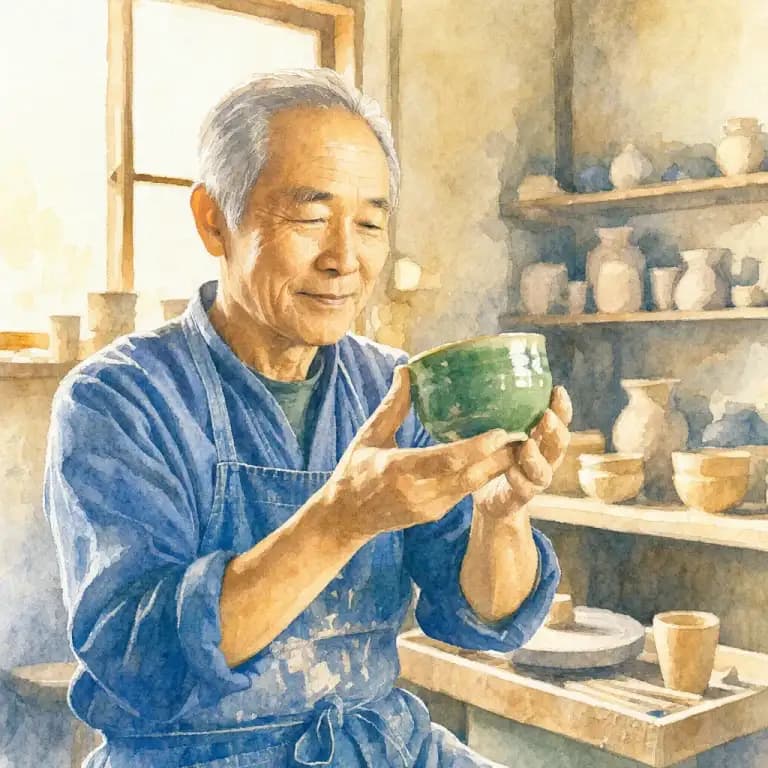
Try pencil, charcoal, ink, colored pencil, watercolor, and other drawing presets using the same uploaded image. Switch styles and generate again without starting a new upload. Explore everything from a monochrome portrait sketch to a colorful watercolor interpretation in one place, instead of using a separate tool for each effect.

Original · Explore Nine Drawing Styles from the Same PhotoOriginal
Result · Explore Nine Drawing Styles from the Same PhotoResult

How it works

Upload a photo, choose a preset, and view your result in this workspace.

  1. Upload a photo

    Choose a clear photo with the subject fully visible.

  2. Choose a style

    Select a preset, then review the credit cost before generating.

  3. Save or keep editing

    Compare the result, download it, or continue with another image tool.

Explore the possibilities

9 Drawing Styles

Choose pencil, charcoal, ink, colored pencil, watercolor, and other drawing presets for your photo.

Full-Scene Illustration

Use the entire photo as a reference to reinterpret the subject and its surroundings in a drawing style.

Automatic Sketch Conversion

Upload a photo and choose a style without tracing outlines or layering filters by hand.

Multiple Looks, One Photo

Keep your uploaded photo and switch presets to explore different linework and color treatments.

Custom Styles

Start with a preset or use a custom description to specify the style, colors, and details you want.

Integrated Image Editing

Open image tools from your result to make local edits, remove the background, or upscale the image.

Photo to Sketch FAQ

Answers about choosing photos, styles, and using your results.

1

How do I turn a photo into a pencil sketch?

Upload a photo, select Pencil Sketch, and generate to compare the photo with its drawing effect.

2

Can I turn a photo into line art?

Try Ink Drawing. Clear outlines help emphasize the lines, and the background is transformed along with the subject.

3

Can I make a colored sketch?

Choose colored pencil or watercolor for a color treatment, or pencil and charcoal for a monochrome look.

4

Can I use portraits, pets, and landscapes?

Try portraits, pets, buildings, or landscapes and compare drawing styles on the same photo.

5

What if my photo has a busy background?

Start with a clearly visible subject, or remove the background before turning the photo into a sketch.

6

Can I try several drawing styles with one photo?

Yes. Generate again with another preset to compare pencil, charcoal, colored pencil, and other styles.

7

Can I use it on my phone?

Upload photos, choose presets, and view results in your mobile browser.

8

How do I download or keep editing the result?

Open the result and use Download to save the image, or choose another image tool to continue editing.

Related image tools

Explore more effects and ways to edit your images.

Raphael AI

Turn Your Favorite Photo into a Drawing

Photo to Sketch in Your Favorite Drawing Style

Upload a portrait, pet, or landscape photo and explore 9 sketch and drawing styles with different lines, shading, and textures.

Original
Original
Pencil Sketch
Pencil Sketch
Ink Drawing
Ink Drawing