Photo to Memoji Examples

Explore the visual direction with the existing style illustration.

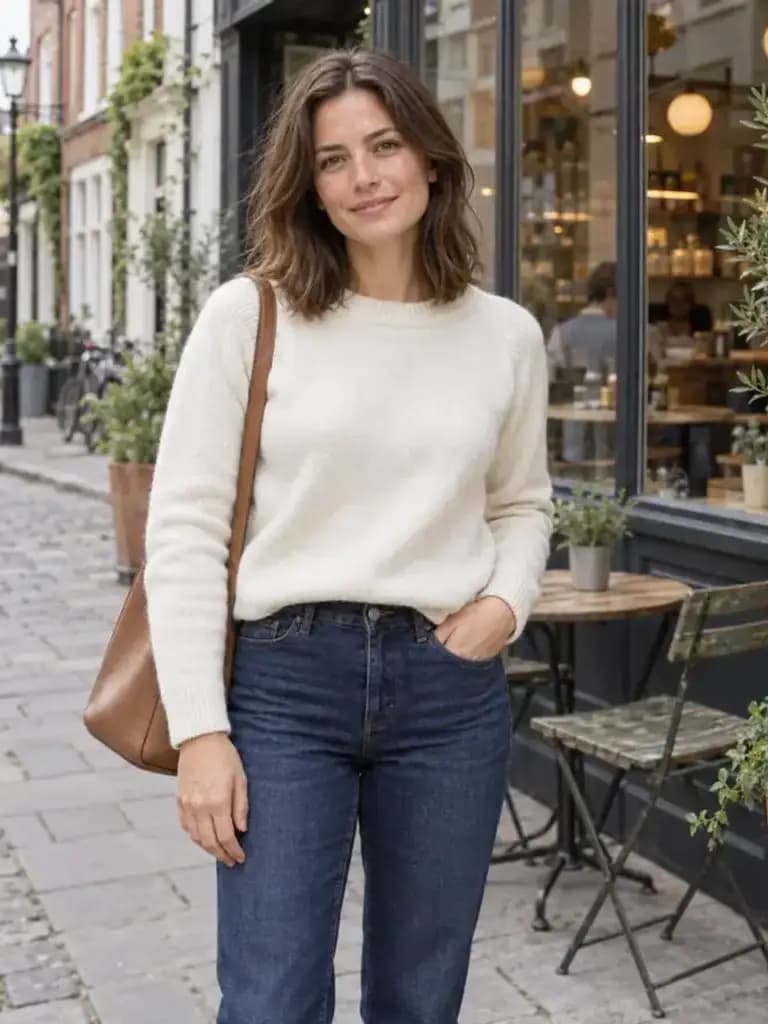
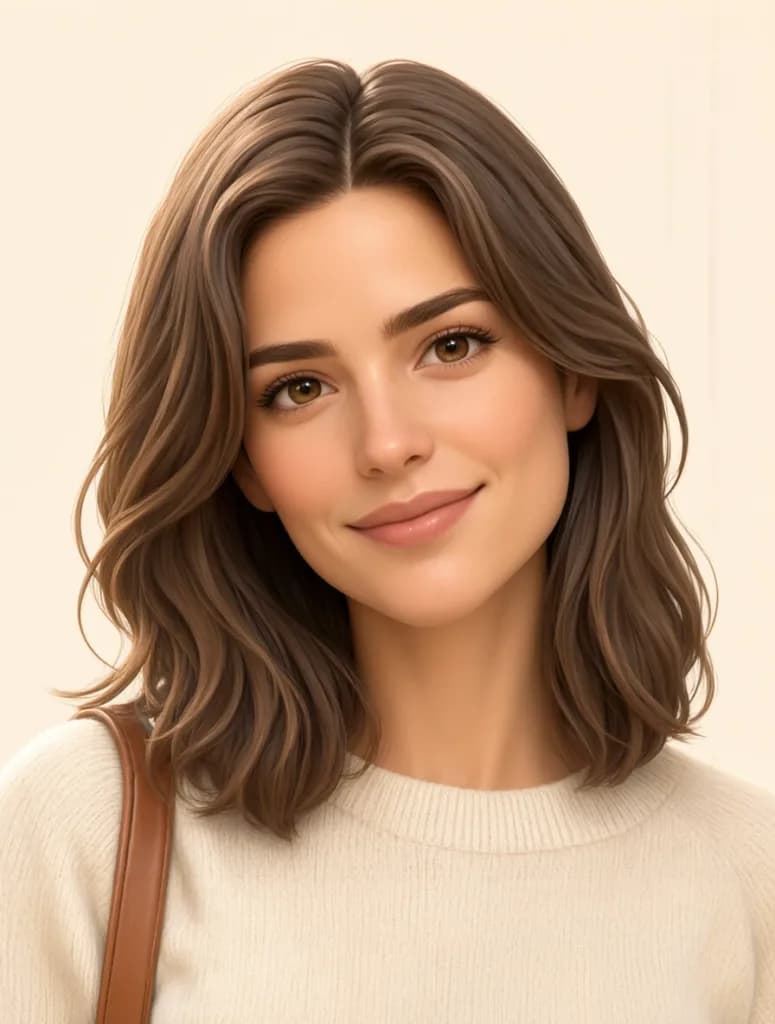
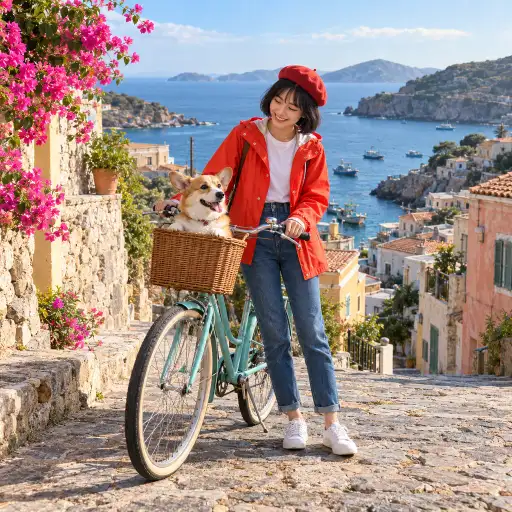
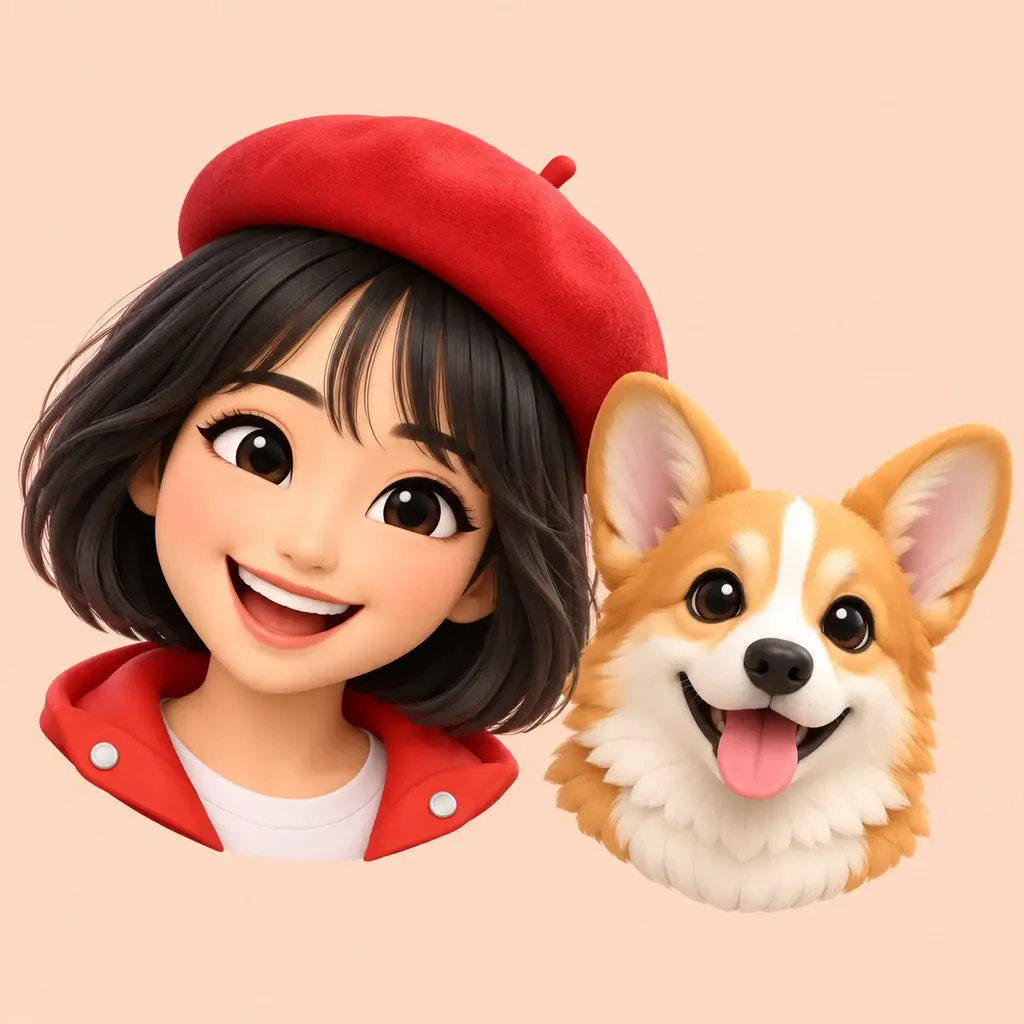
Make a Memoji-style profile image from a portrait

Use a well-lit portrait to explore a friendly 3D emoji avatar based on your hair, facial expression and accessories. The photo-to-Memoji effect creates a still image for a profile or personal message graphic, with a compact rounded character design rather than a photorealistic face.

Original · Make a Memoji-style profile image from a portraitOriginal
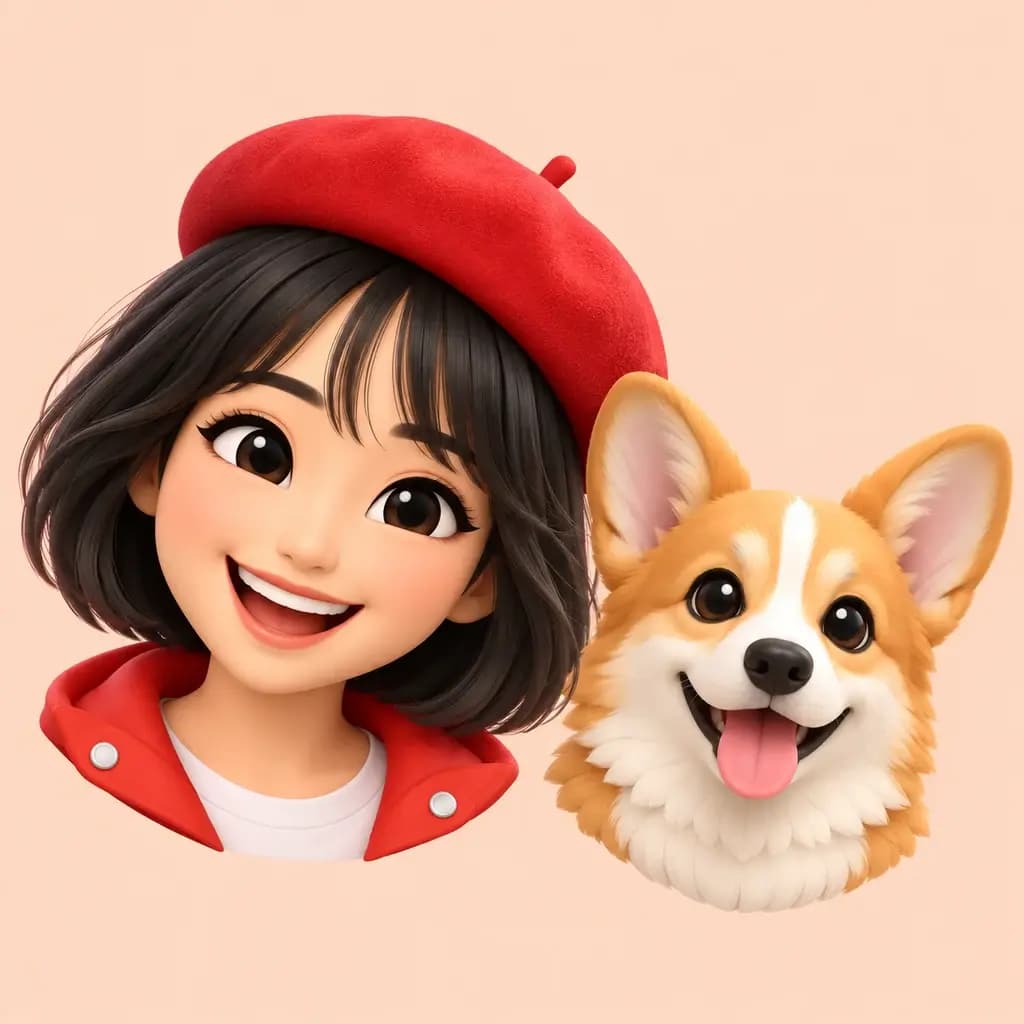
Result · Make a Memoji-style profile image from a portraitResult

A Personal 3D Emoji Portrait from a Photo

A casual portrait provides a useful reference for a Memoji-style image: hairstyle, expression and visible clothing all contribute to the character. The rounded facial design and smooth shading create a friendly illustrated version of the person. Use a clear portrait when you want a personal 3D emoji image for a profile or message graphic.

Original · A Personal 3D Emoji Portrait from a PhotoOriginal
Result · A Personal 3D Emoji Portrait from a PhotoResult

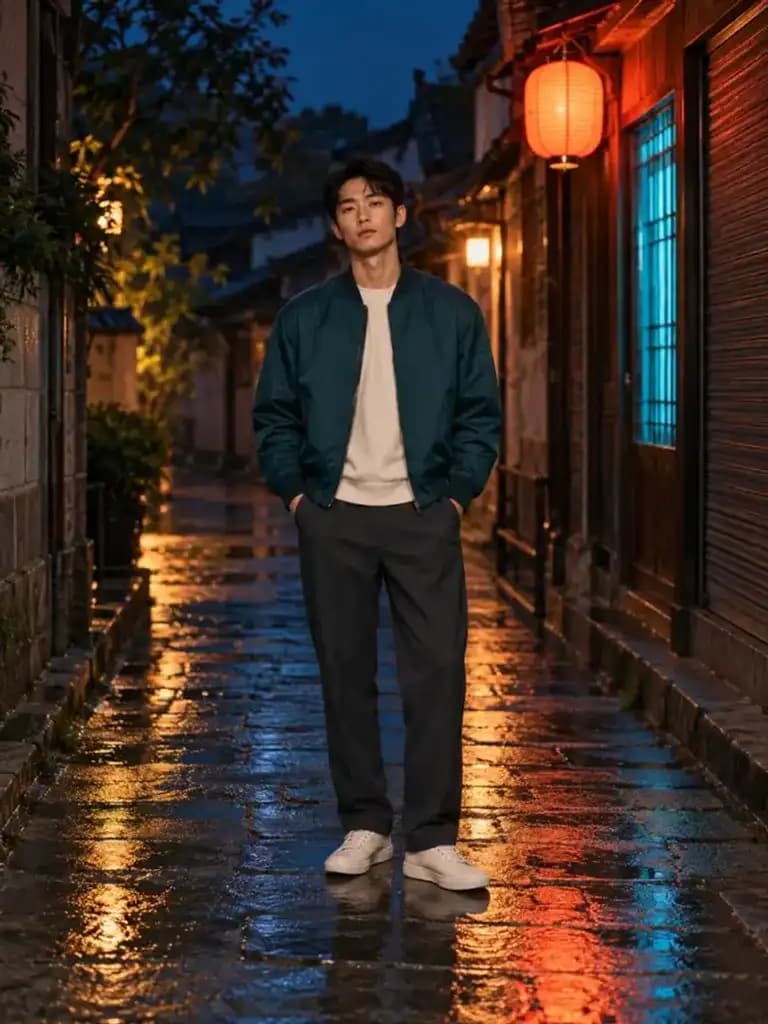
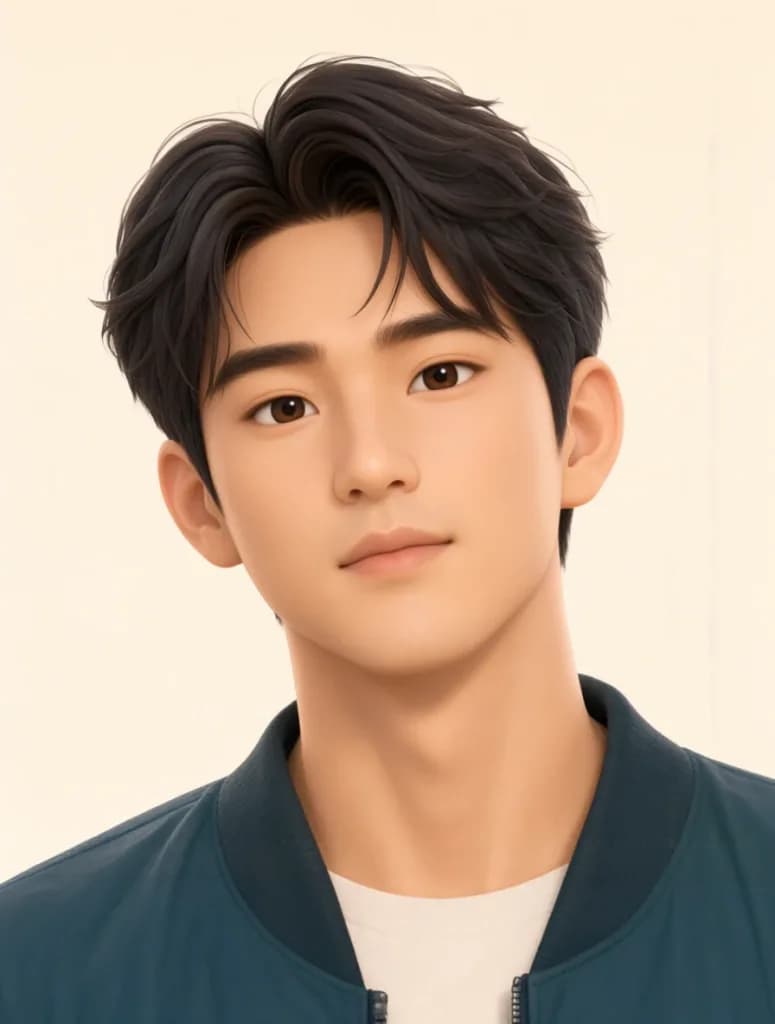
A New Emoji Look for Different Portraits

Try the same photo-to-Memoji effect with a different person rather than relying on a single sample face. A clear male portrait offers different hair, clothing and facial references for the rounded 3D interpretation. You can crop the downloaded image for a profile picture or keep more of the composition for a personal illustration.

Original · A New Emoji Look for Different PortraitsOriginal
Result · A New Emoji Look for Different PortraitsResult

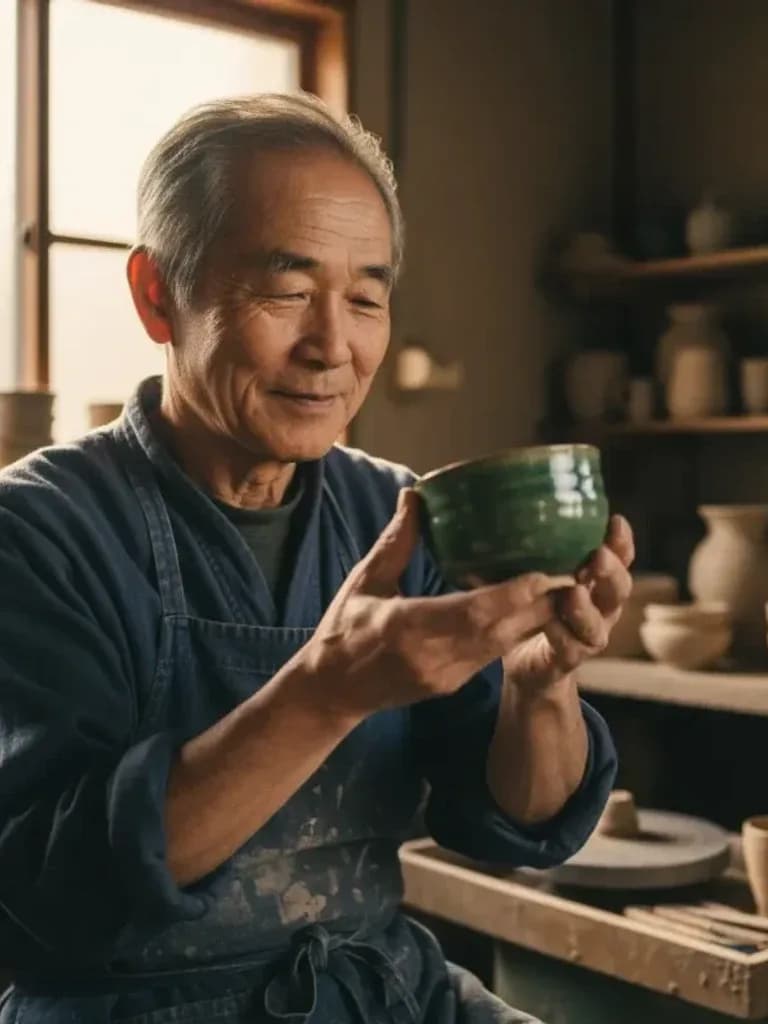
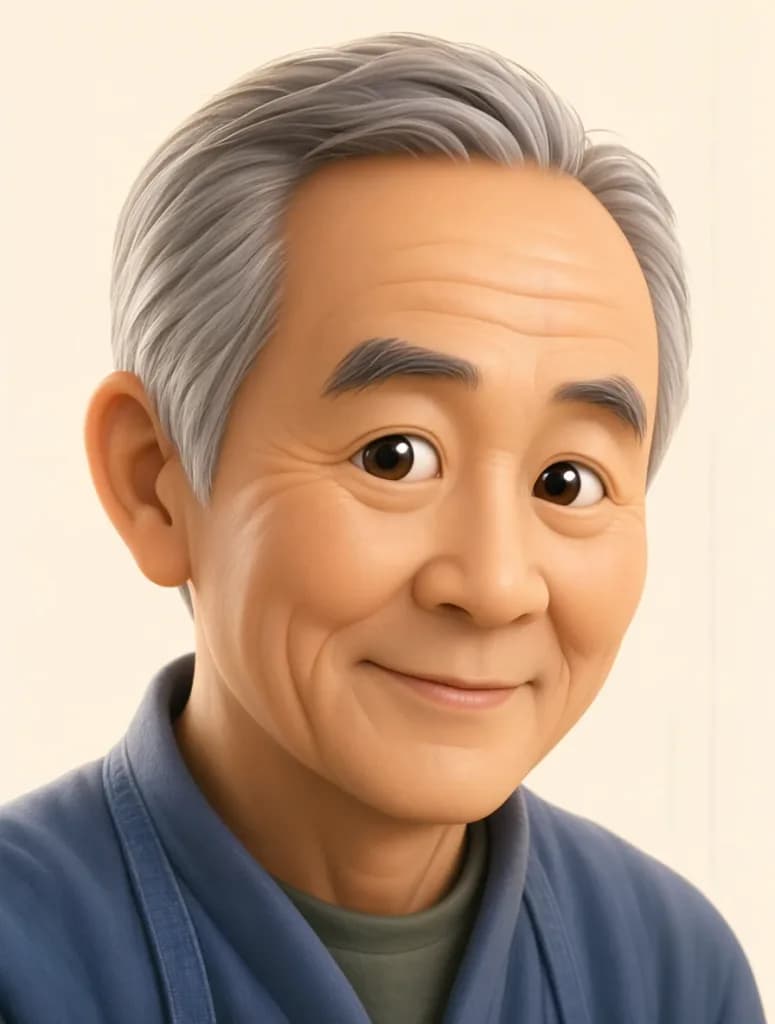
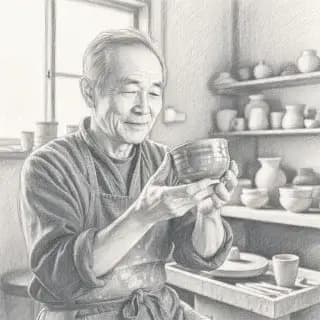
Expressive Characters from Older Portraits

An older portrait can be a meaningful starting point for a personalized emoji-style character. Choose a photo with a readable expression and characteristic accessories or activity, such as a craft or hobby. The photo guides the illustration; the result is a still image that can be shared as a personal greeting or family keepsake.

Original · Expressive Characters from Older PortraitsOriginal
Result · Expressive Characters from Older PortraitsResult

How it works

Upload a photo, generate the fixed style, then save or keep editing.

  1. Upload a photo

    Choose a clear JPG, PNG or WebP image.

  2. Generate your image

    The style is already selected. Review the credit cost and click Generate.

  3. Save or keep editing

    Open the result to download it or continue with another image tool.

Photo to Memoji Features

Rounded 3D Faces

Smooth surfaces and compact rounded facial forms create a friendly emoji-avatar look.

Personal Style References

Your hairstyle, glasses and visible expression help guide the character design.

Profile & Message Images

Make a still Memoji-style avatar for a profile or a personal message graphic.

Upload & Generate

The style is ready to use. Upload a photo and generate without building a character or writing a detailed prompt.

Repeat with New Photos

Keep using the same effect with a new photo, or generate another interpretation of your current image.

Continued Image Editing

Open the generated image to download it or use image tools for local changes, background removal and upscaling without starting over.

Photo to Memoji FAQ

Questions about photo conversion, suitable inputs and your results.

1

How do I use photo to memoji with my photo?

Upload a JPG, PNG or WebP image, then click Generate. The photo to memoji preset is fixed on this page. Sign in and review the displayed credit cost before submitting.

2

Can I make an emoji avatar from a photo with glasses?

Yes. Choose a clear front-facing or slightly turned portrait where the glasses and eyes remain visible. The photo guides the avatar, though small accessory details can change.

3

Which photos give a clearer result?

Choose a sharp, evenly lit photo with a readable subject. Rounded 3d features, smooth shading and a simplified emoji-like face change the rendering of the image, so check faces, hands and small objects in the result.

4

Can I use photo to memoji for free?

Generation uses the credits shown on the button. Available credits and access depend on your account; check your balance before submitting.

5

Can I download and keep editing the result?

Open the result to download it or choose another image tool for local editing, background removal or upscaling. You can then return to this page to process another photo.

Related image tools

Explore more effects and ways to edit your images.

Raphael AI

Make Your Own 3D Emoji Avatar

Photo to Memoji

Create a Memoji-style avatar from your photo with rounded 3D features and a friendly expression. Upload a clear portrait to make your own emoji-like image.

Original
Original
Photo to Memoji
Photo to Memoji