Photo to Manga Examples

Explore the visual direction with the existing style illustration.

Redraw a photo as black-and-white manga art

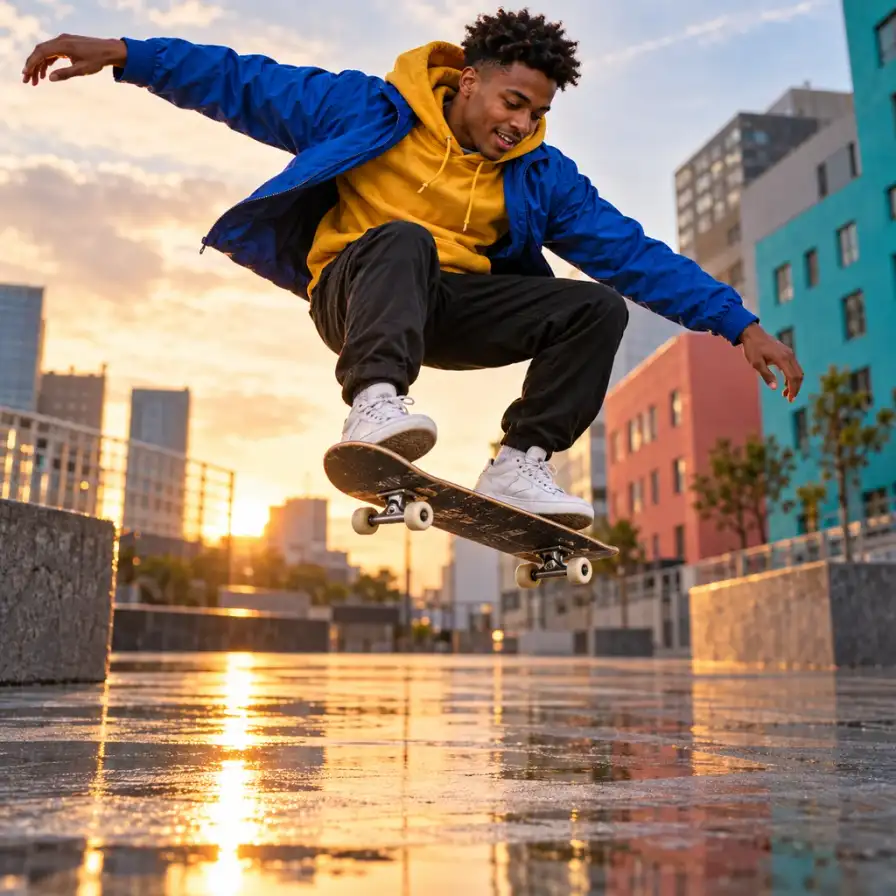
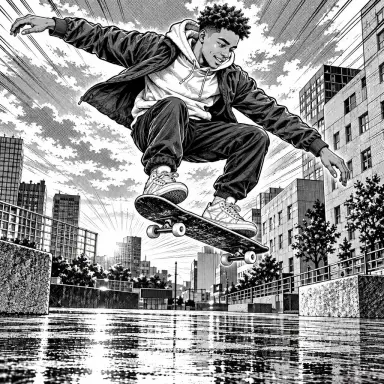
This photo-to-manga converter aims for an inked illustration rather than simply removing color from a photograph. Screentone, hatching and solid black shadows create depth, while the uploaded pose and setting guide the scene. Try a clear portrait or an action shot for a manga-style avatar or monochrome illustration.
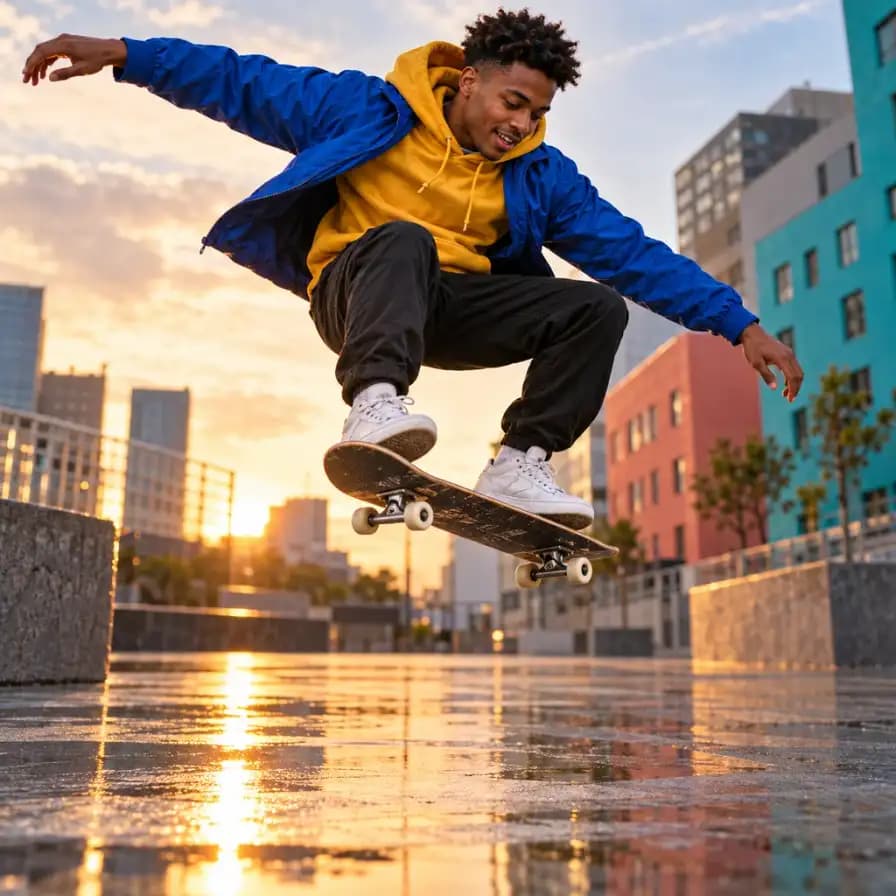
Original · Redraw a photo as black-and-white manga artOriginal
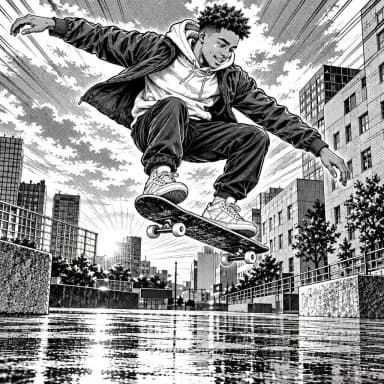
Result · Redraw a photo as black-and-white manga artResult

Hands and Everyday Moments in Manga Ink

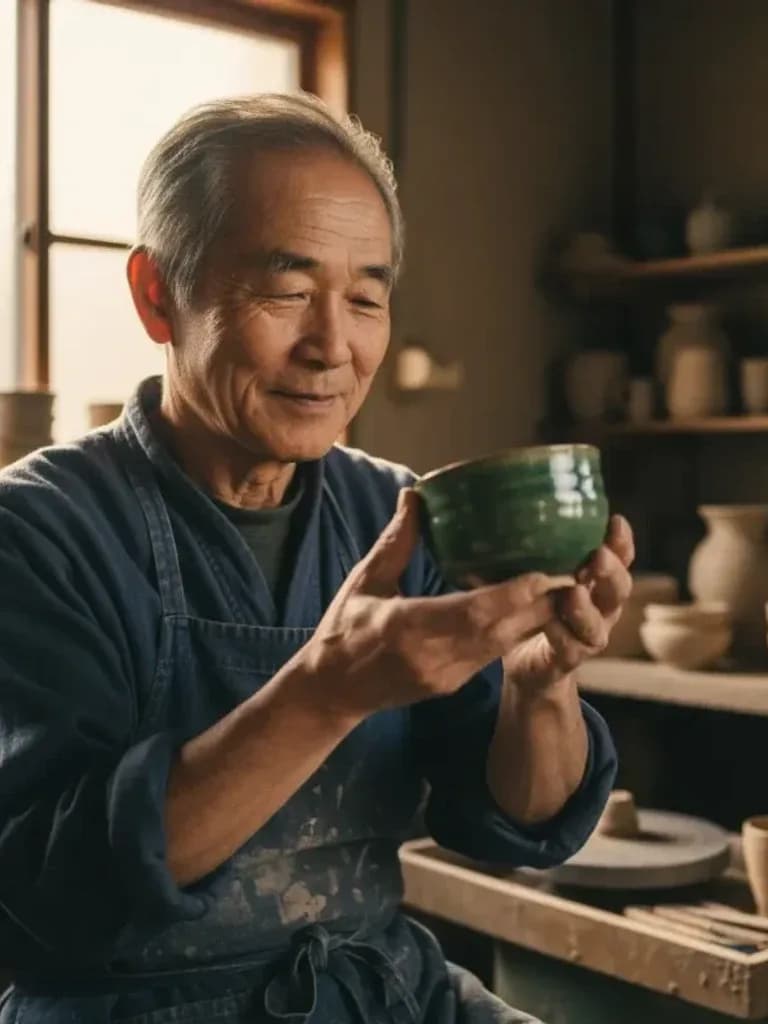
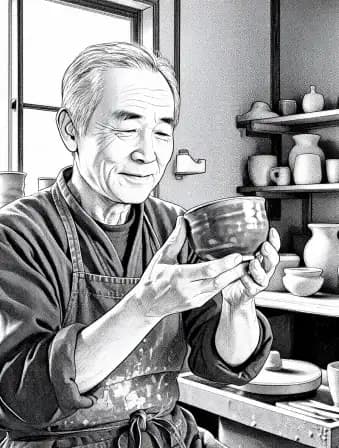
A craft portrait lets the manga filter interpret facial expression, hands and working objects in one image. Solid black shadows, white highlights and drawn hatching create a monochrome illustration of the activity. Start with a readable gesture and useful environmental details to make a manga scene with more content than a face-only crop.

Original · Hands and Everyday Moments in Manga InkOriginal
Result · Hands and Everyday Moments in Manga InkResult

A Pet Portrait Drawn with Ink and Screentone

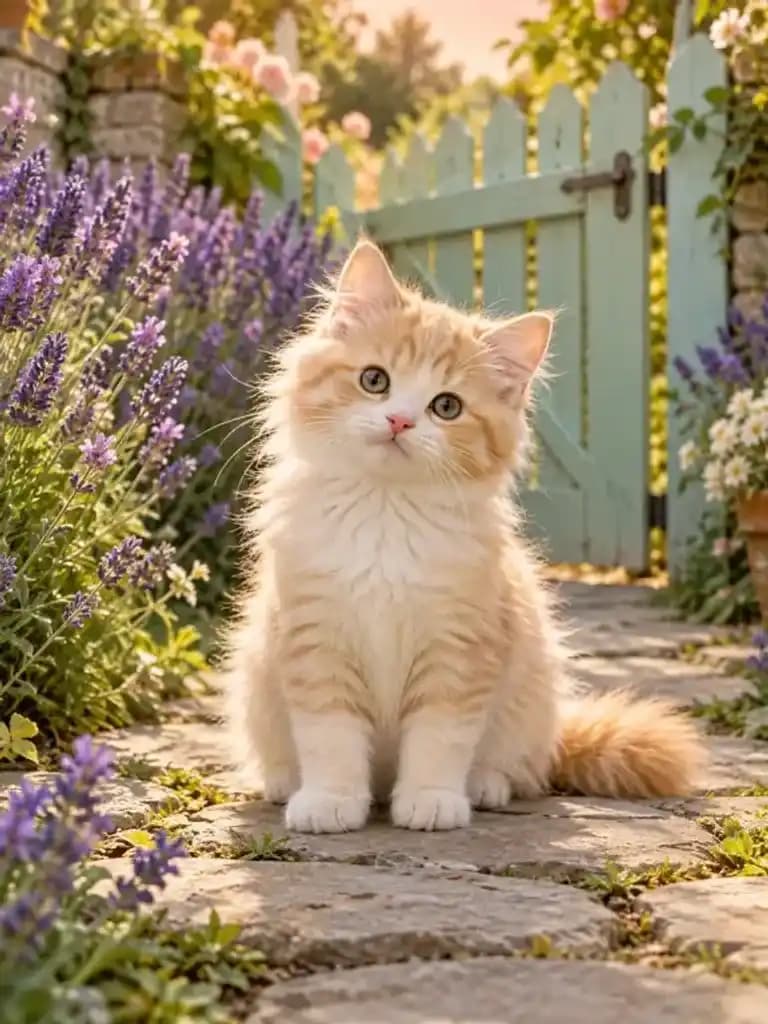
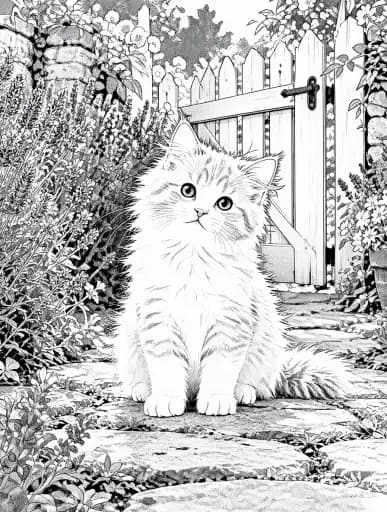
Turn a cat photo into black-and-white manga with drawn fur shapes and designed tonal areas. The cat’s ears, pose and markings guide the subject, while the garden provides line and texture references. Unlike a grayscale photo, the manga effect aims to redraw the image into inked forms that can be used for an avatar or pet illustration.

Original · A Pet Portrait Drawn with Ink and ScreentoneOriginal
Result · A Pet Portrait Drawn with Ink and ScreentoneResult

Architectural Photos as Manga Backgrounds

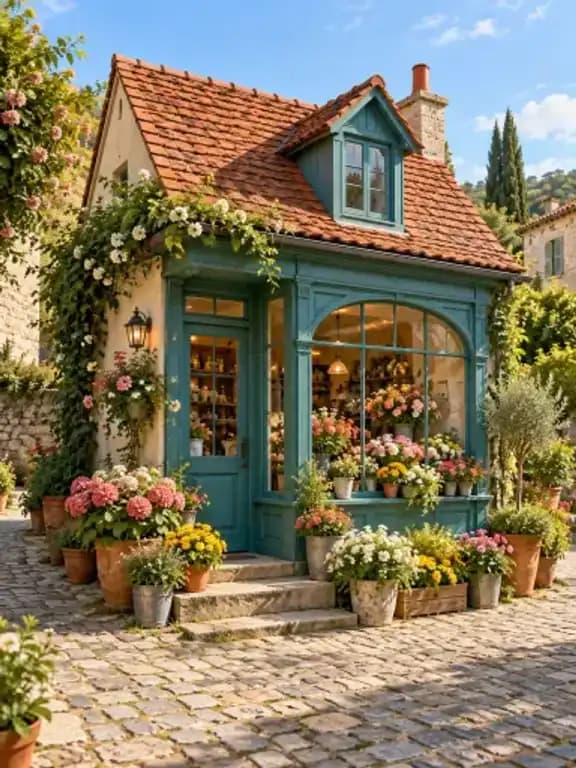
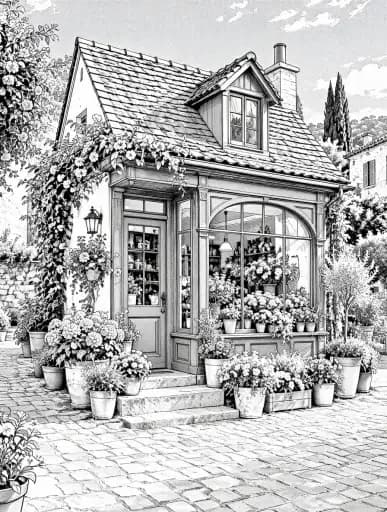
A café exterior gives the photo-to-manga converter perspective lines, windows, foliage and textures to interpret. Ink contours and screentone turn the existing place into a drawn background rather than a colorless photograph. Use your own street or building photo for a personal scene study, a monochrome travel illustration or a manga-style backdrop.

Original · Architectural Photos as Manga BackgroundsOriginal
Result · Architectural Photos as Manga BackgroundsResult

How it works

Upload a photo, generate the fixed style, then save or keep editing.

  1. Upload a photo

    Choose a clear JPG, PNG or WebP image.

  2. Generate your image

    The style is already selected. Review the credit cost and click Generate.

  3. Save or keep editing

    Open the result to download it or continue with another image tool.

Photo to Manga Features

Black-and-White Ink

Convert the scene into monochrome drawn forms with solid blacks and clear white highlights.

Screentone & Hatching

Printed dots and drawn hatching build depth instead of relying on photographic grayscale.

Manga Avatars & Illustrations

Use portraits and expressive action photos for a manga-style profile or a monochrome scene.

Upload & Generate

The style is ready to use. Upload a photo and generate without building a character or writing a detailed prompt.

Repeat with New Photos

Keep using the same effect with a new photo, or generate another interpretation of your current image.

Continued Image Editing

Open the generated image to download it or use image tools for local changes, background removal and upscaling without starting over.

Photo to Manga FAQ

Questions about photo conversion, suitable inputs and your results.

1

How do I use photo to manga with my photo?

Upload a JPG, PNG or WebP image, then click Generate. The photo to manga preset is fixed on this page. Sign in and review the displayed credit cost before submitting.

2

How is a manga filter different from a black-and-white photo filter?

A black-and-white photo filter changes color values while keeping photographic textures. This manga preset aims to redraw forms with ink contours, screentone and designed shadows. Fine details can change during that redraw.

3

Which photos give a clearer result?

Choose a sharp, evenly lit photo with a readable subject. Black ink, screentone dots, sharp white highlights and drawn hatching change the rendering of the image, so check faces, hands and small objects in the result.

4

Can I use photo to manga for free?

Generation uses the credits shown on the button. Available credits and access depend on your account; check your balance before submitting.

5

Can I download and keep editing the result?

Open the result to download it or choose another image tool for local editing, background removal or upscaling. You can then return to this page to process another photo.

Related image tools

Explore more effects and ways to edit your images.

Raphael AI

Create Your Manga Illustration

Photo to Manga

Turn your photo into black-and-white manga with ink contours, screentone and drawn shadows. Create a manga avatar or illustration from your own picture.

Original
Original
Photo to Manga
Photo to Manga