Familiar photos, playful doodle drawings

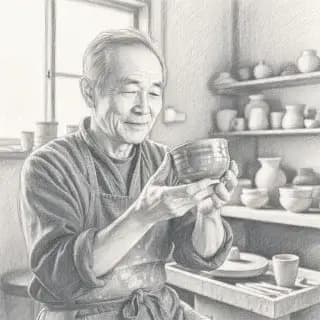
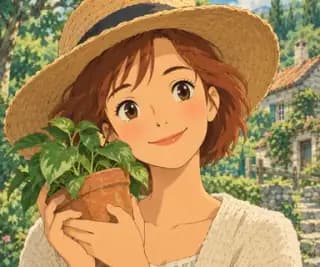
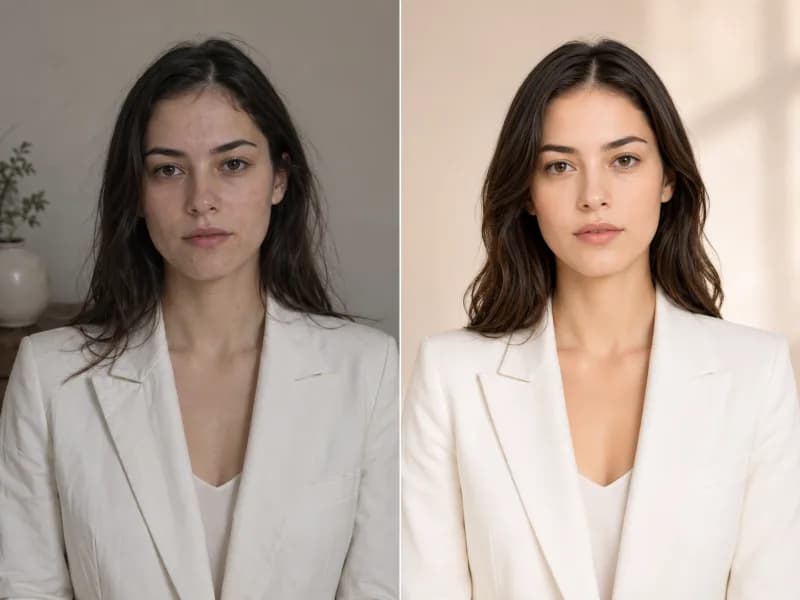
Explore the visual direction with the existing style illustration.

Turn a selfie into a playful doodle portrait

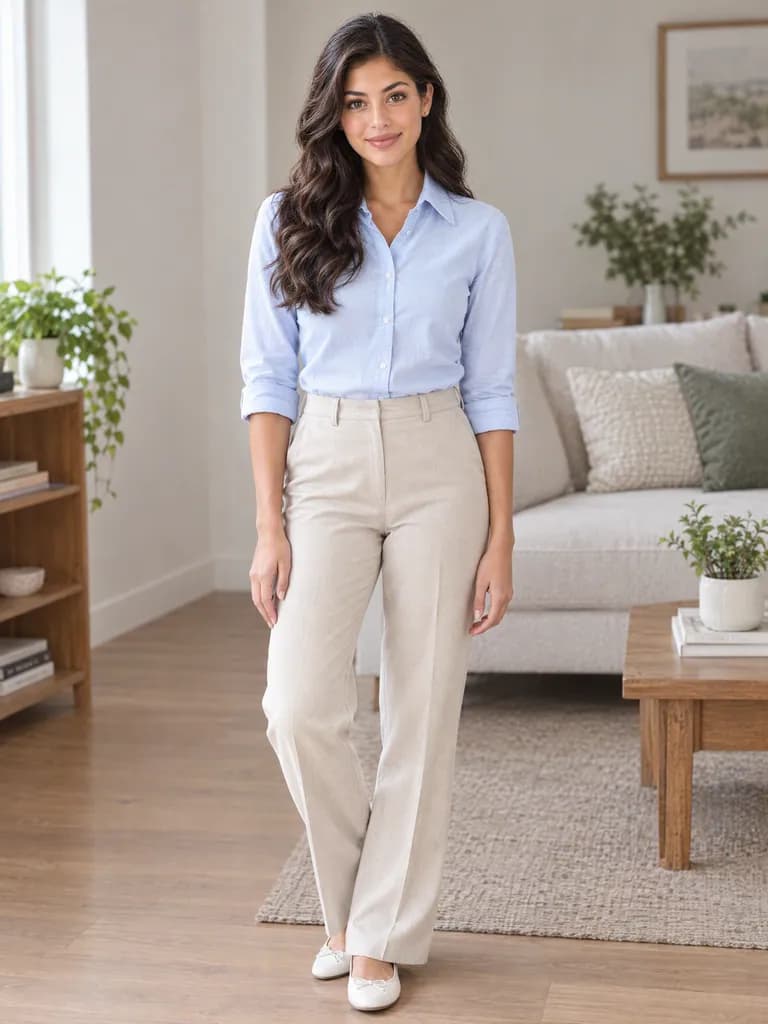
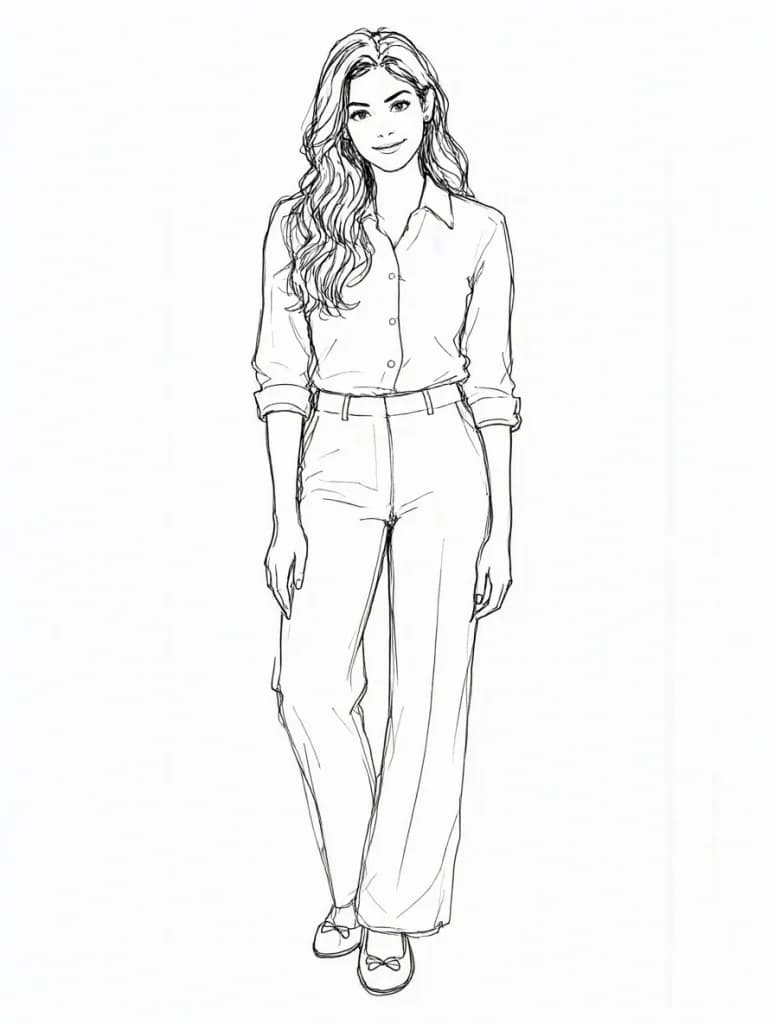
A profile picture can have a little humor. Photo to Doodle redraws a selfie with uneven outlines and simplified features, using cues such as hair, glasses or a smile. Try it for a chat avatar or an informal profile image.
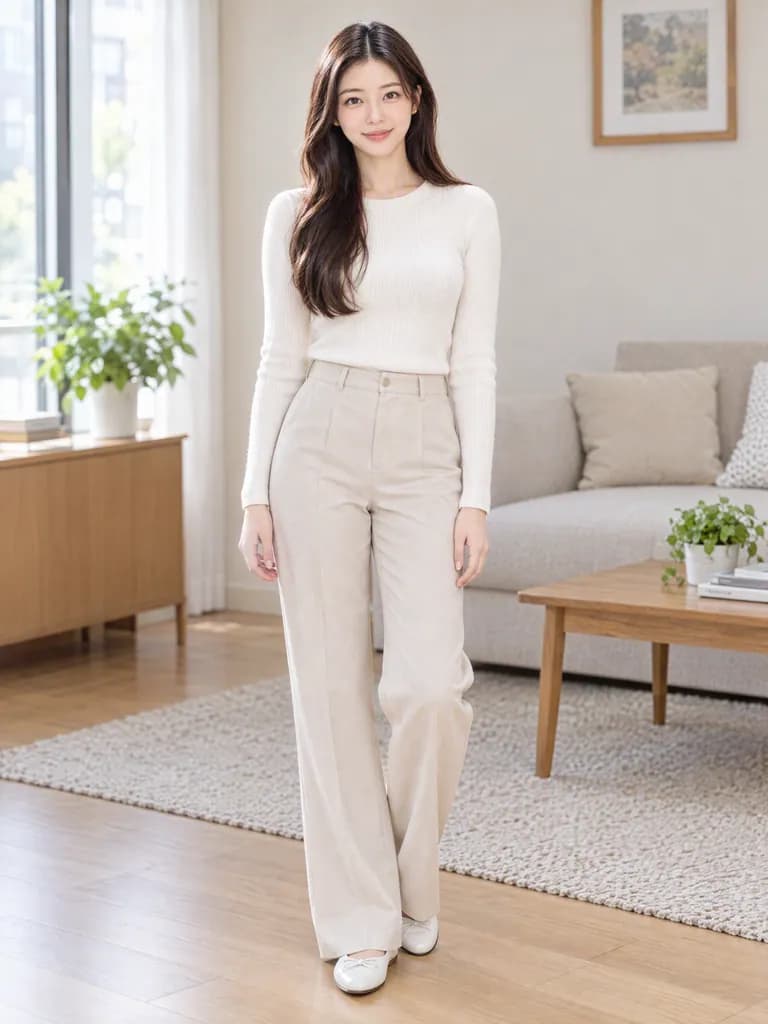
Original · Turn a selfie into a playful doodle portraitOriginal
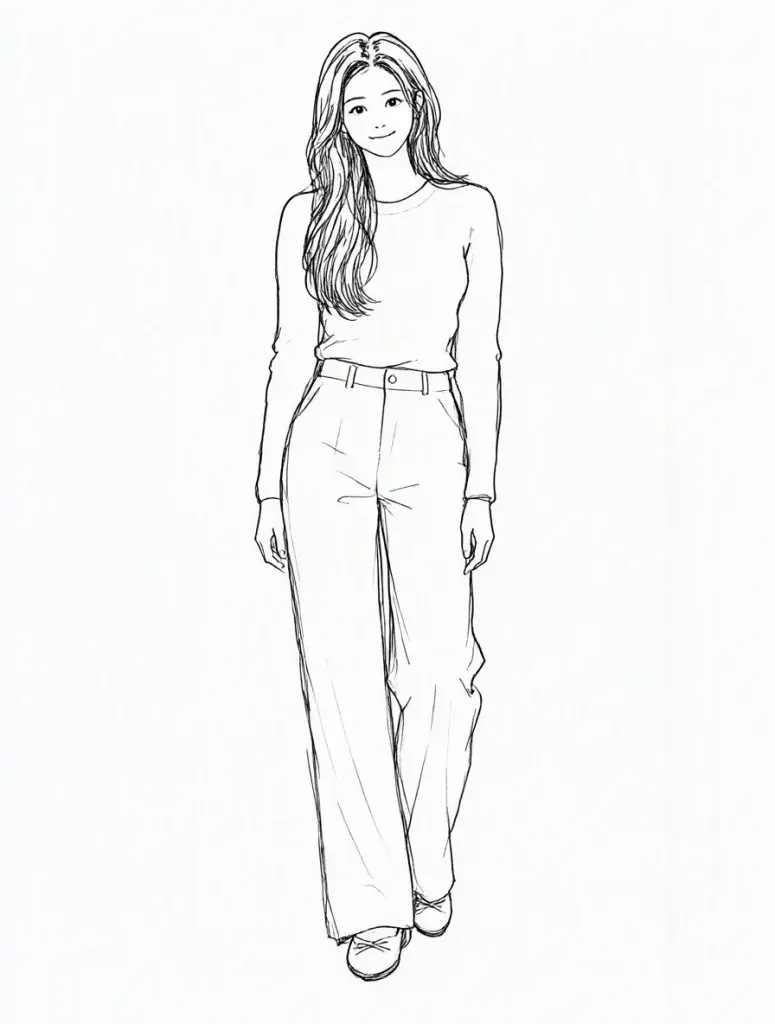
Result · Turn a selfie into a playful doodle portraitResult

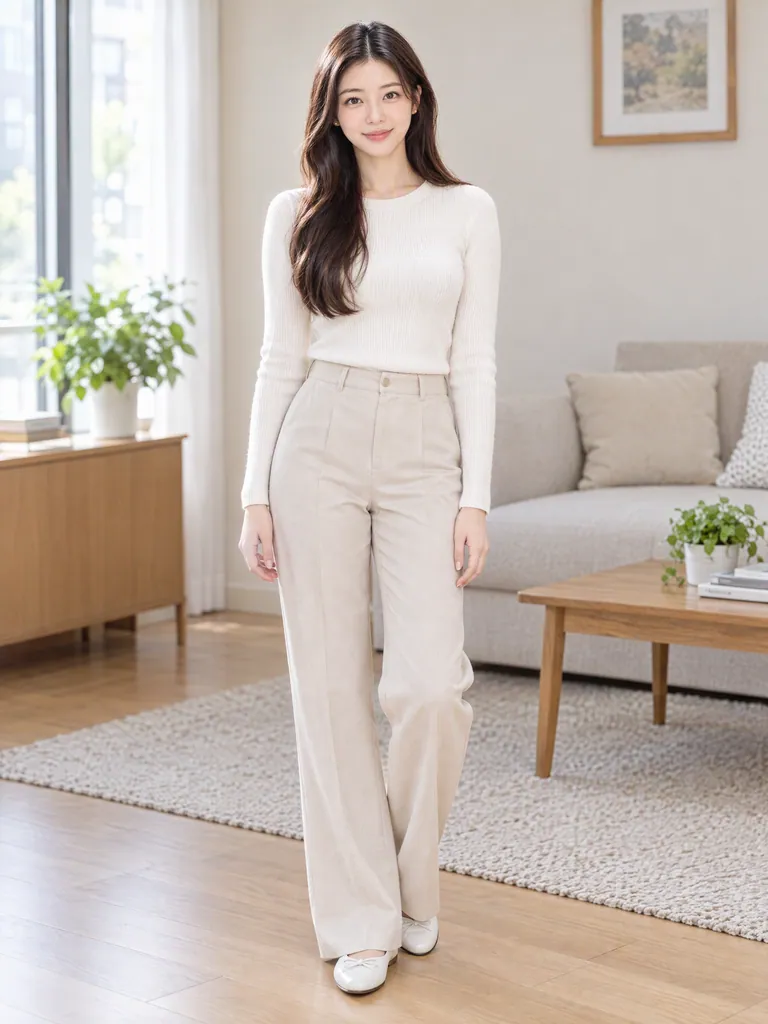
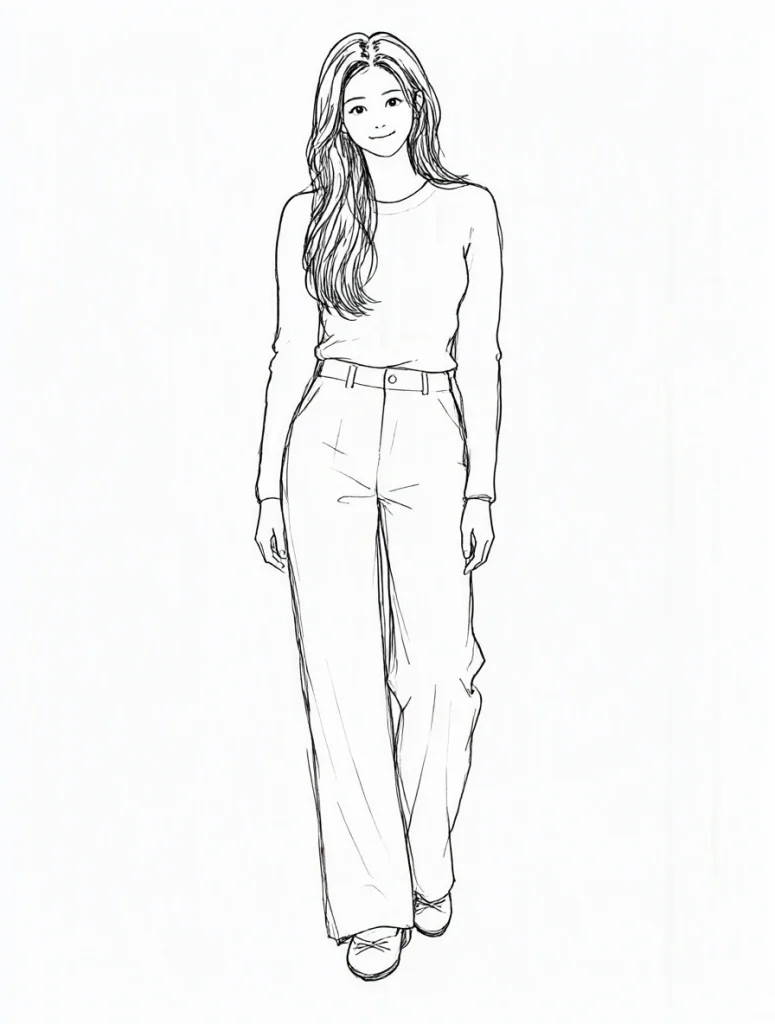
Make a fun drawing from a friend’s portrait

Use a portrait with a natural expression to create a lighthearted drawing to share. Wonky lines and intentionally awkward proportions replace the photographic finish. The result can accompany a message or digital birthday card without tracing the face by hand.

Original · Make a fun drawing from a friend’s portraitOriginal
Result · Make a fun drawing from a friend’s portraitResult

Redraw a pet’s expression with simple lines

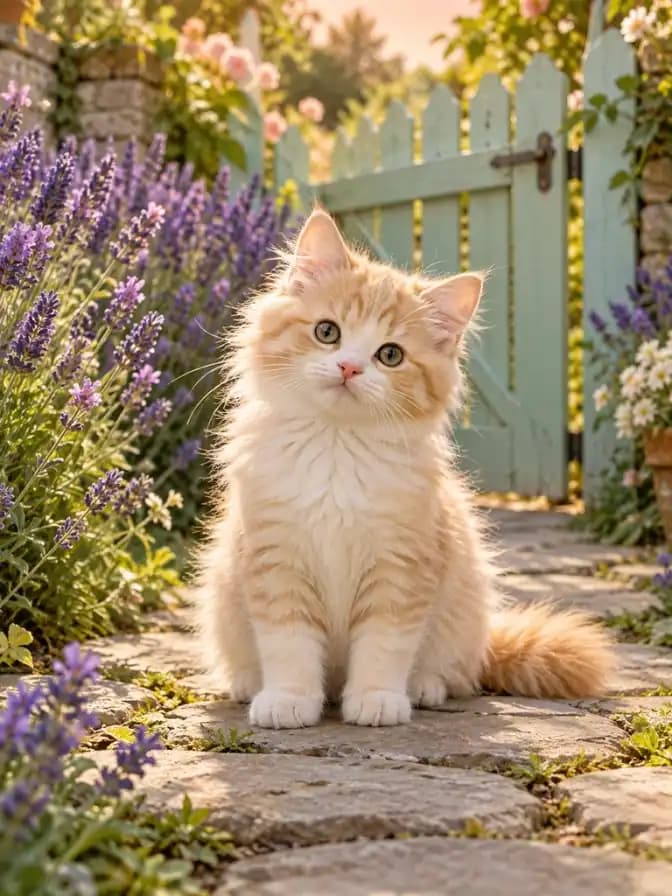
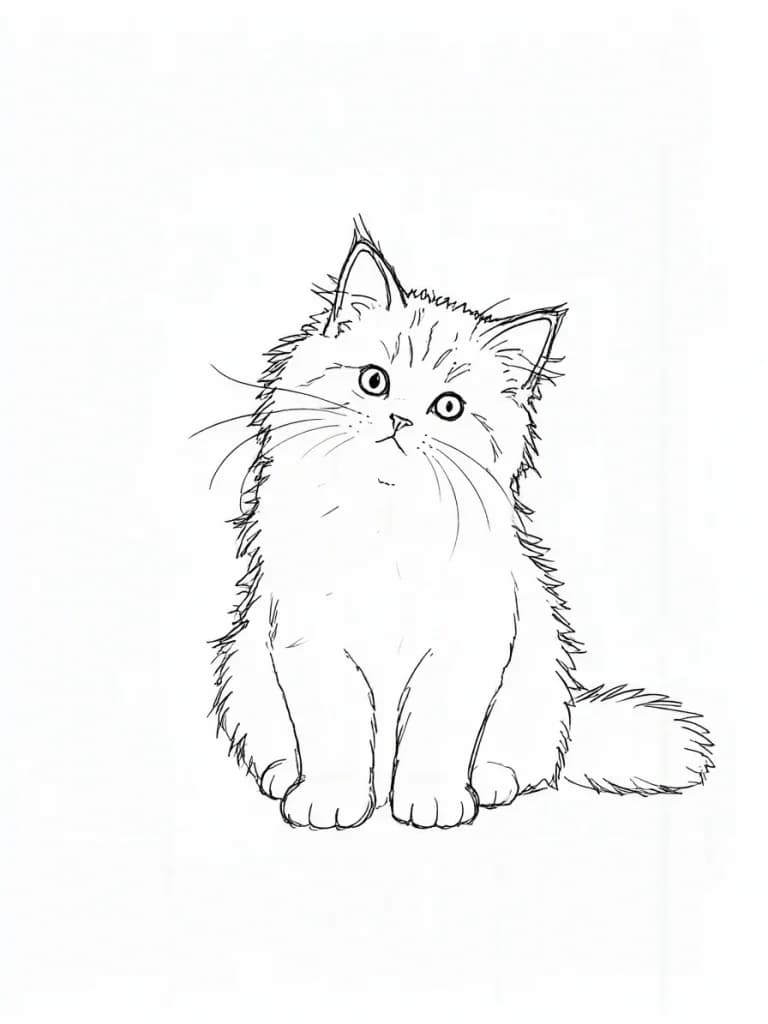
A pet’s ears, coat outline and posture give a doodle its character. Redraw these cues as a loose black-line illustration for a pet avatar or an everyday post. This is a stylized interpretation rather than a precise tracing of the photograph.

Original · Redraw a pet’s expression with simple linesOriginal
Result · Redraw a pet’s expression with simple linesResult

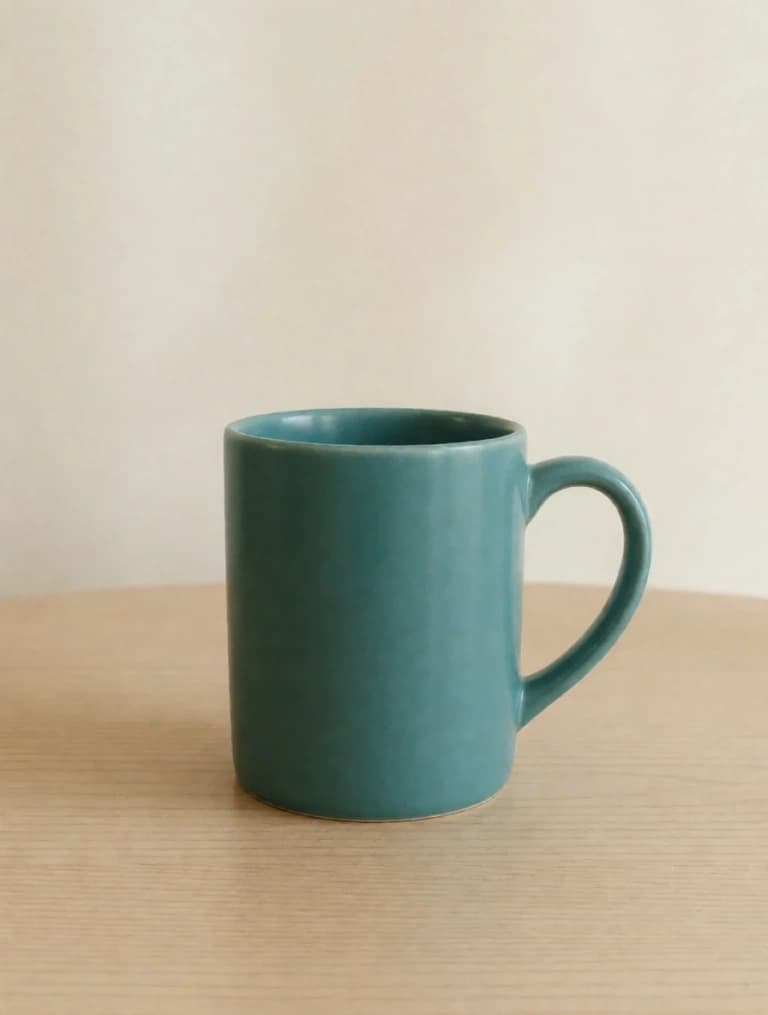
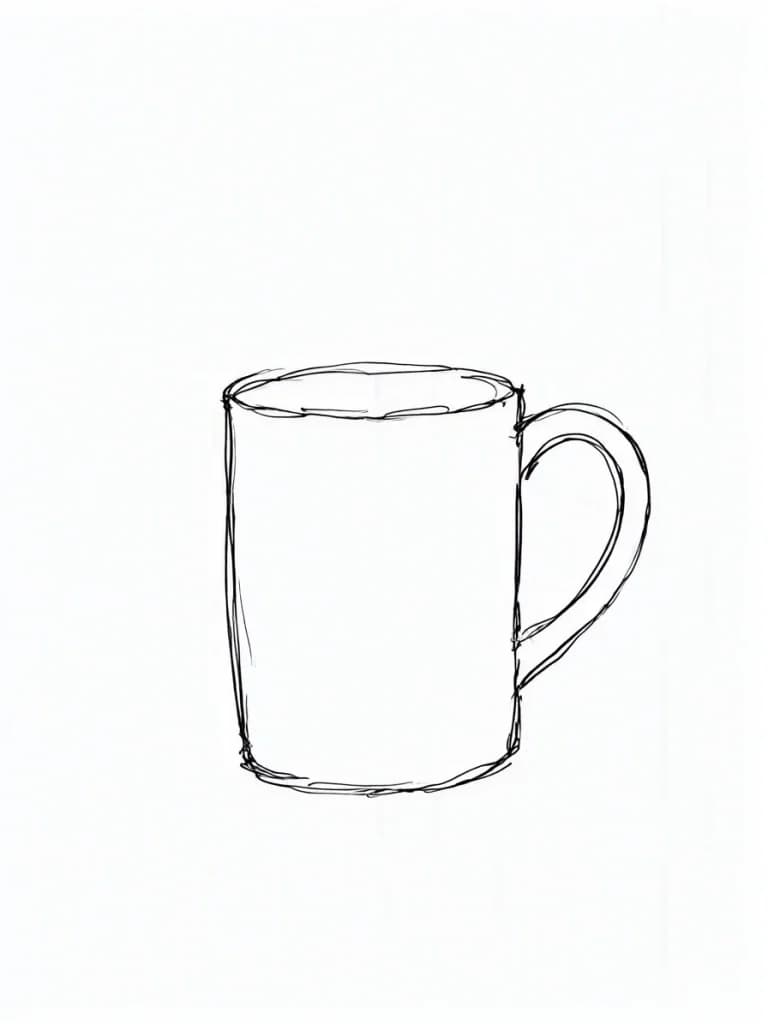
Turn a favorite object into a doodle illustration

A mug, plant or small keepsake can become the subject of a doodle. Uneven black lines describe its recognizable shape against a simple background. Use the illustration to accompany a journal entry or a casual social post.

Original · Turn a favorite object into a doodle illustrationOriginal
Result · Turn a favorite object into a doodle illustrationResult

How it works

Upload a photo, generate the fixed style, then save or keep editing.

  1. Upload a photo

    Choose a JPG, PNG or WebP image with a clear subject. Avoid a blurred face or heavy obstruction.

  2. Generate the fixed look

    The look is already selected, so you do not need to write a prompt. Sign in, review the credit cost and generate.

  3. Save or keep editing

    Open your result to view and download it, or continue with another image tool.

Photo to Doodle Features

Loose Black Lines

Uneven black strokes give the subject a casual hand-drawn treatment.

Playful Proportions

Exaggerated features and shapes add a little humor to a familiar photo.

Simple Paper-Like Background

Keep attention on the doodle subject as the background is simplified or redrawn.

People & Pet Drawings

Use cues such as hair, ears and silhouettes to draw different subjects.

Ready to Generate

The look is set: add your photo and generate without writing a detailed prompt.

Download & Keep Editing

Save the version you like or open another image tool from the result.

Photo to Doodle FAQ

Questions about photo conversion, suitable inputs and your results.

1

How do I turn a photo into a doodle?

Upload a photo with a clear subject, sign in, review the credit cost and generate. The look is already set; you do not need to draw an outline or choose a preset.

2

How is this different from a pencil sketch?

This effect emphasizes loose, wonky black lines and playful proportions. Pencil sketches emphasize shading, hatching and more realistic structure. Use Photo to Sketch if that is the result you want.

3

Can I use a pet or object photo?

Try a clearly visible pet or a single object. A simple background makes the subject easier to read. Review animal anatomy and small details in the generated result.

4

Will the original background stay intact?

It is not guaranteed. This effect redraws the subject and may replace the background with a simple paper-like treatment. For a drawing of the complete scene, consider Photo to Sketch.

5

Will the doodle look exactly like me?

An exact match is not guaranteed. Doodles simplify features and change proportions. A clear face with little obstruction gives the model a stronger reference.

6

Do I need to sign in and use credits?

Sign in to generate and use your account credits. Check the cost shown on the Generate button before submitting. Browsing the page and examples does not start a generation.

Related image tools

Explore more effects and ways to edit your images.

Raphael AI

Give a favorite photo a playful new look

Photo to Doodle

Give a favorite photo a less serious look. Upload a person, pet or object and redraw it with loose black lines, exaggerated proportions and a simple paper-like background.

Original
Original
Photo to Doodle
Photo to Doodle