Photo to Comic Examples

Explore the visual direction with the existing style illustration.

Transform an action photo into comic-book artwork

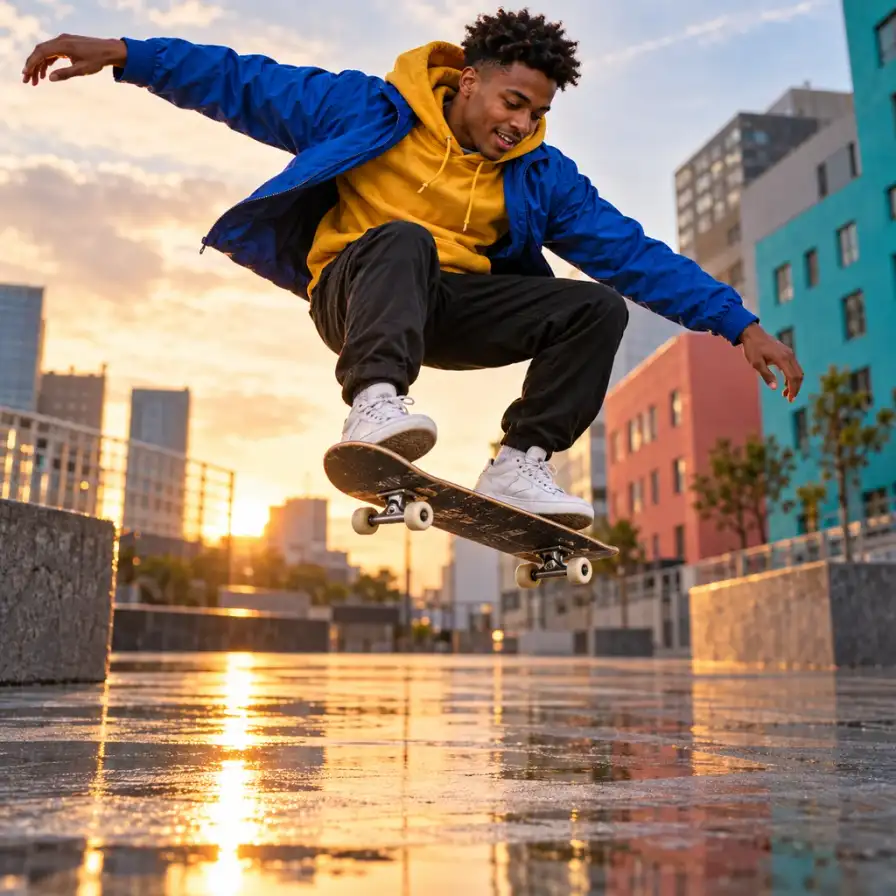
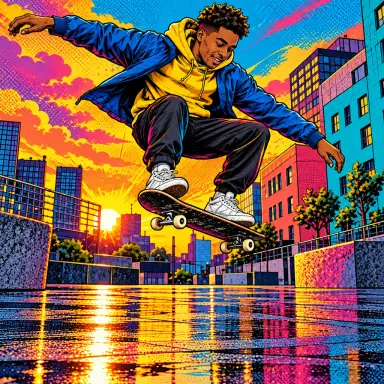
A skateboard shot, expressive portrait or street scene gives a comic-book filter a clear silhouette and action to interpret. This photo-to-comic effect combines heavy ink contours, halftone dots and graphic color accents in a single illustration. It redraws the uploaded moment without automatically adding speech balloons or a comic-page layout.
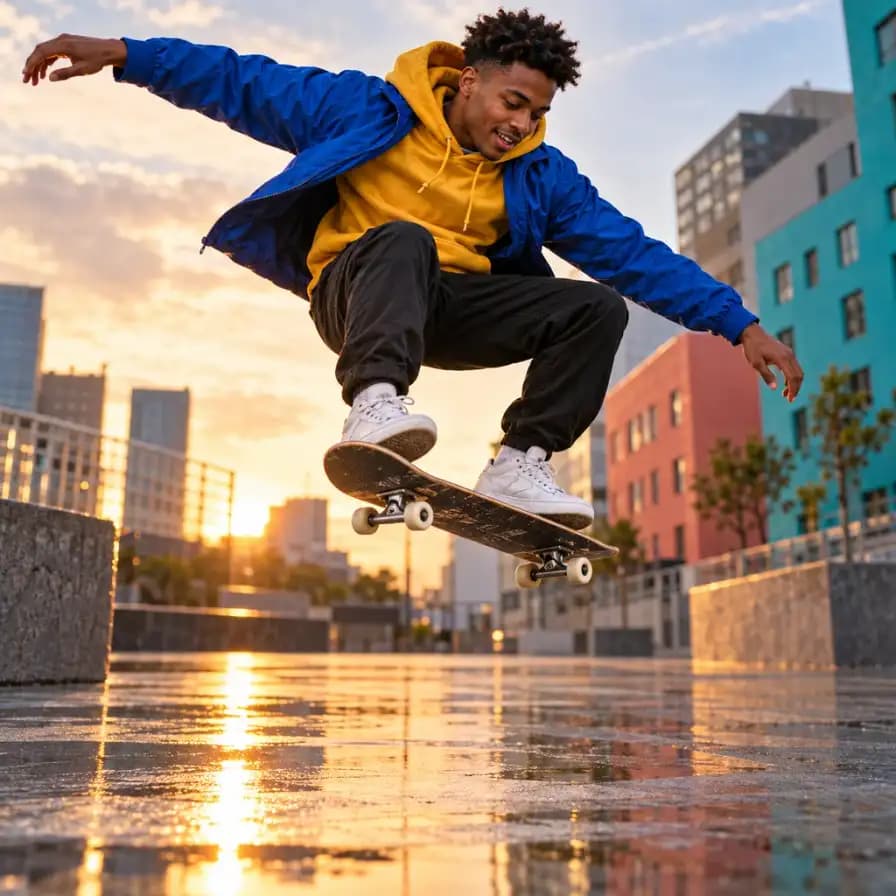
Original · Transform an action photo into comic-book artworkOriginal
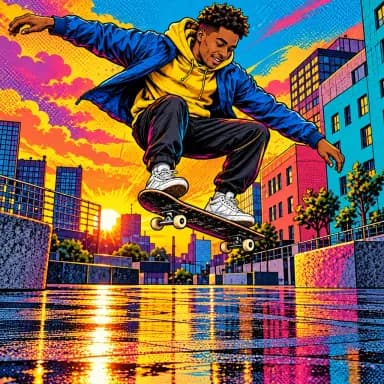
Result · Transform an action photo into comic-book artworkResult

Craft and Everyday Activities as Comic Art

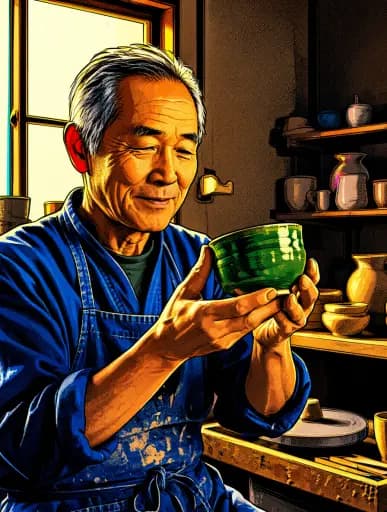
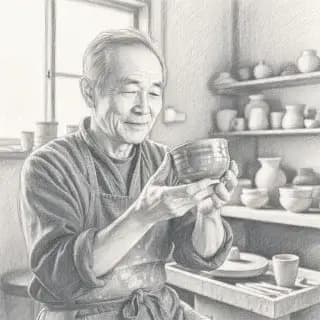
A person making pottery gives the photo-to-comic effect expressive hands, a readable activity and interesting objects to redraw. Heavy ink contours, halftone texture and graphic shadows can turn an ordinary hobby photo into a characterful illustration. Use a clear action and visible objects to give the comic image a story beyond a headshot.

Original · Craft and Everyday Activities as Comic ArtOriginal
Result · Craft and Everyday Activities as Comic ArtResult

Wildlife Photos with Comic-Book Texture

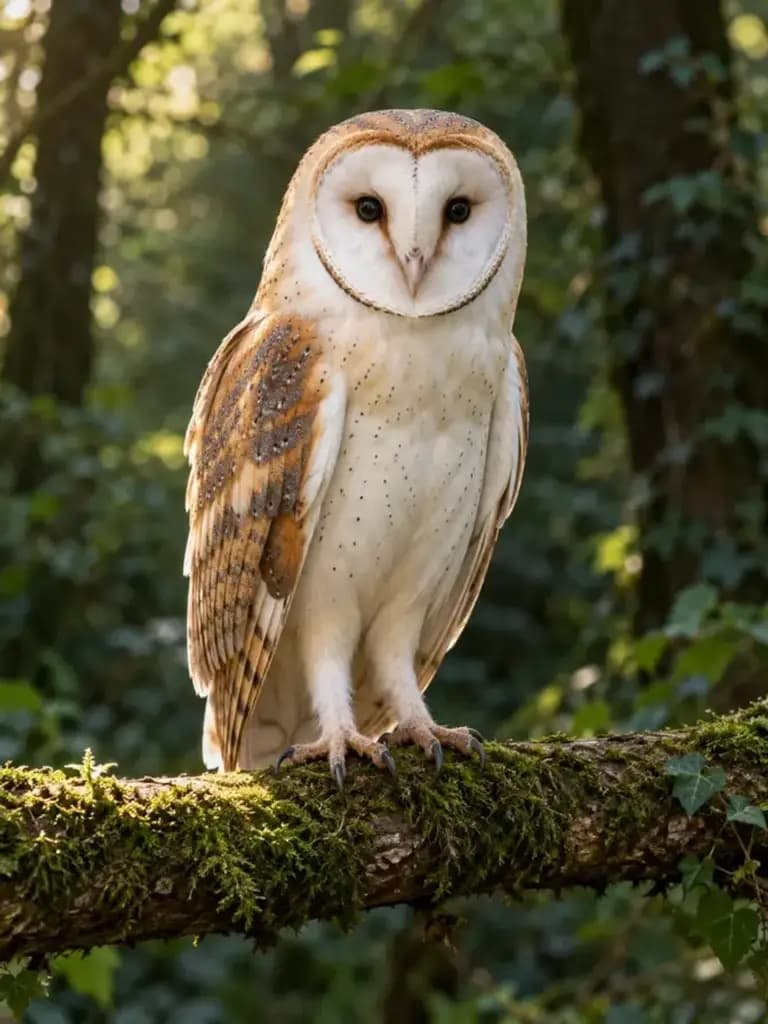
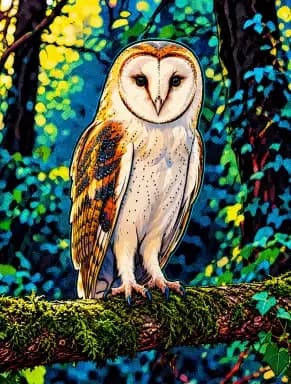
A bird photo provides a different test of comic-book shapes: feathers, a strong silhouette and a natural perch. The comic filter reinterprets these details with ink lines and graphic color rather than keeping photographic texture. Create an animal illustration that works as a personal post, a nature-themed graphic or a character reference.

Original · Wildlife Photos with Comic-Book TextureOriginal
Result · Wildlife Photos with Comic-Book TextureResult

Objects and Street Details as Comic Illustrations

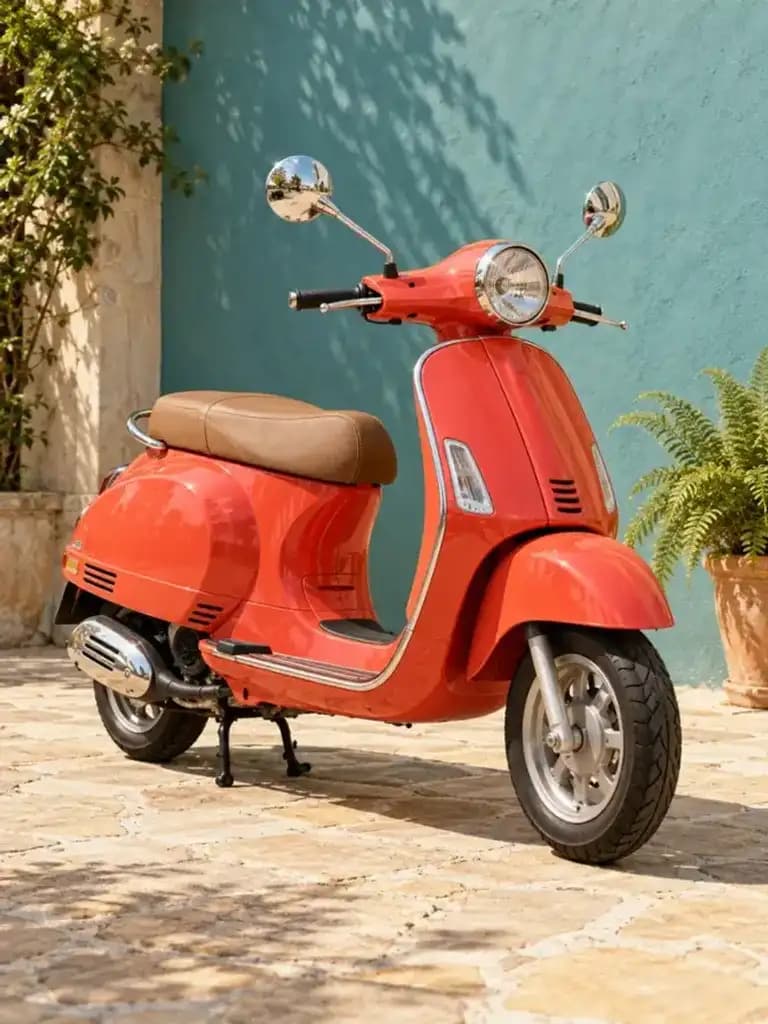
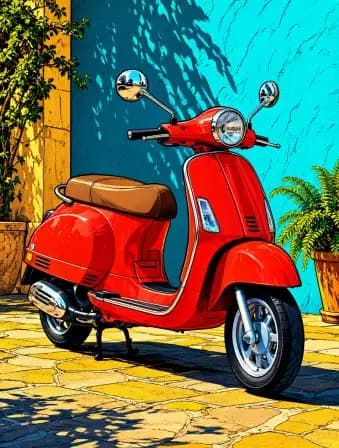
A colorful scooter gives the comic effect a clear object outline, curved metal parts and a distinctive palette. Use an object photo to explore a graphic illustration without turning it into a character portrait. The result can serve as a starting point for a personal poster concept or a travel-themed image, without automatically adding lettering.

Original · Objects and Street Details as Comic IllustrationsOriginal
Result · Objects and Street Details as Comic IllustrationsResult

How it works

Upload a photo, generate the fixed style, then save or keep editing.

  1. Upload a photo

    Choose a clear JPG, PNG or WebP image.

  2. Generate your image

    The style is already selected. Review the credit cost and click Generate.

  3. Save or keep editing

    Open the result to download it or continue with another image tool.

Photo to Comic Features

Bold Ink Contours

Heavy drawn outlines and graphic shadow shapes give the scene a comic-book structure.

Halftone Print Texture

Comic-style dots and vivid color accents add a printed-illustration feel to the photo.

Action & Street Illustrations

Strong poses and readable silhouettes work well for single-scene comic artwork.

Upload & Generate

The style is ready to use. Upload a photo and generate without building a character or writing a detailed prompt.

Repeat with New Photos

Keep using the same effect with a new photo, or generate another interpretation of your current image.

Continued Image Editing

Open the generated image to download it or use image tools for local changes, background removal and upscaling without starting over.

Photo to Comic FAQ

Questions about photo conversion, suitable inputs and your results.

1

How do I use photo to comic with my photo?

Upload a JPG, PNG or WebP image, then click Generate. The photo to comic preset is fixed on this page. Sign in and review the displayed credit cost before submitting.

2

Which photos work well with a comic-book effect?

Choose a portrait, a strong action pose or a street scene with clearly separated subjects. Defined outlines and readable shapes give the ink and halftone effect a stronger structure.

3

Which photos give a clearer result?

Choose a sharp, evenly lit photo with a readable subject. Bold ink contours, graphic shadows and comic-book halftone texture change the rendering of the image, so check faces, hands and small objects in the result.

4

Can I use photo to comic for free?

Generation uses the credits shown on the button. Available credits and access depend on your account; check your balance before submitting.

5

Can I download and keep editing the result?

Open the result to download it or choose another image tool for local editing, background removal or upscaling. You can then return to this page to process another photo.

Related image tools

Explore more effects and ways to edit your images.

Raphael AI

Turn Your Photo into Comic Art

Photo to Comic

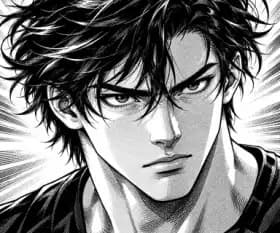
Turn your photo into comic-book art with bold ink outlines, halftone dots and graphic colors. Upload a portrait or action photo to create a comic effect.

Original
Original
Photo to Comic
Photo to Comic