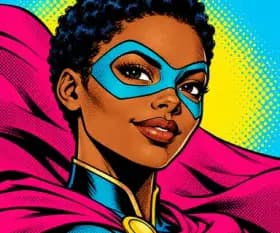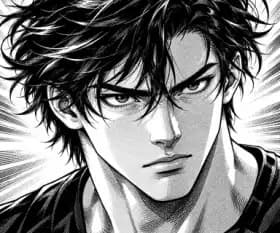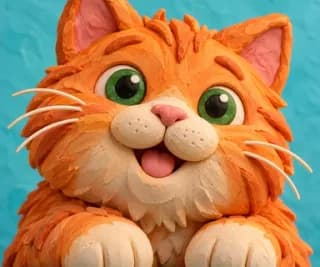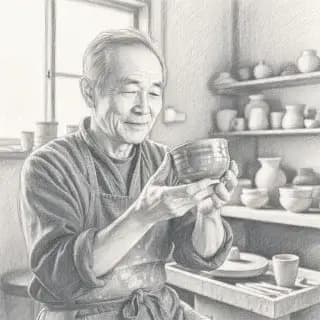
Photo to Cartoon Examples

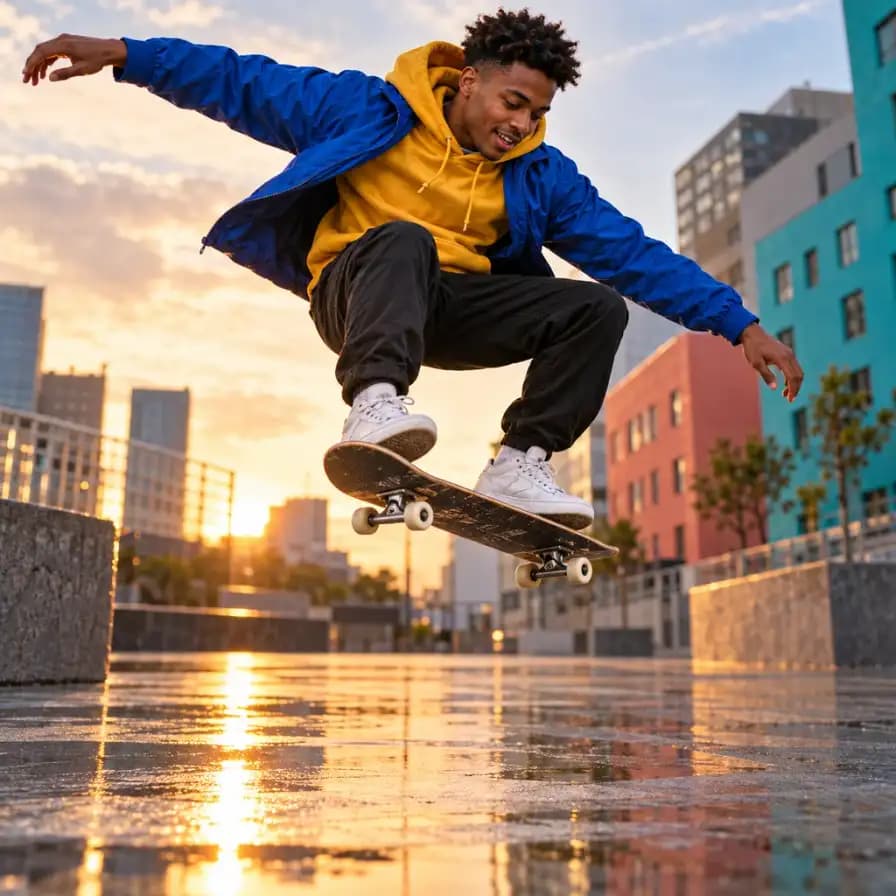
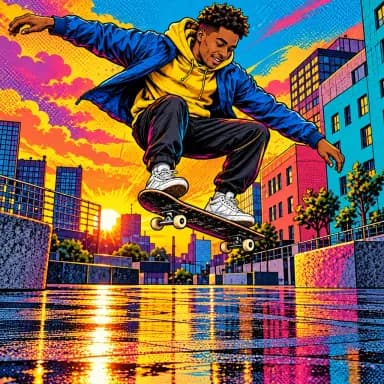
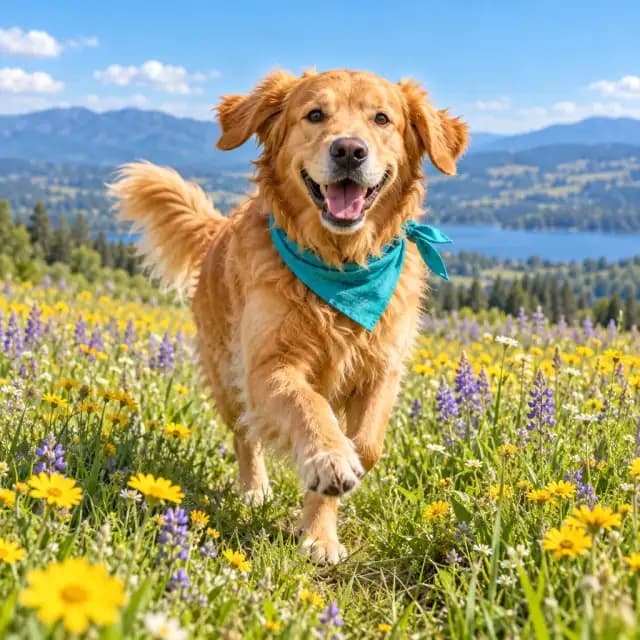
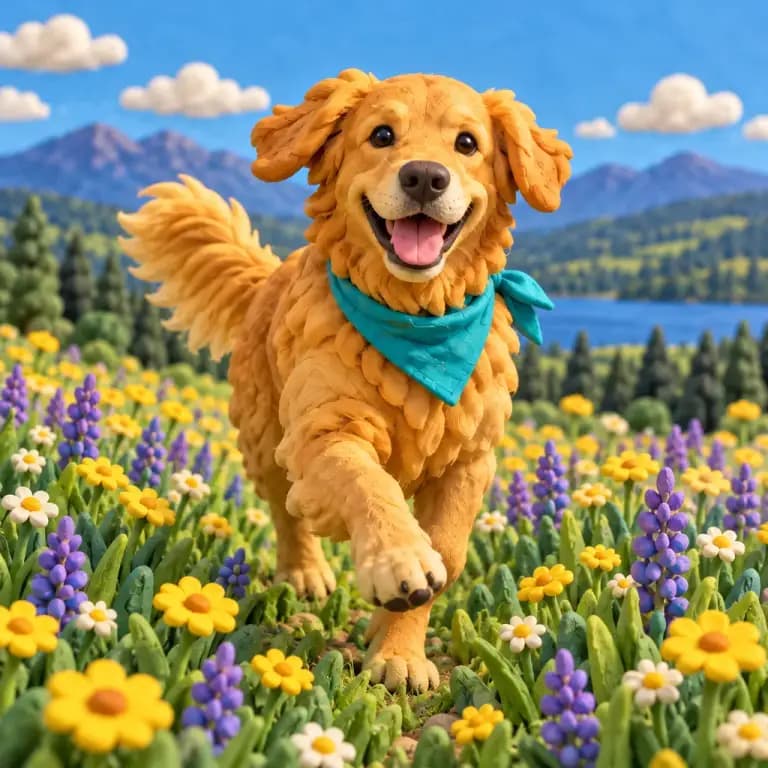
See the original photo and the generated result for each preset.

Turn Your Photo into a Cartoon Profile Picture

Use Raphael’s photo-to-cartoon tool to reimagine a selfie or portrait with illustrated outlines, cartoon features, and a new color treatment. Start with a photo and a style preset—no drawing experience or lengthy prompt is needed. Create a cartoon version of yourself for social profiles, messaging apps, or a personal page.
Original · Turn Your Photo into a Cartoon Profile PictureOriginal
Result · Turn Your Photo into a Cartoon Profile PictureResult
Cartoonize the Subject and Background as One Scene

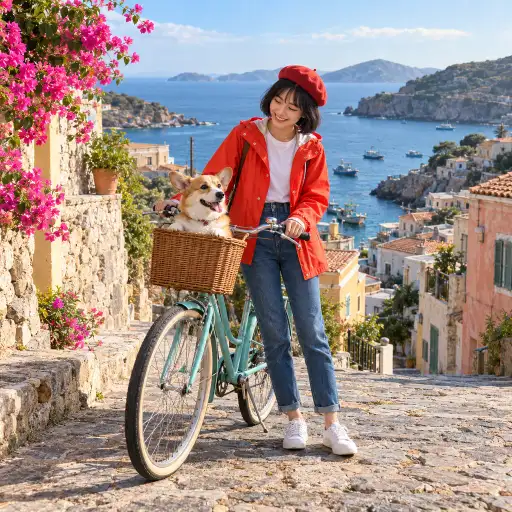
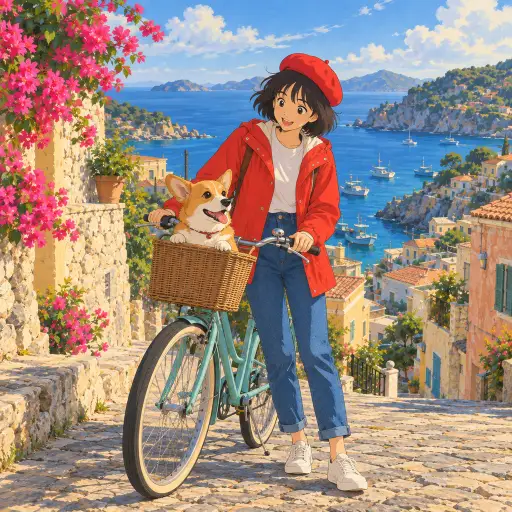
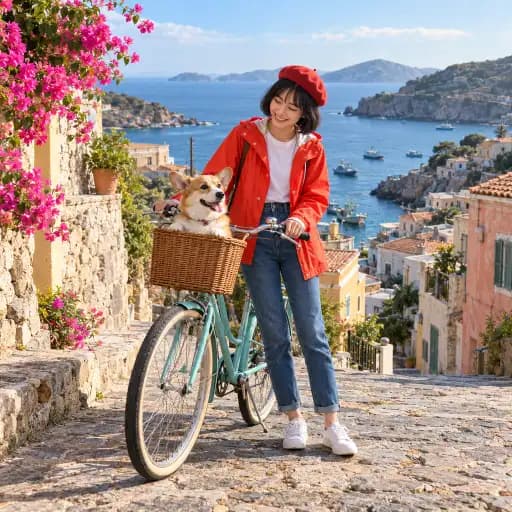
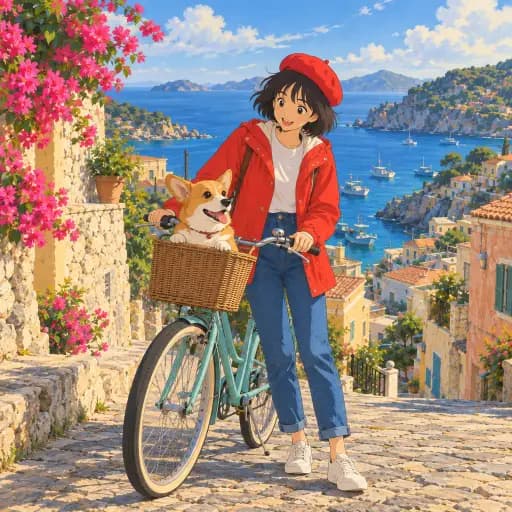
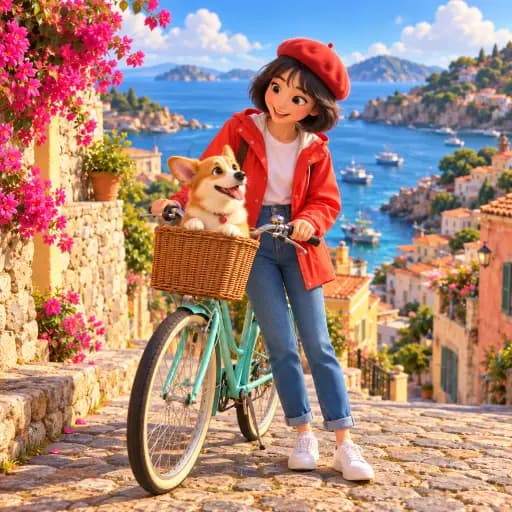
Start with a travel photo, a café snapshot, or a picture with friends. Raphael’s cartoon presets use the full image as a reference, bringing the people and their surroundings into the chosen illustration style. Turn a personal moment into a complete cartoon scene, with buildings, plants, and everyday objects contributing to the image.

Original · Cartoonize the Subject and Background as One SceneOriginal
Result · Cartoonize the Subject and Background as One SceneResult

Explore 12 Looks, from 2D Cartoons to Clay Characters

Try hand-drawn animation, classic cartoons, chibi characters, 3D animation, clay, and other presets with the same photo. Explore different directions for an avatar, character concept, or creative illustration. For a more specific interpretation, switch to a custom description and explain the style and details you want.

Original · Explore 12 Looks, from 2D Cartoons to Clay CharactersOriginal
Result · Explore 12 Looks, from 2D Cartoons to Clay CharactersResult

How it works

Upload a photo, choose a preset, and view your result in this workspace.

  1. Upload a photo

    Choose a clear photo with the subject fully visible.

  2. Choose a style

    Select a preset, then review the credit cost before generating.

  3. Save or keep editing

    Compare the result, download it, or continue with another image tool.

Explore the possibilities

12 Cartoon Styles

Choose hand-drawn animation, anime art, Snoopy-style cartoons, Memoji avatars, comic books, clay animation, and more.

Personalized Cartoon Avatars

Start with a selfie or portrait to explore cartoon looks for social profiles, messaging apps, and personal pages.

Full-Scene Cartoon Effects

Use the full photo as a reference for a cartoon scene that includes people, buildings, plants, and surrounding objects.

No Drawing Skills Required

Start with an existing photo and a preset instead of drawing a character or writing a detailed prompt from scratch.

Custom Styles

Start with a preset or use a custom description to specify the style, colors, and details you want.

Integrated Image Editing

Open image tools from your result to make local edits, remove the background, or upscale the image.

Photo to Cartoon FAQ

Answers about choosing photos, styles, and using your results.

1

How do I turn my photo into a cartoon avatar?

Upload a photo with a clear face, choose a cartoon style, and generate a result you like.

2

Can I make a 3D cartoon or chibi version?

Yes. Choose Pixar-style 3D or Chibi Character to compare dimensional lighting and exaggerated character proportions.

3

Can I turn a group photo into a cartoon?

Try a small group photo with clearly visible faces and little overlap.

4

Can I cartoonize a pet photo?

Yes. Try Claymation or Ghibli Animation with a pet photo to compare tactile materials and hand-drawn character designs.

5

Are Ghibli and Pixar-inspired styles available?

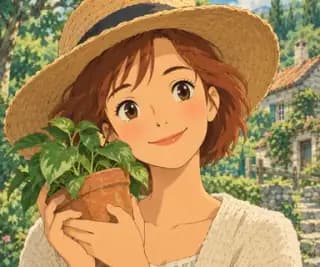
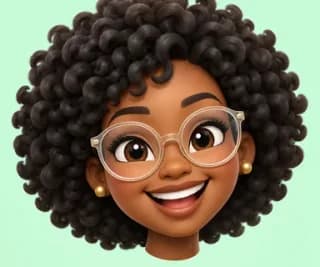
Choose Ghibli Animation for a hand-painted 2D look or Pixar-style 3D for dimensional animated characters. Each preset uses its own style instructions.

6

Can I keep editing my cartoon result?

Continue with local edits, background changes, or upscaling from the result.

7

Can I use it on my phone?

Upload photos, choose presets, and view results in your mobile browser.

8

How do I download or keep editing the result?

Open the result and use Download to save the image, or choose another image tool to continue editing.

Explore Individual Cartoon Styles

Open a dedicated page to apply one cartoon style directly.

Related image tools

Explore more effects and ways to edit your images.

Raphael AI

Create Your Own Cartoon Character

Photo to Cartoon from Your Own Image

Explore 12 distinct styles, including Ghibli, anime art, Snoopy-style cartoons, Memoji avatars, comics, and clay animation. Start with a person, pet, or travel photo.

Original
Original
Ghibli Animation
Ghibli Animation
Pixar-style 3D
Pixar-style 3D