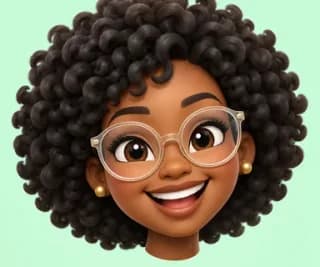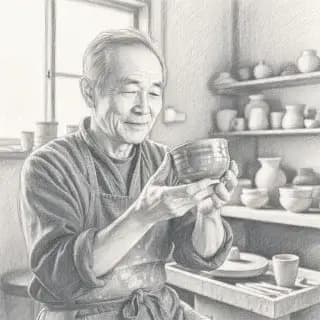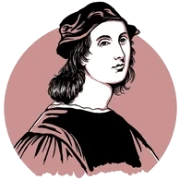
Photo to Anime Examples

Explore the visual direction with the existing style illustration.

Create an anime profile picture from your selfie

A clear selfie gives the photo-to-anime converter a useful reference for your hairstyle, expression and clothing. Create an anime PFP with illustrated facial features and cel-shaded color, without building a character from text alone. Keep some space around the face if you plan to crop the result for a profile.
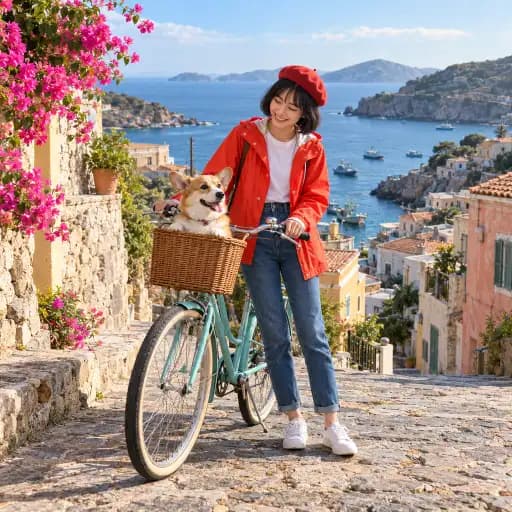
Original · Create an anime profile picture from your selfieOriginal
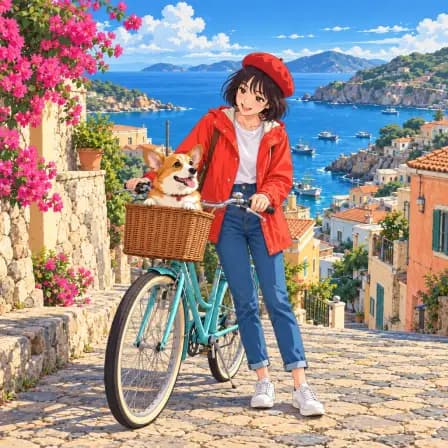
Result · Create an anime profile picture from your selfieResult

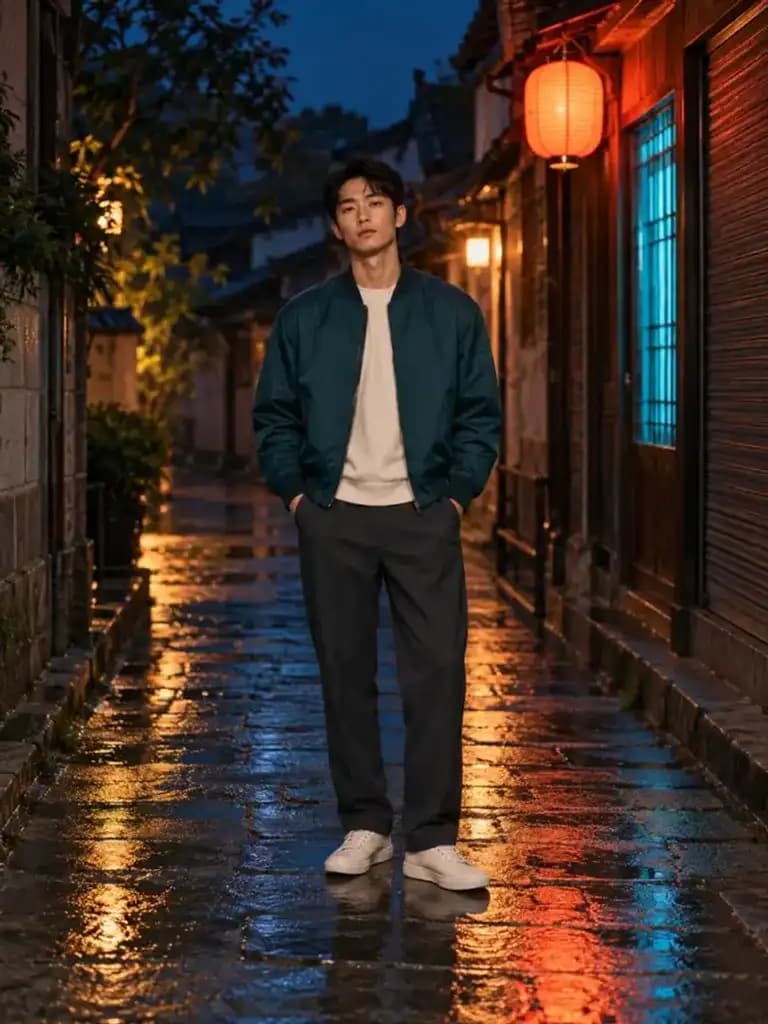
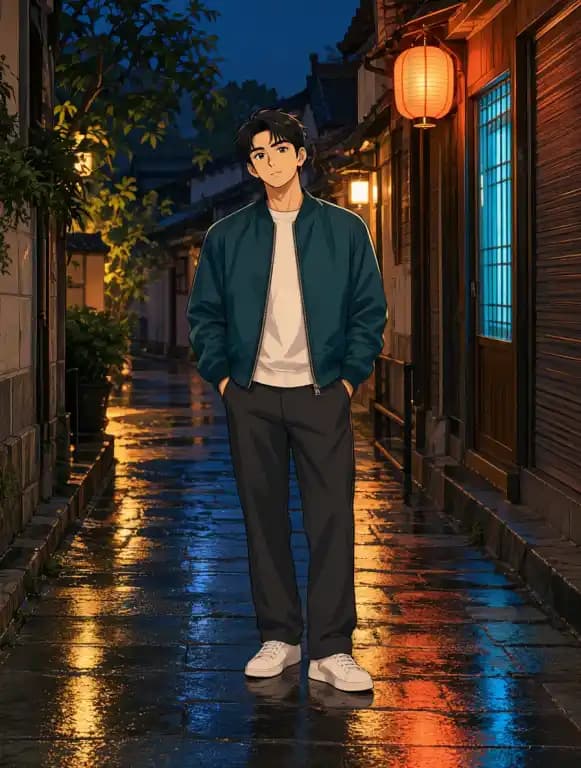
Night Portraits with an Anime Look

A night portrait gives the photo-to-anime converter lighting and scenery to interpret alongside the person. Use a visible face and a readable outfit so the illustrated character still draws on your own appearance. Lanterns, reflections and street details can help form an anime scene for a profile image, a personal post or a character illustration.

Original · Night Portraits with an Anime LookOriginal
Result · Night Portraits with an Anime LookResult

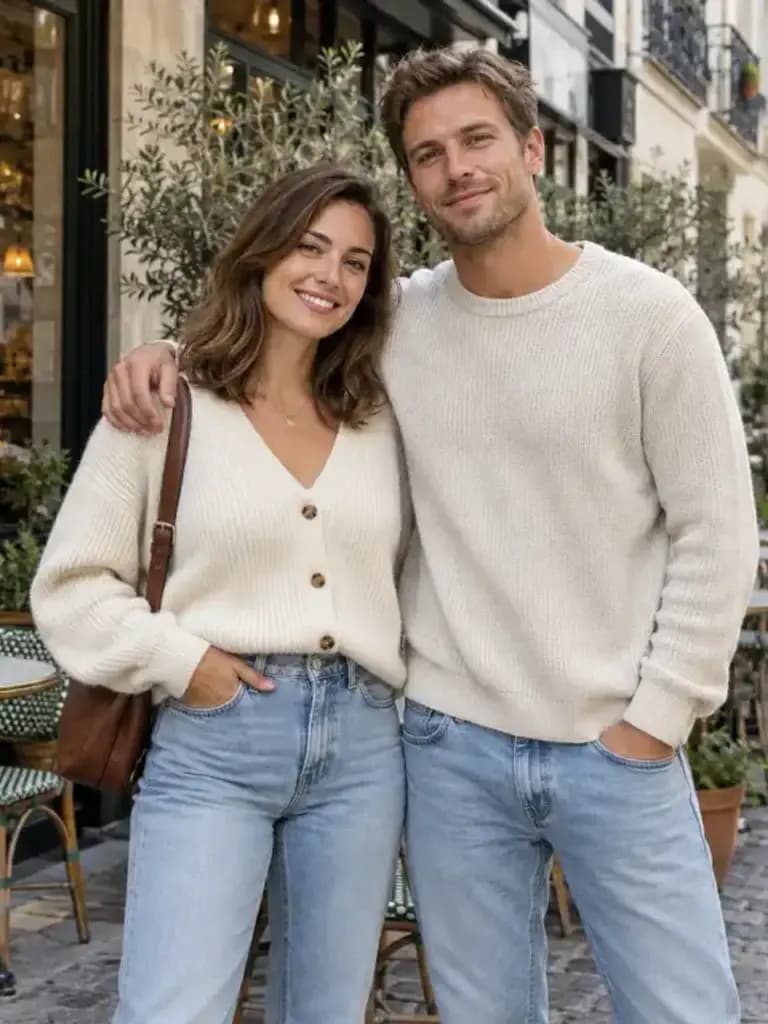
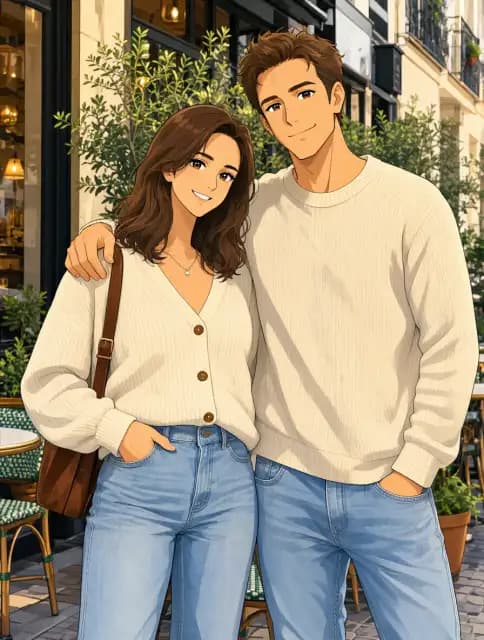
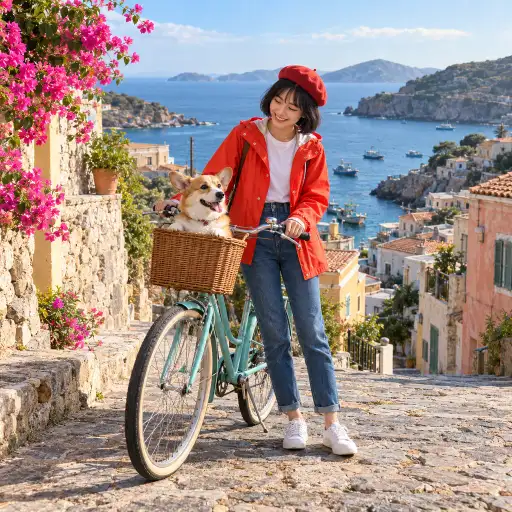
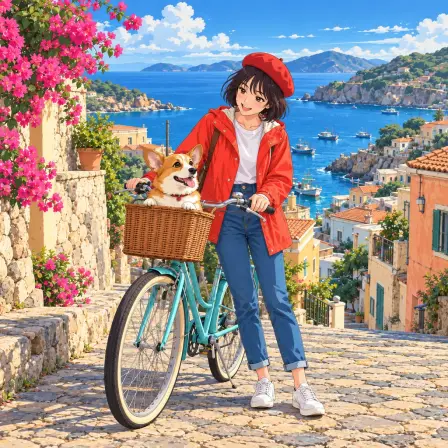
Couple Photos as Anime Illustrations

Turn an existing couple photo into an anime illustration with two characters in the same scene. Clear, separated faces give the model better references for each person, while the clothing and pose help describe the relationship in the photo. Create a shared profile image or a date-memory illustration without composing separate character prompts.

Original · Couple Photos as Anime IllustrationsOriginal
Result · Couple Photos as Anime IllustrationsResult

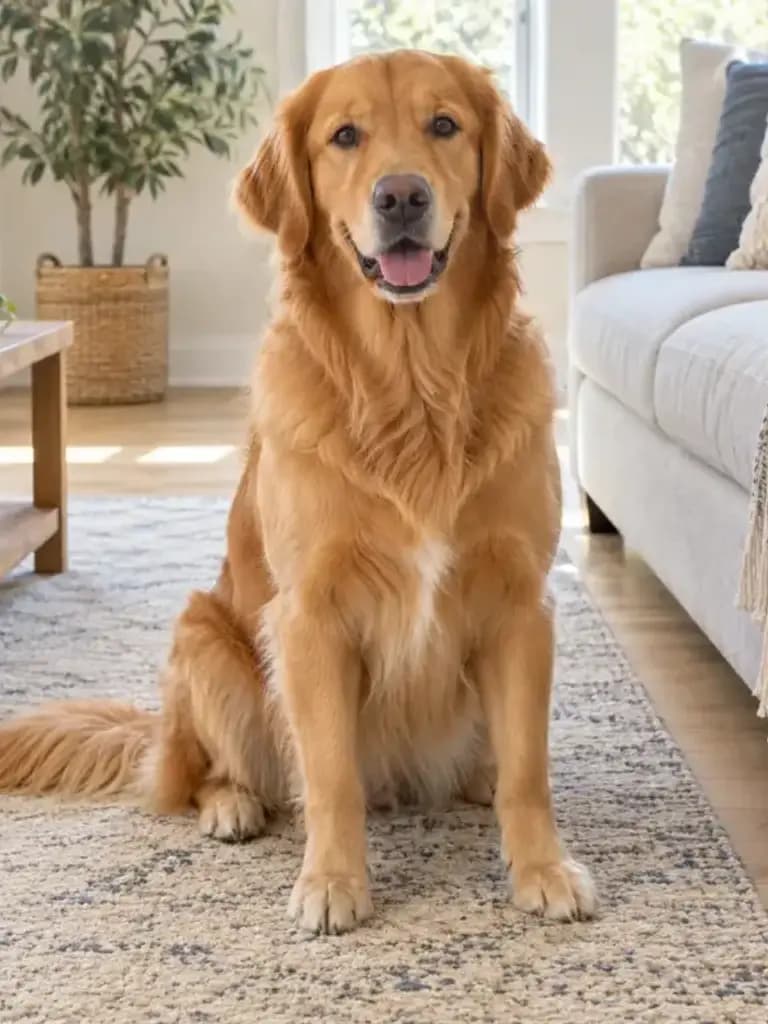
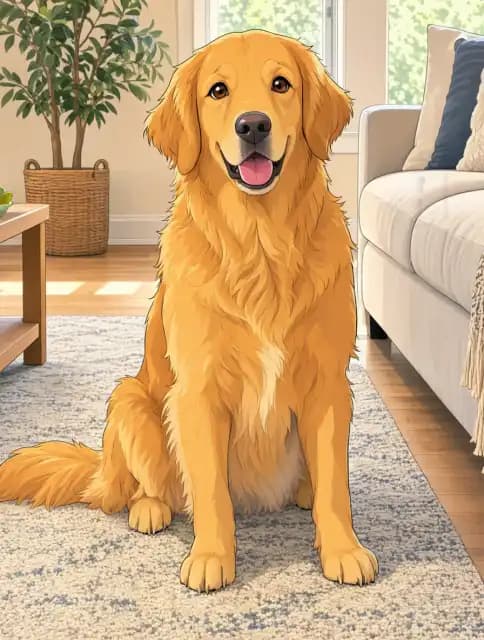
Anime Pet Portraits from Your Own Photo

Anime conversion is not limited to human selfies. Upload a clear dog or cat photo to explore drawn outlines, simplified shading and expressive animal features. The original surroundings provide a reference for the setting, so a familiar pet at home can become a personal anime illustration instead of being replaced by an unrelated character.

Original · Anime Pet Portraits from Your Own PhotoOriginal
Result · Anime Pet Portraits from Your Own PhotoResult

How it works

Upload a photo, generate the fixed style, then save or keep editing.

  1. Upload a photo

    Choose a clear JPG, PNG or WebP image.

  2. Generate your image

    The style is already selected. Review the credit cost and click Generate.

  3. Save or keep editing

    Open the result to download it or continue with another image tool.

Photo to Anime Features

Cel-Shaded Color

Flat color areas and defined shadow shapes give the photo a drawn Japanese-animation look.

Expressive Anime Faces

Use the visible hair, expression and accessories in your selfie as references for an illustrated character.

Anime Profile Pictures

Turn a portrait into an anime PFP for social profiles, with enough space to crop around the face.

Upload & Generate

The style is ready to use. Upload a photo and generate without building a character or writing a detailed prompt.

Repeat with New Photos

Keep using the same effect with a new photo, or generate another interpretation of your current image.

Continued Image Editing

Open the generated image to download it or use image tools for local changes, background removal and upscaling without starting over.

Photo to Anime FAQ

Questions about photo conversion, suitable inputs and your results.

1

How do I use photo to anime with my photo?

Upload a JPG, PNG or WebP image, then click Generate. The photo to anime preset is fixed on this page. Sign in and review the displayed credit cost before submitting.

2

How do I turn myself into an anime character?

Upload a clear selfie or portrait and generate on this page. The anime look is already selected. Face visibility, lighting and a readable hairstyle help the model interpret your appearance.

3

Which photos give a clearer result?

Choose a sharp, evenly lit photo with a readable subject. Clean cel shading, expressive anime eyes and defined character outlines change the rendering of the image, so check faces, hands and small objects in the result.

4

Can I use photo to anime for free?

Generation uses the credits shown on the button. Available credits and access depend on your account; check your balance before submitting.

5

Can I download and keep editing the result?

Open the result to download it or choose another image tool for local editing, background removal or upscaling. You can then return to this page to process another photo.

Related image tools

Explore more effects and ways to edit your images.

Raphael AI

Create Your Anime Profile Picture

Photo to Anime

Turn your photo into anime with clean cel shading and expressive illustrated features. Create an anime profile picture from a selfie or portrait online.

Original
Original
Photo to Anime
Photo to Anime