AI Product Photography Examples

See the original photo and the generated result for each preset.

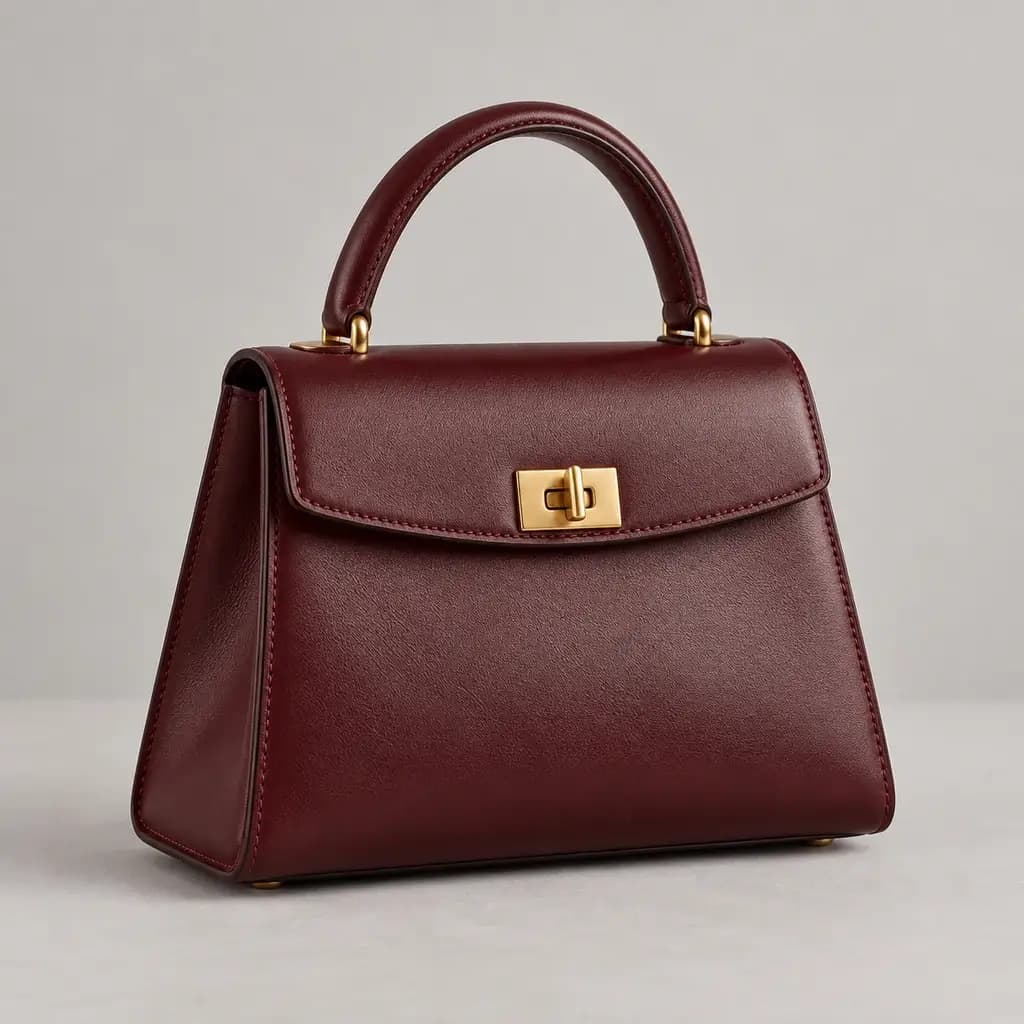
Create Studio-Style Product Images from an Existing Photo

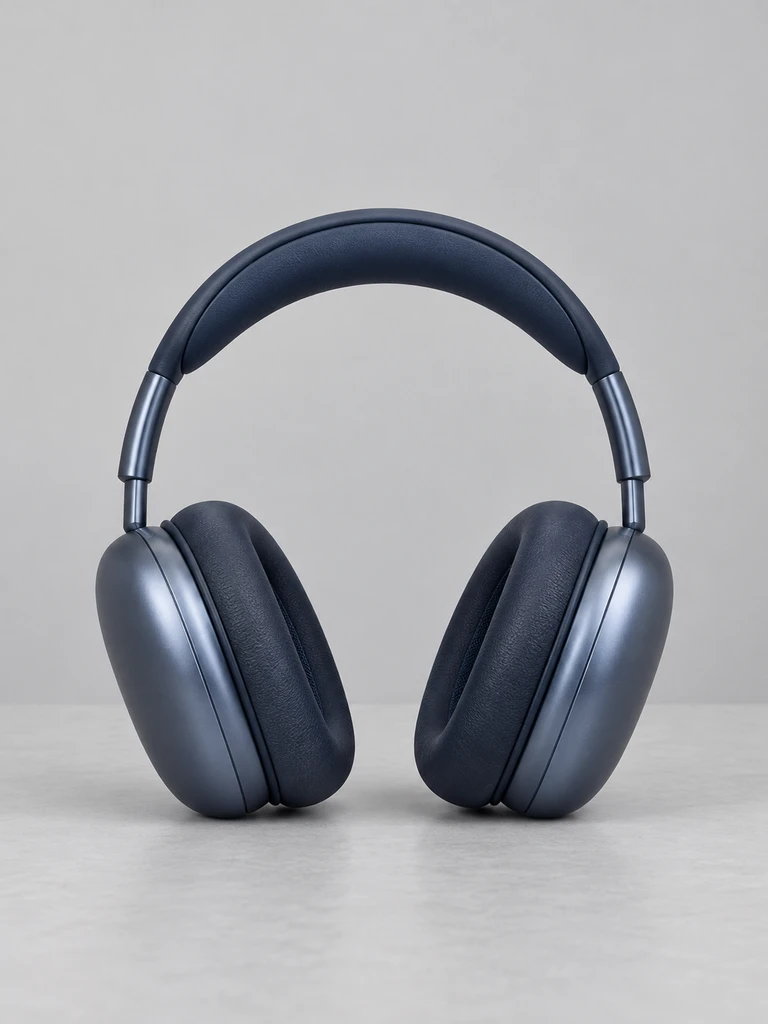
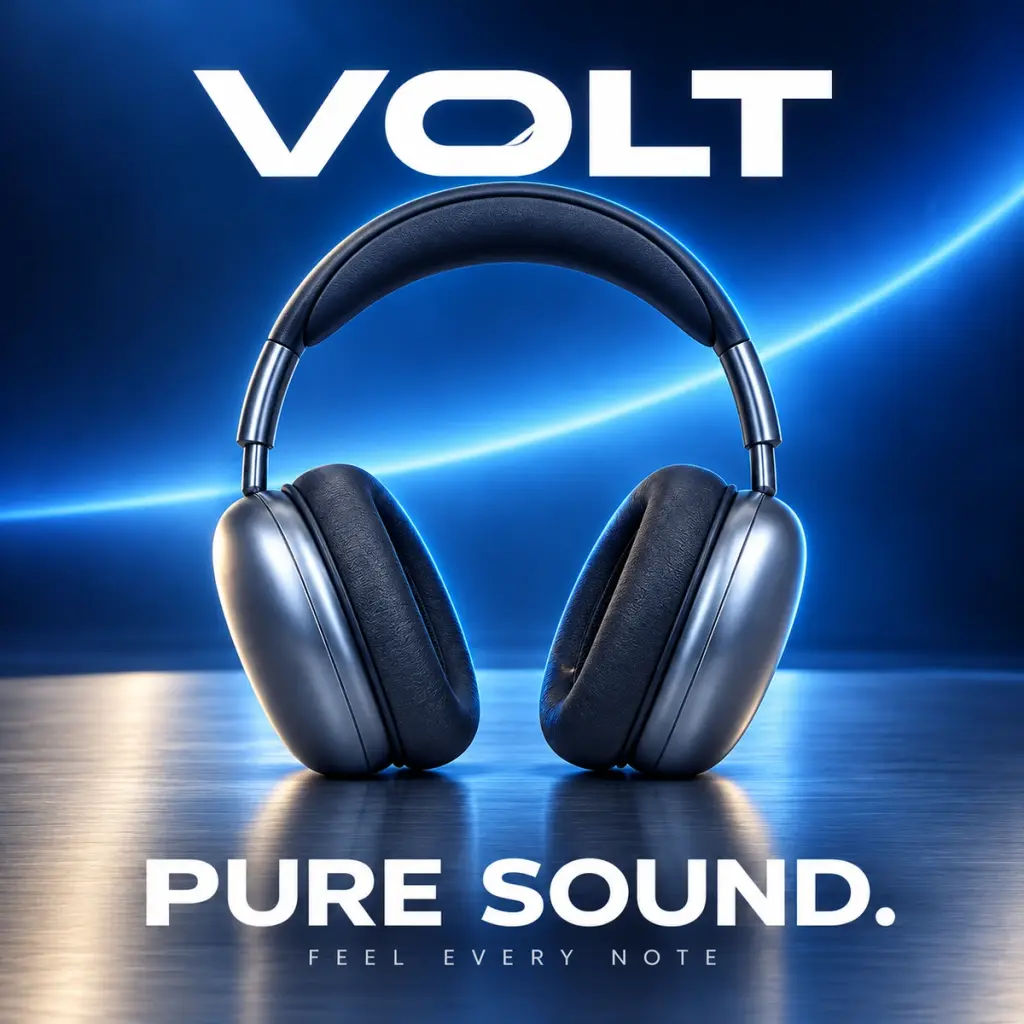
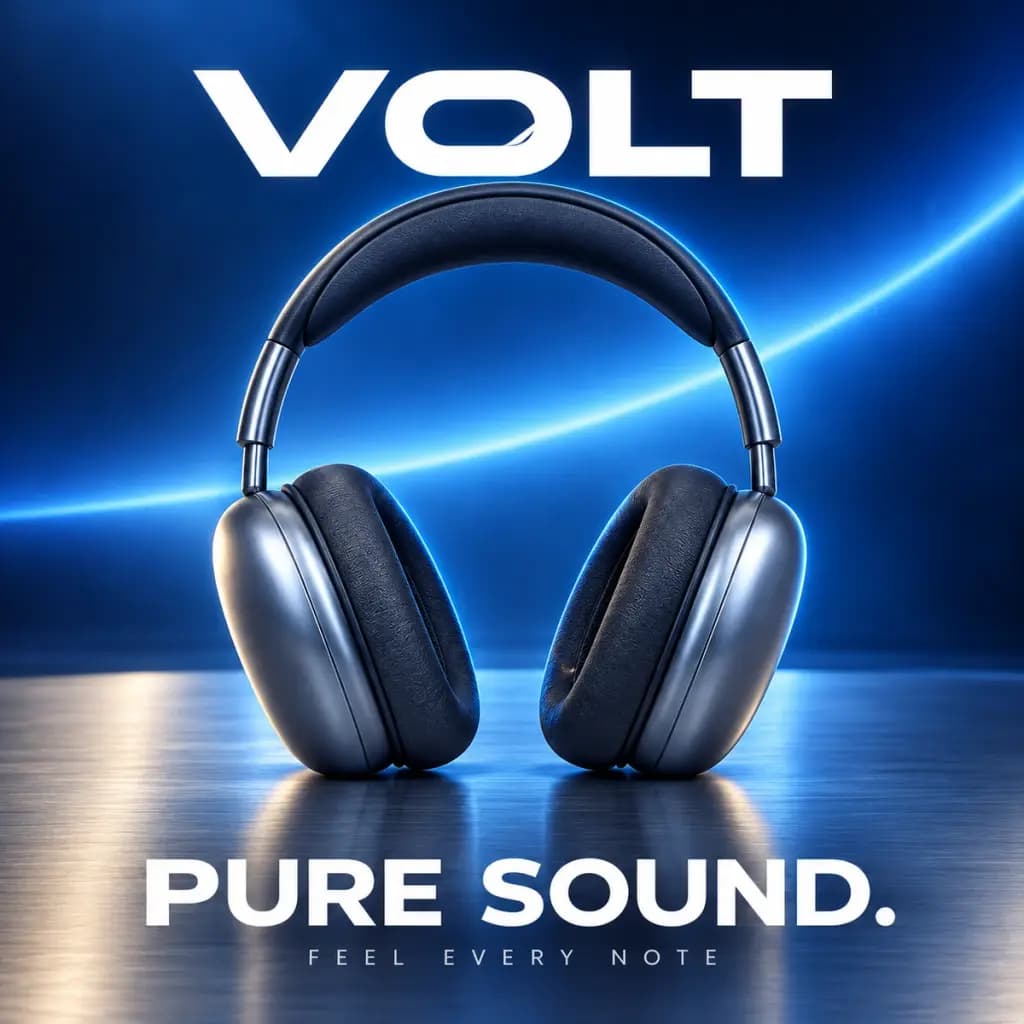
Upload a clear product photo and use its shape, colors, and materials as references for a studio-style presentation. Explore clean backgrounds and studio lighting without first setting up lights, a backdrop, and a photography table. Develop image options for storefront content, product launches, and advertising concepts.
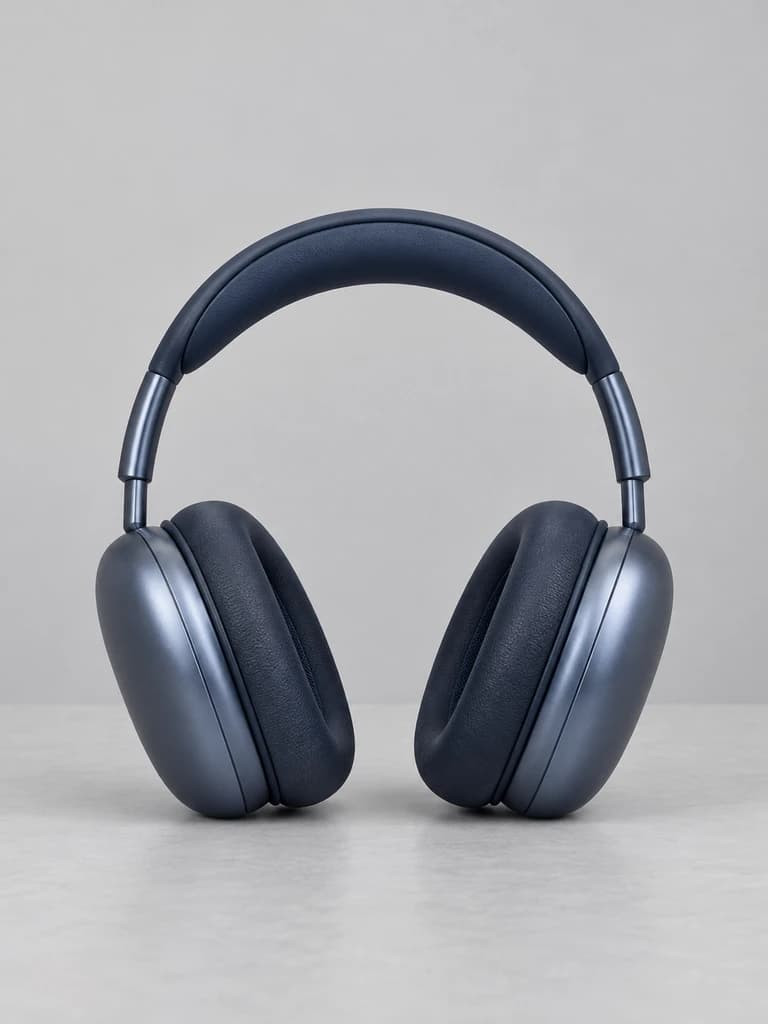
Original · Create Studio-Style Product Images from an Existing Photo
Result · Create Studio-Style Product Images from an Existing Photo
OriginalResult

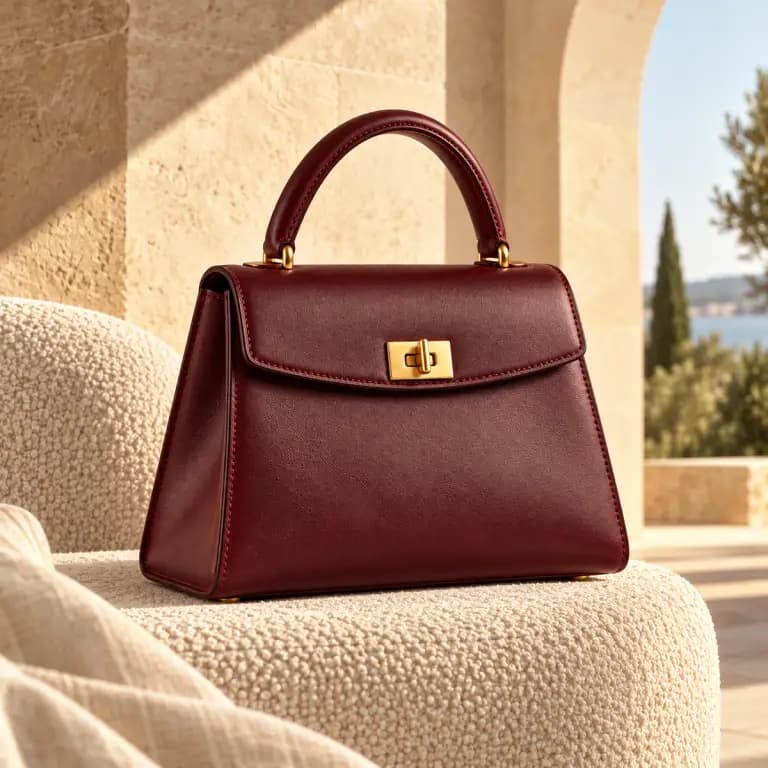
Move from Studio Shots to Lifestyle Product Photography

A studio image focuses attention on the product, while a lifestyle setting helps place it in an everyday context. Use AI lifestyle product photography presets to explore new settings from an existing product photo. Develop scene-based images for social content, store banners, and promotional ideas.

Original · Move from Studio Shots to Lifestyle Product Photography
Result · Move from Studio Shots to Lifestyle Product Photography
OriginalResult

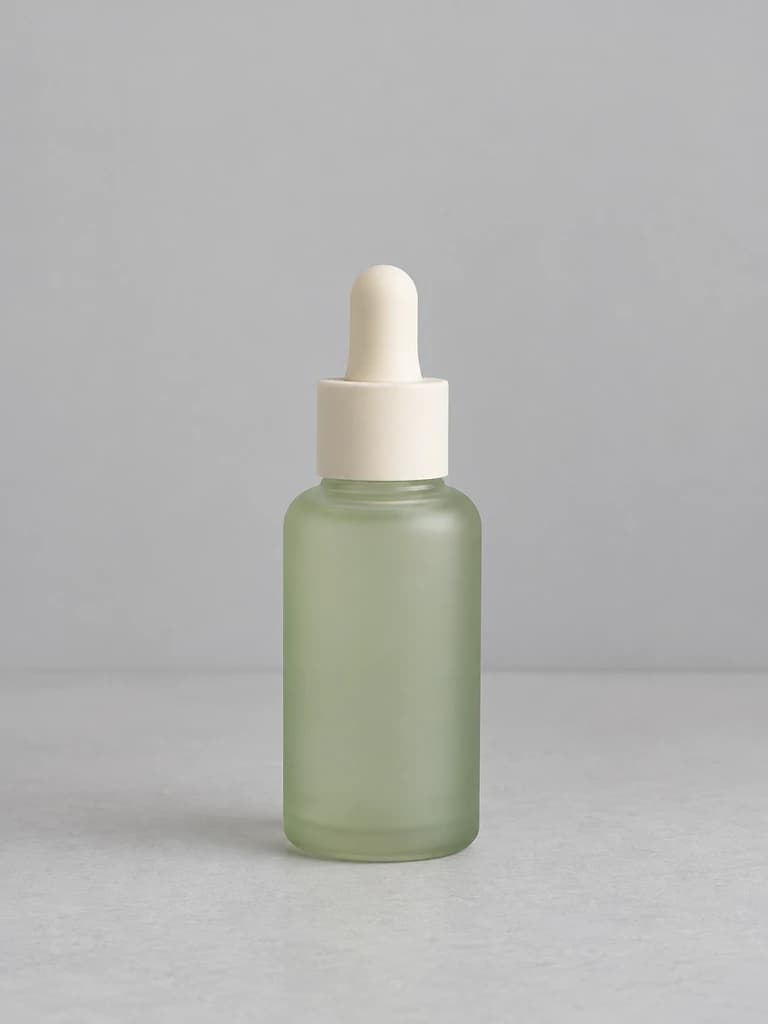
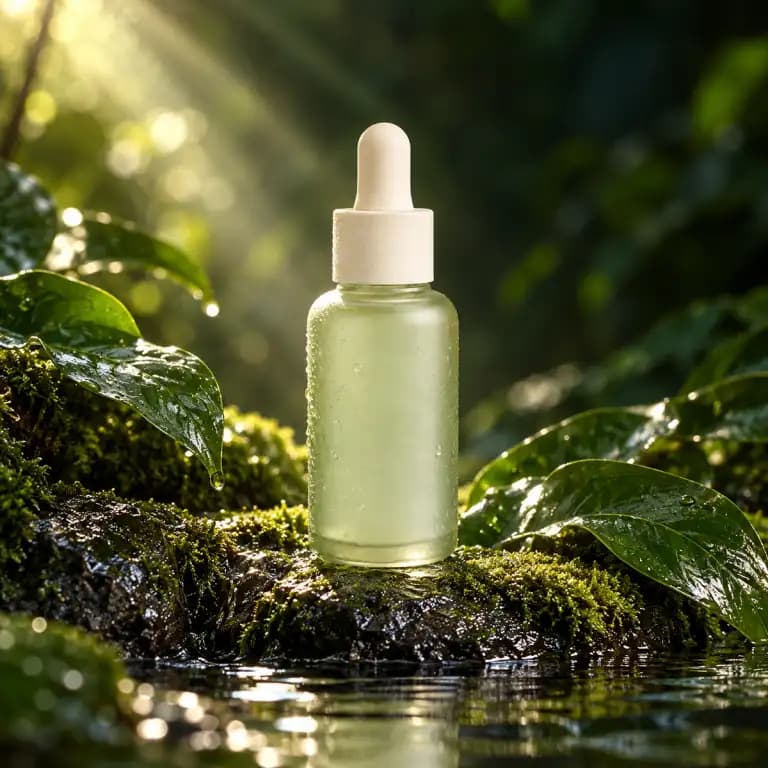
Explore Nine Product Photography Settings from One Upload

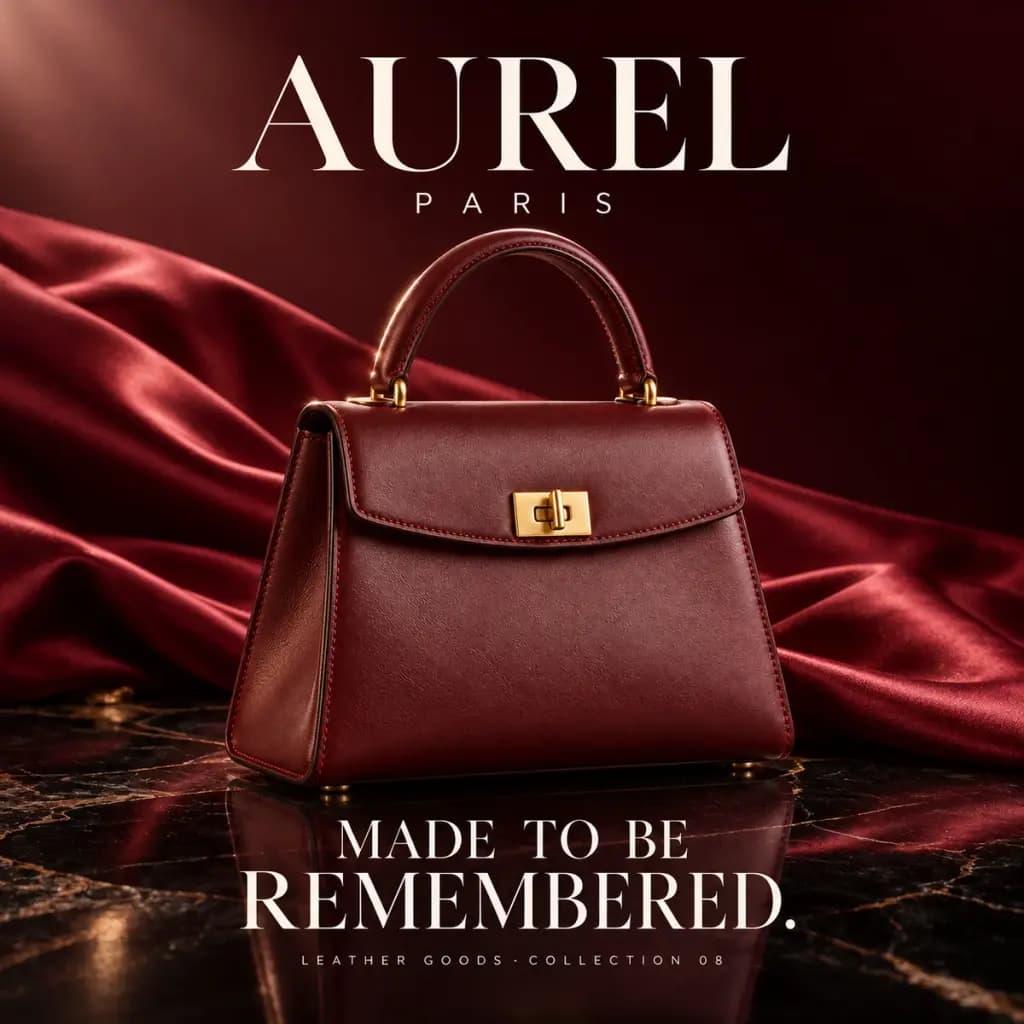
Try professional studio, lifestyle, nature, luxury, marble-pedestal, and other presets without arranging a separate shoot for each direction. Explore different backgrounds and lighting around the same product reference. Start with a preset to find a promising look, then add a custom description for a more specific setting or atmosphere.

Original · Explore Nine Product Photography Settings from One Upload
Result · Explore Nine Product Photography Settings from One Upload
OriginalResult

How it works

Upload a photo, choose a preset, and view your result in this workspace.

  1. Upload a photo

    Choose a clear photo with the subject fully visible.

  2. Choose a style

    Select a preset, then review the credit cost before generating.

  3. Save or keep editing

    Compare the result, download it, or continue with another image tool.

Explore the possibilities

9 Product Photography Settings

Explore studio, lifestyle, nature, luxury, and other presets for different product-image directions.

Original Product Reference

Use the product’s shape, colors, and materials as references while exploring a new background and lighting.

No Studio Setup Required

Generate scene concepts without first arranging lights, a photography table, and props for each idea.

E-commerce & Social Visuals

Explore visual directions for storefront presentations, product launches, social posts, and advertising concepts.
Custom Scenes

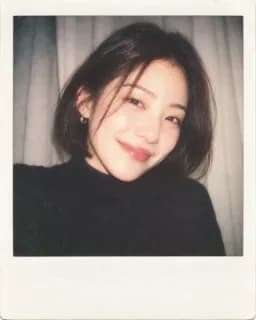
Start with a preset or use a custom description to specify the style, colors, and details you want.

Integrated Image Editing

Open image tools from your result to make local edits, remove the background, or upscale the image.

AI Product Photography FAQ

Answers about choosing photos, styles, and using your results.

1

How do I create product photos with AI?

Upload a product photo, choose a studio, lifestyle, or other preset, and generate a new presentation.

2

Can I use a product photo taken on my phone?

Yes. Keep the product shape, colors, and packaging details clear and avoid blur or cropping.

3

Can I try different product backgrounds?

Compare studio, natural, window-lit table, marble, and other settings.

4

How does this differ from removing the background?

Product photography generates a scene and lighting. Use background removal for a transparent or plain-white backdrop.

5

Can I use skincare products, shoes, and bags?

Try each type with one clearly visible product and complete details in the source photo.

6

Can I create several scenes for one product?

Keep the product photo and generate different settings by switching presets.

7

Can I use it on my phone?

Upload photos, choose presets, and view results in your mobile browser.

8

How do I download or keep editing the result?

Open the result and use Download to save the image, or choose another image tool to continue editing.

Related image tools

Explore more effects and ways to edit your images.

Raphael AI

Create a New Setting for Your Product

AI Product Photography from One Product Photo

Upload a product image and explore 9 studio, lifestyle, and natural scene presets for product presentation and marketing concepts.

Original
Original
Luxury Display
Luxury Display
Lifestyle
Lifestyle