AI Pixel Art Generator Examples

See the original photo and the generated result for each preset.

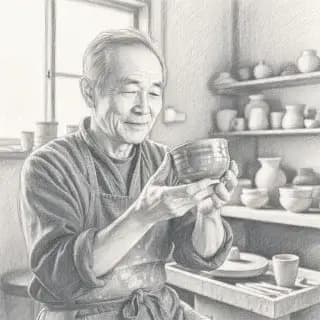
Turn Photos into Pixel Art Without Drawing Pixel by Pixel

Use the AI pixel art generator to reinterpret a portrait, pet photo, or scene with pixel blocks and stepped outlines. Explore pixel-style avatars, retro illustrations, and personal artwork without manually placing each pixel or building a palette from scratch. Start with a familiar photo and give it a new visual direction.

Original · Turn Photos into Pixel Art Without Drawing Pixel by PixelOriginal
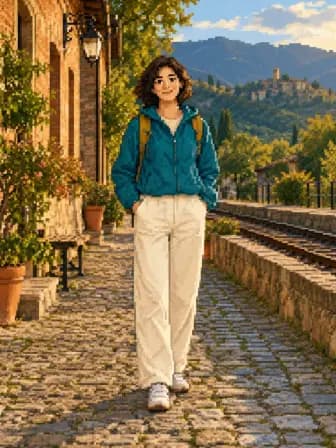
Result · Turn Photos into Pixel Art Without Drawing Pixel by PixelResult

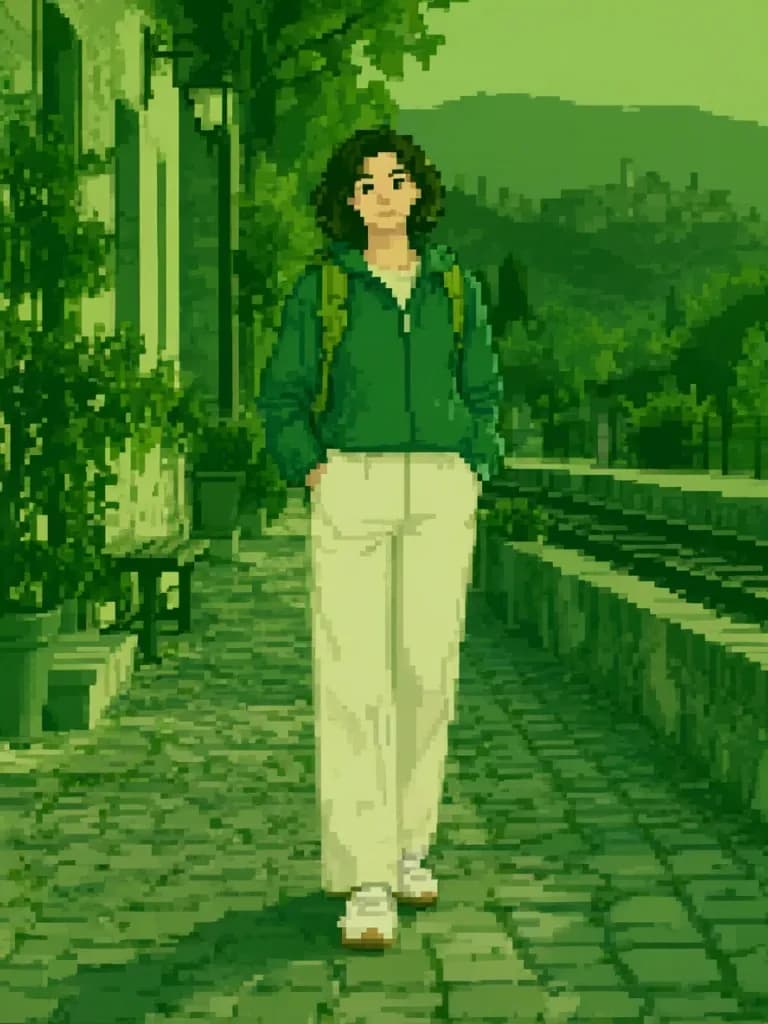
Create Retro Pixel Avatars with a Handheld-Inspired Palette

Explore a limited-color pixel style inspired by classic handheld games. The handheld-palette preset reinterprets both the subject and the background through a smaller set of colors, reshaped outlines, and simplified shading. Create nostalgic profile pictures and game-themed illustrations with more than a green tint applied over the original photo.

Original · Create Retro Pixel Avatars with a Handheld-Inspired PaletteOriginal
Result · Create Retro Pixel Avatars with a Handheld-Inspired PaletteResult

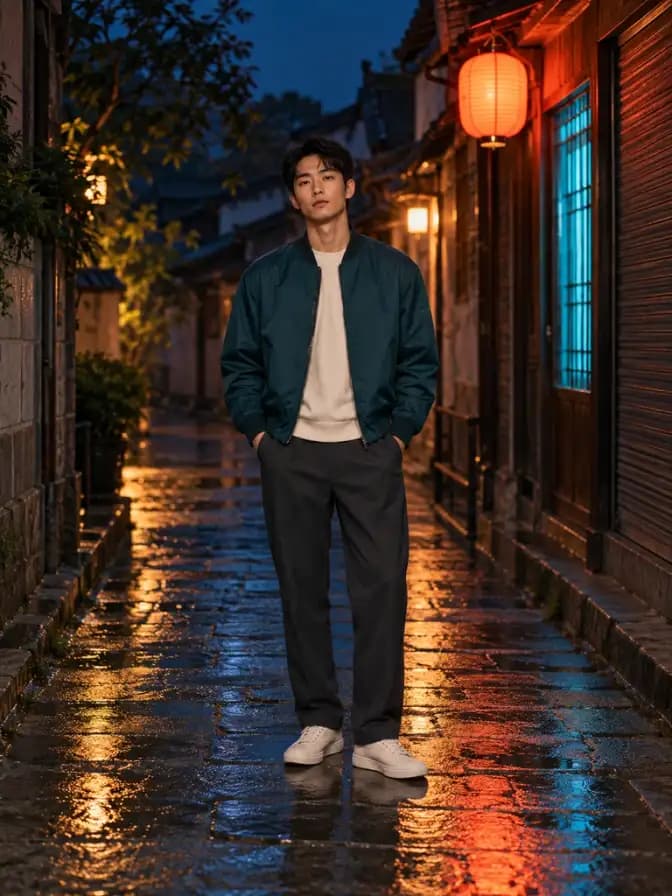
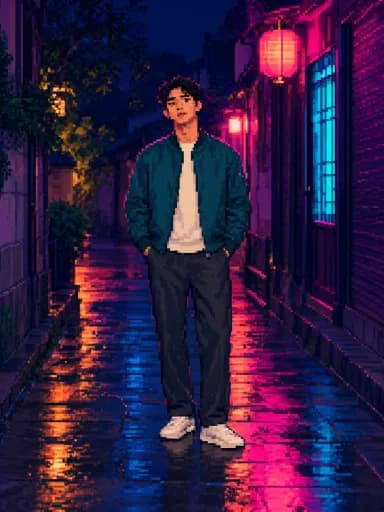
Turn Your Selfie into a Cyberpunk Pixel Avatar

Choose the neon pixel preset to reimagine your selfie and its surroundings with luminous colors, a nighttime atmosphere, and pixel-art textures. Explore a cyberpunk-style profile picture or personal-page illustration without drawing a pixel character and building the background separately.

Original · Turn Your Selfie into a Cyberpunk Pixel AvatarOriginal
Result · Turn Your Selfie into a Cyberpunk Pixel AvatarResult

How it works

Upload a photo, choose a preset, and view your result in this workspace.

  1. Upload a photo

    Choose a clear photo with the subject fully visible.

  2. Choose a style

    Select a preset, then review the credit cost before generating.

  3. Save or keep editing

    Compare the result, download it, or continue with another image tool.

Explore the possibilities

9 Pixel-Art Styles

Switch between classic pixels, handheld palettes, isometric, neon, and other presets in one tool.

Full-Scene Pixel Art

Use the full photo as a reference for a pixel-style interpretation of both the subject and the setting.

Retro & Neon Palettes

Explore limited handheld-inspired colors or vivid neon tones for profile pictures and creative illustrations.

No Manual Pixel Drawing

Start with an existing photo and a preset instead of manually placing every pixel.

Custom Styles

Start with a preset or use a custom description to specify the style, colors, and details you want.

Integrated Image Editing

Open image tools from your result to make local edits, remove the background, or upscale the image.

AI Pixel Art Generator FAQ

Answers about choosing photos, styles, and using your results.

1

How do I turn a photo into pixel-style art?

Upload a photo, choose a pixel style, and compare the resulting subject and colors.

2

Can I make a pixel-style avatar?

Try a clear portrait with classic, cute, or retro-game presets.

3

Which pixel styles can I choose?

Compare classic, cute, detailed, isometric, retro-game, neon, and other looks.

4

Can I use pet and landscape photos?

Try cute pixel styles for pets, or isometric and retro-game looks for buildings and landscapes.

5

What photos suit isometric pixel art?

Start with a building, room, or clearly shaped object to explore an angled pixel-style view.

6

Can I try different pixel looks with one photo?

Generate again with another preset to compare detail, colors, and atmosphere.

7

Can I use it on my phone?

Upload photos, choose presets, and view results in your mobile browser.

8

How do I download or keep editing the result?

Open the result and use Download to save the image, or choose another image tool to continue editing.

Related image tools

Explore more effects and ways to edit your images.

Raphael AI

Turn Your Photo into a Pixel-Art World

AI Pixel Art Generator from Your Photo

Upload a portrait, pet, or scene photo and explore 9 pixel and retro-game styles for profile images, illustrations, and visual concepts.

Original
Original
Classic Pixels
Classic Pixels
Handheld Palette
Handheld Palette