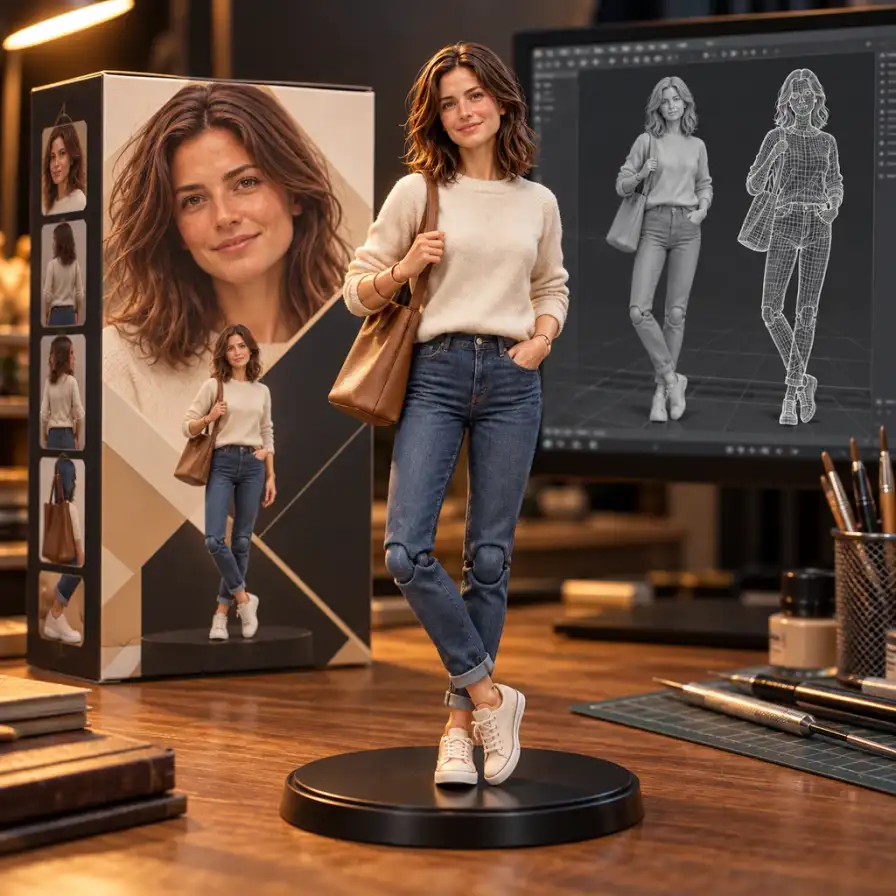
AI Action Figure Generator Examples

See the original photo and the generated result for each preset.

Turn Your Photo into a Personalized AI Action Figure

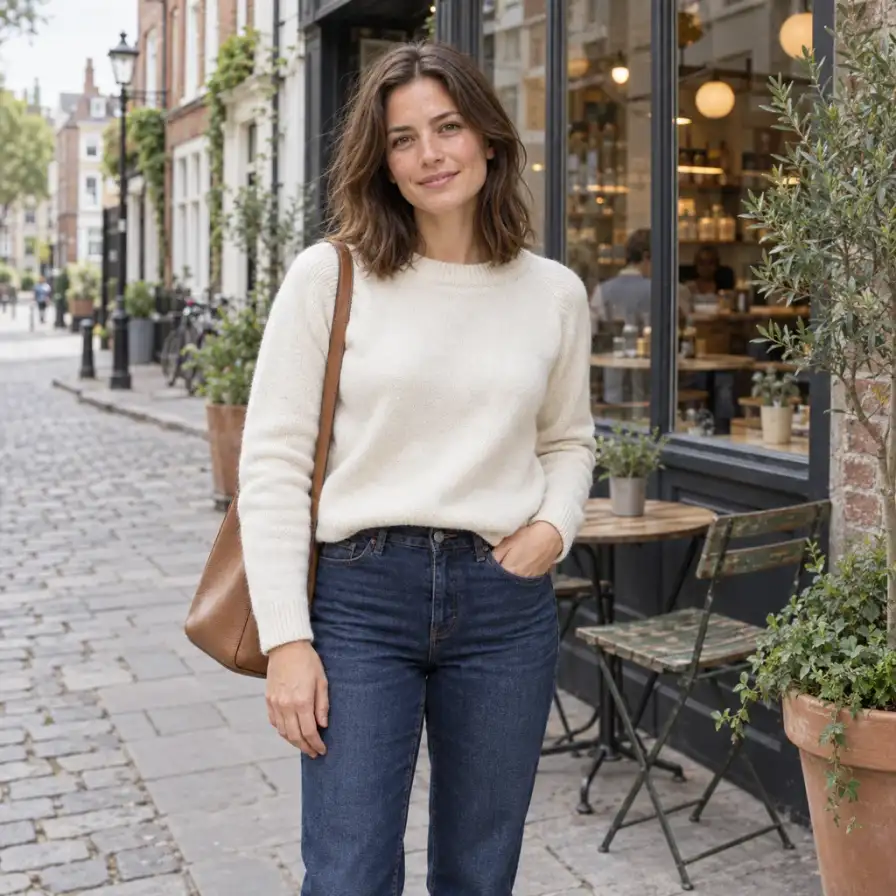
Upload a portrait and use the AI action figure generator to reimagine your hairstyle, outfit, and accessories as a collectible toy. Raphael uses your photo as a reference to create a figure presentation with articulated details, a display base, and packaging. Make action figure images of yourself or a friend without learning 3D modeling or writing a detailed prompt from scratch.
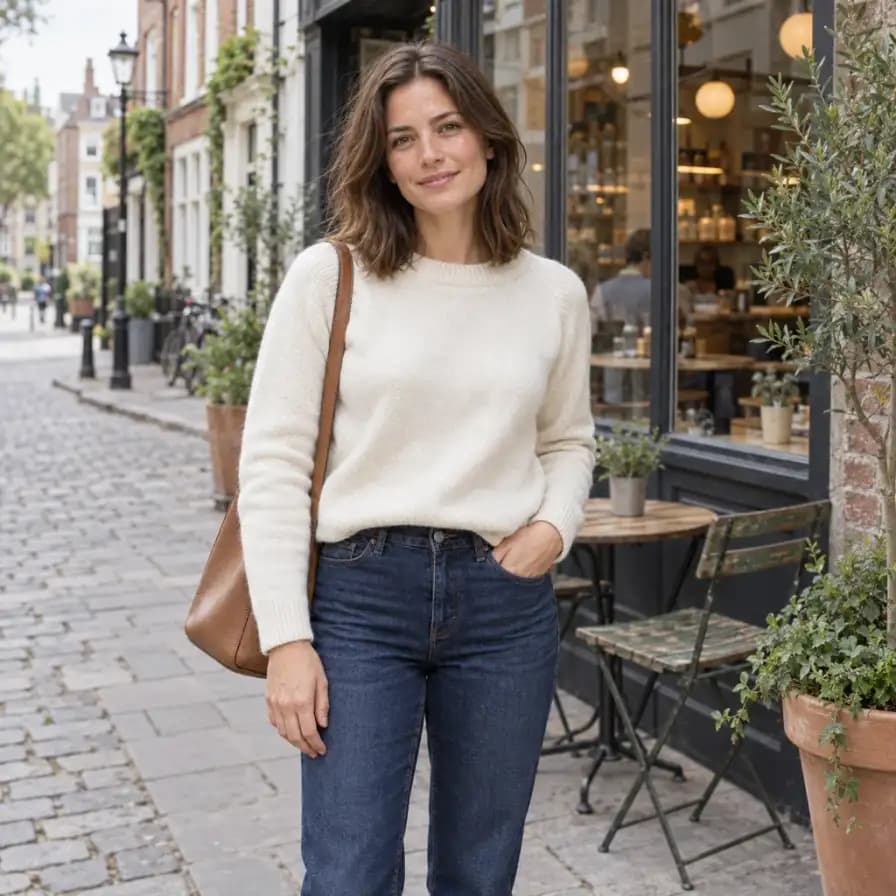
Original · Turn Your Photo into a Personalized AI Action FigureOriginal
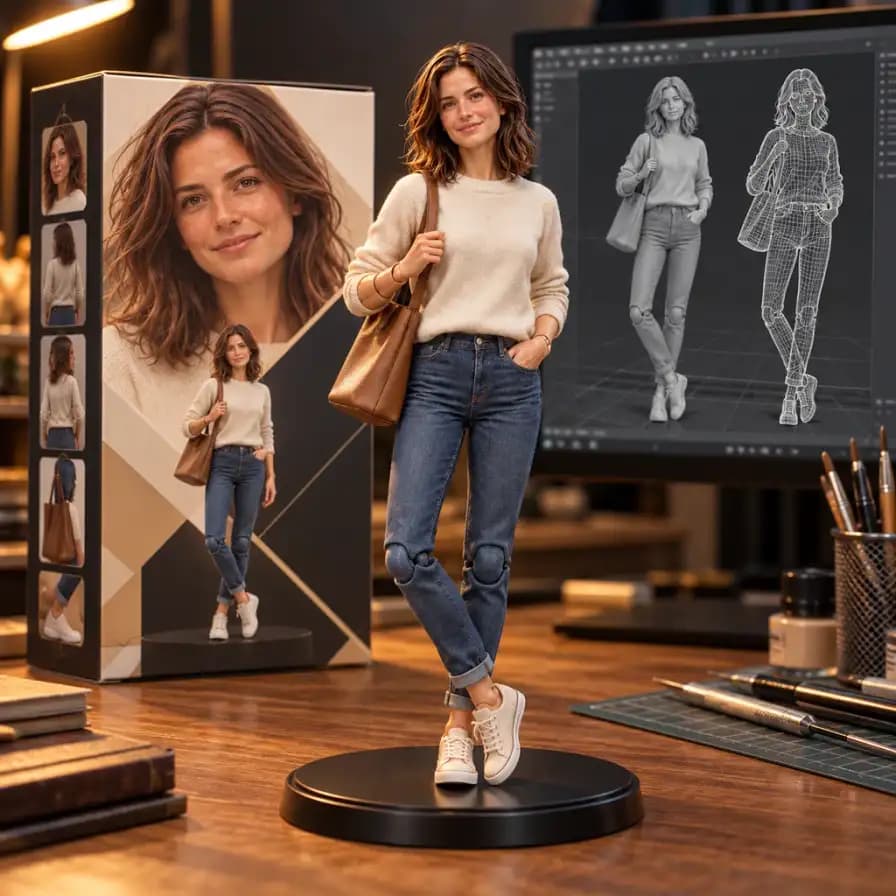
Result · Turn Your Photo into a Personalized AI Action FigureResult

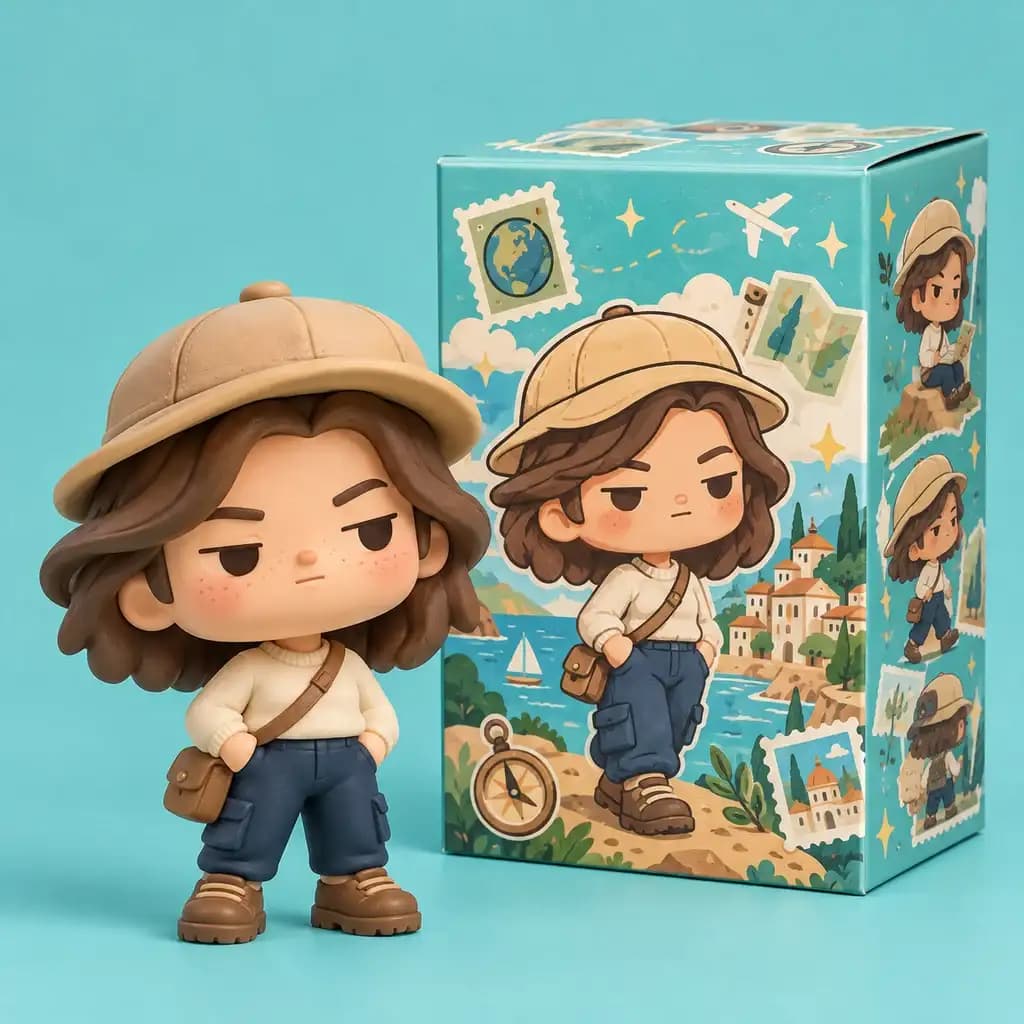
Create Chibi Figures and Blind Box Toys from Photos

Choose a chibi or blind box preset to turn your photo into a character with a larger head, compact proportions, and a collectible-toy finish. Reuse the same uploaded photo to explore different interpretations. Create matching profile pictures, a set of figures inspired by friends, or visual concepts for an original character.

Original · Create Chibi Figures and Blind Box Toys from PhotosOriginal
Result · Create Chibi Figures and Blind Box Toys from PhotosResult

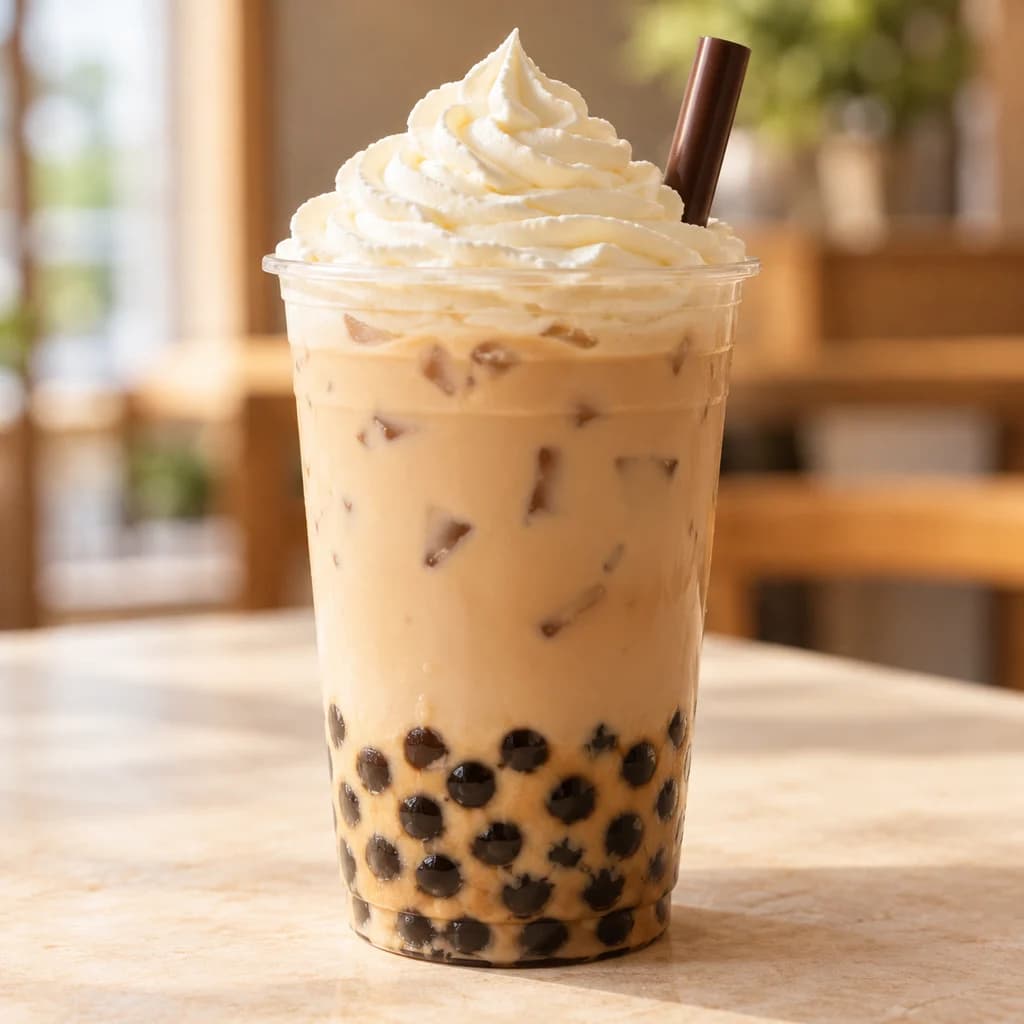
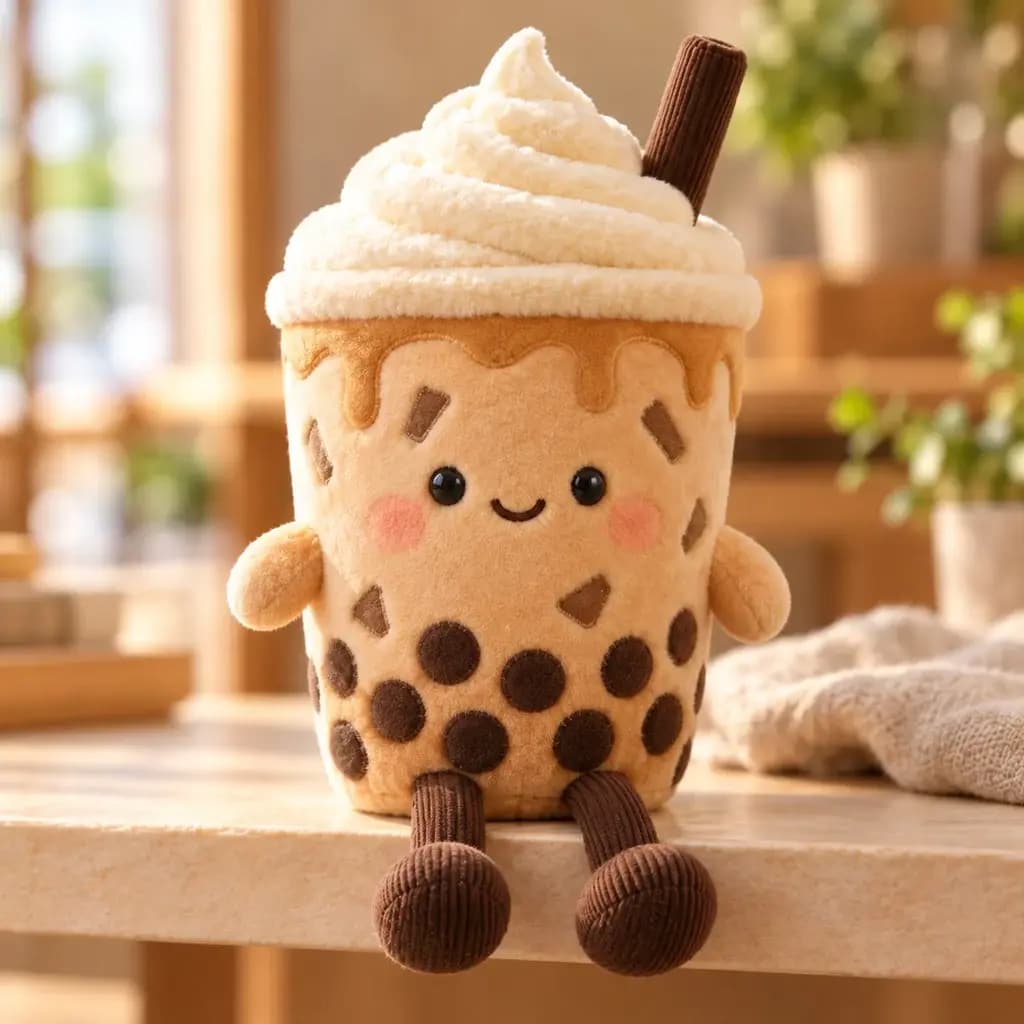
Reimagine People, Pets, and Objects as Plush Toys

Turn a familiar subject into a plush toy concept with soft textures, stitched details, and rounded proportions. Try a portrait, a pet photo, or a clearly photographed object to explore mascot ideas, playful profile pictures, and gift concepts. Start with a preset or add a custom description to guide the toy’s appearance.

Original · Reimagine People, Pets, and Objects as Plush ToysOriginal
Result · Reimagine People, Pets, and Objects as Plush ToysResult

How it works

Upload a photo, choose a preset, and view your result in this workspace.

  1. Upload a photo

    Choose a clear photo with the subject fully visible.

  2. Choose a style

    Select a preset, then review the credit cost before generating.

  3. Save or keep editing

    Compare the result, download it, or continue with another image tool.

Explore the possibilities

9 Toy Styles

Explore action figures, chibi collectibles, blind box toys, and plush looks from the same photo.

Personalized Figures

Use the person, hairstyle, outfit, and accessories in your photo as references for a personalized toy image.

Versatile Subjects

Use a clear subject photo to explore character figures, pet toys, and object-inspired mascot ideas.

No 3D Modeling

Generate a toy-inspired image from a preset without first learning modeling, materials, or lighting setup.

Custom Styles

Start with a preset or use a custom description to specify the style, colors, and details you want.

Integrated Image Editing

Open image tools from your result to make local edits, remove the background, or upscale the image.

AI Action Figure Generator FAQ

Answers about choosing photos, styles, and using your results.

1

How do I turn my photo into an action figure?

Upload a clear photo, choose a figure style, and generate. Use a full-body photo to show the complete outfit.

2

Can I make a chibi figure or plush toy?

Choose a 3D chibi, plush, or fabric-toy preset and compare different looks from the same photo.

3

Can I use a selfie?

Yes. A clear, naturally lit selfie is a useful face reference. Use a full-body photo when the complete outfit matters.

4

Can I turn my pet photo into a figure?

Try a pet photo with a clear view of its face, ears, and markings.

5

Can it use my hairstyle and outfit?

The preset uses the person and outfit in your photo as references. Compare results with the original and choose the one you prefer.

6

Can I try several figure styles with one photo?

Keep the uploaded photo and generate again with another preset to compare realistic, chibi, and different material looks.

7

Can I use it on my phone?

Upload photos, choose presets, and view results in your mobile browser.

8

How do I download or keep editing the result?

Open the result and use Download to save the image, or choose another image tool to continue editing.

Explore Individual Figure Styles

Open a dedicated page to turn your photo into one figure style.

Related image tools

Explore more effects and ways to edit your images.

Raphael AI

Create Your Personalized AI Action Figure

AI Action Figure Generator from Your Photo

Upload a person or pet photo and choose from 9 figure styles to create a toy-inspired image for profiles, sharing, or keepsakes.

Original
Original
Action Figure
Action Figure
Blind Box Figure
Blind Box Figure