
Local Image Editor
Select parts of an image and describe the change for each region.
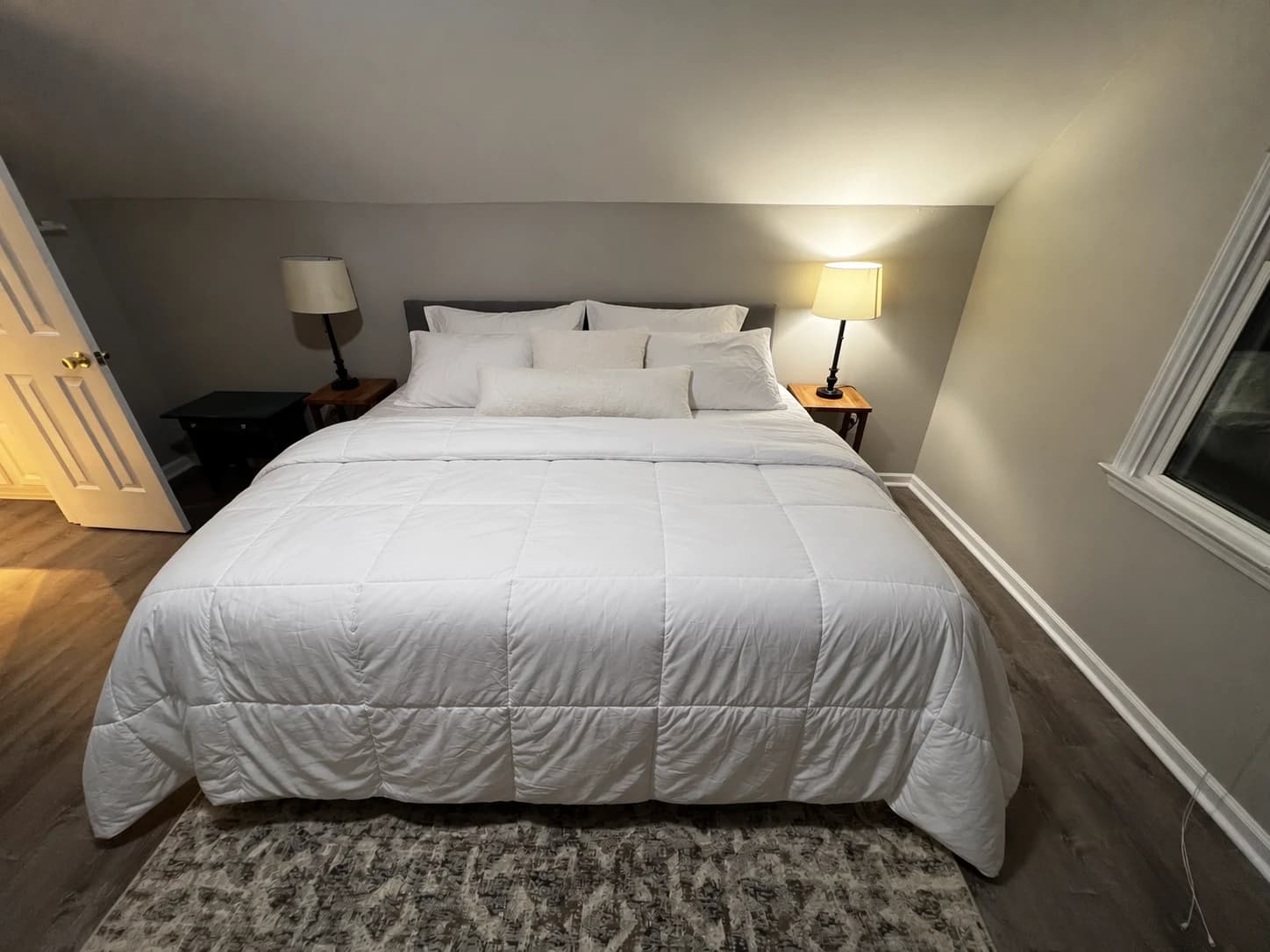
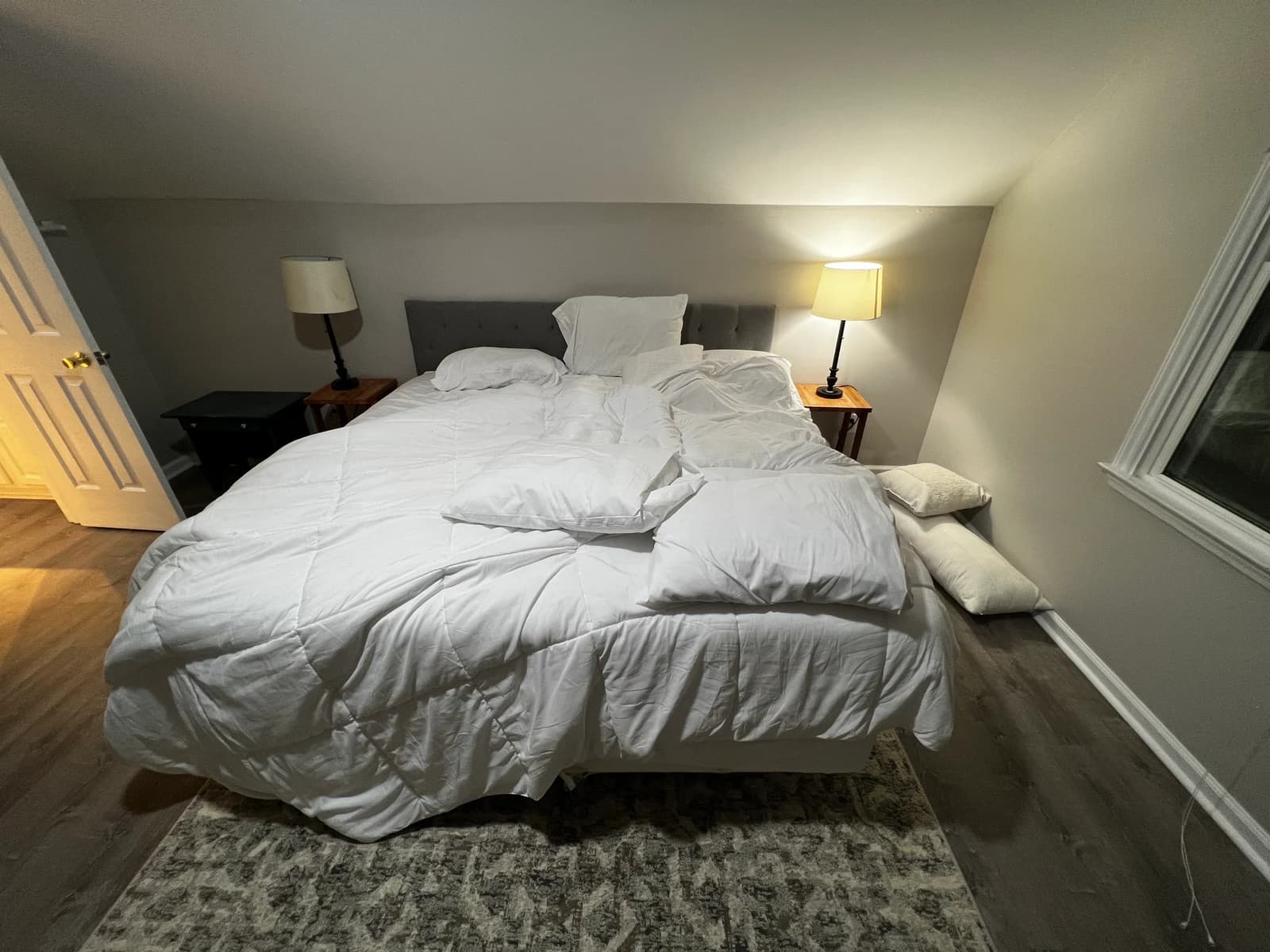
BeforeAfter
JPG, PNG or WebP. Drag and drop supported
Three steps to a local edit
- Upload an imageChoose the image you want to edit
- Mark and describeSelect or brush a region, then write the change for each
- Review the resultAI generates and applies the edit