AI SVG Generator
Create SVG icons, logos, and illustrations that stay sharp at any size with  GPT Image 2.6 Flare or Sunburst.
AI SVG Generator
What can you make with SVG?
SVG is a vector format that stays sharp when scaled, so you can use the same design at different sizes.
Brand graphics
Pair a wordmark with geometric artwork for ads, social posts, and event materials.
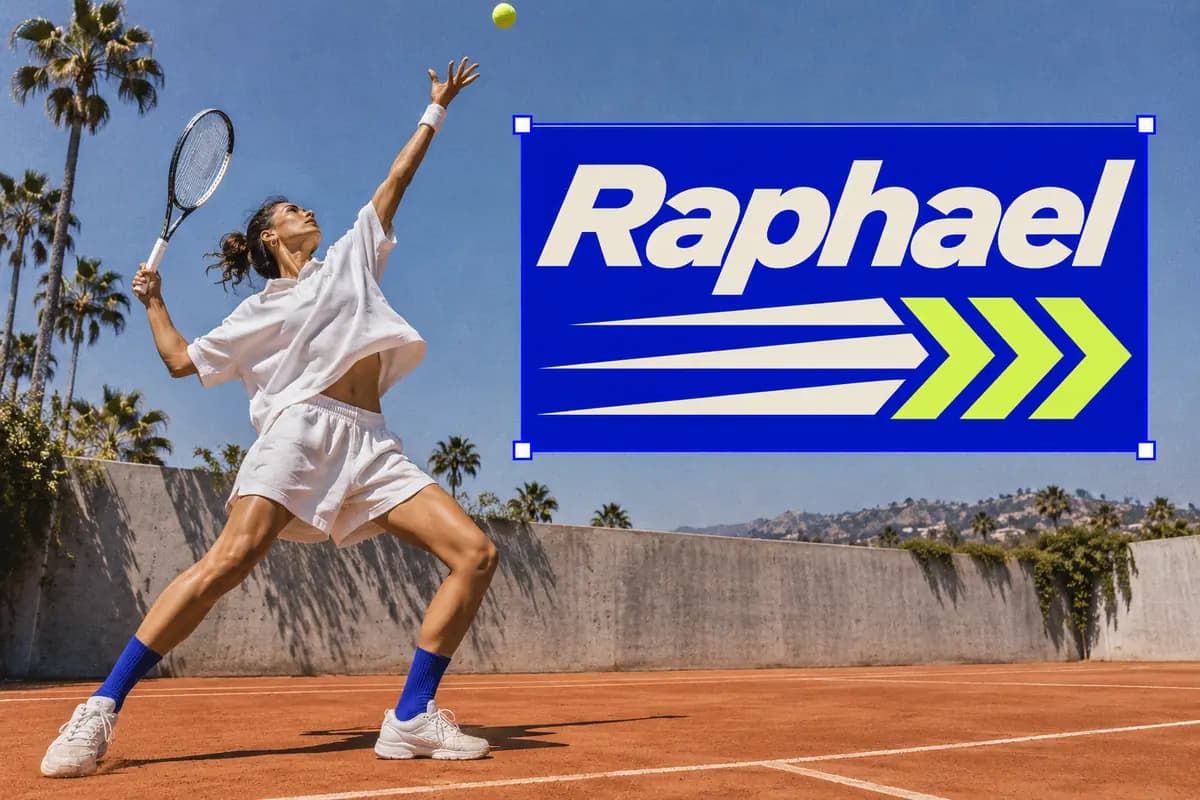
Posters and outdoor ads
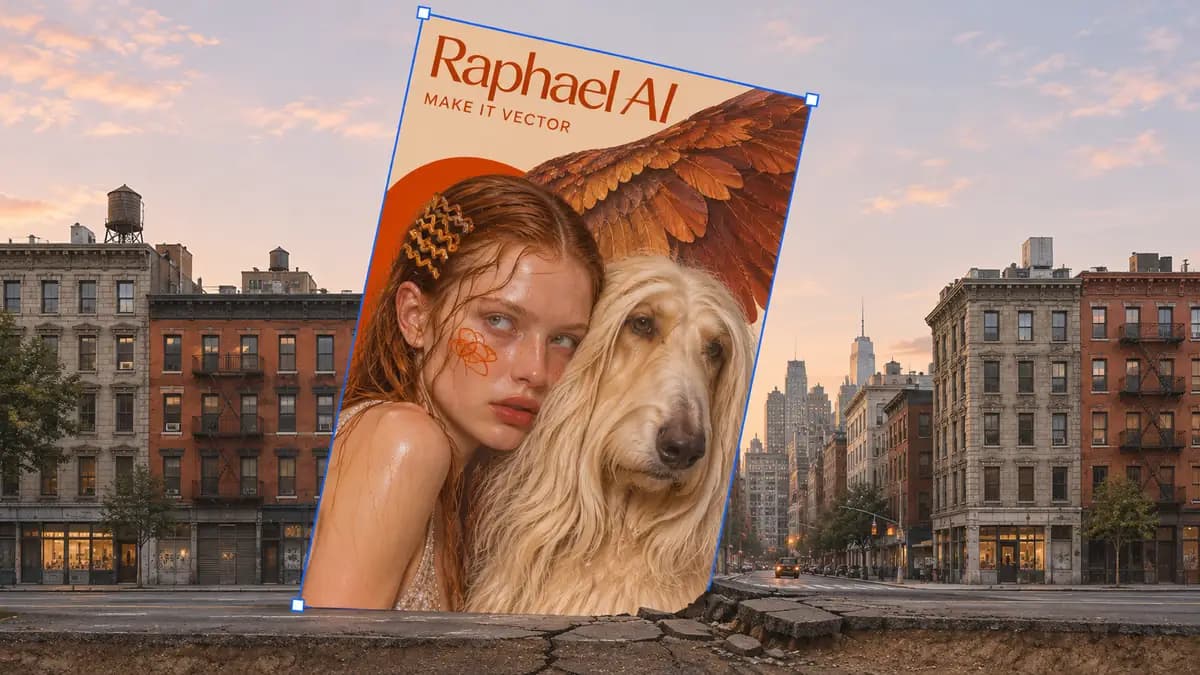
Design the artwork and wordmark for a poster, then lay it out for a subway lightbox, a street display, or a storefront window.
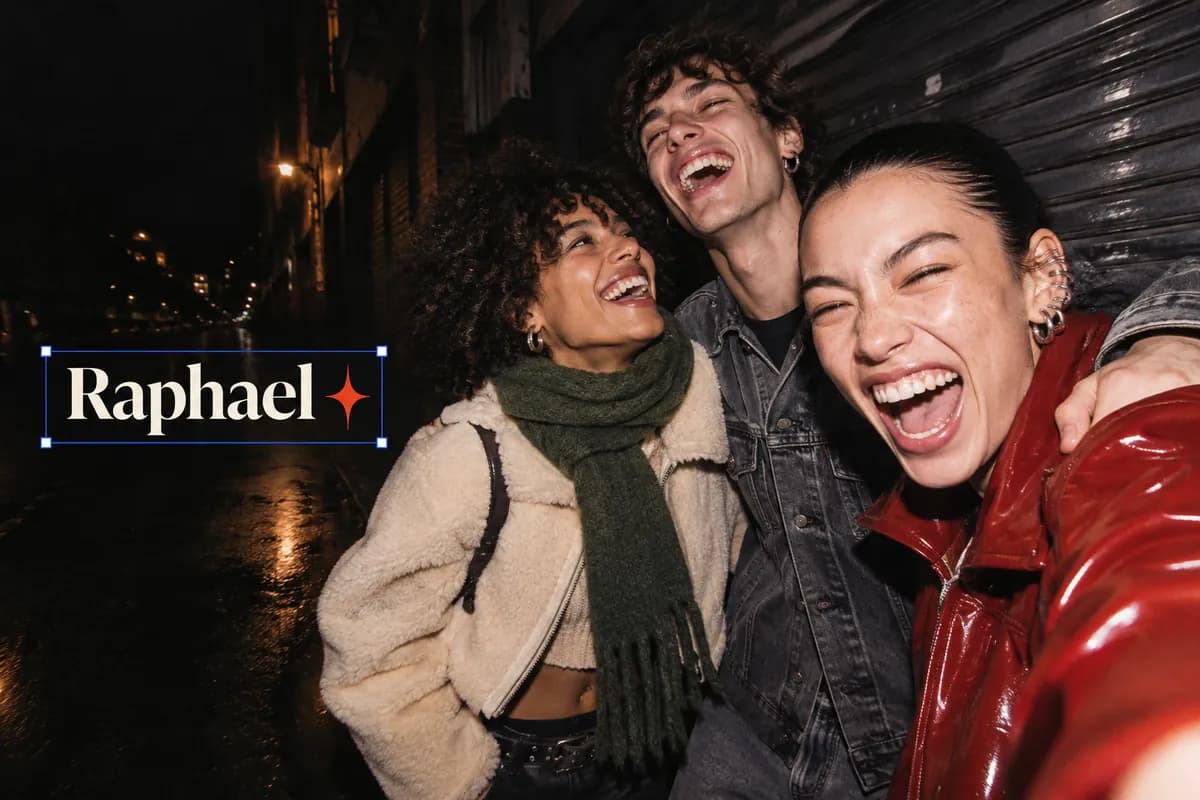
Apparel prints
Combine lettering, artwork, and color into prints for T-shirts, sweatshirts, and other merchandise.
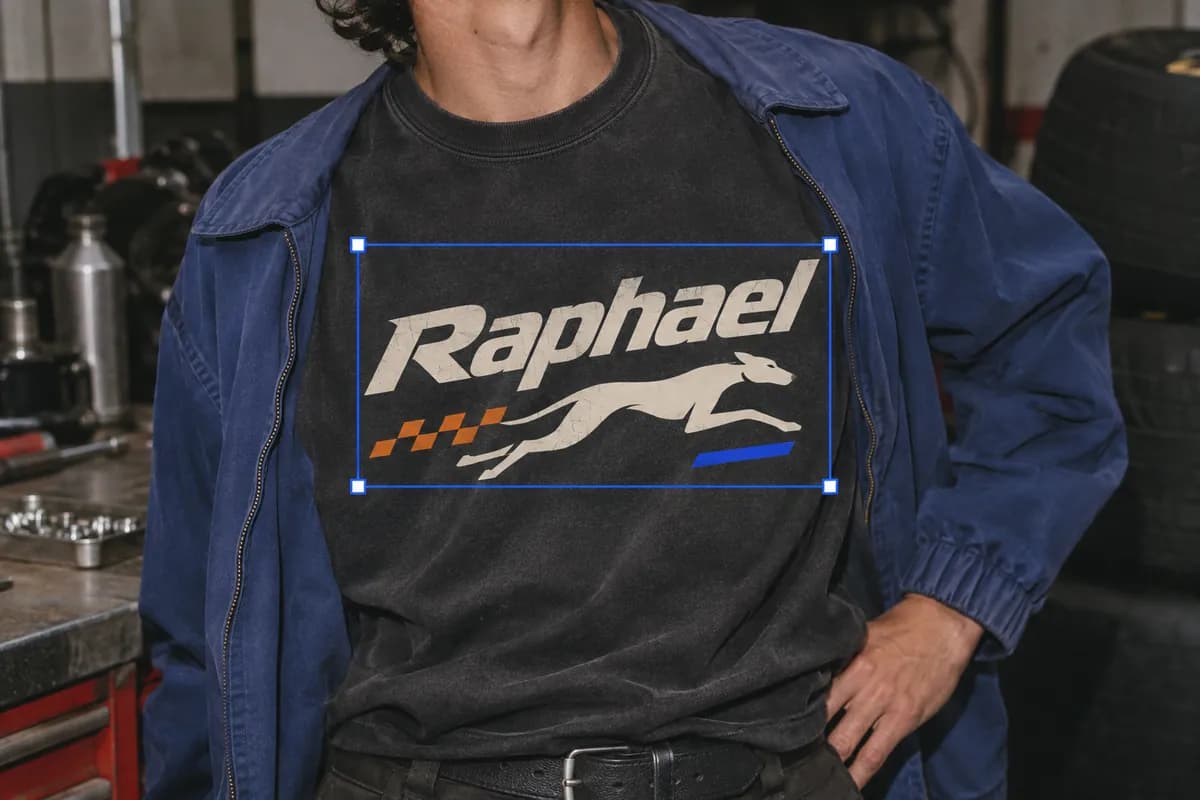
Illustrations and geometric patterns
Compose individual vector shapes into illustrations for social posts, presentations, and packaging.
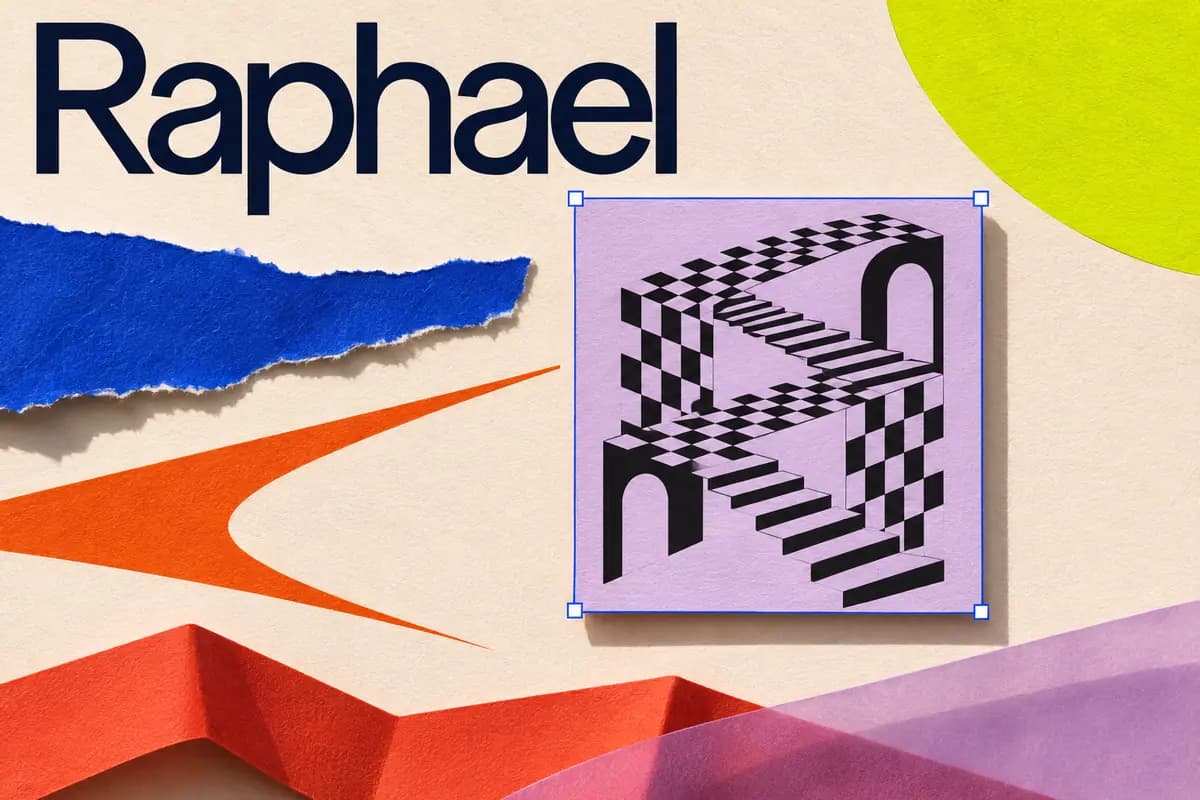
AI SVG generator features
Use Raphael’s AI vector generator to create graphics you can scale for web pages, posters, and prints.
Describe your design in words
Turn a description of your subject, style, and colors into an SVG.
Choose a generation model
Create vector graphics with GPT Image 2.6 Flare or Sunburst.
Set the canvas proportions
Choose an aspect ratio for your logo, page, or poster, then set the resolution and quality.
Generate several variations
Set the output count to create several designs from the same prompt.
Adjust design planning
Choose low, medium, or high planning for designs ranging from simple icons to illustrations with several elements.
Generate scalable vector graphics
Create SVG graphics with paths and shapes that stay sharp at sizes ranging from web icons to printed posters.
Text to SVG in three steps
Write a prompt, choose the proportions and output settings, then generate your design.
Describe your design
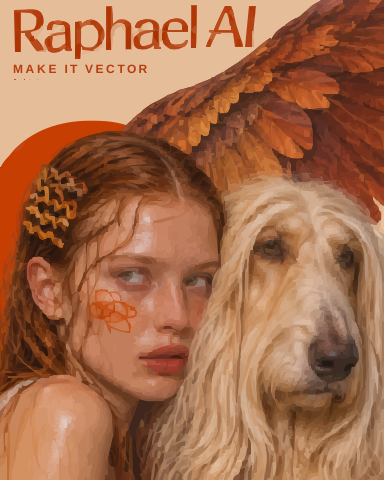
Include the subject, intended use, and palette. Try “an orange-toned fashion poster with a wet-haired model and a long-haired winged dog.”
Choose settings and generate
Pick a model, aspect ratio, and number of outputs, then select Generate.
Download and use your SVG
Download your SVG and place the poster in a street scene, ad, or web page. You can also import it into a design tool to refine the layout.
Choose Your Plan
Free images include a watermark. Upgrade for clean outputs, faster generation, and commercial use.
Pro
-50%Unlimited Model Benefits
 Seedream 3.5Unlimited
- Seedream 3.5 ProUnlimited Not Included
 MiniMax H3 TurboUnlimited Not Included
- MiniMax H3Unlimited Not Included
- Upgrade to unlock all advanced models and enjoy exclusive discountsMiniMax-70%
 Gemini
 NanoGPT-50%Seedream-40%Veo
 Seedance
 Kling
 Grok
 Wan
- 2,000 credits per month
- Up to 2,000 fast images
- Up to 200 basic videos
- Priority queue
- No watermarks
- Batch processing with AI tools
- Full privacy
Ultimate
-50%Unlimited Model Benefits
- Seedream 3.5Unlimited
- Seedream 3.5 ProUnlimited
- MiniMax H3 TurboUnlimited Not Included
- MiniMax H3Unlimited Not Included
- Upgrade to unlock all advanced models and enjoy exclusive discountsMiniMax-70%GeminiNanoGPT-50%Seedream-40%VeoSeedanceKlingGrokWan
- 5,000 credits per month
- Up to 5,000 fast images
- Up to 500 basic videos
- Highest priority queue
- No watermarks
- Batch processing with AI tools
- Full privacy
Max
-50%Unlimited Model Benefits
- Seedream 3.5Unlimited
- Seedream 3.5 ProUnlimited
- MiniMax H3 TurboUnlimited
- MiniMax H3Unlimited
- Upgrade to unlock all advanced models and enjoy exclusive discountsMiniMax-70%GeminiNanoGPT-50%Seedream-40%VeoSeedanceKlingGrokWan
- 10,000 credits per month
- Up to 10,000 fast images
- Up to 1,000 basic videos
- Highest priority queue
- No watermarks
- Batch processing with AI tools
- Full privacy
AI SVG generator FAQ
Find answers about SVG files, generation settings, and downloads.
How is SVG different from PNG?
An SVG can describe artwork with paths and shapes, so vector edges stay sharp at different sizes. A PNG stores pixels and can look blurry or jagged when enlarged.
Can AI generate SVG icons?
Yes. Describe the icon’s purpose, shape, and colors. Try “a simple blue cloud icon for a weather app.” You can also use text prompts to create logos and illustrations.
Which models can I use?
The workbench offers GPT Image 2.6 Flare and Sunburst. Select a model and check the credits required before generating.
Can I generate multiple SVGs at once?
Yes. Choose the number of outputs to generate. The Generate button shows the total credits for the request.
Can I upload a reference image?
The SVG workbench generates from text prompts. Describe the style, outlines, and colors you want to use as a reference in your prompt.
Where do I download the SVG?
Download the SVG from your result once it is ready. You can also find previous designs in your generation history.